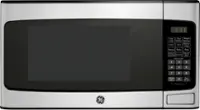
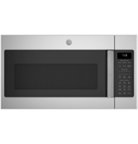
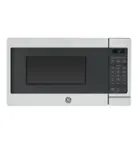
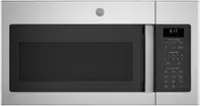
A:AnswerRE: GE JES2051SNSS countertop microwave.
I know nothing about a trim kit nor did i ask about one.
There may be one available, I just don't know. I'm really not interested in one at this time.
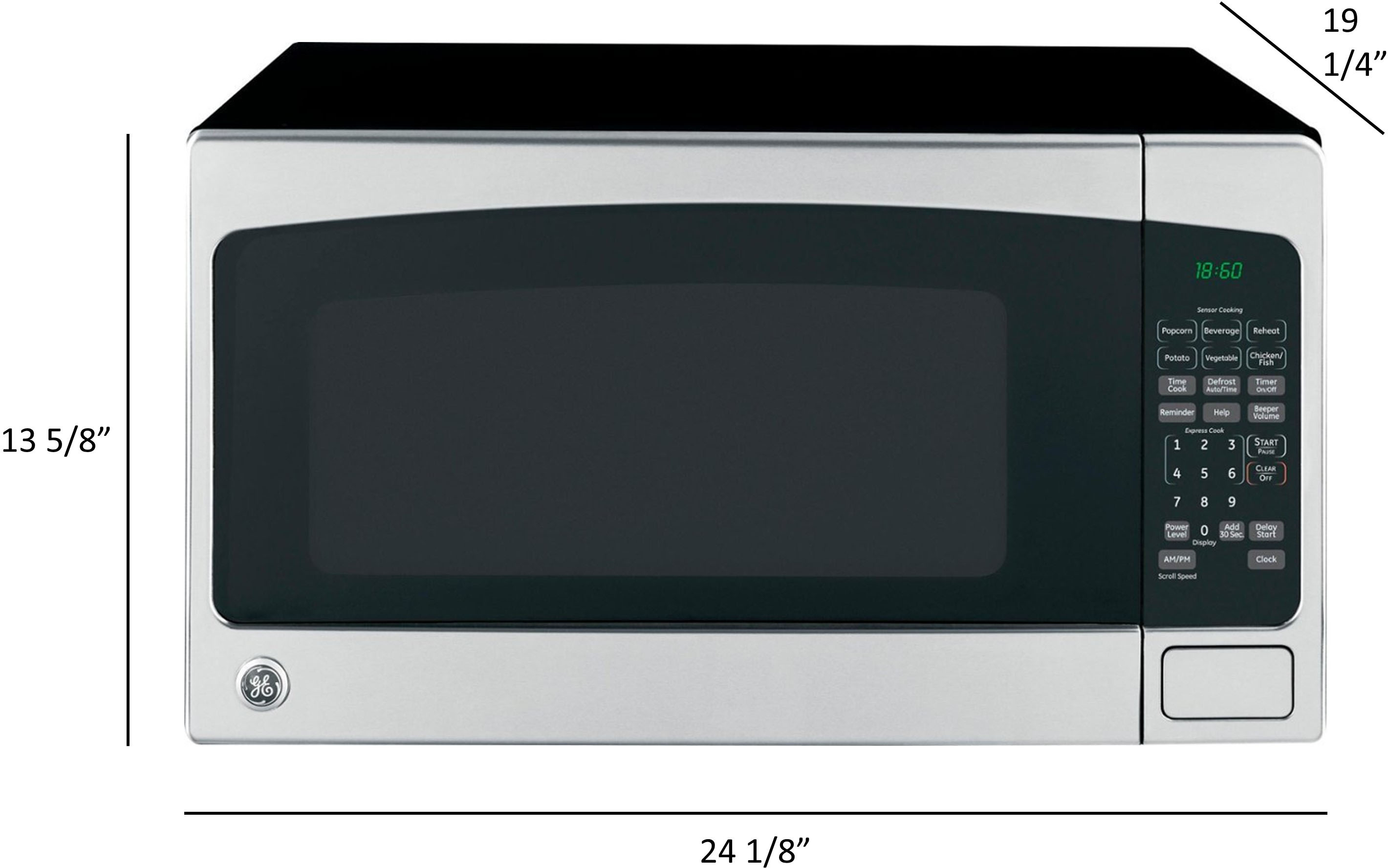
A:AnswerThe length and width and depth should be pretty accurate with the new model. Also, If you chat with Best Buy and give them the current model and the new one you are considering they can inform you if the current trim kit will work. That's what they did for me and it worked perfect.
A:AnswerVerify the dimensions of the old microwave and the new model. They have to be within 1/8" to fit your current trim. Personally, I'd get a nicer model with correct trim & be done with it if I could go back in time.
A:AnswerAir flow is designed for counter top use. Building it in & adding a trim kit (From another model since there is none for this model) can cause the megnatron tube overheat. Don't believe me, contact GE customer service & they will confirm this.
A:AnswerI think you may be talking about a different microwave as there are no red lights on this model. Contact GE Customer Service. They are very helpful.
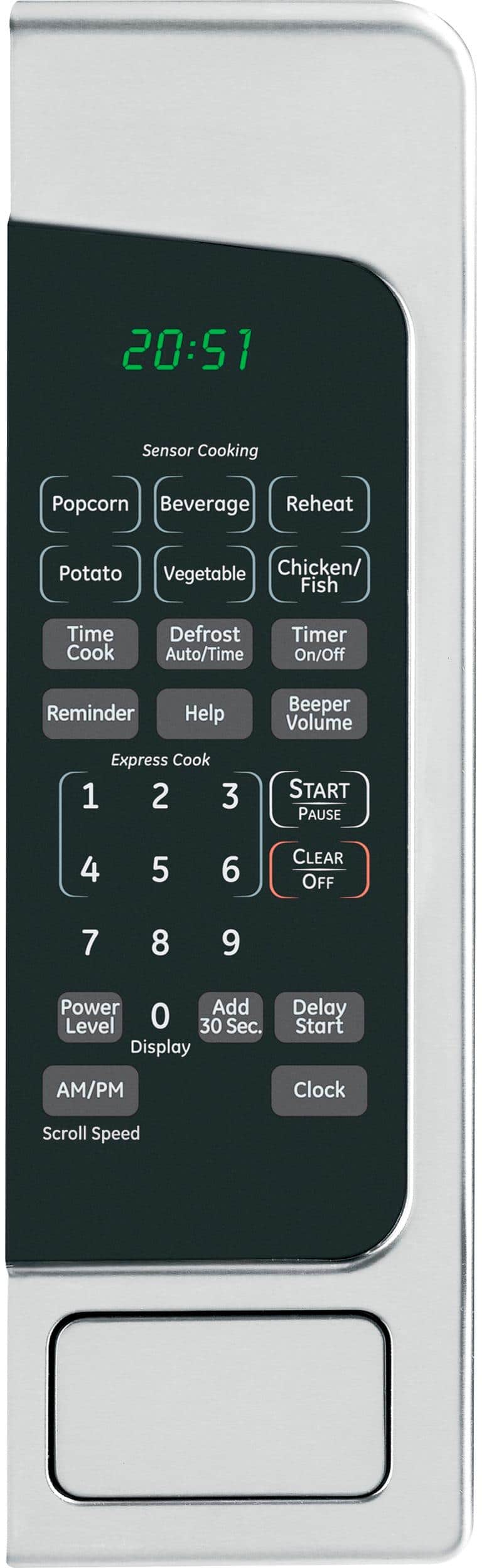
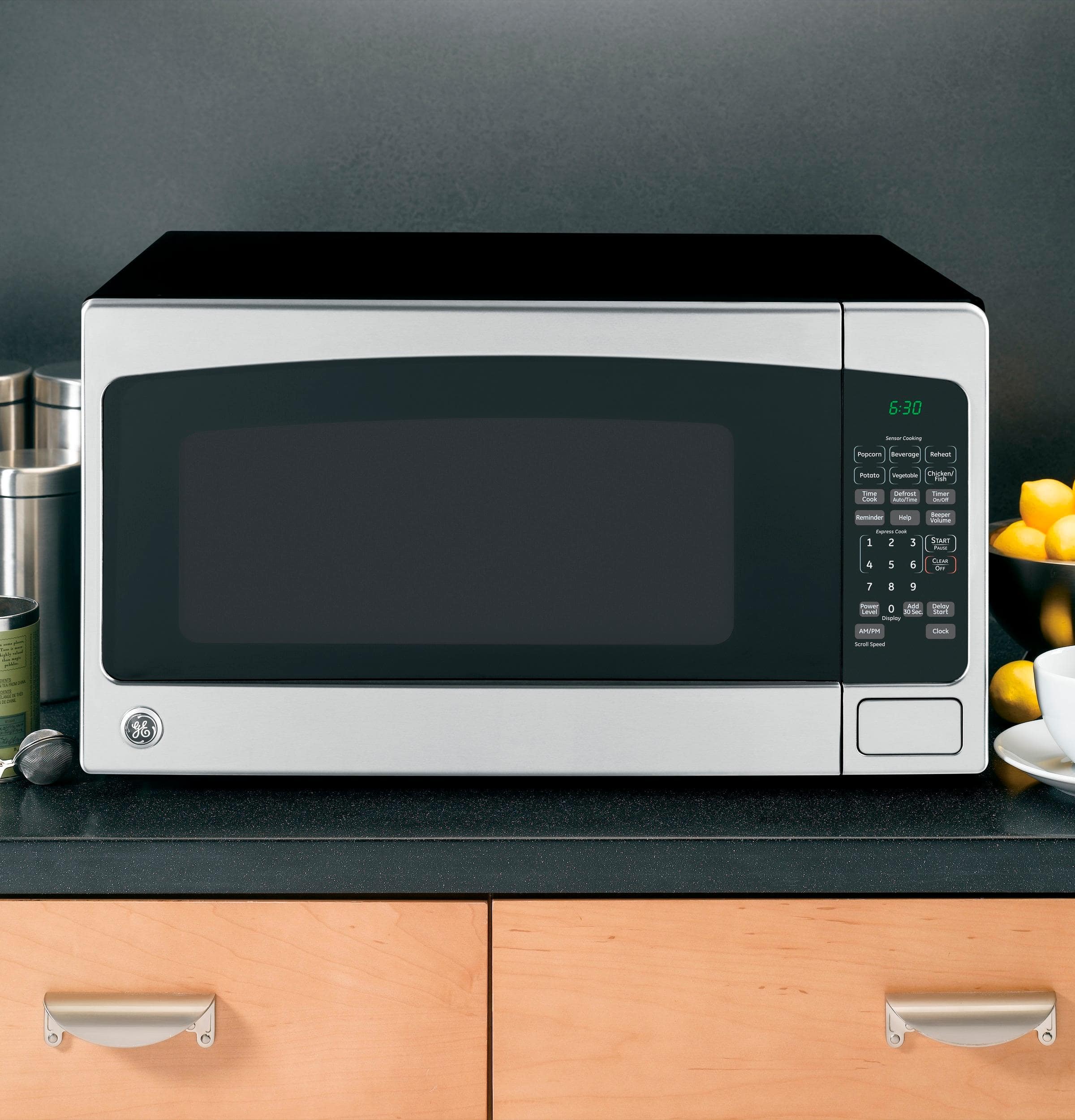
A:AnswerHello, Select TIME COOK, enter the time you want such as 1 minute (Do not hit start yet) then select POWER LEVEL & what ever level you want such as "4" which will display as 4. This would be 40%. Now hit start & you will be cooking @ 40% for 1 minute. Very easy. Hope this helps!