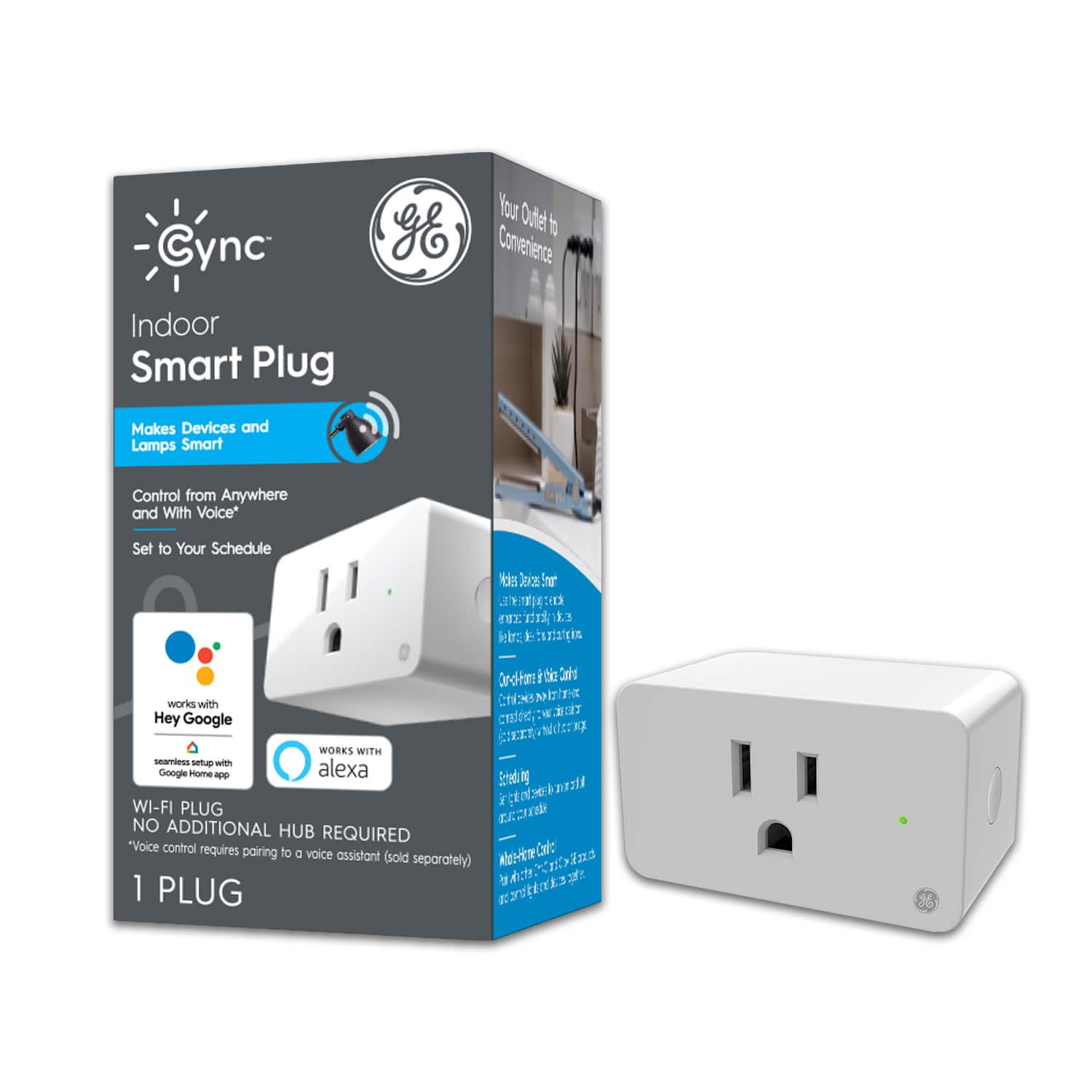
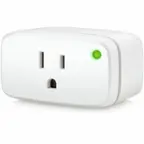
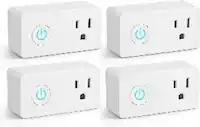
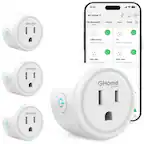
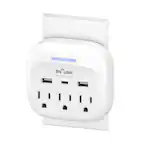
A:Answer Hello, Peter. It sounds like you have the schedule set to disable to the plug. To change this, you can navigate to your schedule, tap the small arrow to the right of it and select the pencil to edit the schedule. From here, you can hit next to view the rooms, and select the three dots next to the room that has the plug that is giving you issues to see those devices. Make sure the device is enabled and selected to turn on for the schedule, then save it! If you need additional assistance or run into issues while making this change, feel free to contact us at 1-844-302-2943, and we will be happy to help! - Cync Support