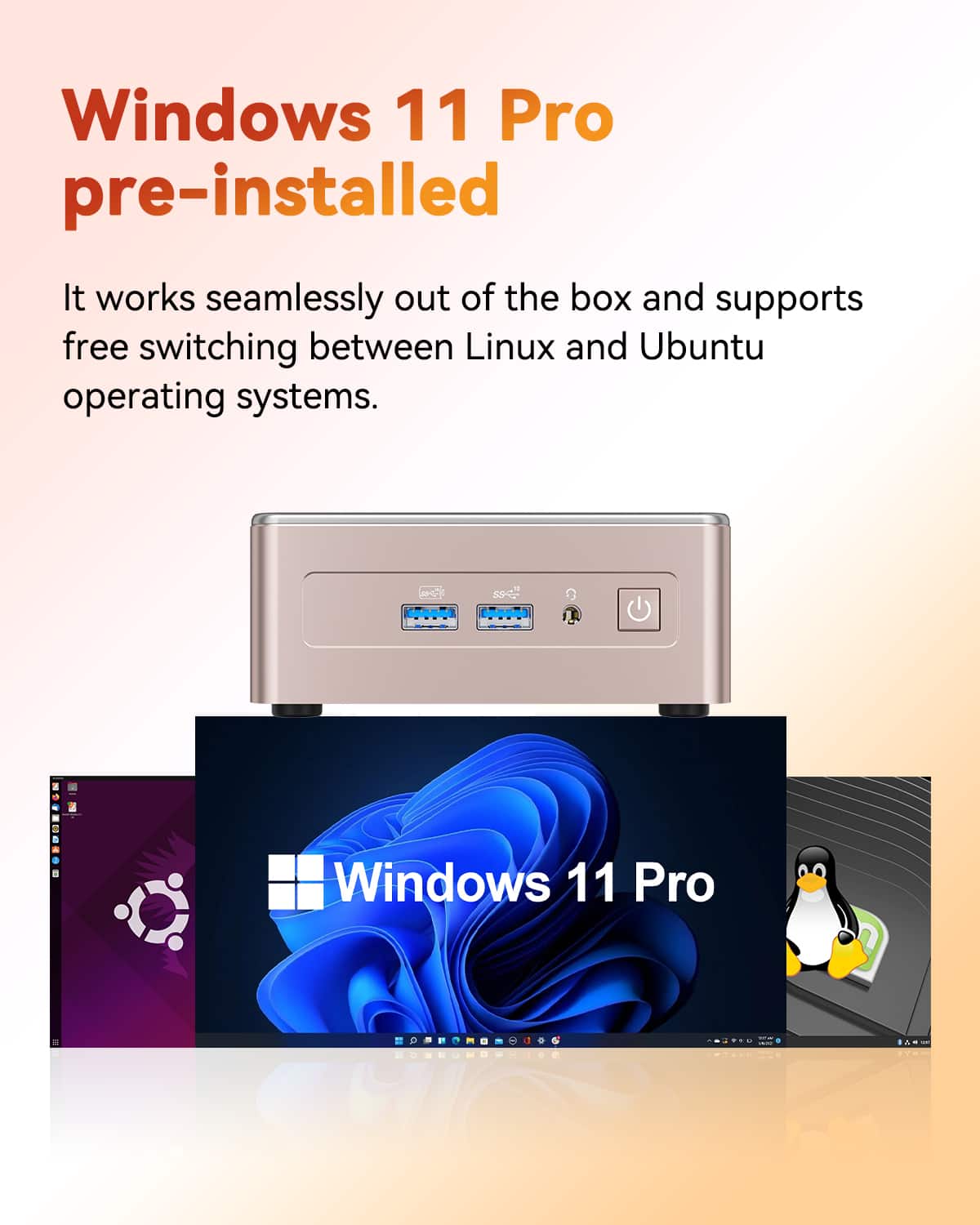
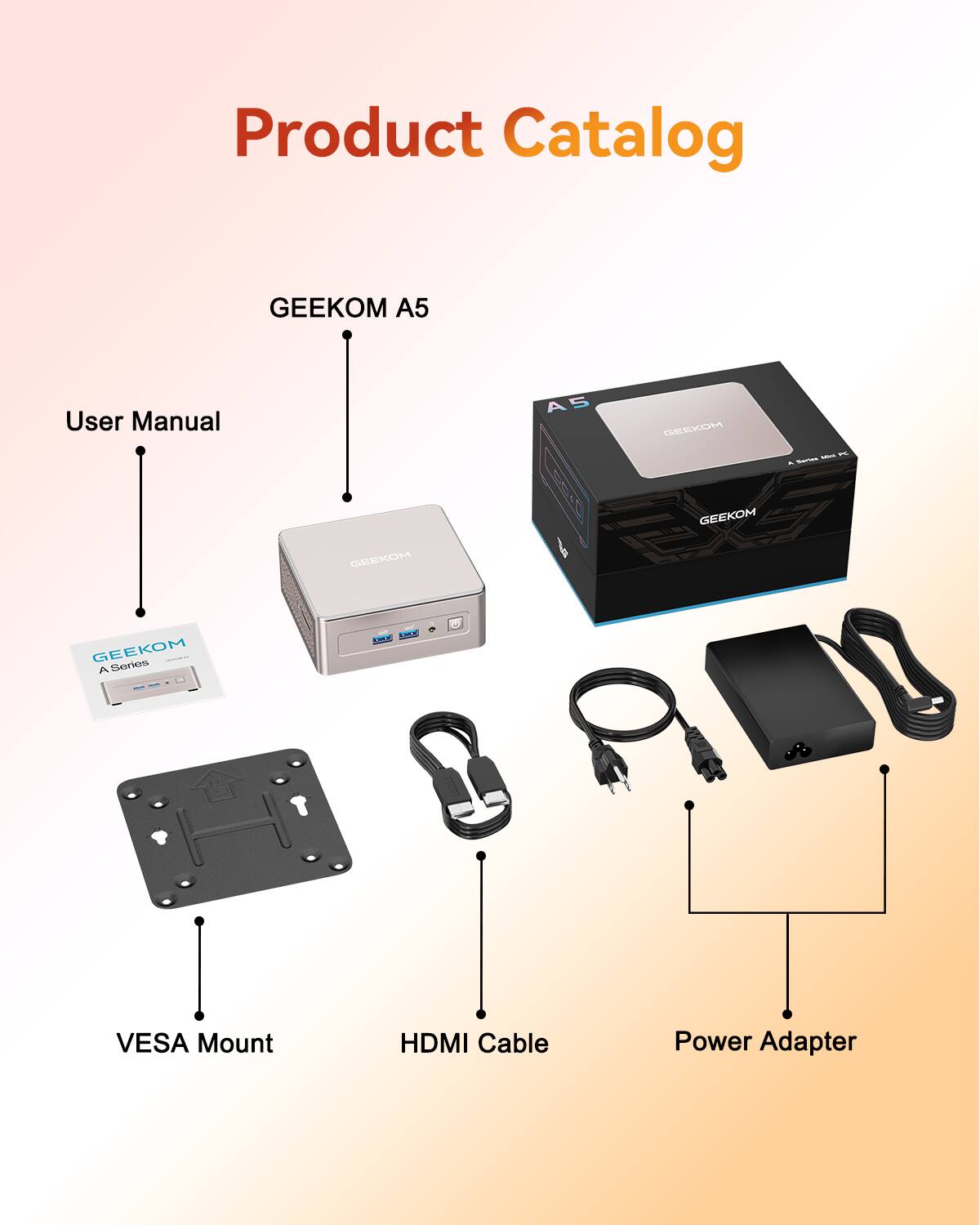
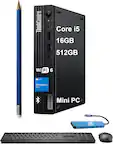
A:Answer Hi, I believe I understand what you're looking for. You are asking if this Windows 11 Pro pre-installed mini PC includes a factory system image file that can be used for recovery or reset purposes, correct?
Most GEEKOM mini PCs come with a hidden recovery partition on the internal SSD. This partition contains a complete image of the original Windows 11 Pro system and all the necessary drivers.
When you need to restore the system to its factory state, you don't need any external USB drive or file. You can do it easily in one of two ways:
Through Windows Settings (Recommended):
Go to Settings > System > Recovery.
You will see an option for "Reset this PC."
Click "Get started" and you can choose to "Keep my files" or "Remove everything". The system will automatically use the image from the hidden recovery partition to reinstall Windows.
By using a Hotkey during boot:
When you turn on the PC and see the GEEKOM logo, repeatedly press the F7 key (some models may use a different key, please check the user manual).
This will boot you directly into the recovery environment, where you can initiate the system restoration process.