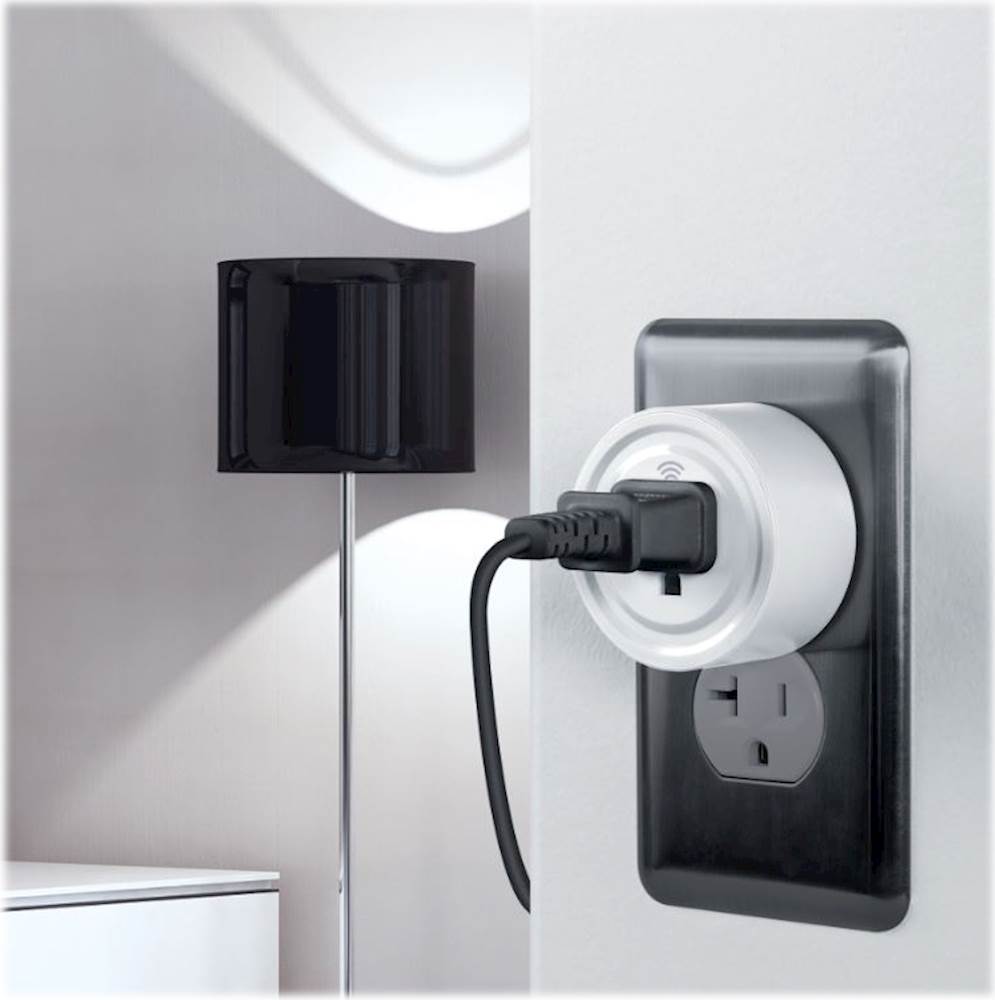
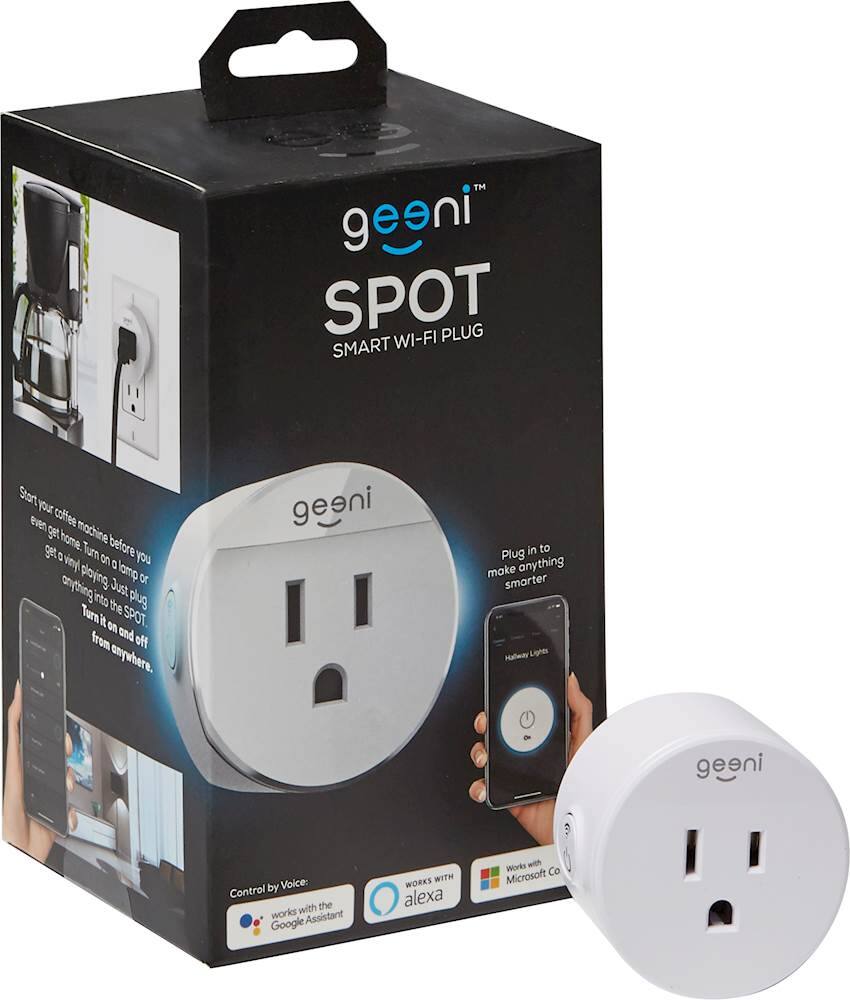
A:AnswerHi! All Geeni devices are designed to work for 2.4 GHz for a wider range, unlike the 5 GHz that cannot penetrate walls and floor. If your WiFi is set to 5 GHz, you can actually change it to 2.4 GHz by accessing your Graphic User Interface (GUI). If you don't know how to access your GUI, we're advising you to contact your Internet Service Provider and request to change it for you. Since most routers nowadays are dual-band (a combination of 2.4 GHz and 5 GHz), your Service Provider will separate the 2.4 GHz to 5.GHz for them to have different SSID. For assistance, please contact us via email at [email protected], phone +1 (888) 232-3143, support.mygeeni.com for online chat support. We are available from Mon-Sun, 9:00 AM to 9:00 PM EST.
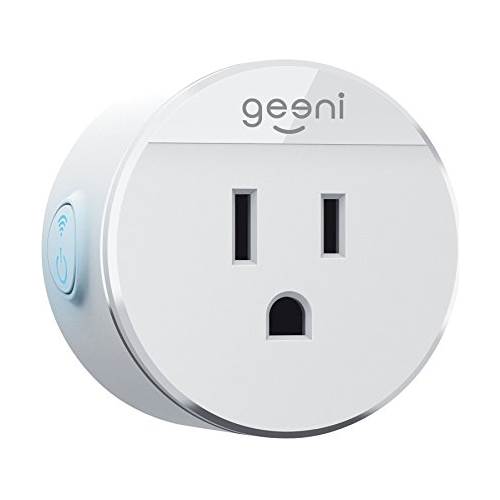
A:AnswerThank you for your interest in one of our products. Unfortunately, this kind of smart plug can only handle up to 1250Watts but our Management is keeping an eye on this kind of feedback and suggestion to innovate our products. Our company is on a continuous drive towards excellence and this is something that we absolutely value so we can better improve our products and its performance. Rest assured, this information is duly-noted. If you have any issues moving forward, please let us know via email at [email protected] or call us at +1 (888) 232-3143, available from Mon-Sun, 9:00 AM to 9:00 PM EST.
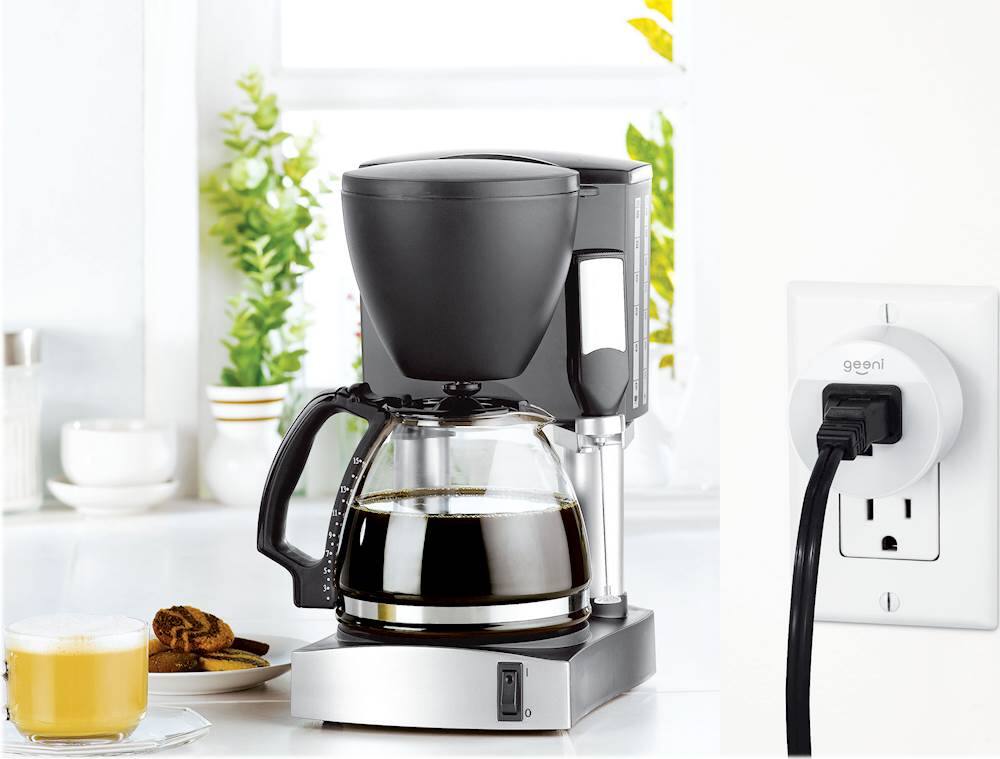
A:AnswerYes. But be mindful of the amount of power consumed by all of your connected devices. Several lights or small devices will be fine. An air conditioner or other big power device would probably cause problems. Keep in mind that all of the devices you plug into the extension or strip connected to the Spot will come on at the same time, they cannot be individually controlled.
A:AnswerHello Antal, thank you for your interest in one of our products. As for your concern, Our products are not auto volt that can be used more than 110 to 120 volts. For more information, please reach us via email at [email protected], phone +1 (888) 232-3143 from Mon-Sun,7:00 AM to 12:00 Midnight EST.
A:AnswerI'm glad you raised this over to us. Yes, it will work as long you as you are connected to a strong WIFI connection or mobile data when accessing the smart plug away from home. For more details, please call us at +1 (888) 232-3143 or send us an email at [email protected]. You may also visit our support website support.mygeeni.com for live chat support. We are available from Mon-Sun from 10:00 AM to 7:00 PM EST.
A:AnswerHi Tom! I'm glad that you raise this over to us. We would like to inform you that all our devices are only compatible to work with the Geeni App only. You can download it on Google Play Store and App Store. For further inquiries, please contact us via email at [email protected], or call us at +1 (888) 232-3143, from Monday - Sunday 10:00 AM to PM: 7:00 PM EST.
A:AnswerHello! Thank you for your interest in our smart devices. To answer your question, if there is no Wi-Fi connection you can just use an extra phone as hotspot to use the smart plug. Let us assist you in connecting your device, please call us at +1 (888) 232-3143 or send us an email at [email protected]. You may also visit our support website support.mygeeni.com for live chat support. We are available from Mon-Sun from 10:00 AM to 07:00 PM EST.
A:AnswerHello George, we greatly apologize if this was the experience you had with our product. Surely this isn't what we want to happen. If you can give us a chance to make things right for you, please call us at +1 (888) 232-3143 or send us an email at [email protected]. You may also visit our support website support.mygeeni.com for live chat support. We are available from Mon-Sun from 10:00 AM to 7:00 PM EST.
A:AnswerYes definitely. You must first set up the device and then add it to your Wi-Fi network. You then add it to your Alexa app. Then, voila, speak and it will turn on and off by your voice.
A:AnswerHello Carl, Thank you for bringing it to our attention. After you hit the connect button there will be a prompt which you need to choose either Quickly or Slowly. If you are going to do the AP Mode, you need to tap the slowly(every 2 sec) or manual mode then tap the connect now. Once you're on the WiFi list, connect your phone to either "Geeni" or "Merkury" name, and once connected, go back to the Geeni app for us to proceed to the connecting page. For more details, please call us at +1 (888) 232-3143 or send us an email at [email protected]. You may also visit our support website support.mygeeni.com for live chat support. We are available from Mon-Sun from 9:00 AM to 6:00 PM EST.
A:AnswerHello, thank you for your interest in one of our products. With regard to the thickness of the smart plug, it is 35 centimeters. When it comes length and width, it is 51cm x 51cm. For more details, please contact us at +1 (888) 232-3143 or send us an email at [email protected]. You may also visit our support website support.mygeeni.com for live chat support. We are available from Mon-Sun 9:00 AM to 12:00 Midnight EST.
A:AnswerHi Mike! That's a good question, If your Airconditioner will not be exceeding 10 amps, the Spot WiFi plug would be fine to use. For assistance, please contact us via email at [email protected], phone +1 (888) 232-3143, support.mygeeni.com for online chat support. We are available from Mon-Sun, 9:00 AM to 9:00 PM EST.