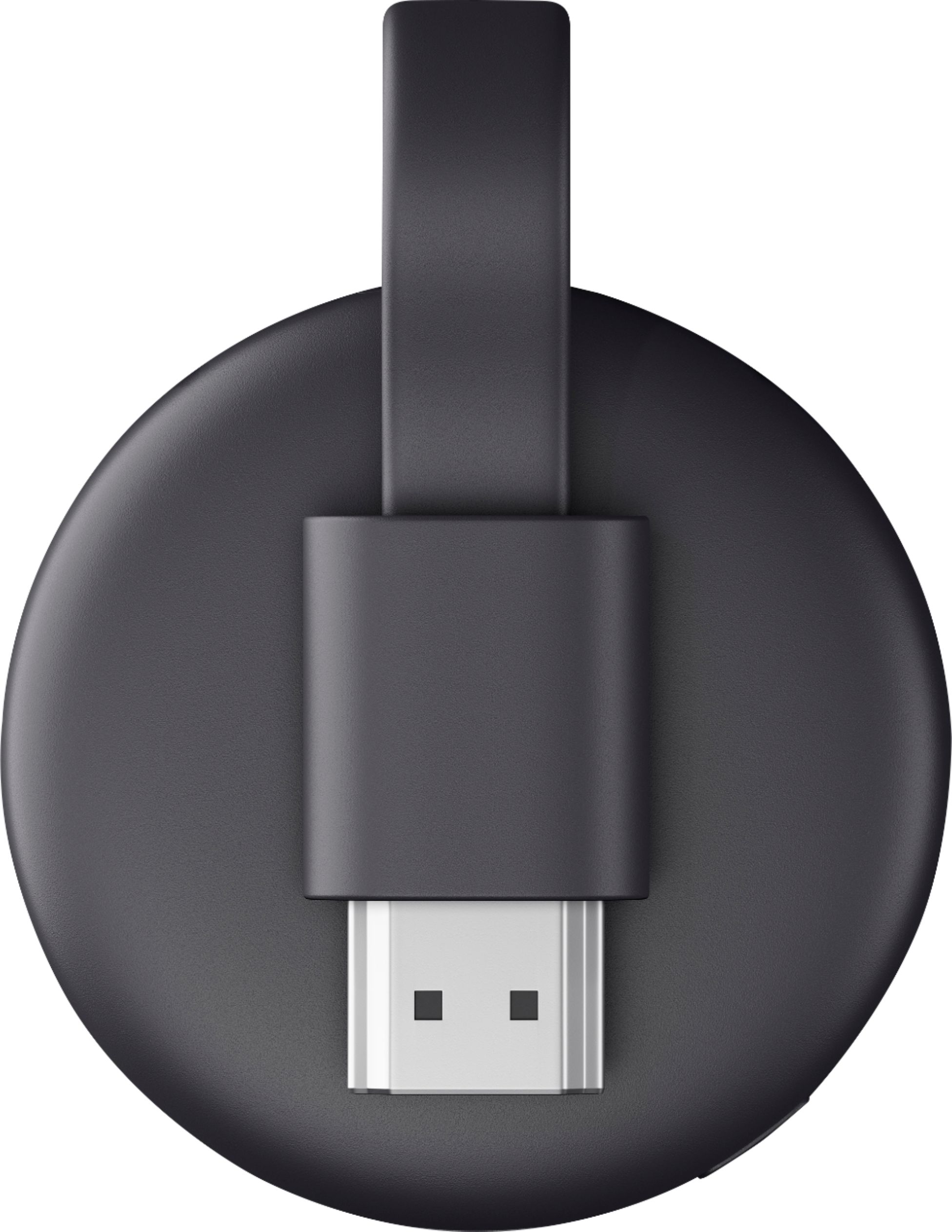
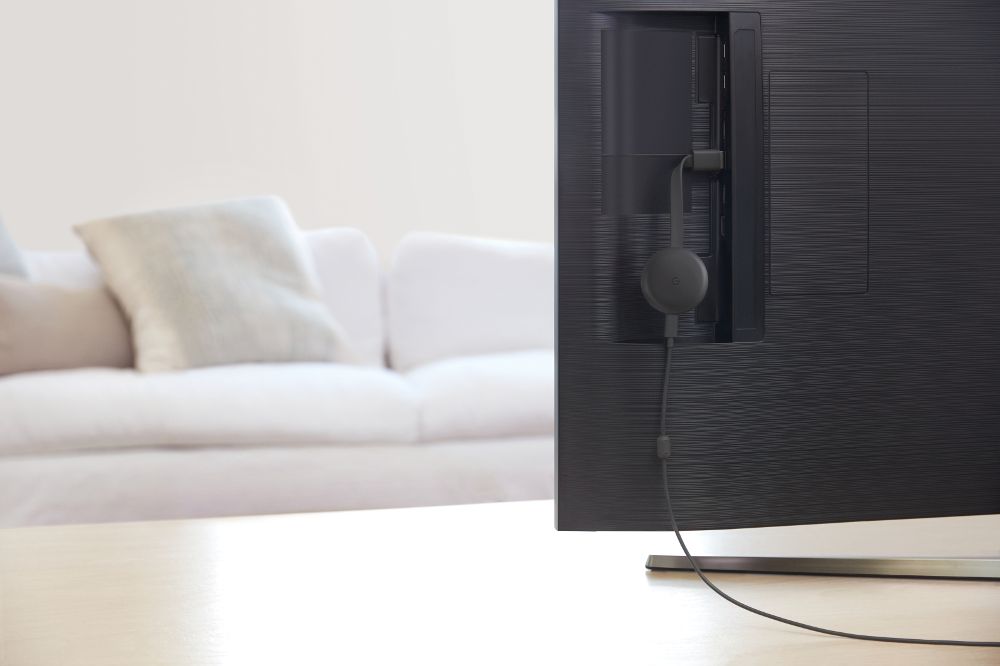
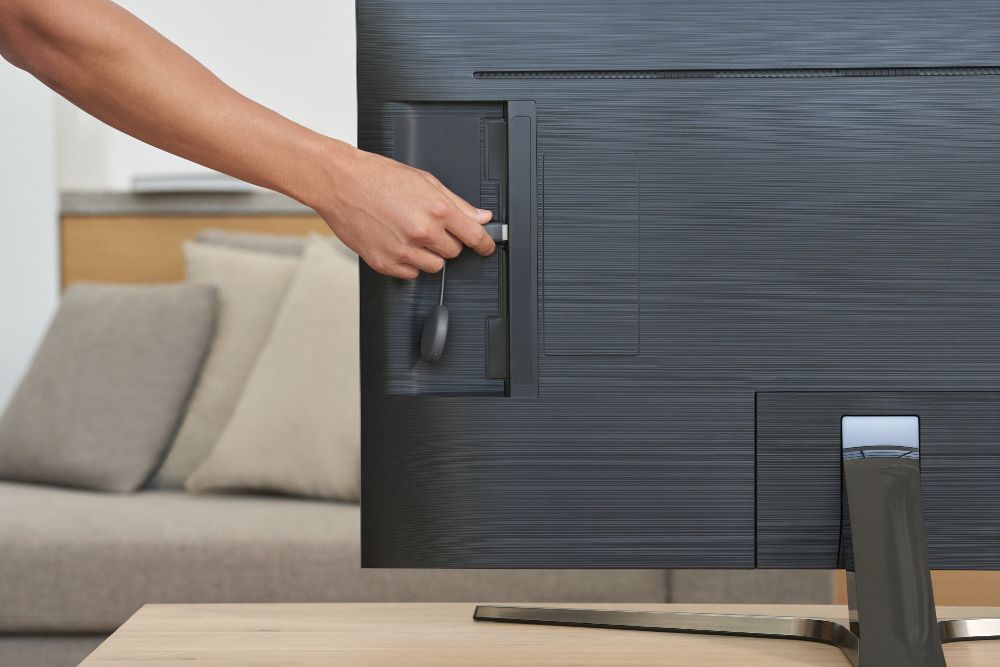
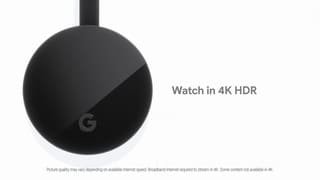
A:Answer Yes, you can cast Fox Sports to your TV from your laptop or phone with Chromecast.
Once Chromecast setup is complete. Here is how you can cast from your laptop:
- Log into your Fox Sports account on Google Chrome browser.
- Select the "3 dots" at the top right corner of the webpage, then select "Cast".
- Choose your Chromecast in the list.
On your phone, you can log into Fox Sports app, and you will see the "Cast" logo. You can click and choose your Chromecast.