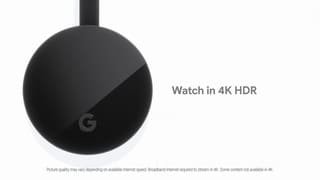
A:AnswerFrontier Cable TV app is not currently Chromecast-enabled. But if you are using an Android device, there is a way to mirror the screen of your phone to the TV, which can be an alternative for casting Frontier Cable TV app. It's called "Cast Screen". You can learn more about this feature here : https://support.google.com/chromecast/answer/6059461
A:AnswerWe had the same issue at first. However, after about 10-15 minutes or so, the Chromecast showed up as an option. We believe it just needed a little bit of time to connect on the same network. Hopefully, it does the same for you!
A:AnswerI'm using mine on a Vizio, it works great. If it is Arc capable the Chromecast can power on the TV and switch the input when you begin steaming as long as the Chromecast isn't powered by the tv
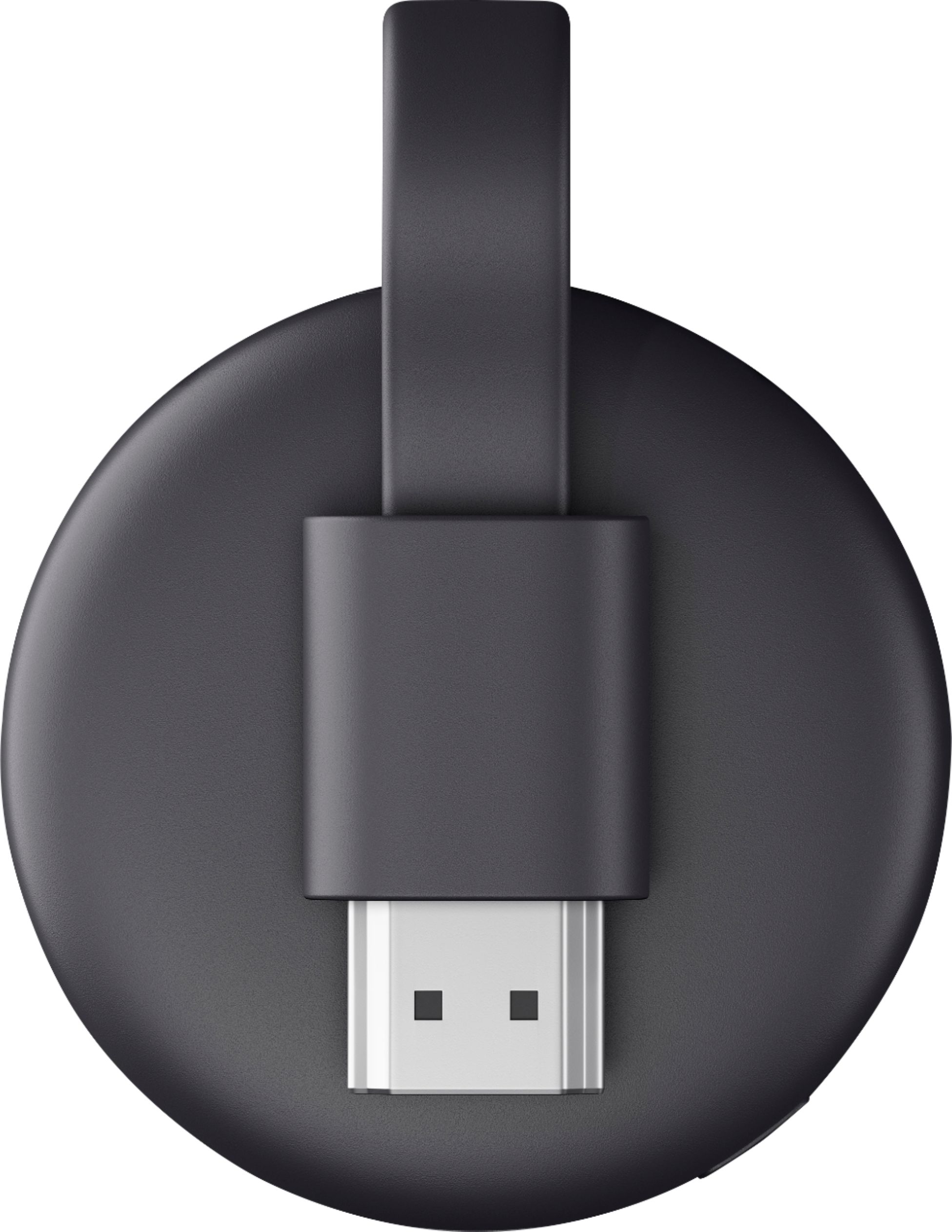
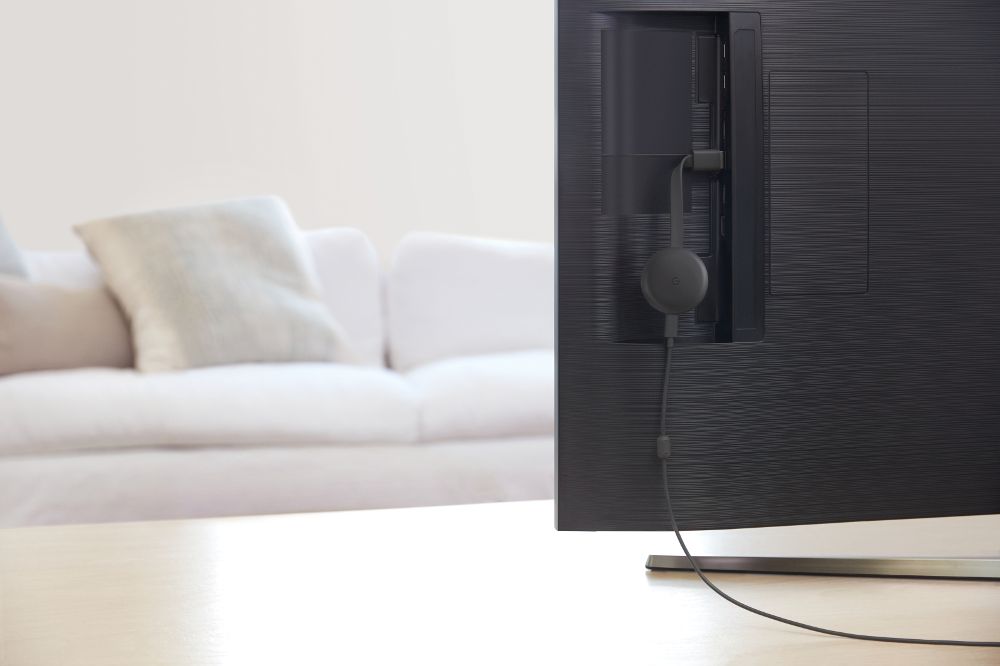
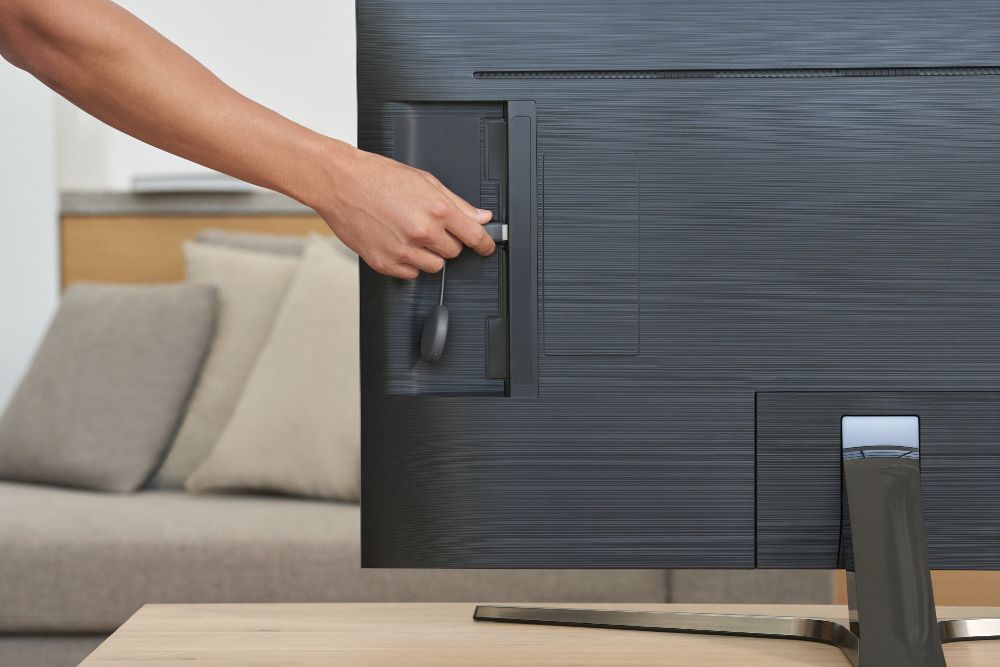
A:AnswerYes, you can stream to any TV regardless of its age with one exception, it must have an open HDMI port to plug in the Chromecast. if it has HDMI connection and you can plug in your Chromecast it will effortlessly stream any videos on your phone directly to your TV also depending on your phone model you can hit the overall cast button and stream your actual phone to your TV. For example anything you see on your phone will be on the TV the home screen icons everything. or you can just open up the video or TV app whichever you're watching and click on the cast button inside the video and stream just a video without actually streaming your phone screen as well
A:AnswerUnfortunately, Chromecast doesn’t have any built in apps. It is a streaming device that uses all of your cast-enabled video streaming apps that are already on your phone or tablet, or a Chrome browser tab on your laptop/desktop, and streams them on a bigger screen for a better experience. Which is perfect for people who would like to stream on with the use of only their phones.
Take a look at these links that might be helpful:
- Setup requirements and guide on how to set up: https://support.google.com/chromecast/answer/2998456
- Quick guide on how to cast: https://support.google.com/chromecast/answer/6006232
- List of cast-enabled apps: https://store.google.com/us/product/chromecast_apps
A:AnswerYes. Chromecast works with most TVs, even old, non-smart ones as long as it has an HDMI input. You can take a look at the following link to know the requirements for Chromecast devices: https://support.google.com/chromecast/answer/2998456
A:AnswerThe Spectrum TV app is not included on the list of cast-enabled apps. If you're using an Android device, you may be able to mirror your phone screen to the Chromecast to watch content.
You may check the following support articles for more information:
Cast your Android screen: https://support.google.com/chromecast/answer/6059461
List of cast-enabled apps: https://store.google.com/us/product/chromecast_apps
A:AnswerIt will only work if your TV has an HDMI input. And on your iPhone you have to download the Google home app to be able to install the chrome cast and only then will you be able to cast from your iPhone to your TV Chrome-cast
A:AnswerNo, the Chromecast unit does not have a built-in internet browser. You'll use the browser on the the device from which you're casting (e.g., smartphone, laptop, desktop, tablet).