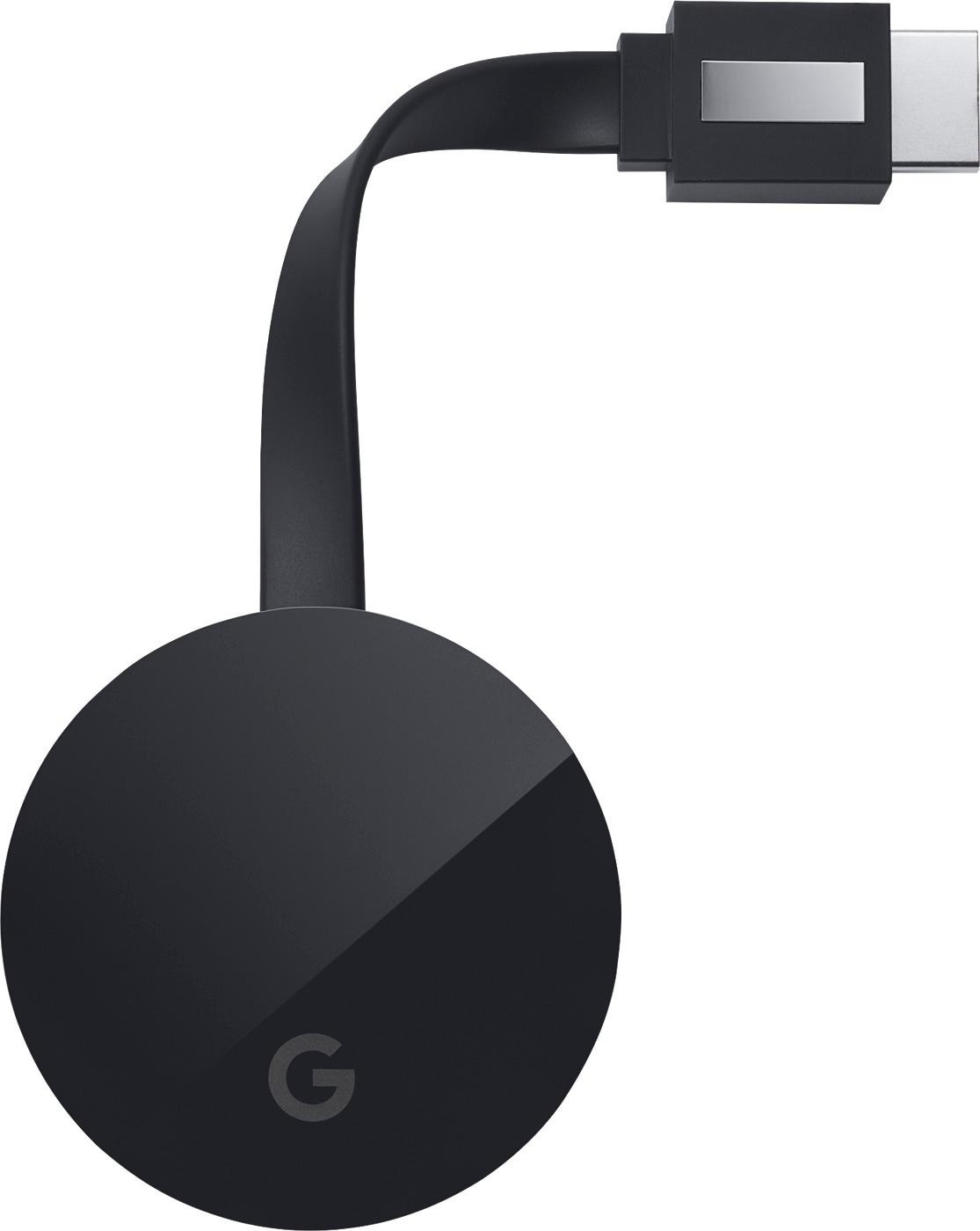
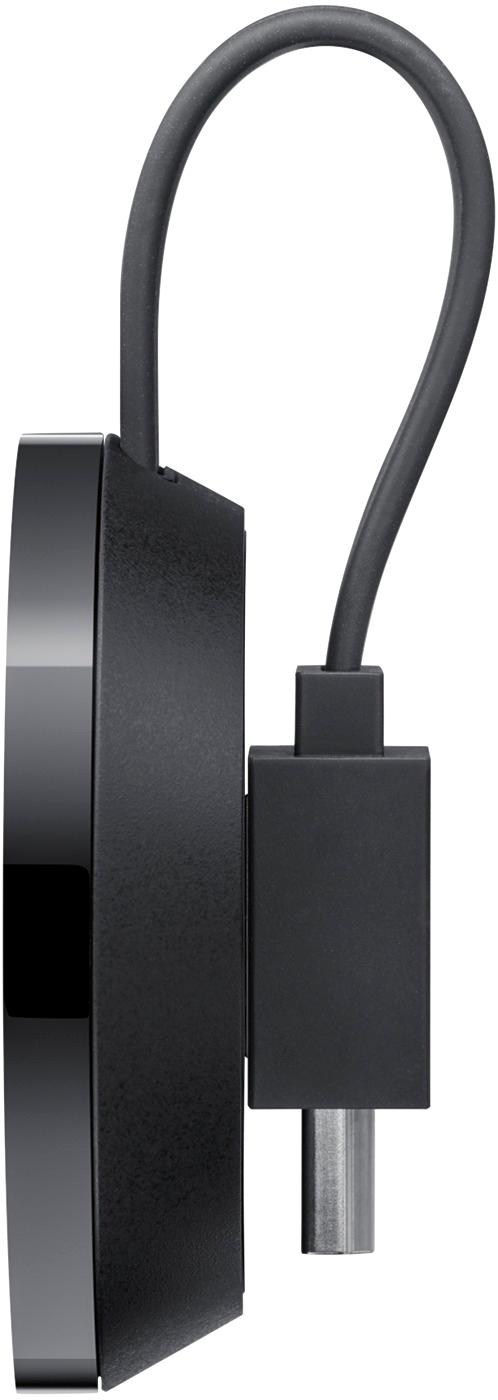
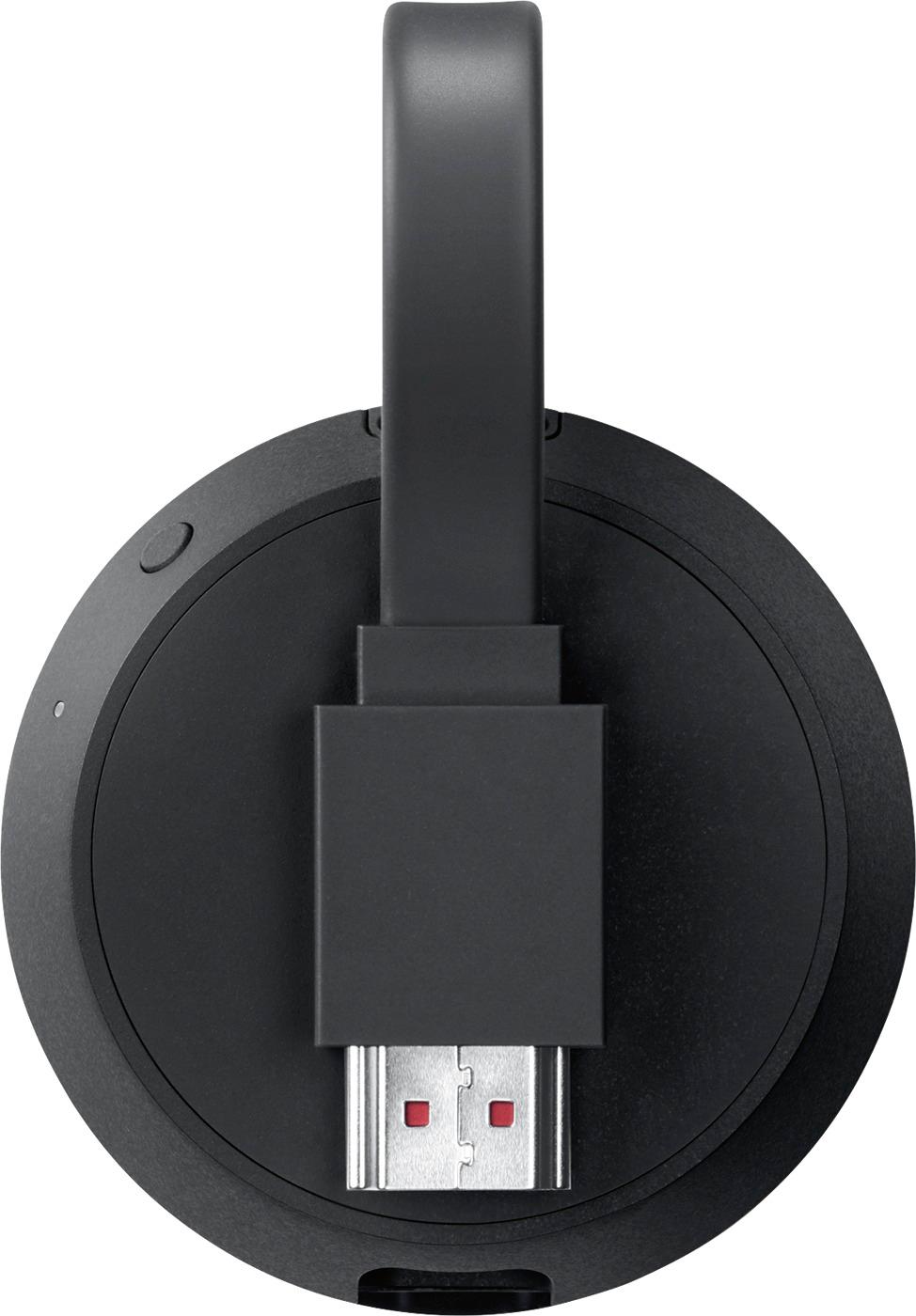
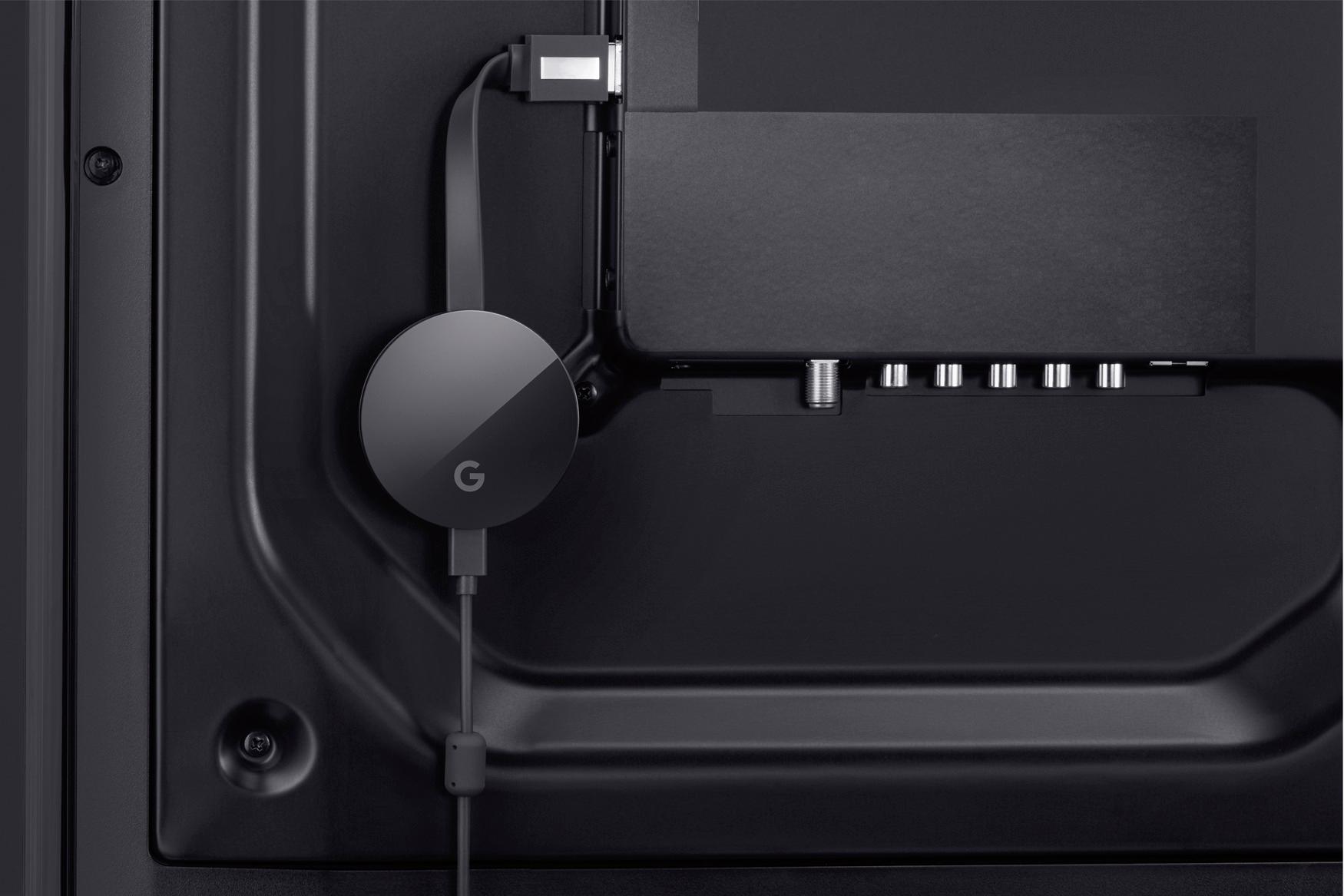
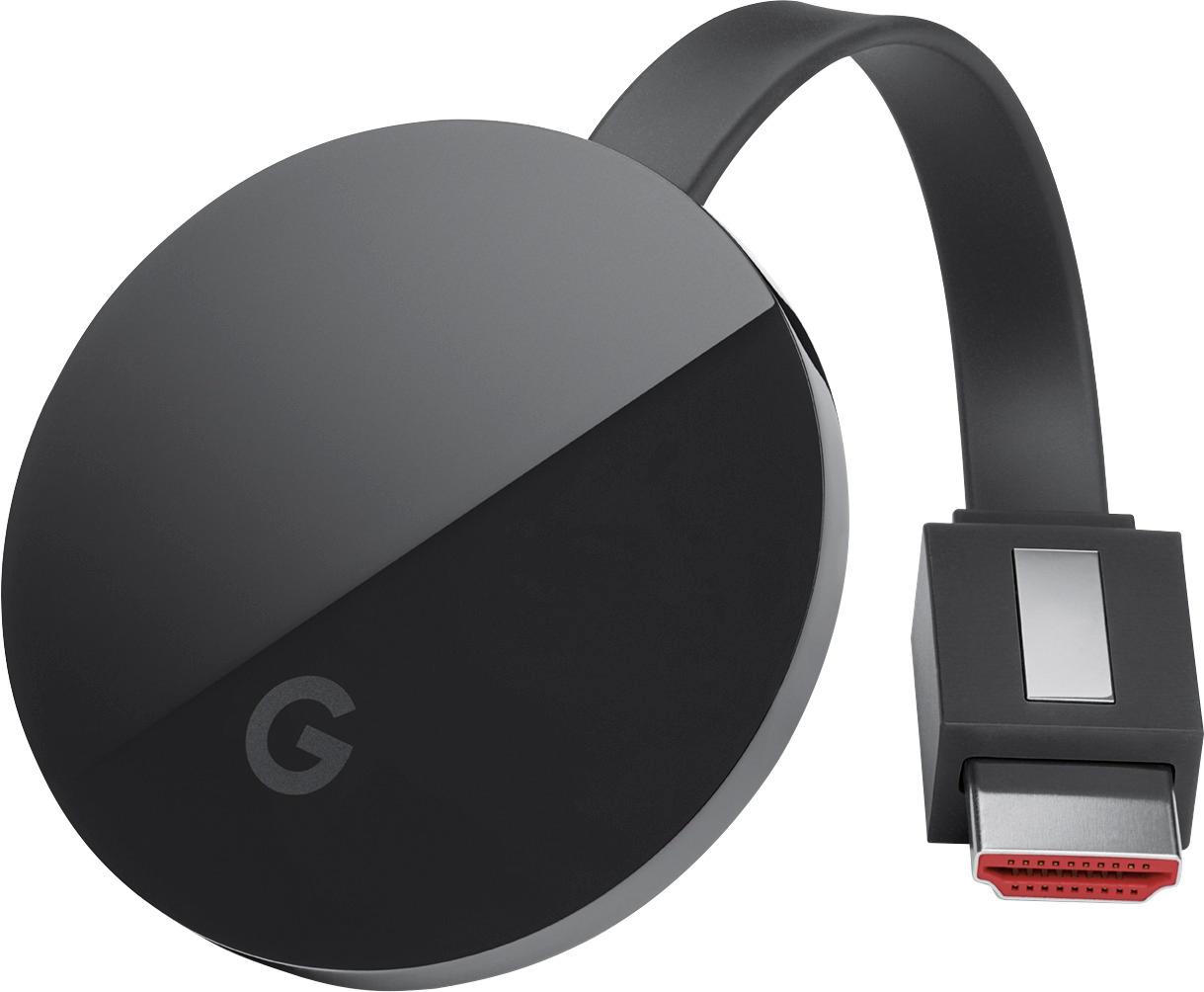
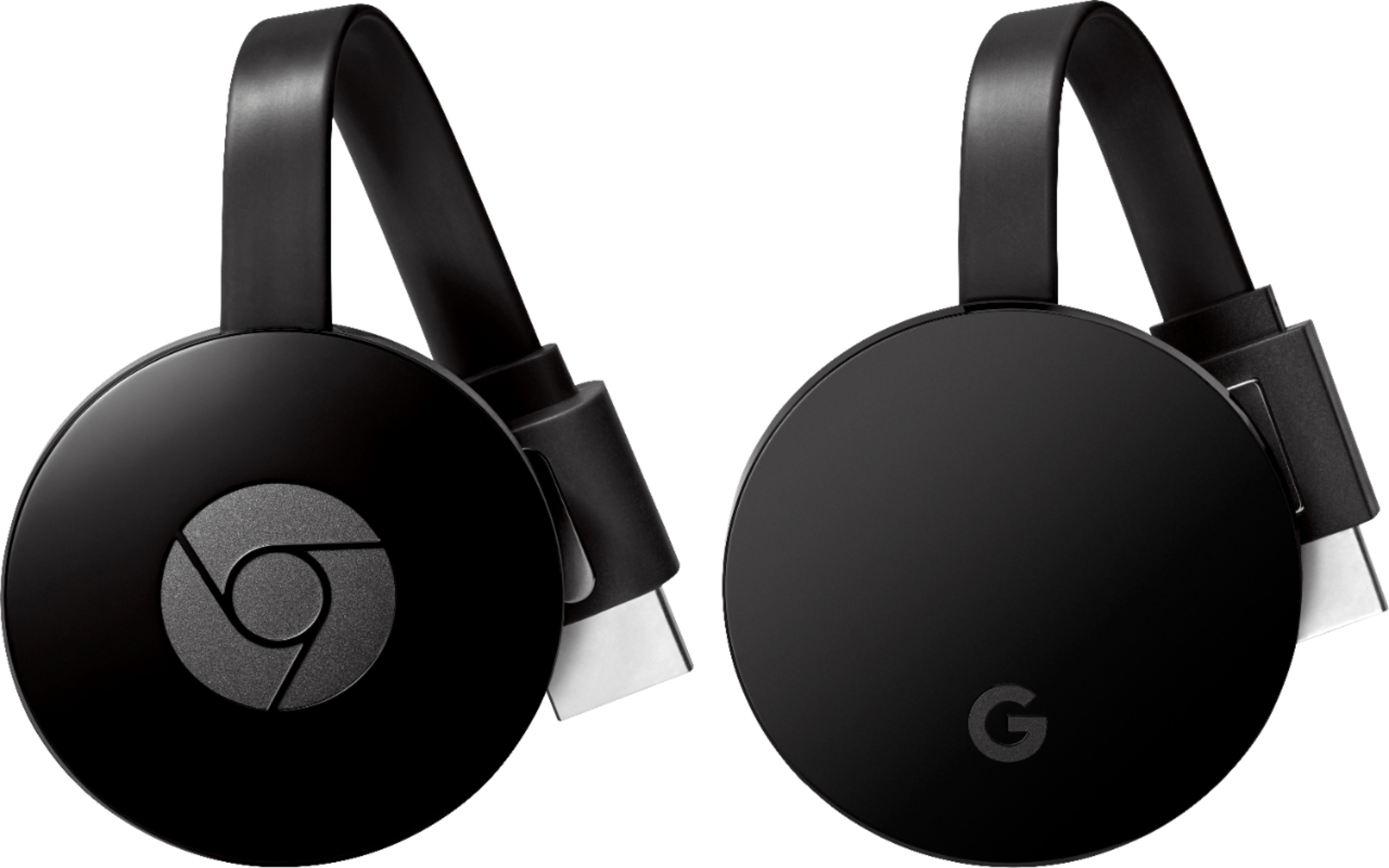
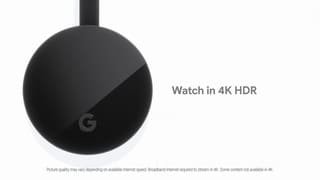
A:AnswerThis is a casting device to the TV. If your TV has audio output for a headset you can use it that way. But this casting device won’t come with one as it itself has no output other than casting to TV.
A:AnswerAccording to Google, the Chromecast Ultra (even all the way back to the first generation) supports Dolby Digital 5.1. If it's another kind of 5.1 audio codec, then it most likely won't work. There are quite a few issues that people have complained about regarding this and it all boils down to hardware and what is supported to allow the Chromecast to pass the audio either directly to the TV to your receiver or just directly from your receiver. Your receiver has to support it as well. Here's a good thread describing exactly what you're asking:
https://productforums.google.com/forum/#!msg/chromecast/rIHlGdURY00/jkQgV_bOFAAJ
And if you're needing the technical specifics of the audio/video of Chromecast, here it is straight from Google:
https://developers.google.com/cast/docs/media
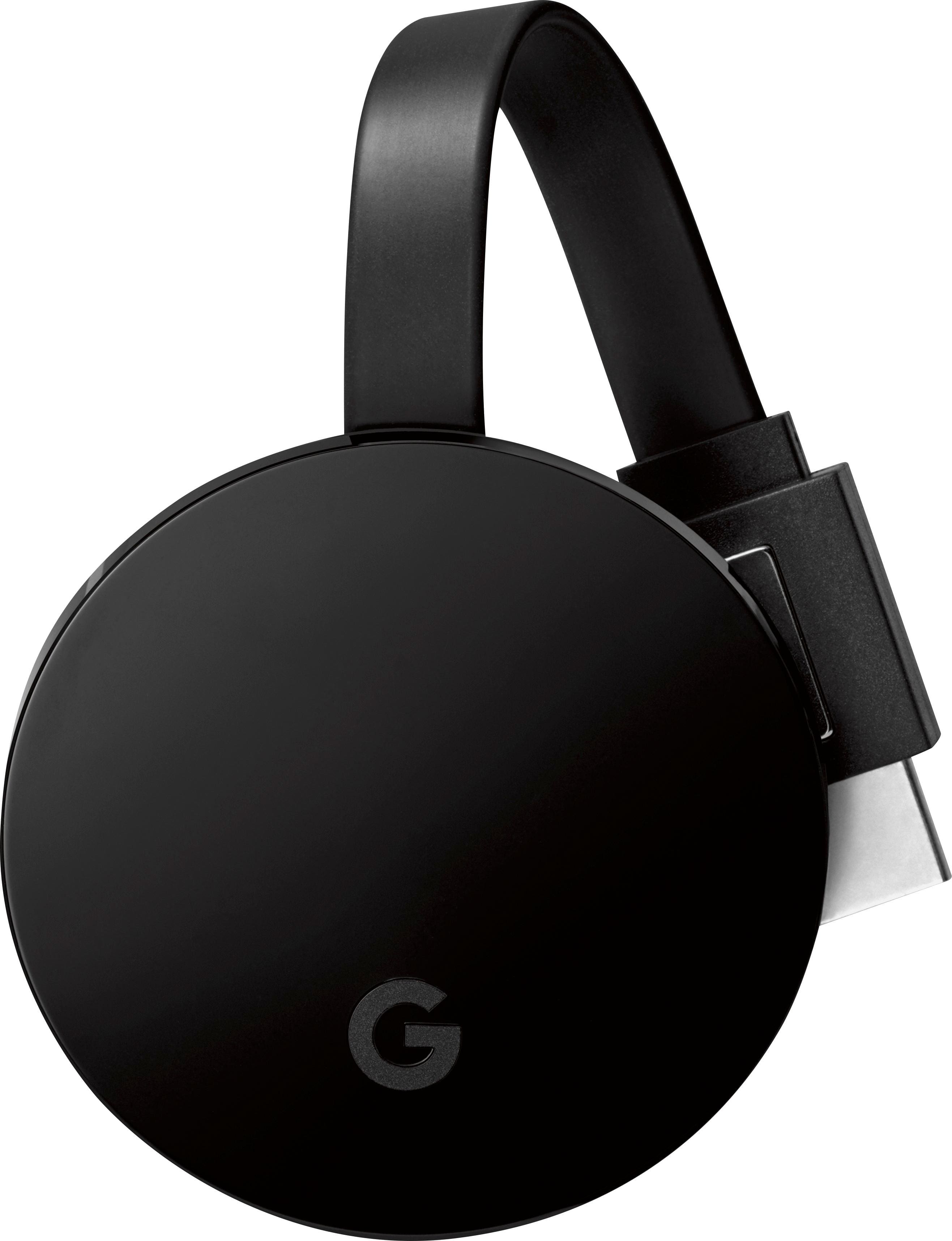
A:AnswerIf your computer has an HDMI input, then it should work just by plugging it in. But mainly the specs suggest using the Chrome internet browser. You can cast anything from the Chrome browser just by choosing the "Cast" option within the browser.
A:AnswerThe Chromecast Ultra uses HDMI to connect to a device. If your Onkyo receiver has HDMI as an input source it would be possible. However it would be preferable to get a Chromecast Audio instead to connect to your Onkyo.
A:AnswerNo, this wouldn't work for you. Most every video/audio connection on a laptop is an output (except for the microphone and SD/Micro SD connections). This Chromecast would need an input, so it wouldn't work. Maybe you could Google "How to cast to laptop?" and see what some people have tried and there might be some third-party software that would allow you to do what you need.
A:AnswerYes, you can do that, but it's easier just to plug the USB with the mp4 directly into the TV if that's an option. View the video in your chrome browser and direct the output to the Chromecast.