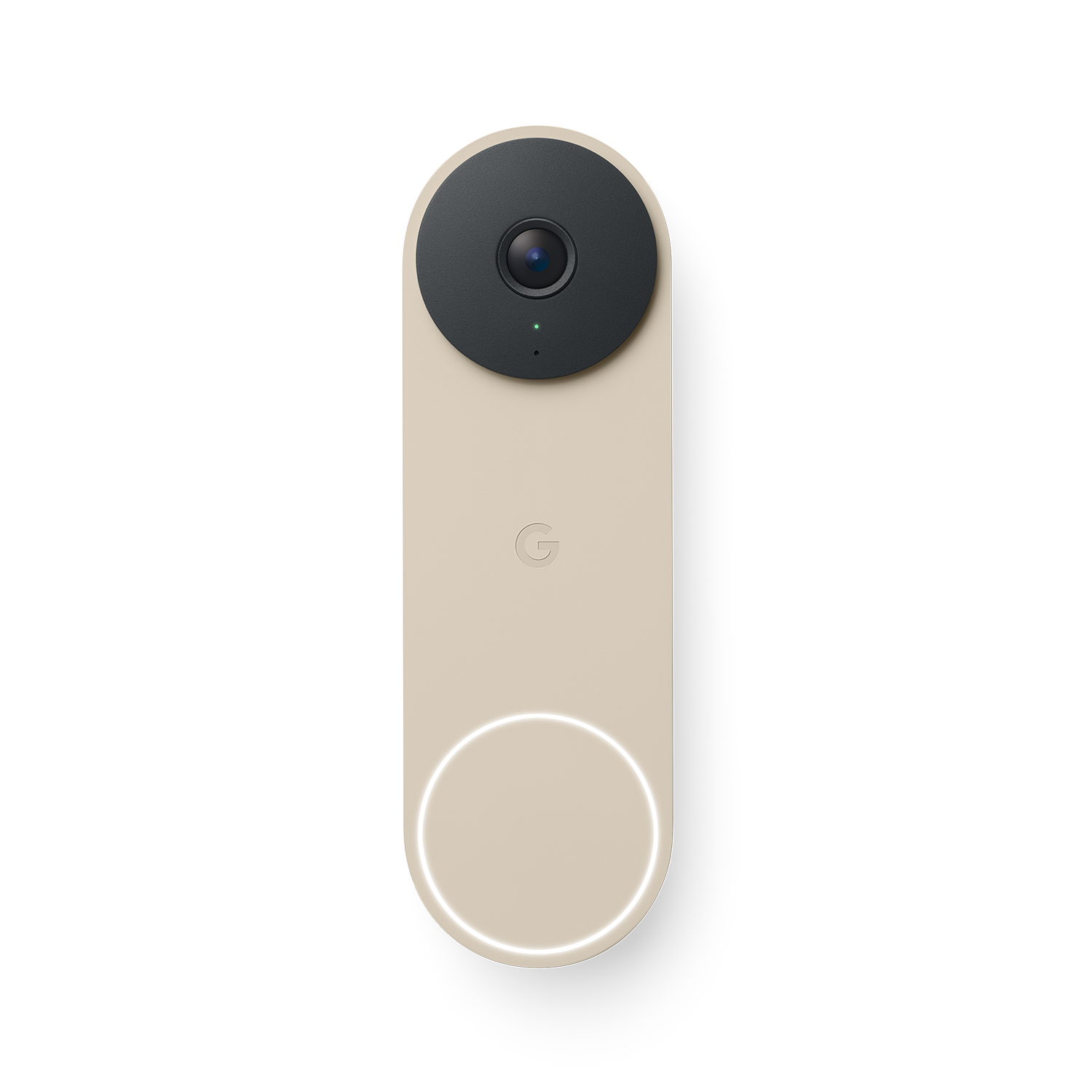
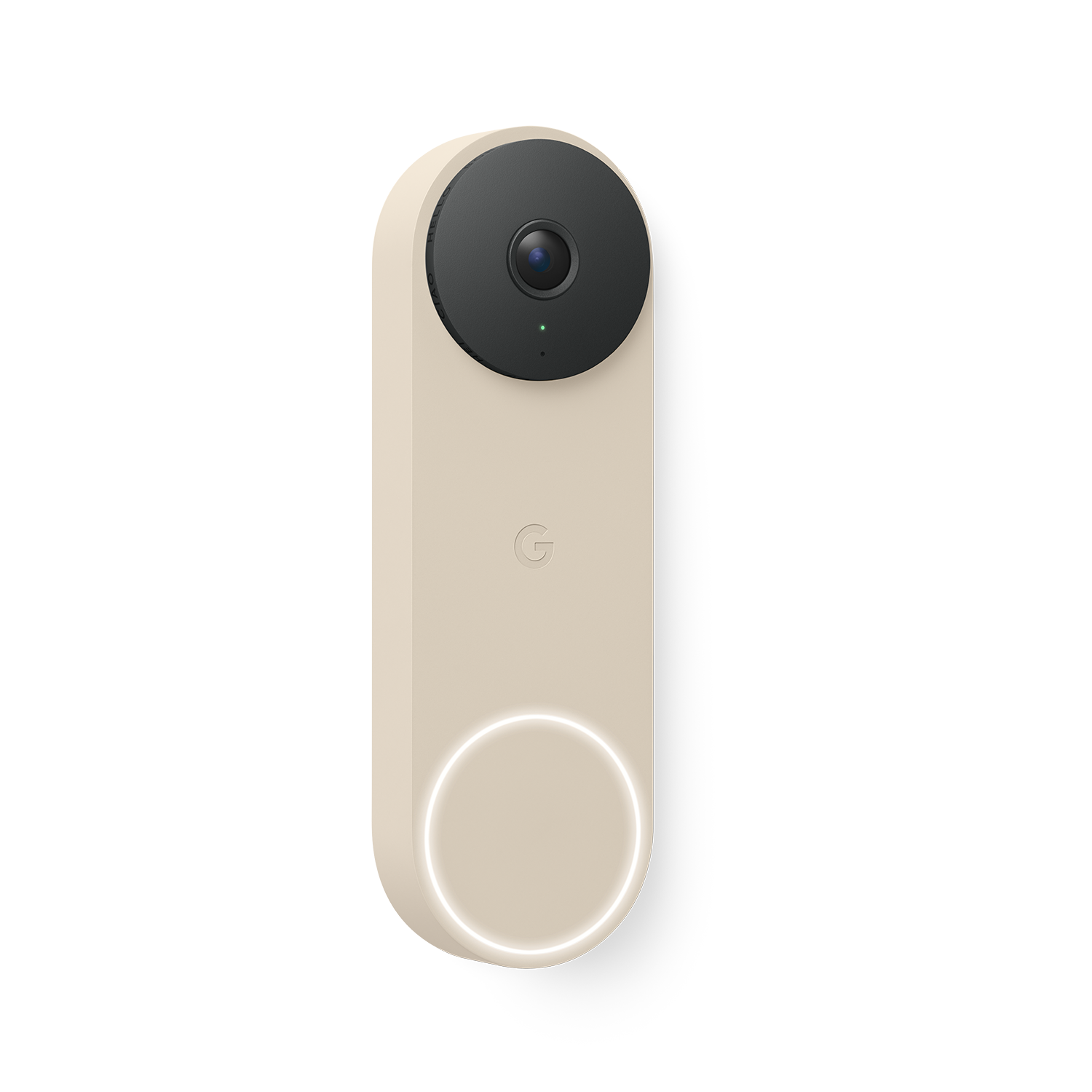
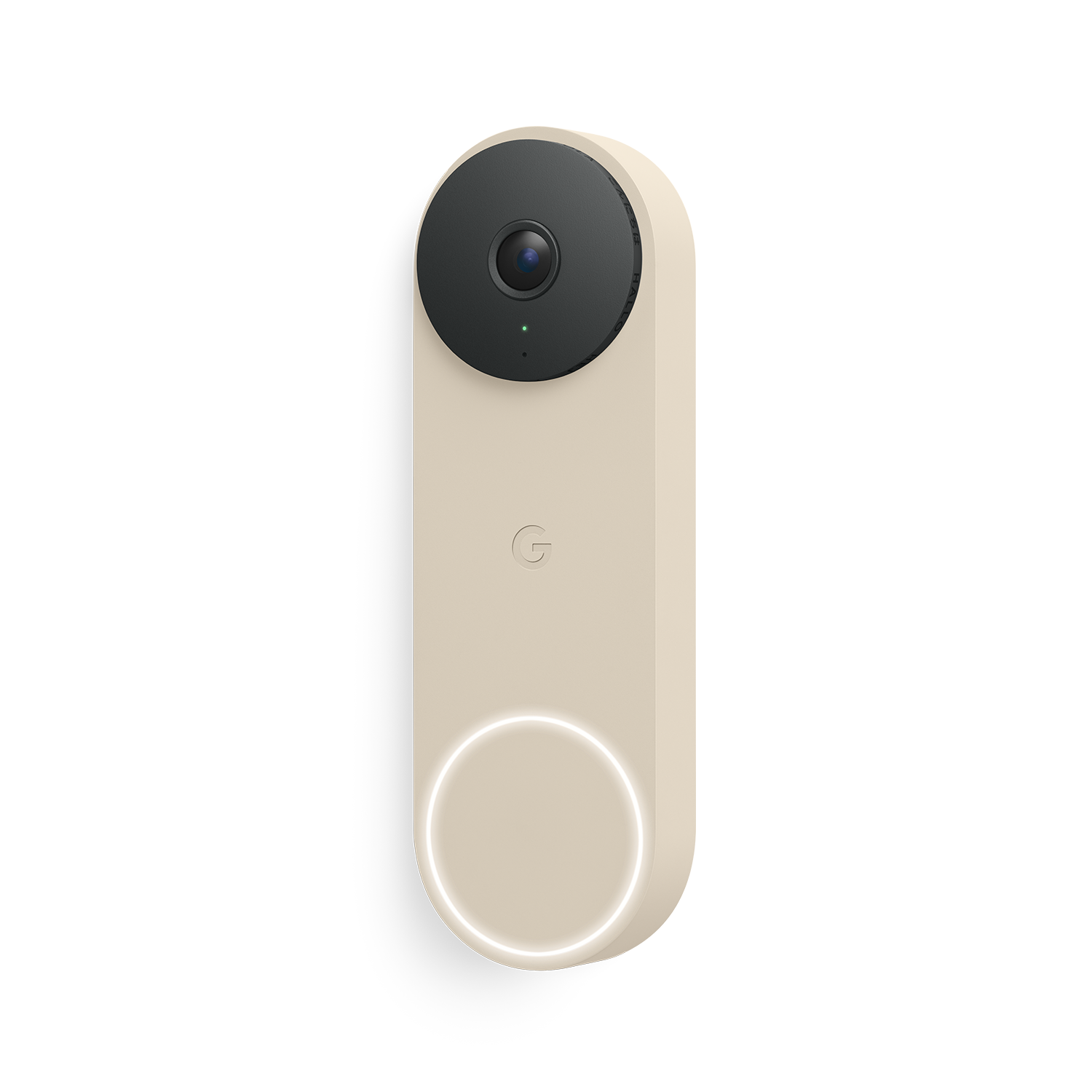
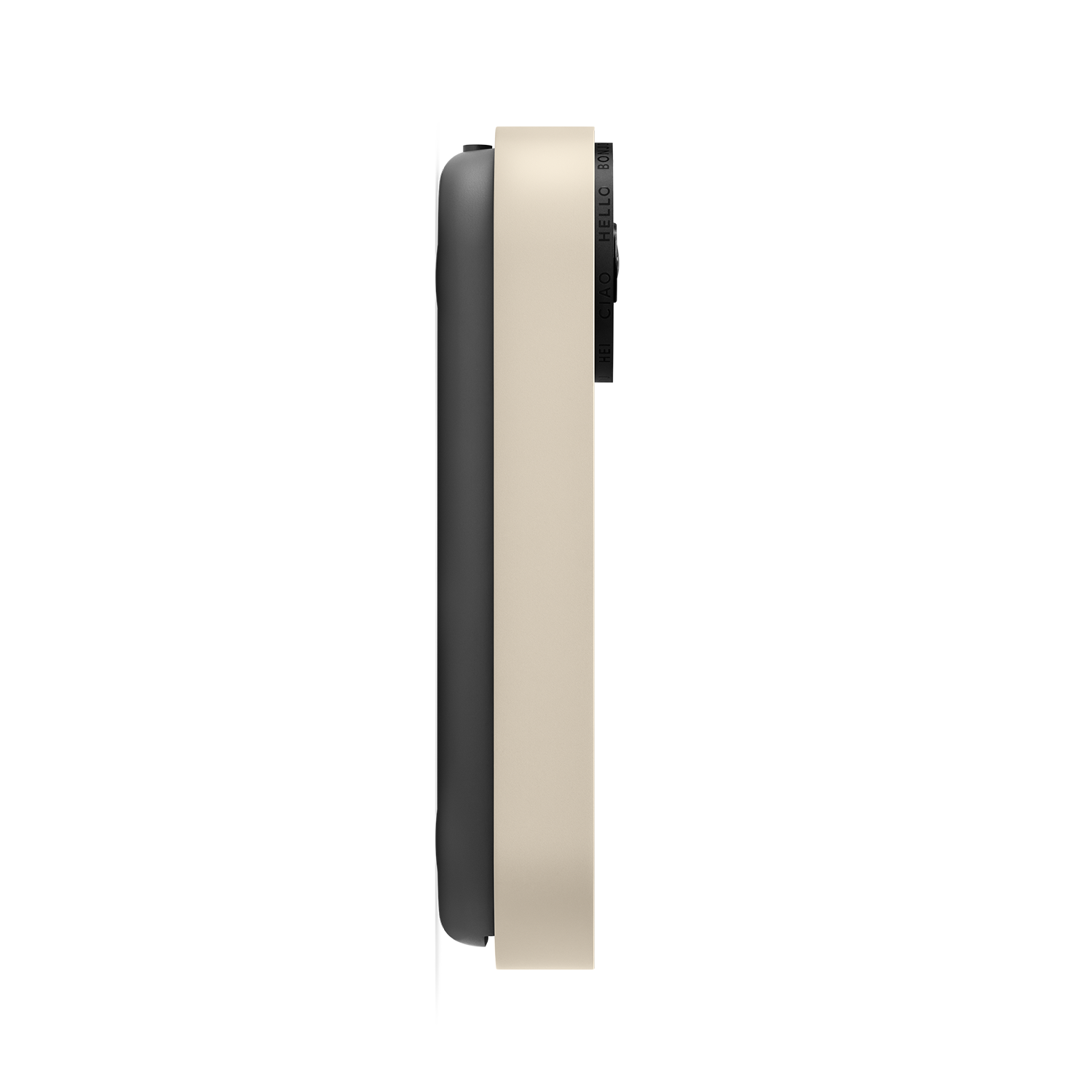
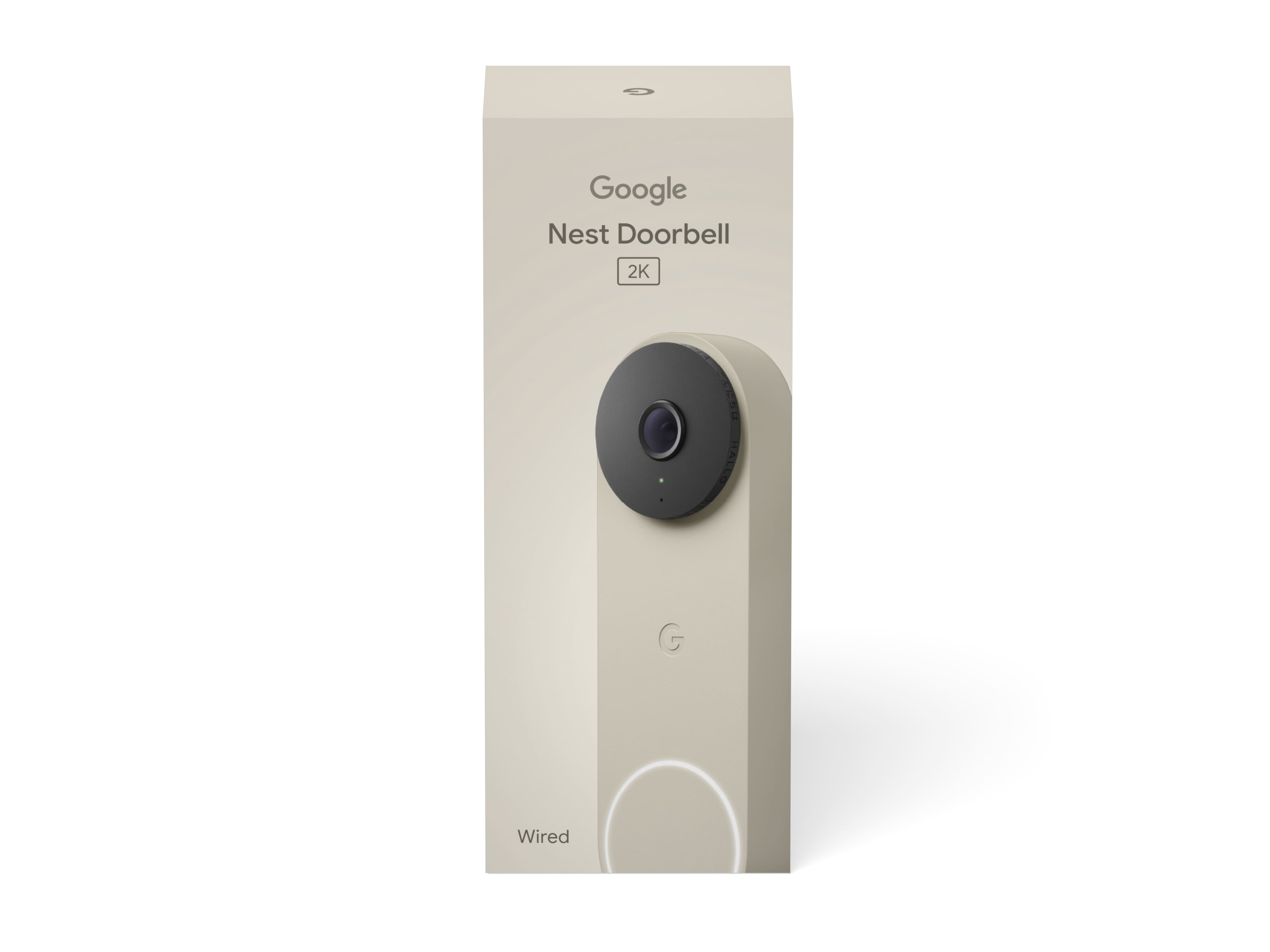
Questions & Answers
- Model:
- GA09969-US
- |
- SKU:
- 6642762
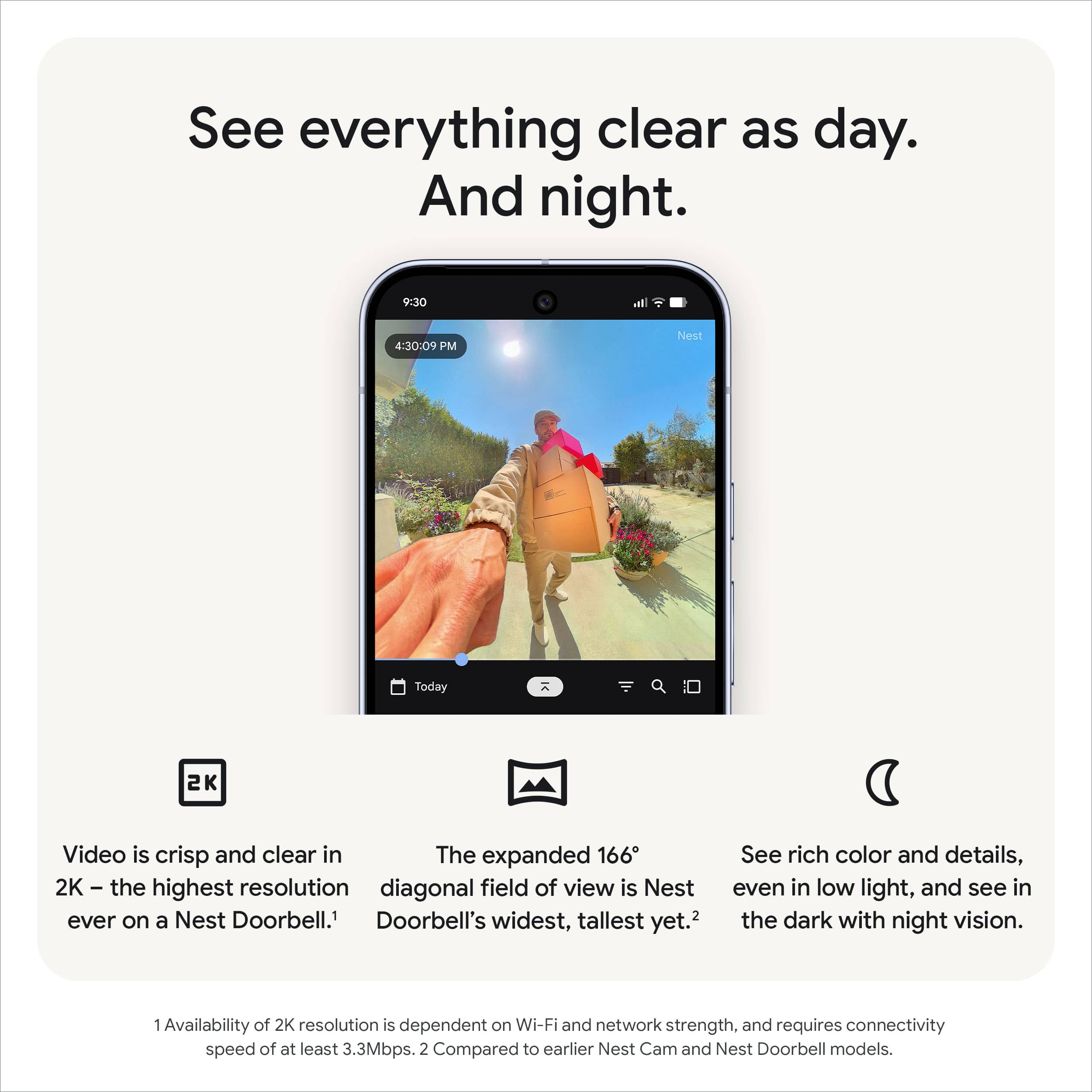
Q: QuestionWhat is the widest field of view for this doorbell?
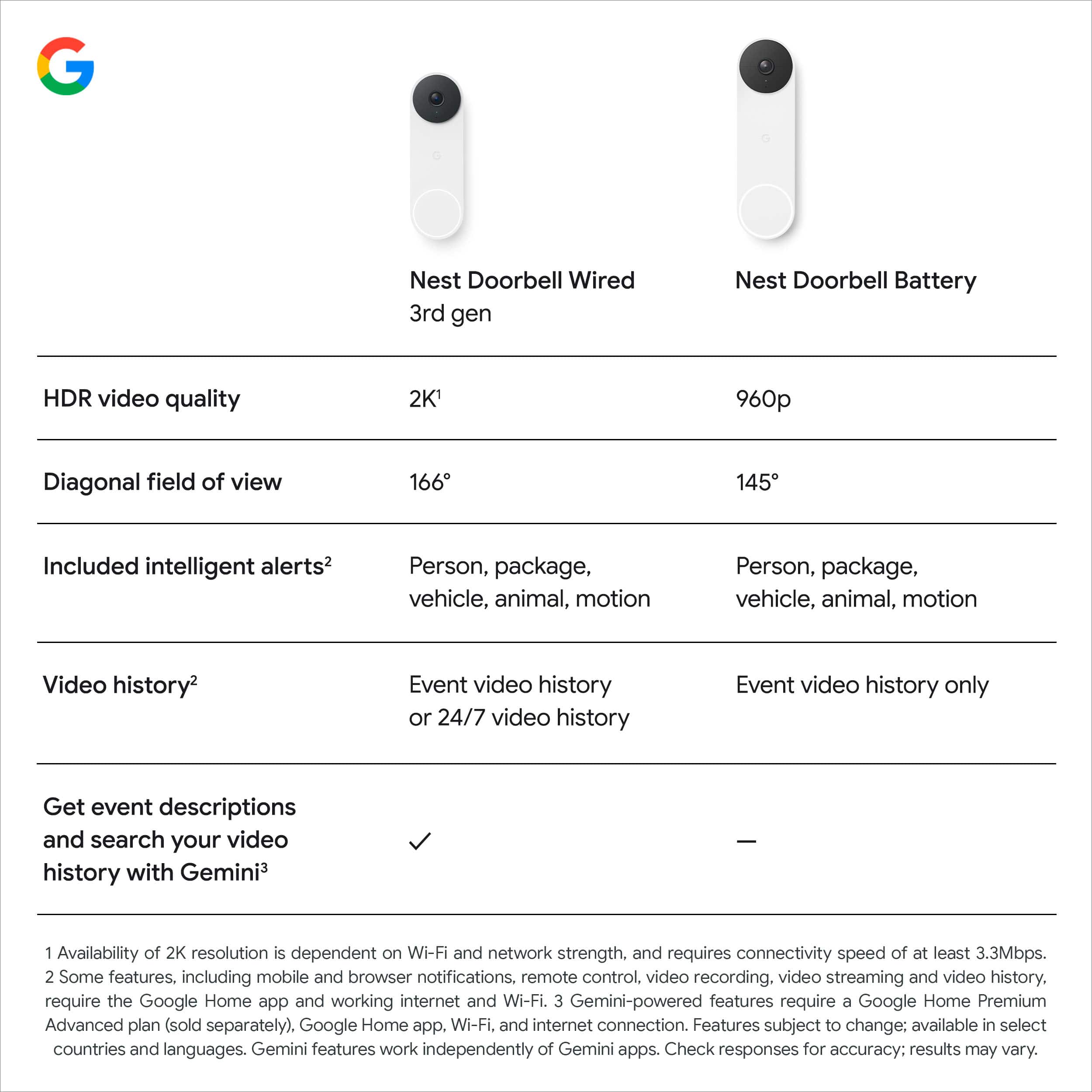
- A:Answer The widest field of view for this doorbell is 166 degrees.
This question and answer was generated by AI based on customer and product data.Q: QuestionWill the wired Nest doorbell camera ring the existing doorbell?
Asked by Mo.
- A:Answer Yes the Nest doorbell can also cause the existing doorbell to ring. But for our house the existing doorbell is upstairs so it was hard to hear in several rooms. But the Nest doorbell rings all our Nest speakers and annouces that someone is at the door. Problem solved!
Answered by Michael
Q: QuestionI have the Gen 1 Nest Doorbell. Any chance the wedge mount and wiring are the same for Gen 3?
Asked by glspark2007.
This question was asked about the related product: Google - Nest Doorbell (wired, 3rd gen) - Latest Model - 2K Video and Gemini - Hazel
- A:Answer From someone who just replaced their gen 1, no. The mount is different.
Answered by Ryan
Q: QuestionIs this doorbell compatible with alexa
Asked by Anonymous.
- A:Answer Great question. Yes, you can integrate the Nest Doorbell (Wired, 3rd Gen) with Alexa by enabling the Google Nest skill in the Alexa app. Here is a guide that walks you through the setup process: https://support.google.com/googlenest/answer/9325080
Answered by Google Team
Q: QuestionWe live in Arizona where the temps far exceed 104 degrees for st least 4 months . Will this still work ??
Asked by Sallyk.
- A:Answer I’m in the Central Valley and temps also exceed over 109 in the summer and so far it’s been holding up. It got up to 103 the other day.
Answered by jaavvii93
Q: QuestionCan I add cameras to more areas around the property and have them connect?
Asked by SallyK.
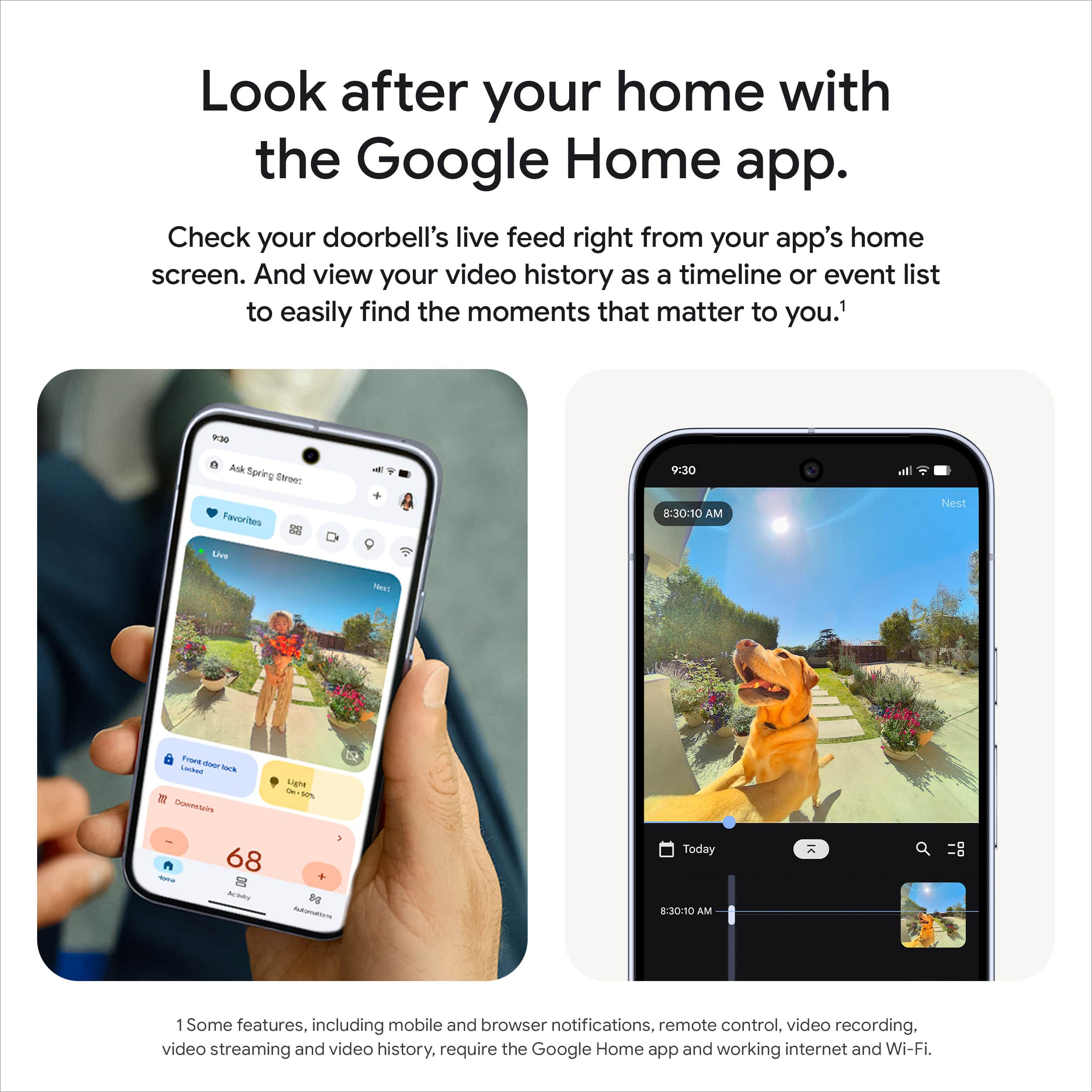
- A:Answer Thanks for reaching out, SallyK. Yes, you can add more Nest cameras around your property. All your devices can be managed and viewed together in the Google Home app, allowing you to monitor your entire setup from one place. Here's a link with more information: https://support.google.com/googlenest/answer/9259110
Answered by Google Team
Q: QuestionCan I use the audio feature with my Alexa speaker?
Asked by Bob.
- A:Answer Great question, Bob. Yes, you can add a Smart Home skill to the Google Home app to integrate the Nest Doorbell (Wired, 3rd Gen) with Alexa — here’s how to add it: 1. Open the Google Home app. 2. Tap your account. 3. Verify that the Google Account shown is the one linked to your Google device. 4. Tap Home settings. 5. Tap Services and then Amazon Alexa skill. 6. Follow the instructions on the screen to enable the skill in the Alexa app. Here’s a guide with more details: https://support.google.com/googlenest/answer/9325080
Answered by Google Team
Q: Questionwhat do es subscription cost
Asked by bill.
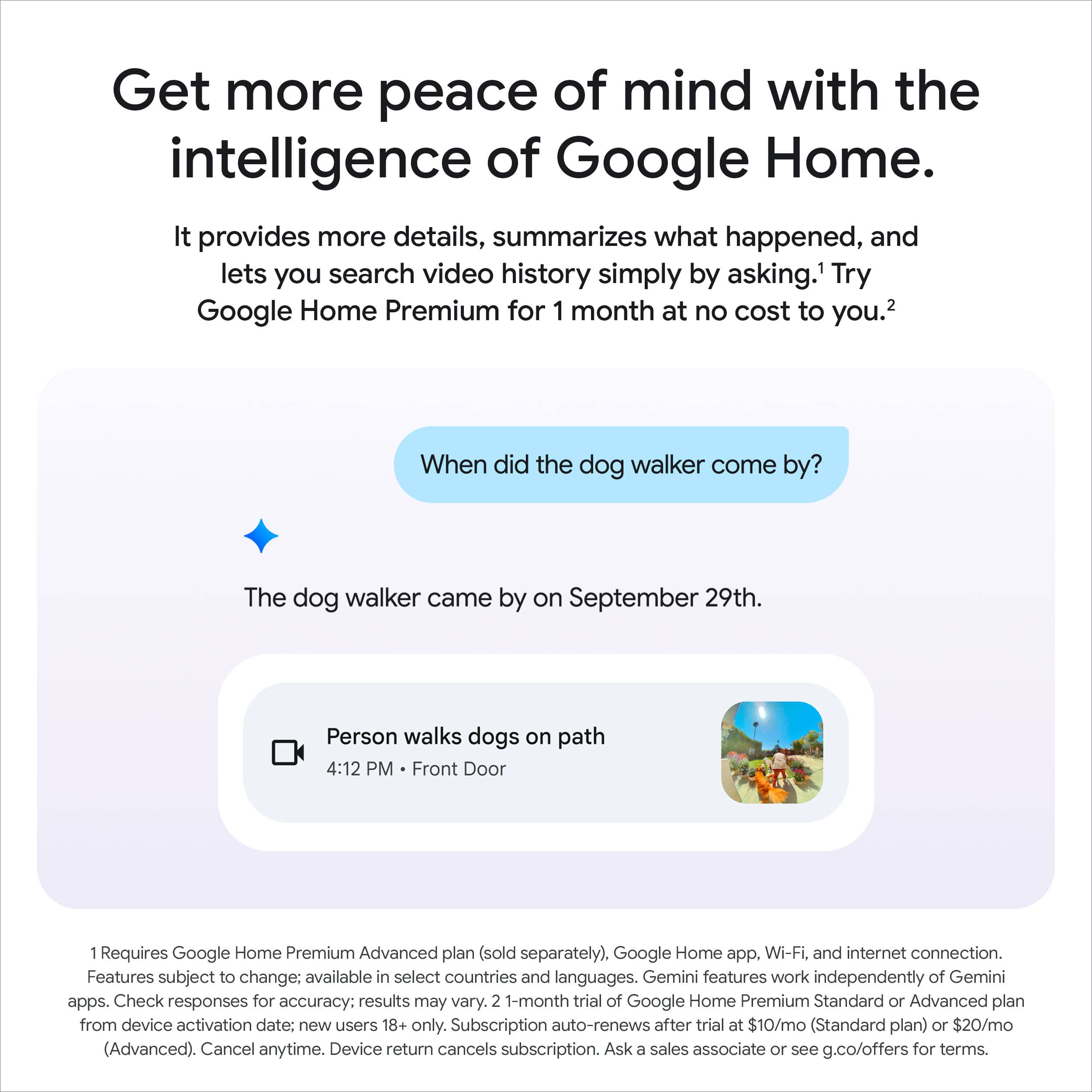
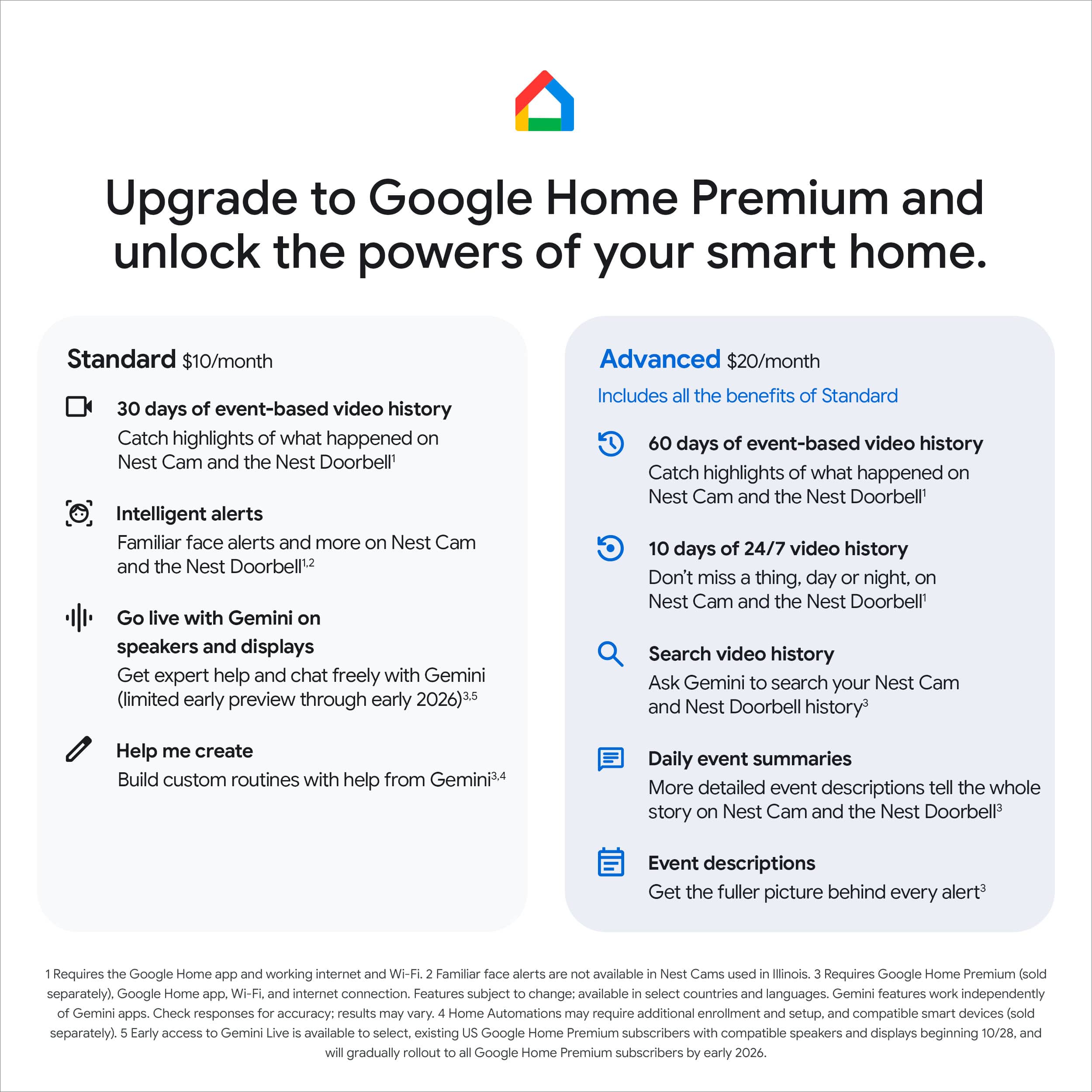
- A:Answer Hi there, bill. The cost of Google Home Premium varies depending on whether you choose a monthly or yearly plan. Here’s a link with further details: https://support.google.com/store/answer/9396337
Answered by Google Team
Q: QuestionDoes the open box excellent come with the same one year warranty?
Asked by Warranty.
- A:Answer Hi there. We recommend reaching out to the retailer directly to confirm the warranty coverage for an open-box item. If you have any questions or concerns about the device itself, you can reach out to us here: https://support.google.com/googlenest/gethelp

Answered by Google Team
Q: Questionthe camers keeps saying offline and everything is correct. set up the door bell works but the camrea does not. cans someone help
Asked by msbug.
This question was asked about the related product: Google - Nest Doorbell (wired, 3rd gen) - Latest Model - 2K Video and Gemini - Hazel
- A:Answer Hi there, Medasst08. We’re sorry you’re having trouble setting up your Nest Doorbell (Wired, 3rd Gen) — we understand how frustrating this can be. Here are some troubleshooting steps to get your device up and running: 1. Restart the modem and router. 2. Restart your doorbell. 3. Check if your doorbell feels too warm or cold. 4. Check your internet bandwidth and speed. For more tips, here’s a link: https://support.google.com/googlenest/answer/9239727 Don’t hesitate to reach out to us: https://support.google.com/googlenest/gethelp
Answered by Google Team
Q: QuestionWhat voltage is used with this doorbell?
Asked by Anonymous.
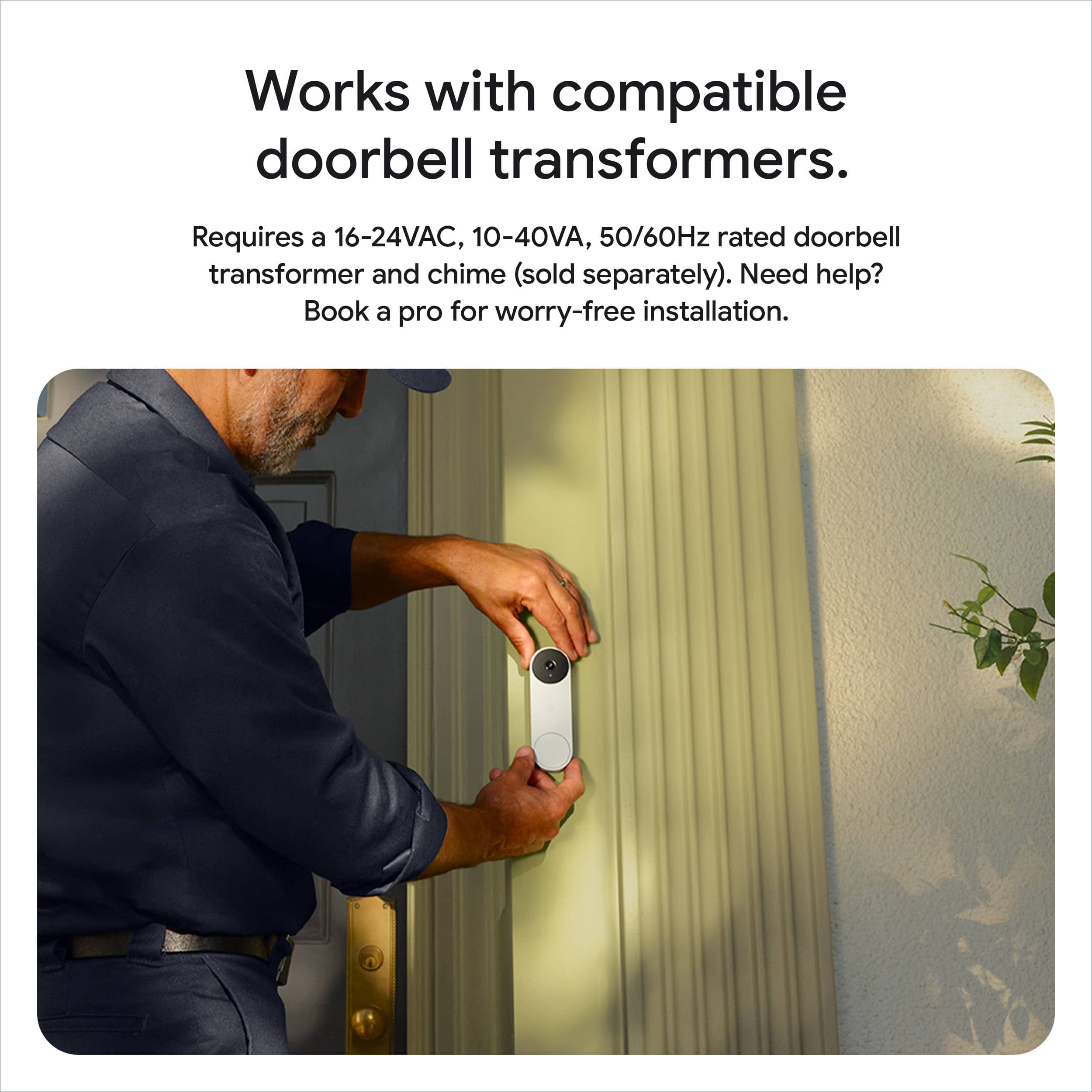
- A:Answer The wired Nest 3rd gen Doorbell can be powered from the lower voltage (appx 24vac) transformers in the original standard doorbell.
Answered by Michael
Q: QuestionI keep getting a low battery message when it gets cold. This is a wired device
Asked by Spanky.
- A:Answer Hi there, Spanky. The Nest Doorbell (Wired, 3rd Gen) has an operating temperature of –4°F to 104°F (–20°C to 40°C). Going beyond these temperatures may result in connection or battery issues. We’d be happy to further look into this with you. When you get a second, talk to us here: https://support.google.com/googlenest/gethelp

Answered by Google Team
Q: Questionwhat is the model number of this Nest doorbell/camera? Is there a model number GWX3T ?
Asked by gene.
- A:Answer Hey there, gene. The model number for this Nest Doorbell (Wired, 3rd Gen) is GA09967. We’d be happy to look into the GWX3T model number and find the product for you. Reach out to us here: https://support.google.com/googlenest/gethelp
Answered by Google Team
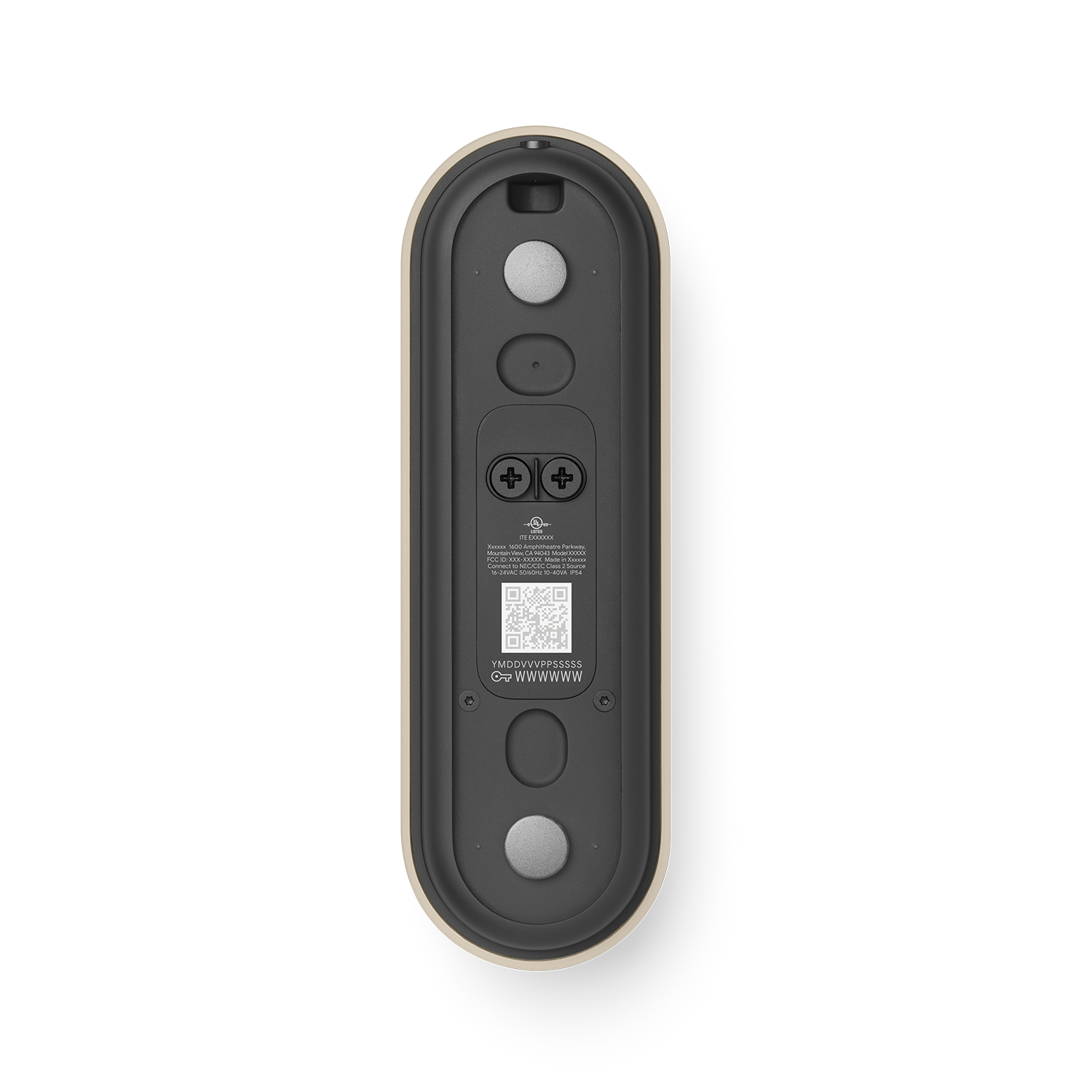
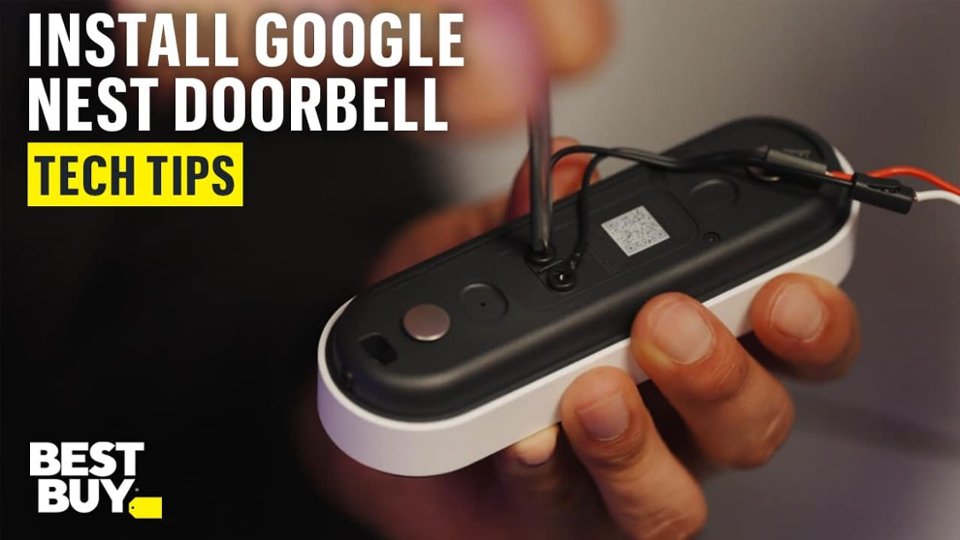
Q: QuestionI just purchased and installed the latest version of the nest doorbell. I’m trying to add to the nest app but tossed packaging so don’t have qr code. Doorbell is installed so I can’t see behind it. Any other way to get access?
Asked by AJ.
- A:Answer Pop the doorbell off(unscrew it) and scan the QR code. It’s a pain, but I had to do the same thing.
Answered by JohnRambo
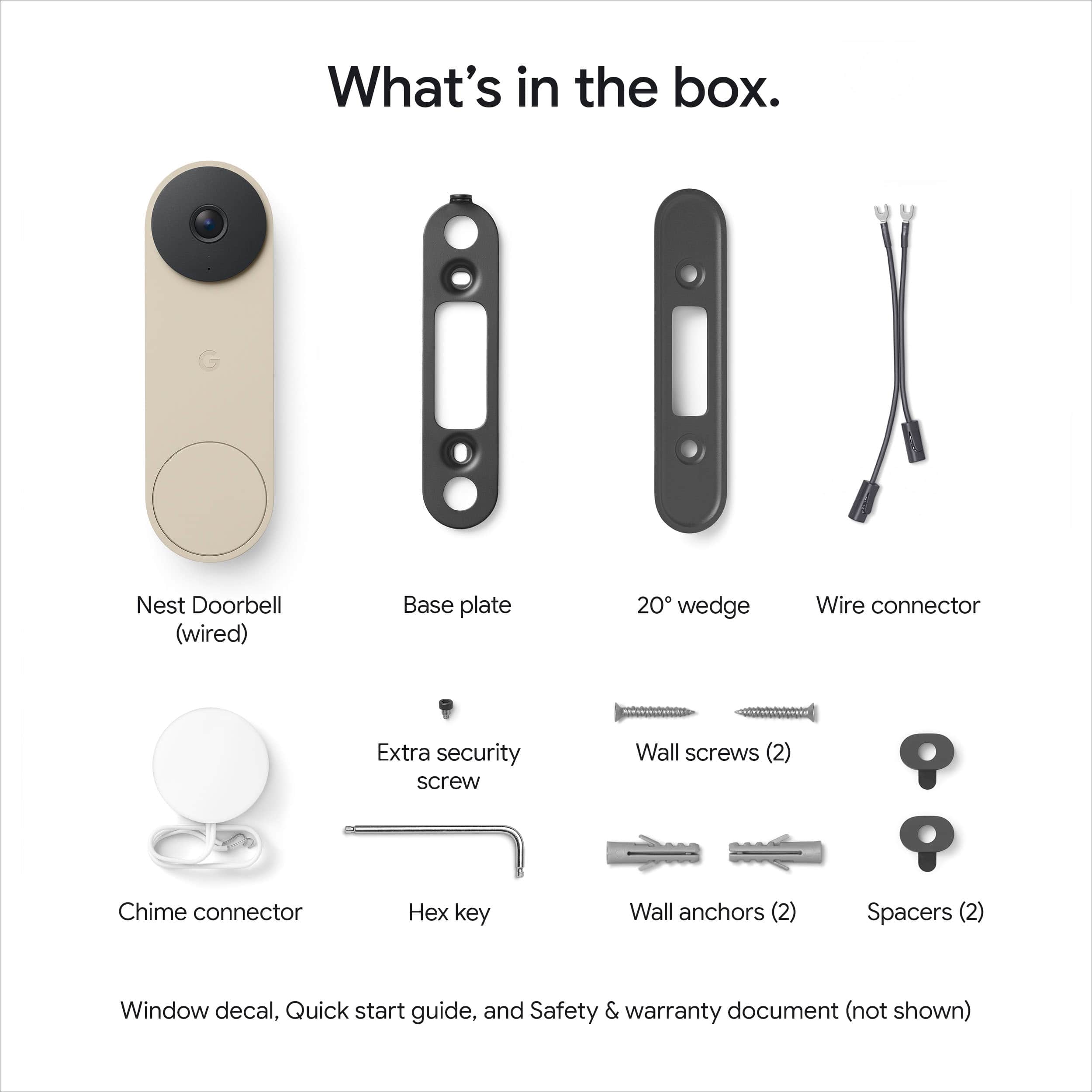
Q: QuestionHow to connect to door chime?
Asked by Al.
- A:Answer Thank you for your question, Al. Here are the steps to install the Nest Doorbell (Wired, 3rd Gen): 1. Check compatibility and voltage requirements. 2. Check that you have everything for installation. 3. Turn the power off to your doorbell system. 4. Remove your old doorbell. 5. Connect the doorbell to the app with the QR code. 6. Troubleshoot if needed. 7. Use your doorbell. Here’s a guide with more details: https://support.google.com/googlenest/answer/12570869 We’re available 24/7 to help: https://support.google.com/googlenest/gethelp

Answered by Google Team
Q: QuestionHow to charge a google door bell?
Asked by Raji.
- A:Answer I went with the wired model, but have used a battery model in the past.
Answered by JohnM
Q: QuestionMy chime doesn't work with toys doorbell
Asked by Anonymous.
- A:Answer Thanks for reaching out about your Nest Doorbell (Wired, 3rd gen). There are a few things check to make sure everything is working properly — here’s what to review: 1. Check chime settings: If you have a mechanical chime (moving parts that make the sound), the chime duration option should be turned off. This setting is for electronic or digital chimes only. 2. Check doorbell wires: It's possible that a wire came loose when you put your doorbell on the backplate, or that the wires aren't tight enough. Make sure that the wires are securely connected. 3. Check chime connector: Check the chime box to ensure the Chime Connector and wires aren't touching any moving parts, which could muffle the sound. Here’s a link with more suggestions: https://support.google.com/googlenest/answer/9317473 We’re here and ready to help anytime: https://support.google.com/googlenest/gethelp

Answered by Google Team
Q: QuestionIs the Google Gen 3 wired doorbell able to be installed outdoors? (Wisconsin Weather)
Asked by Anonymous.
- A:Answer Yes. It is waterproof
Answered by ThomasC
Q: Questionmoved in and a google door bell was here. how to reset it to my network
Asked by frontdoor.
This question was asked about the related product: Google - Nest Doorbell (wired, 3rd gen) - Latest Model - 2K Video and Gemini - Hazel
- A:Answer Scan the QR code in back of camera
Answered by ThomasC
Most-viewed items
- $69.99$69.99The price was $139.99
- $39.99$39.99The price was $49.99
- $69.99$69.99The price was $139.99
- $49.99$49.99The price was $69.99
- $44.99$44.99The price was $59.99
- $129.99$129.99The price was $149.99
- $104.99$104.99The price was $179.99
- $46.99$46.99The price was $59.71