
Questions & Answers
- Model:
- GA06156-US
- |
- SKU:
- 6578701
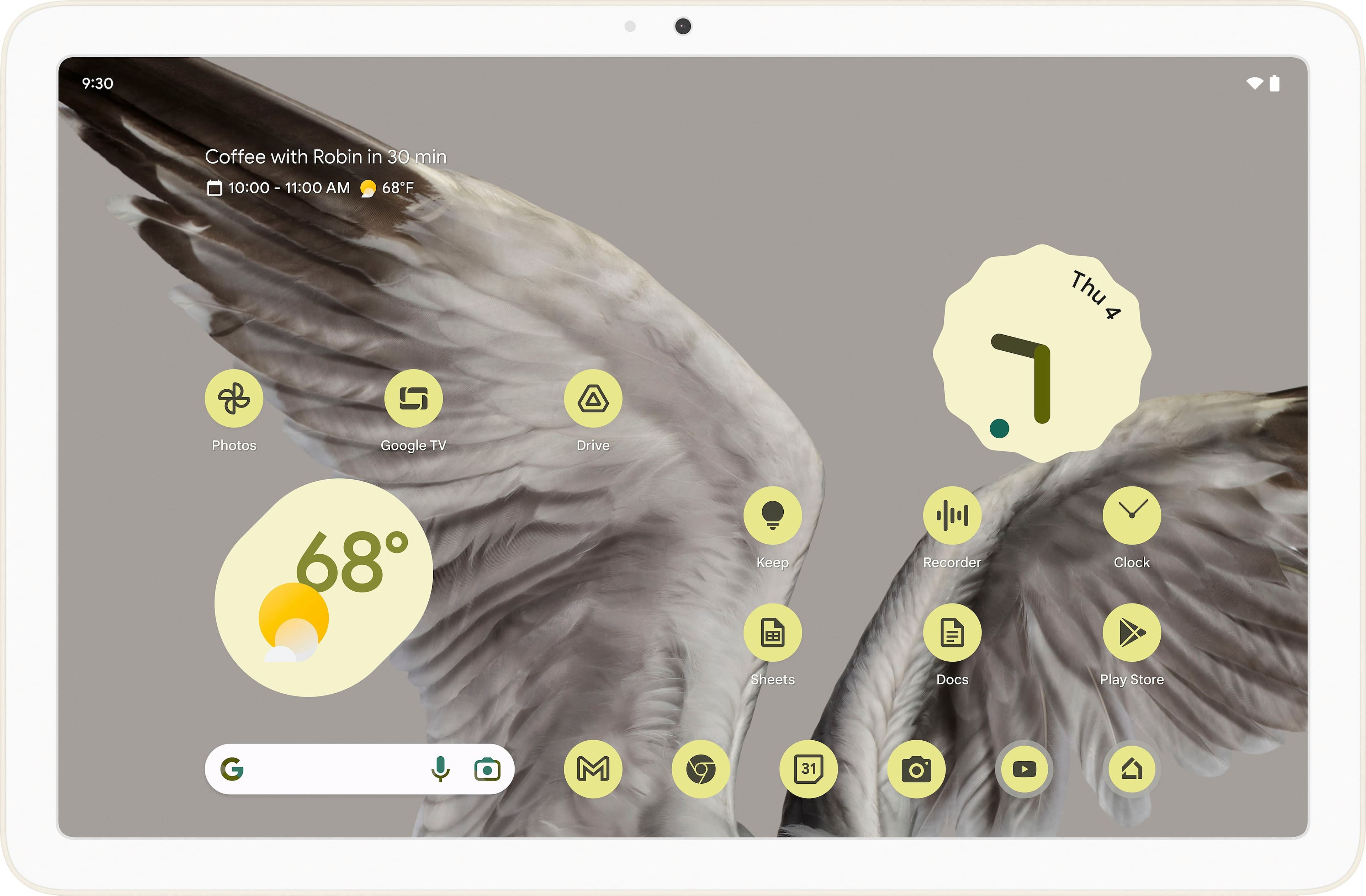
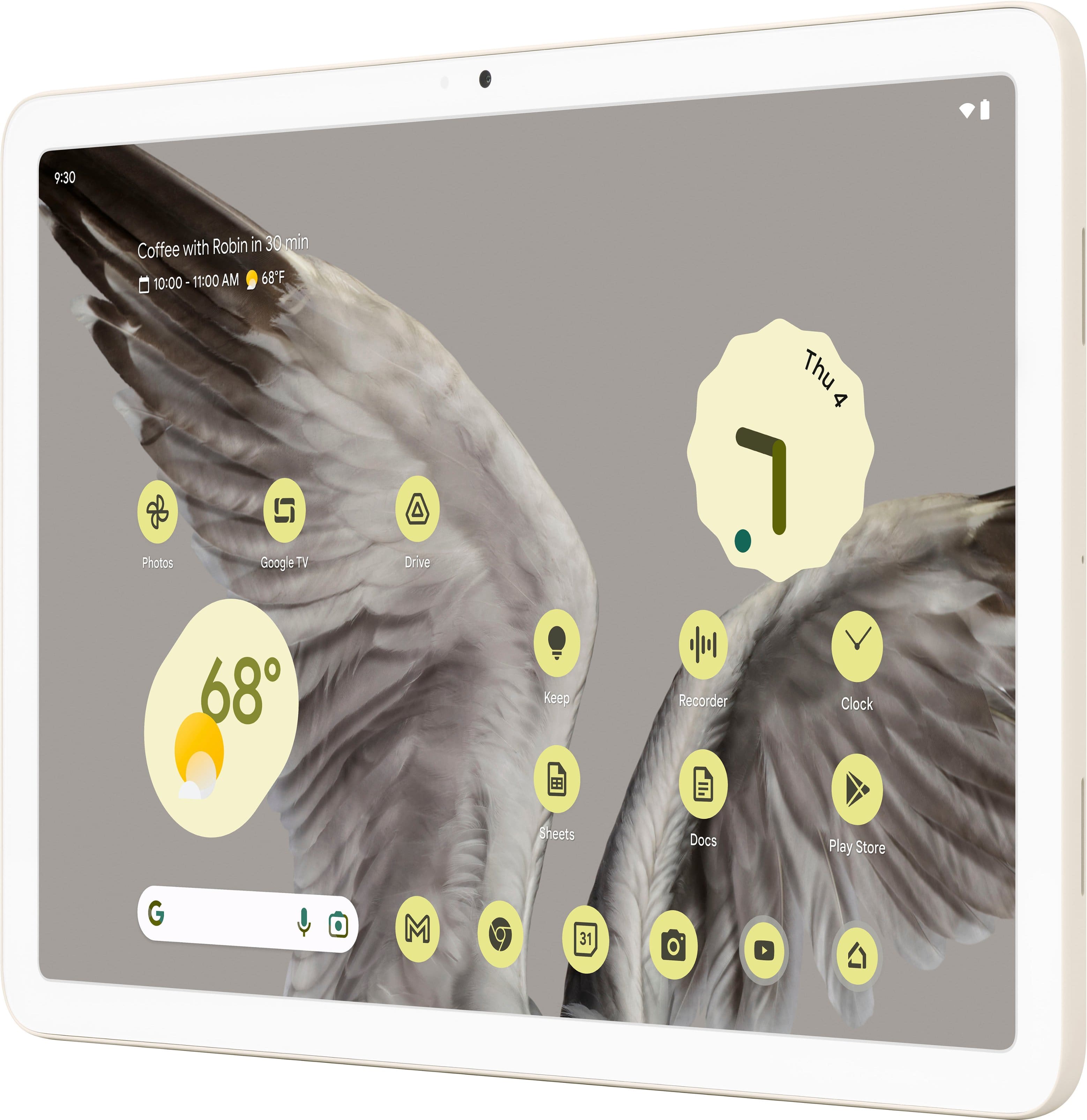
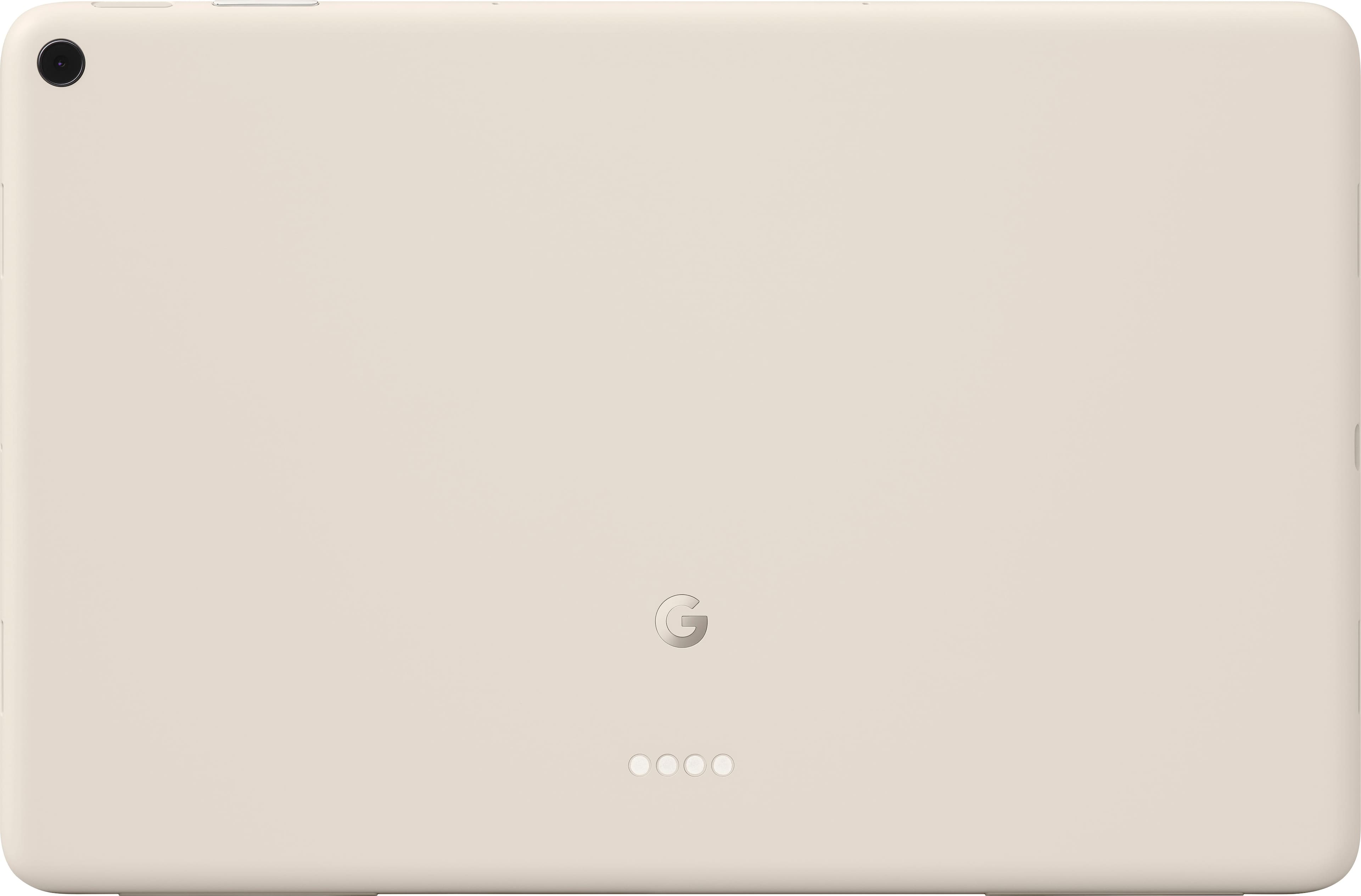
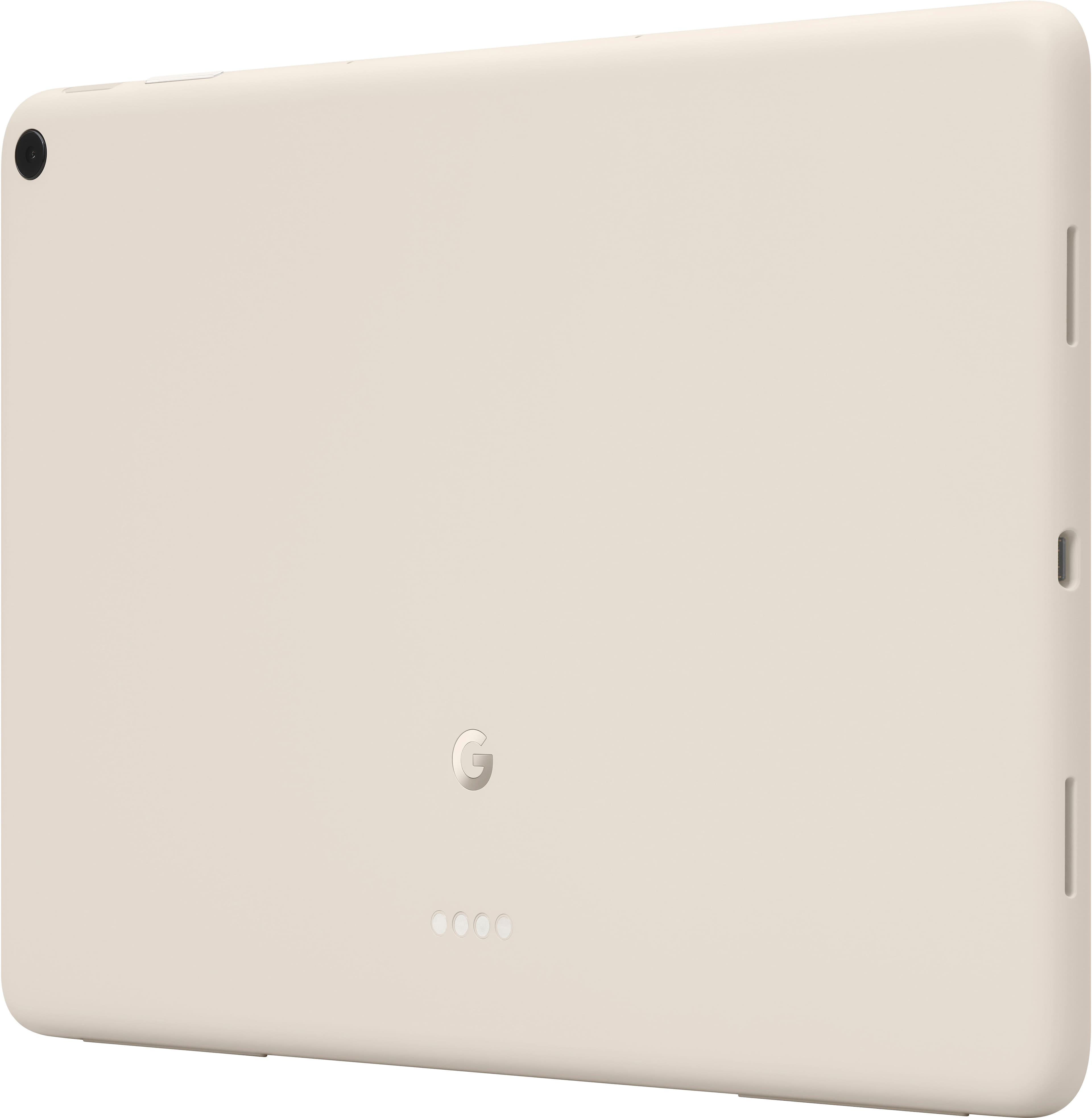
Q: QuestionI have a question for you guys for the Google Pixel Tablet with Charging Speaker Dock - Android Tablet with 11-Inch Screen, Smart Home Controls, does this tablet come with a charger for when you travel instead of using the Google Pixel speaker dock?
Asked by badpeanut21.
- A:Answer Hey there! You can charge your Pixel Tablet without the Speaker Dock. Simply use a USB cable. For more information, tap the link below: https://support.google.com/googlepixeltablet/answer/13554742?hl=en
Answered by Google Team

Q: QuestionCan i read books on the tablet?
Asked by PB.
- A:Answer Of course. If you have installed an appropriate app like Libby (download ebooks from your library) or Kindle (for free and purchased books from Amazon). I read books and newspapers on my Pixel tablet all the time.
Answered by scottwpb
Q: QuestionDoes this tablet have an SD slot for additional storage?
Asked by Mike.
- A:Answer Hi Mike, thanks for sharing your concern. Our Pixel Tablet doesn't have a SD slot. But no worries we will be taking this comment in consideration for future developments. In the meantime, you can check out the Pixel Tablet specs here: https://store.google.com/us/product/pixel_tablet_specs?hl=en-US
Answered by Google Nest Support

Q: QuestionCan you download a movie and mirror it to a tv without wifi
Asked by Zzskgs.
- A:Answer Hi, Zzskgs. Yes, you can download a movie on your Google Pixel Tablet 11" and mirror it to a TV without Wi-Fi by using a wired connection like an HDMI cable to connect your tablet directly to the TV. To use this feature, you must use a display device that supports DisplayPort or HDMI to USB-C cable. To project content from your Pixel phone into a display device: 1. Plug the DisplayPort or HDMI cable into the display device. 2. Plug the USB-C cable into your Pixel phone. 3. Select the Mirror display dialogue that appears on your phone. 4. Follow the on-screen instructions. To get more information you can click the following link: https://support.google.com/pixelphone/answer/2865484
Answered by Google Nest Support

Q: QuestionCan this tablet be connected to a Microsoft laptop and/or Chromebook to be used as an external monitor?
Asked by ScienceGirl.
- A:Answer Unfortunately not, I was disappointed to know that it does not work as a 2nd monitor... Hopefully google addresses this issue and provides support for casting to it's display
Answered by KuiperDragon
Q: QuestionTamil typing is available just like pixel phone
Asked by Anonymous.
- A:Answer Great question! The Pixel tablet should offer a seamless Tamil typing experience. Google's Gboard is the default keyboard on Pixel devices and it's known for its robust language support, including Tamil.
Answered by Google Team

Q: QuestionCan you add a word processor?
Asked by Joyner.
- A:Answer We appreciate the question, Joyner. The Pixel Tablet supports app downloads directly from the Google Play Store. Any app available on the Google Play Store should be compatible with the Pixel Tablet. For precise app compatibility information, contact the app developer directly.
Answered by Google Team
Q: QuestionCan this be use as a Google home hub similar to the Nest hub max? To replace my current Google Nest hub max.
Asked by Chanimal23.
- A:Answer Hi there, Chanimal23. The Pixel Tablet has a Hub Mode which will allow it to act very similar to a Nest Hub Max for you. Check out this article for more details: https://support.google.com/googlepixeltablet/topic/13548662?
Answered by Google Team
Q: QuestionDoes the tablet come with a key board or is that sold separately
Asked by Anonymous.
- A:Answer Keyboard sold separately!
Answered by Starion6
Q: Questionis it compatable with moto razr 2025
Asked by trustyrusty.
- A:Answer Hi there, trustyrusty. The Pixel Tablet doesn’t require a phone to set up the device. Check out this link for additional information: https://support.google.com/googlepixeltablet/answer/13123519?hl=en#zippy=
Answered by Google Team
Q: Questioncan you talk and text with this device
Asked by Anonymous.
- A:Answer Thanks for the inquiry. You can send text messages directly from the Pixel Tablet when synced with an Android phone. However, you're not able to make calls with the device. Check out this article for more information: https://support.google.com/googlepixeltablet/answer/13554744?hl=en
Answered by Google Team

Q: QuestionDoes it have a port to plug in an earphones vrs using earbuds,?
Asked by Cat.
- A:Answer Yes. USB C wired buds
Answered by user276767
Q: QuestionCan you download books to read?
Asked by Steph.
- A:Answer Great question, Steph. Absolutely! You can download your favorite book apps from the Play Store on the Pixel Tablet and then download your books right through those apps.
Answered by Google Team

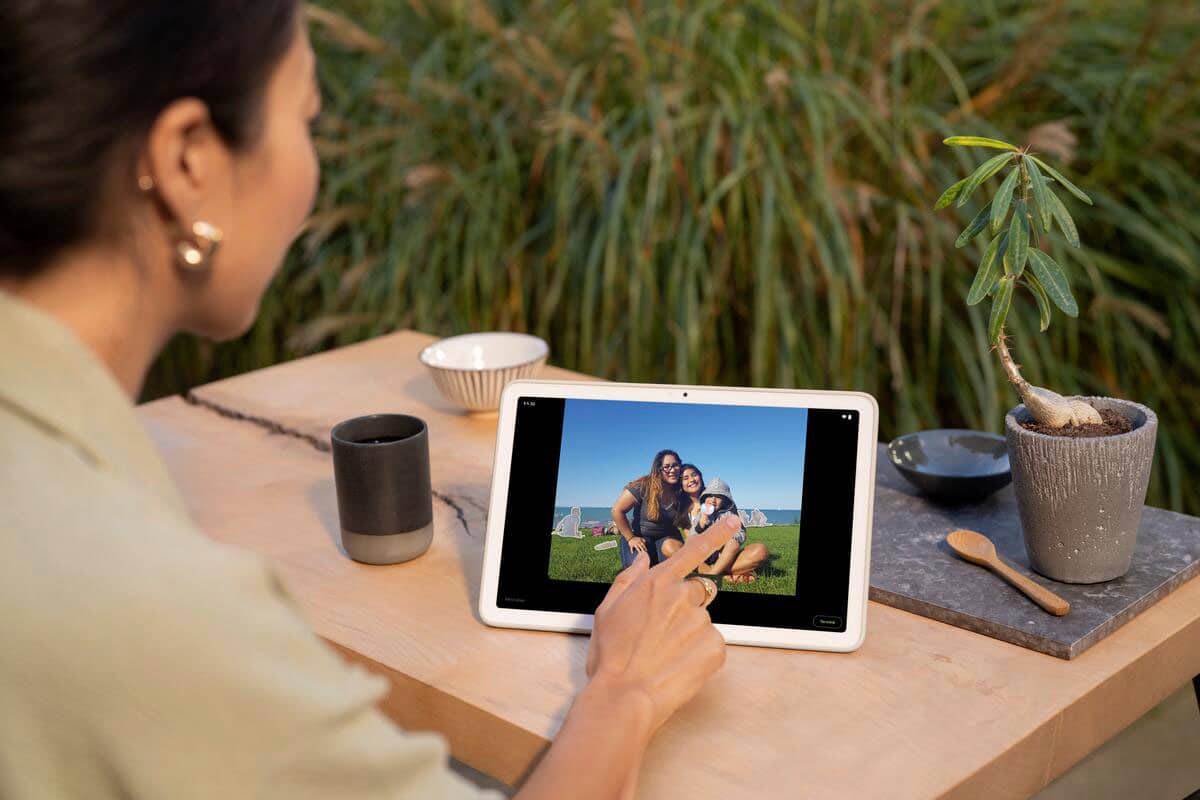
Q: QuestionI'd like to run photo's across the the Pixel Tablet, using it like a picture frame when not using it for calls etc. Am I able to run my google photos and will it continue whenever not in use or will lt time out and stop?
Asked by Didi.
- A:Answer Yes you can use it that way.
Answered by JenniferH
Q: QuestionCan you cast this on Sony TVs?
Asked by Captain.
- A:Answer Not sure if specific but you can cast and I have a no name smart tv
Answered by JenniferH
Q: QuestionDoes this unit need external wifi to connect to internet
Asked by Anonymous.
- A:Answer No you can wireless connect.
Answered by JenniferH
Q: QuestionHi, Can I use chrome extensions on this tablet?
Asked by Cicely.
- A:Answer Thanks for the inquiry, Cicely. No, extensions are only available on computers and not on the Pixel Tablet.
Answered by Google Team

Q: QuestionCan I watch Directv streaming on this device?
Asked by Bobbie.
- A:Answer Hey there, Bobbie. Yes, the DIRECTV app is available for download on the Pixel Tablet.
Answered by Google Team

Top Rated
- $899.99Your price for this item is $899.99$1,199.99The comparable value for this item is $1,199.99
- $69.99Your price for this item is $69.99$139.99The comparable value for this item is $139.99
- $159.99Your price for this item is $159.99$219.99The comparable value for this item is $219.99
- $229.99Your price for this item is $229.99
- $399.99Your price for this item is $399.99
- $54.99Your price for this item is $54.99$99.99The comparable value for this item is $99.99
- $319.99Your price for this item is $319.99$349.99The comparable value for this item is $349.99
- $209.99Your price for this item is $209.99$269.99The comparable value for this item is $269.99
- $139.99Your price for this item is $139.99$229.99The comparable value for this item is $229.99
- $189.99Your price for this item is $189.99$269.99The comparable value for this item is $269.99
- $199.99Your price for this item is $199.99$319.99The comparable value for this item is $319.99
- $499.00Your price for this item is $499.00
- $109.99Your price for this item is $109.99$149.99The comparable value for this item is $149.99
- $499.99Your price for this item is $499.99
- $879.99Your price for this item is $879.99$999.99The comparable value for this item is $999.99
- $79.99Your price for this item is $79.99$179.99The comparable value for this item is $179.99
- $649.99Your price for this item is $649.99
- $649.00Your price for this item is $649.00$799.99The comparable value for this item is $799.99
- $739.99Your price for this item is $739.99
- $109.99Your price for this item is $109.99$249.99The comparable value for this item is $249.99


