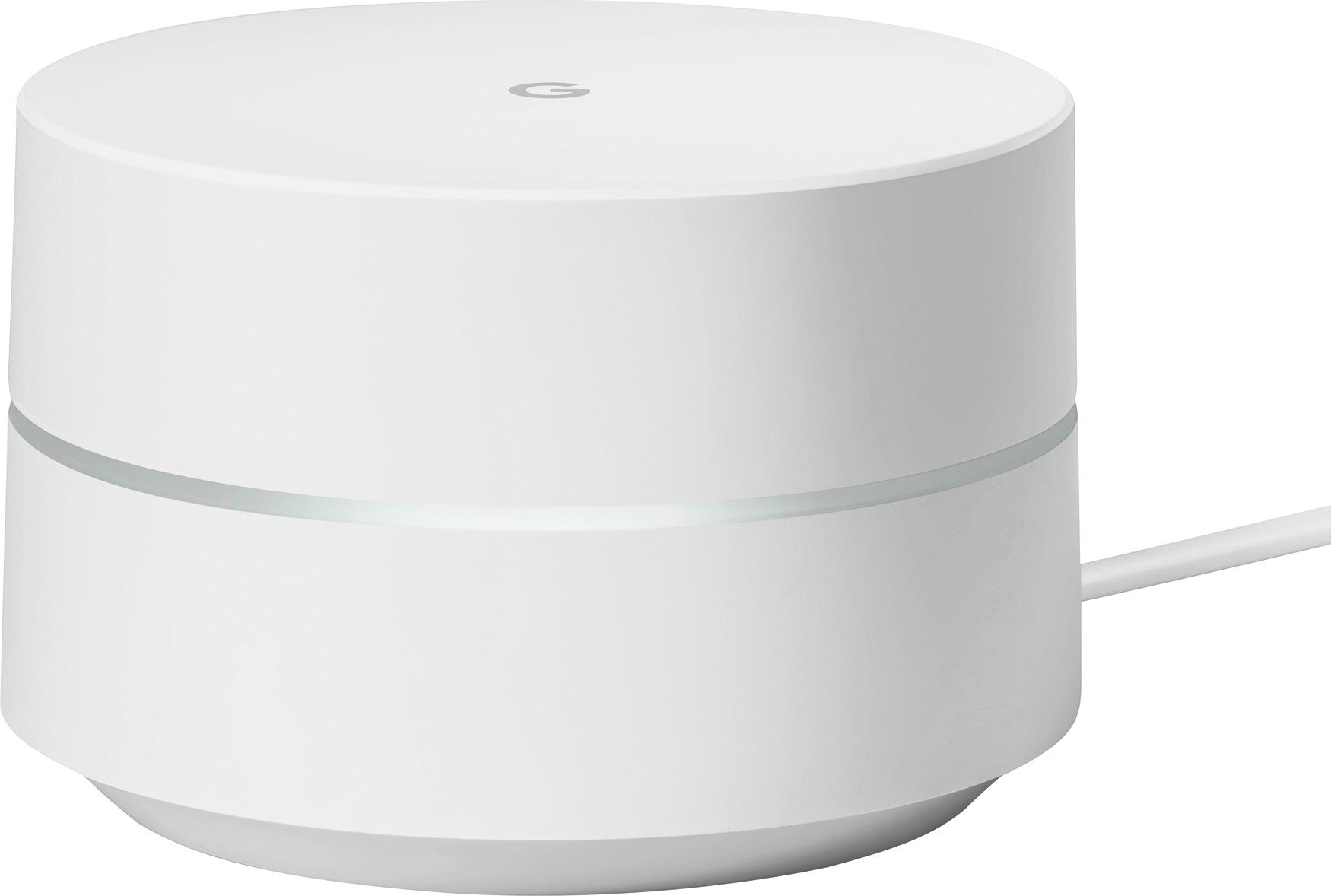
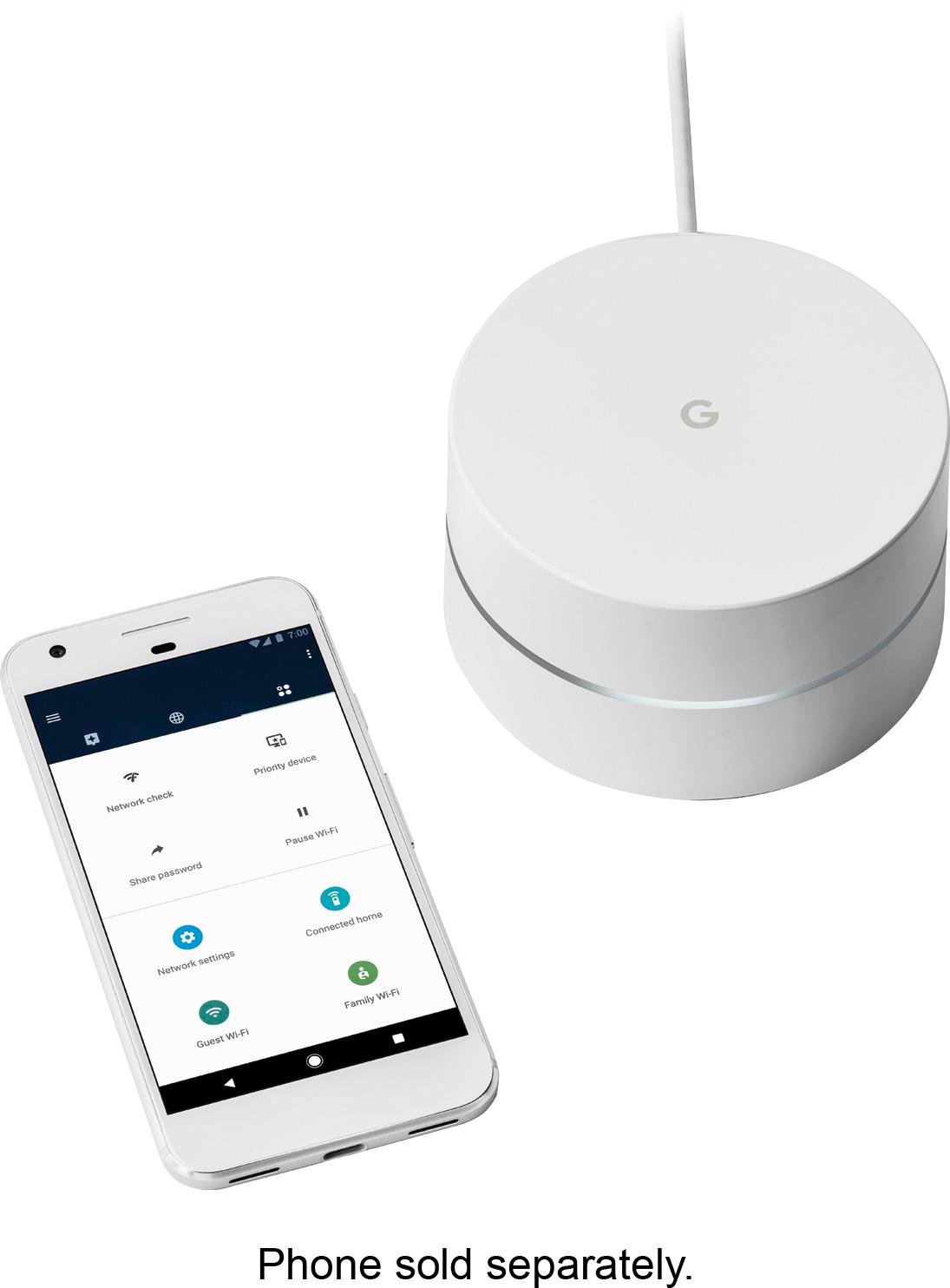
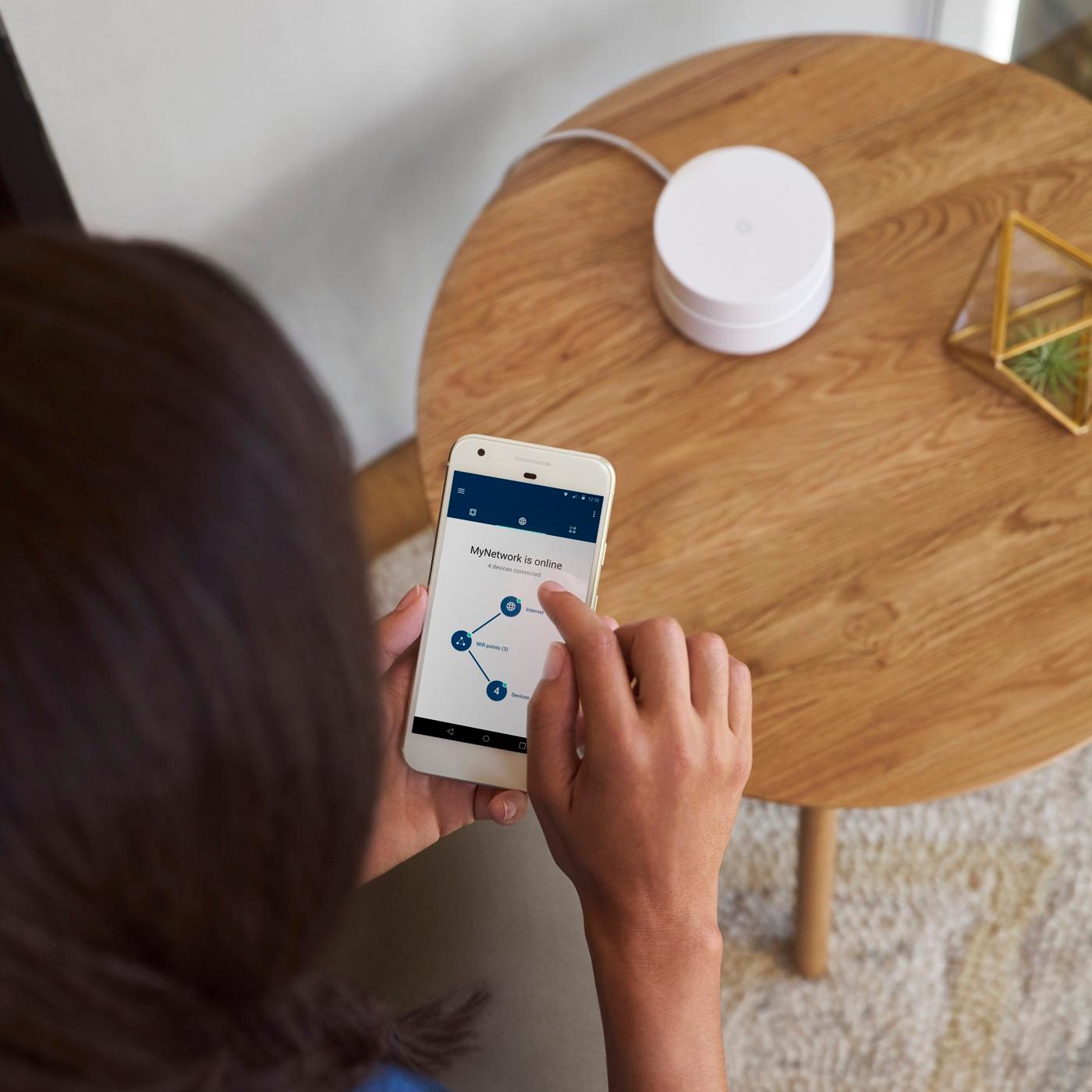
A:Answer With the Google WiFi App, click on Setup (the icon in the upper right. Under Shortcuts, look for 'Show password'. Voila, there it is.
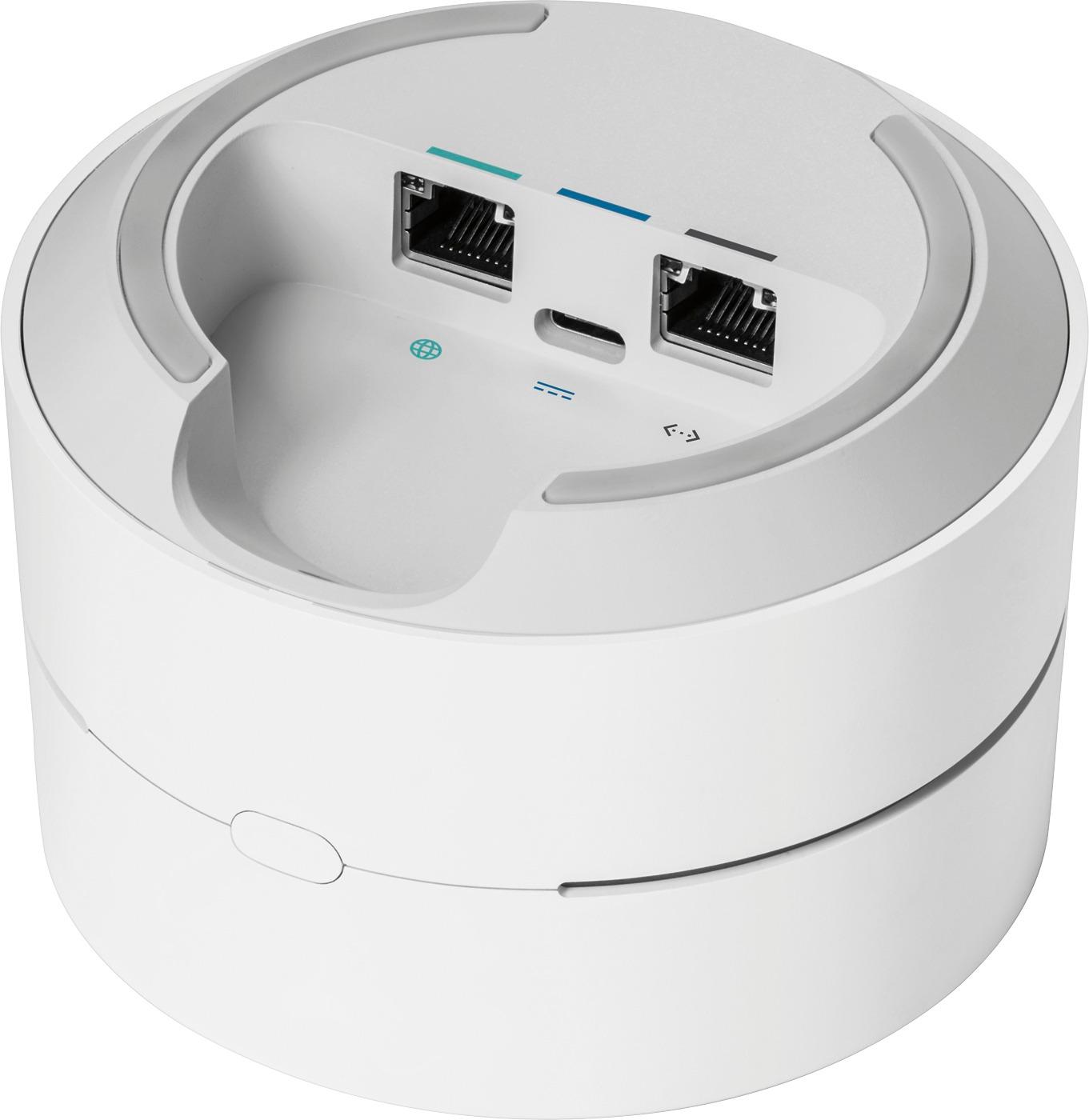
Alternatively, you can reset your Google Wifi back to factory defaults and start over. To take this step, follow this link. (https://support.google.com/wifi/answer/6246619?hl=en)