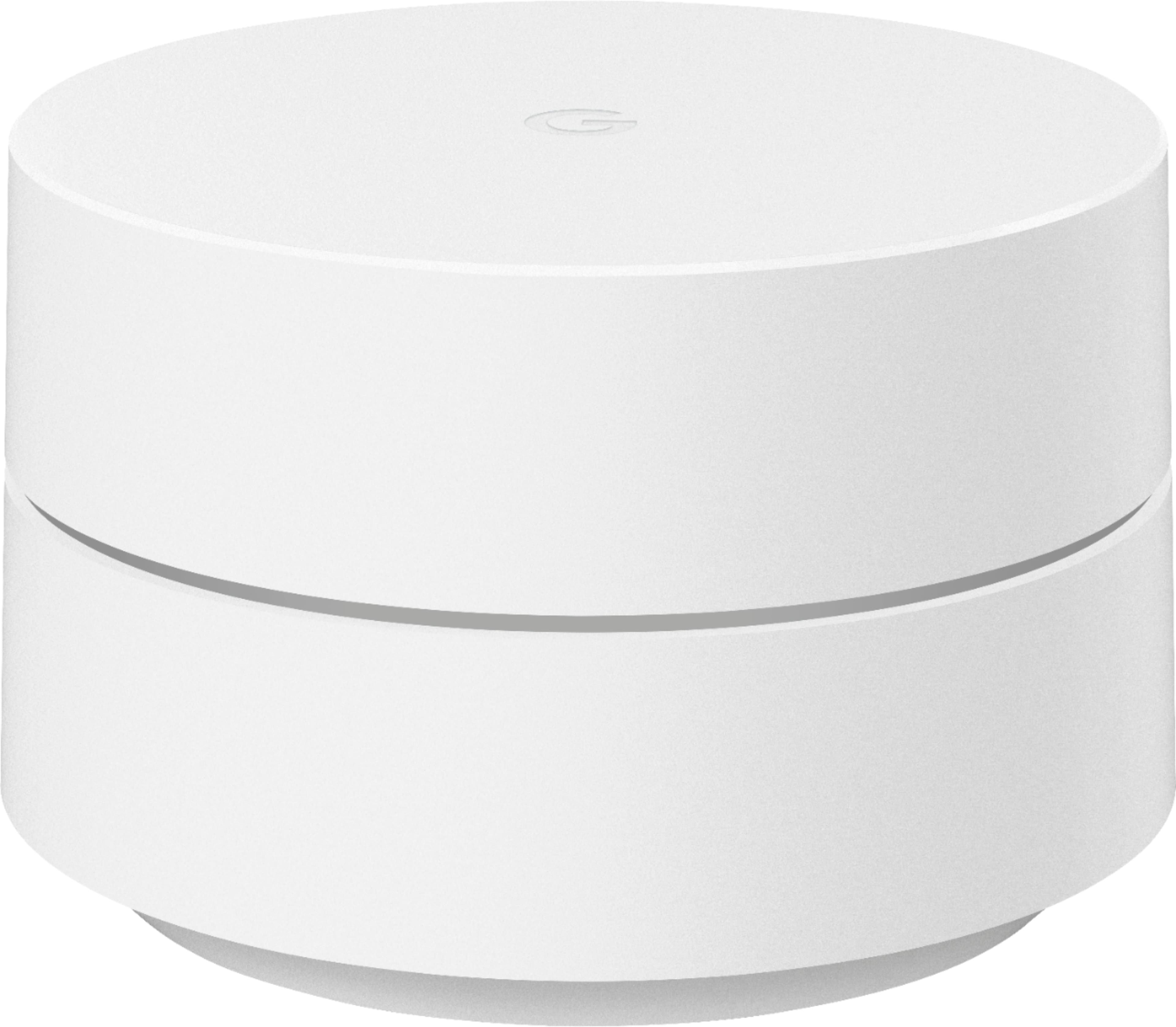
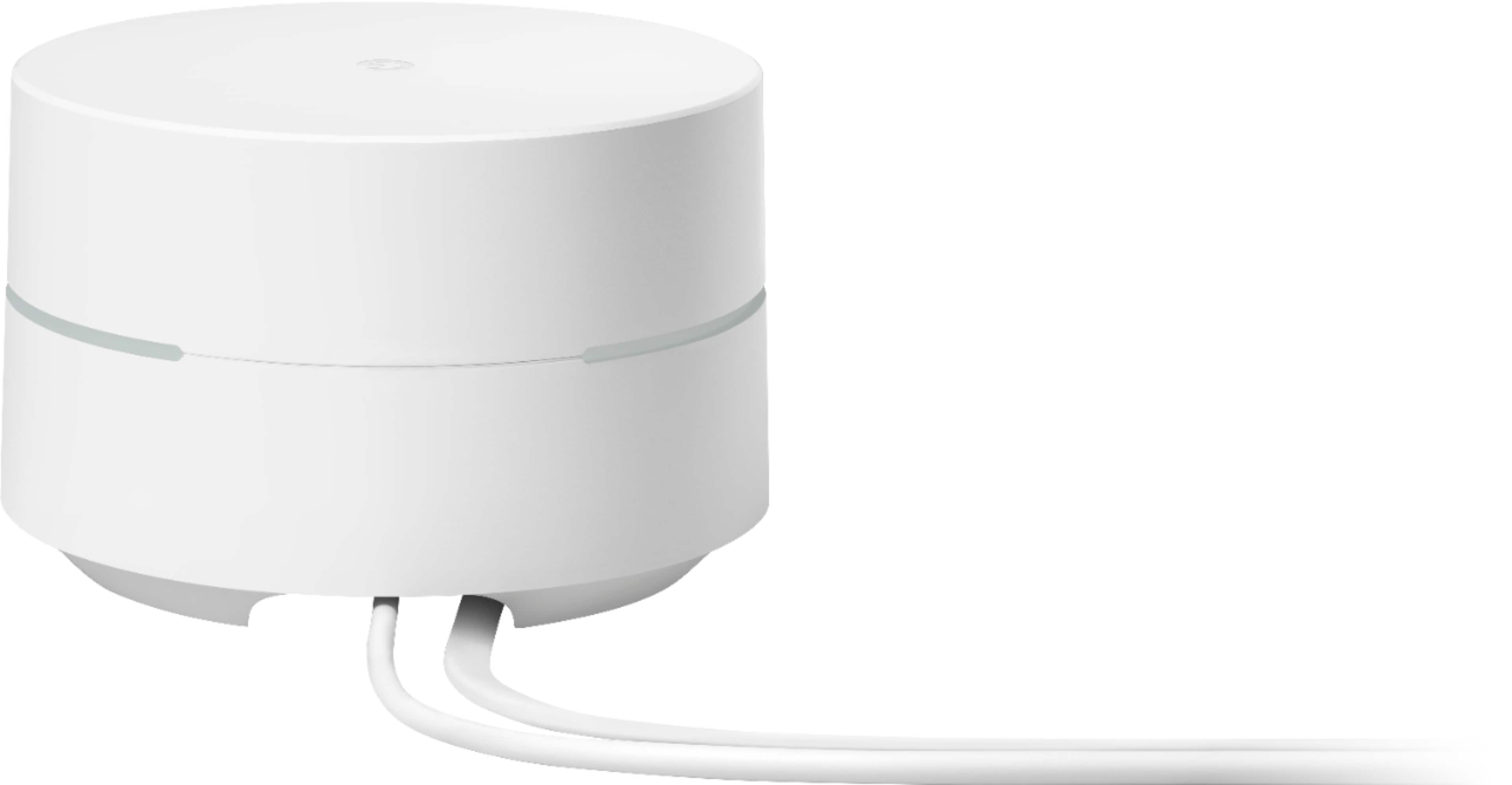
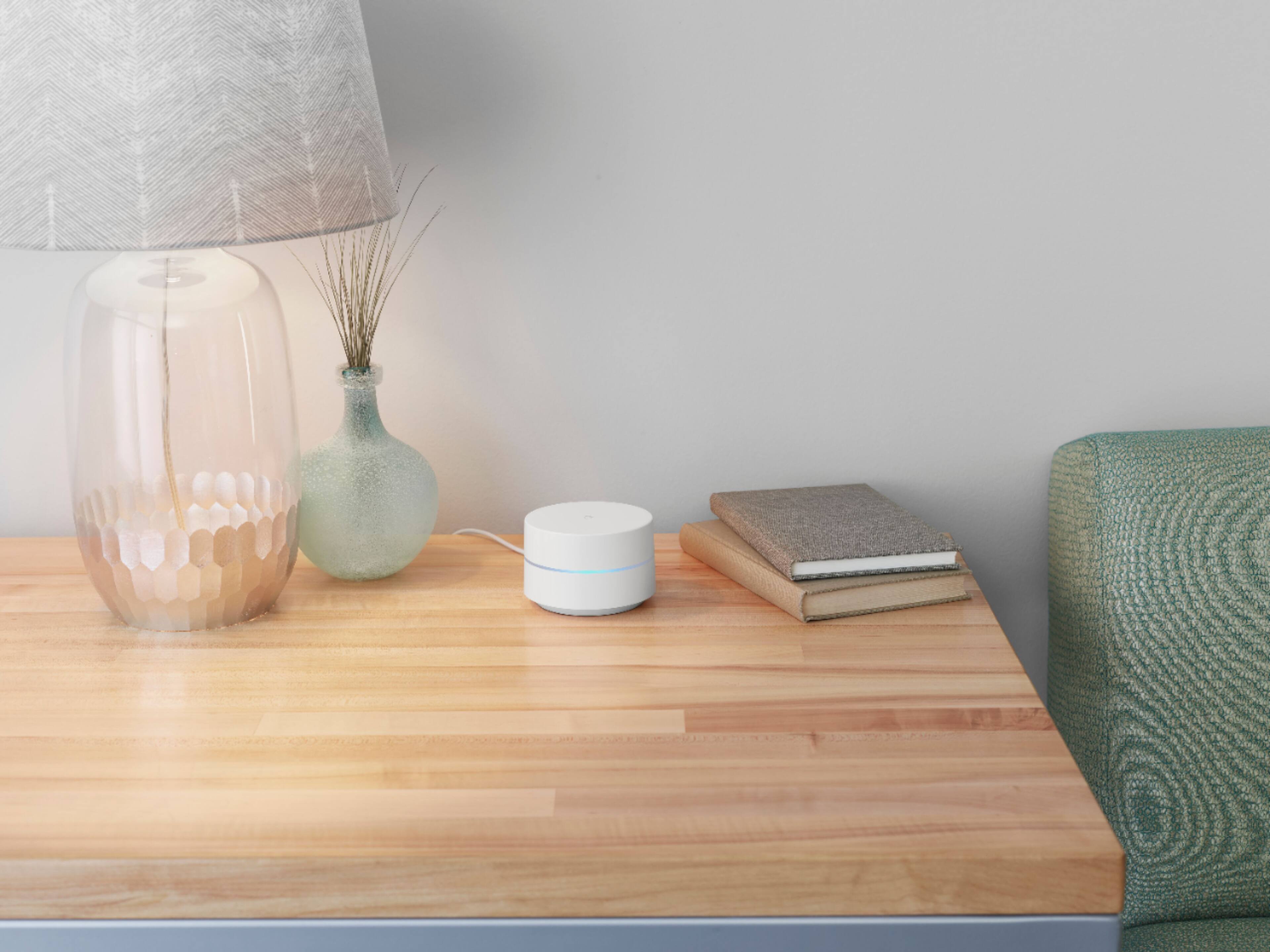
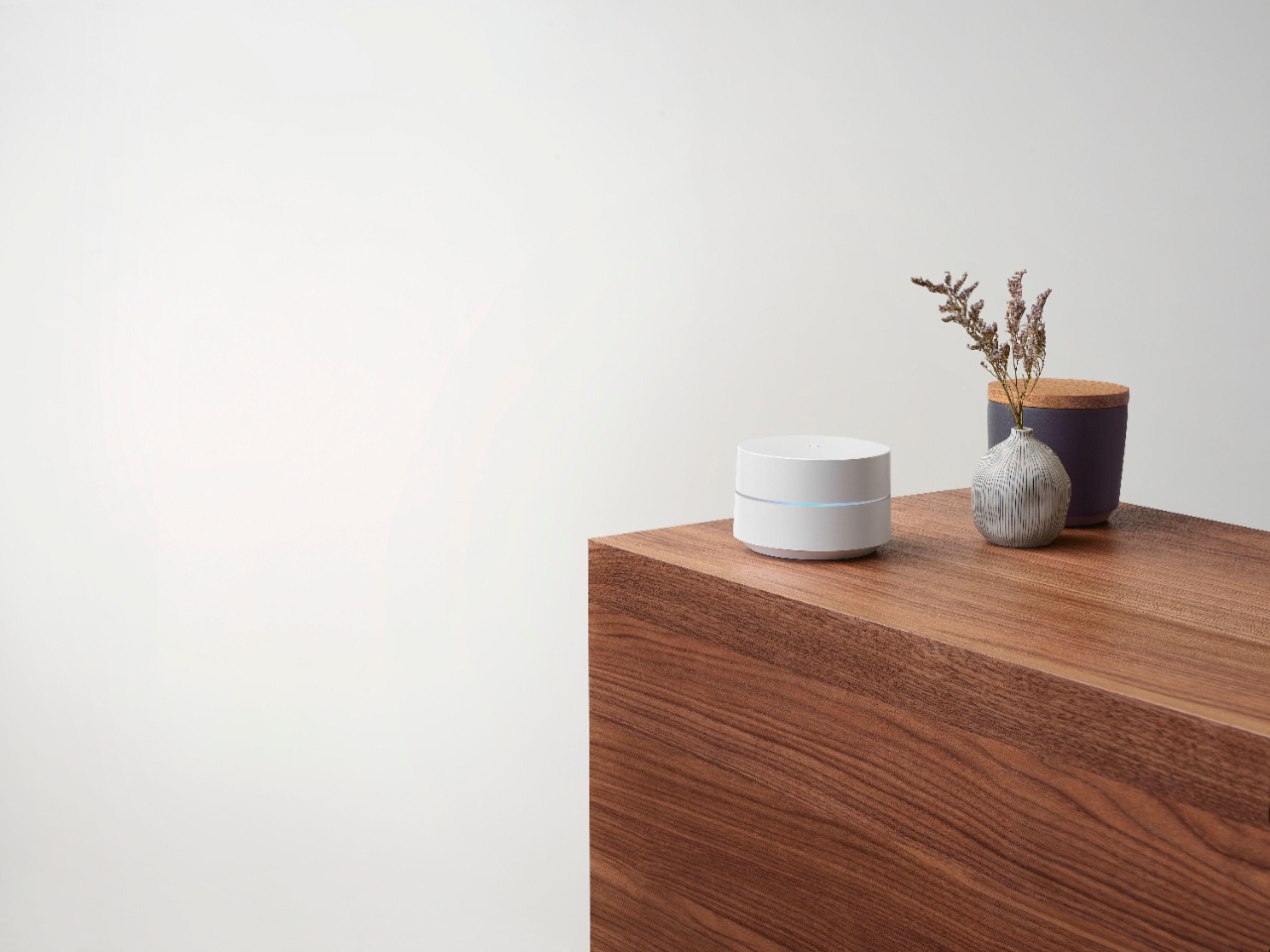
A:AnswerGoogle Wifi doesn't have a Google Assistant or a built-in speaker. Only the Nest Wifi point has Google Assistant and a built-in speaker. You can check this link to compare Google Wifi and Nest Wifi router/points technical specifications: https://support.google.com/wifi/answer/6280668
A:AnswerGoogle Wifi is not a portable hotspot. It needs to be connected directly to your modem. Take a look at the following link for the complete setup requirements and guide on how to setup: https://support.google.com/wifi/answer/7183148
A:AnswerGoogle Wifi needs to be connected to a modem provided by your ISP. Here's a link for the setup requirements and guide on how to setup: https://support.google.com/wifi/answer/7183148
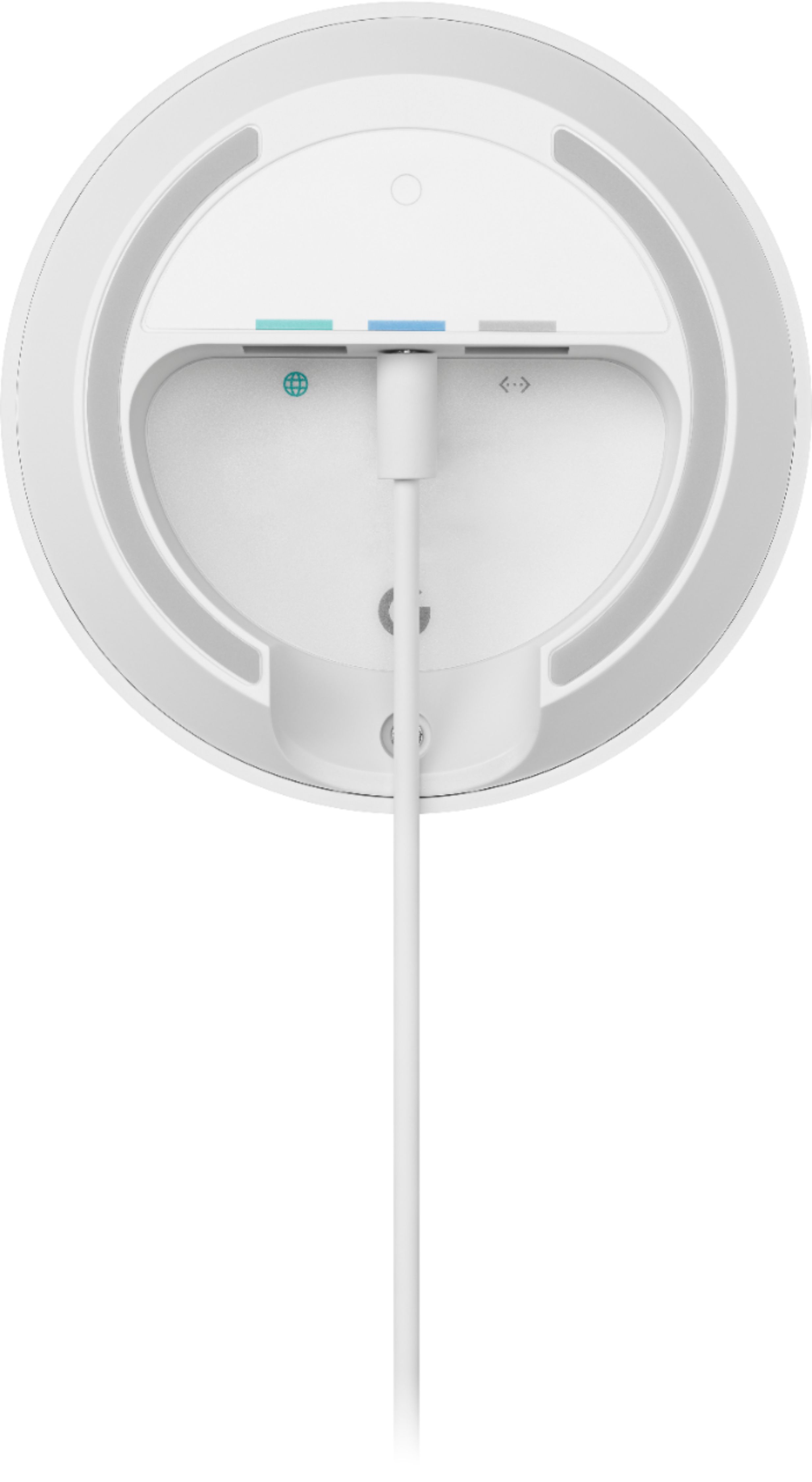
A:AnswerDefinitely! You can use an Ethernet cable with Google Wifi. It has Dual Gigabit Ethernet ports (LAN and WAN). You can learn more about Google Wifi specifications here: https://support.google.com/wifi/answer/6280668
A:AnswerWe recommend contacting your internet service provider to help identify your modem. You may also refer to this help article on what a modem is here: https://support.google.com/googlenest/answer/6274112
A:AnswerGoogle Wifi has 2 Ethernet ports (LAN and WAN). You can connect Google Wifi directly to your modem's WAN port with the Ethernet cable to set it up and broadcast your Wi-Fi network. Then, you can wire your desktop computer or a switch to the LAN port of the Google Wifi.
A:AnswerThe limited Wi-Fi Internet speed you have could be related to a double NAT issue which happens when you have 2 routers broadcasting the same Wi-Fi SSID and password. To fix this, we recommend disabling the Wi-Fi functionality for your modem/router combo or put it in bridge mode, then set up Nest Wifi Router as your main router. You can then connect your other Nest Wifi Points and Google Wifi Points to the Nest Wifi Router. To learn more about combining Nest Wifi and Google Wifi here: https://support.google.com/googlenest/answer/7182840
A:AnswerHi mike, your Google Wifi uses Automatic Wi-Fi optimization which directs devices to channels with the best performance automatically. It also uses Network Assist which automatically helps avoid Wi-Fi congestion, and transitions devices to the closest Wi-Fi point for the best signal. If you have additional questions or need further assistance, please don't hesitate to contact us on our Google Help page here: https://support.google.com/googlenest/gethelp
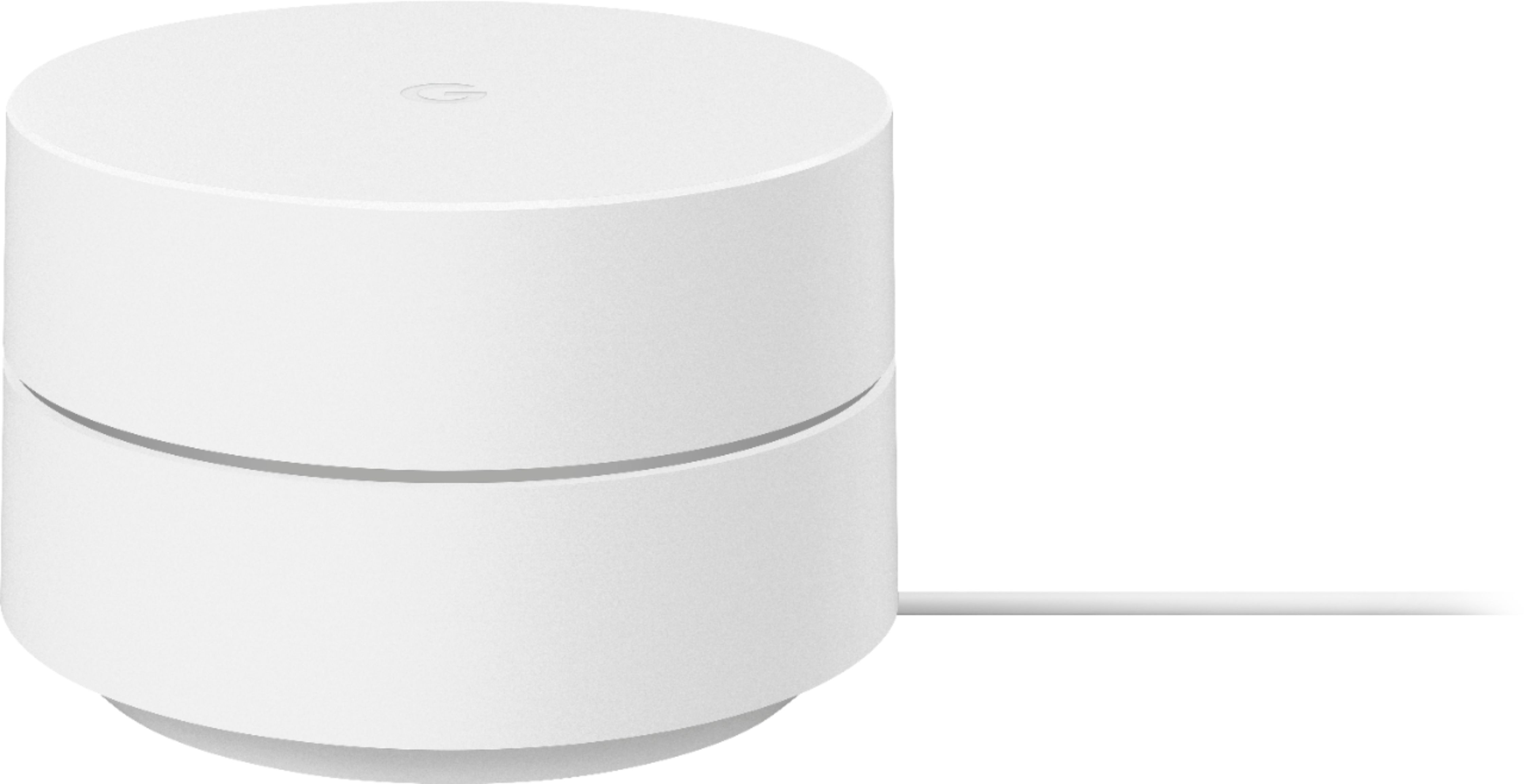
A:AnswerGoogle Wifi replaces your traditional Wi-Fi router. It connects to a modem with broadband internet connection by an internet service provider. Take a look at the following link to learn more about Google Wifi: https://support.google.com/wifi/answer/7168315
A:AnswerYou can check this link to see all the requirements and things you need to set up and get started with your Google Wifi: https://support.google.com/wifi/answer/7183148