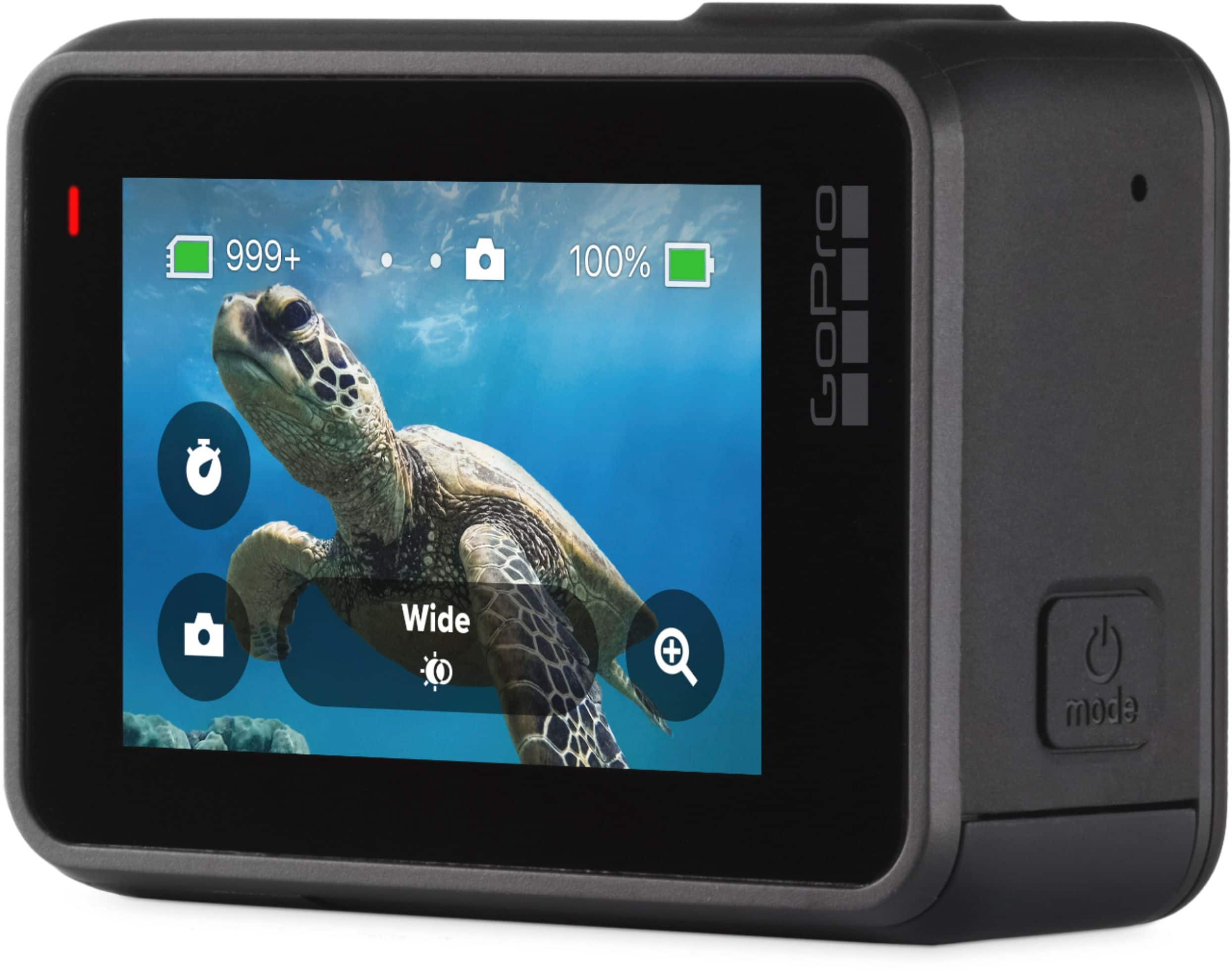
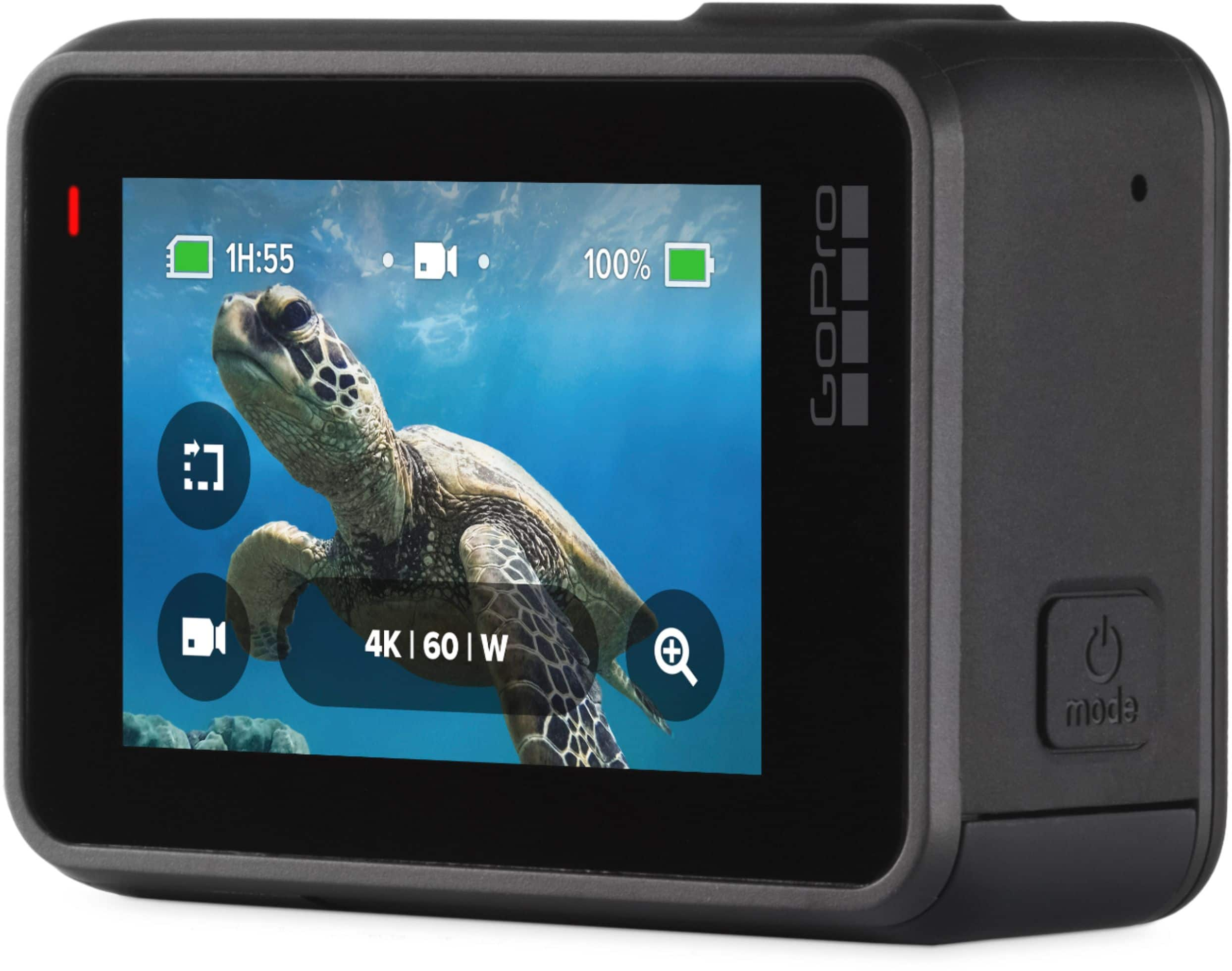
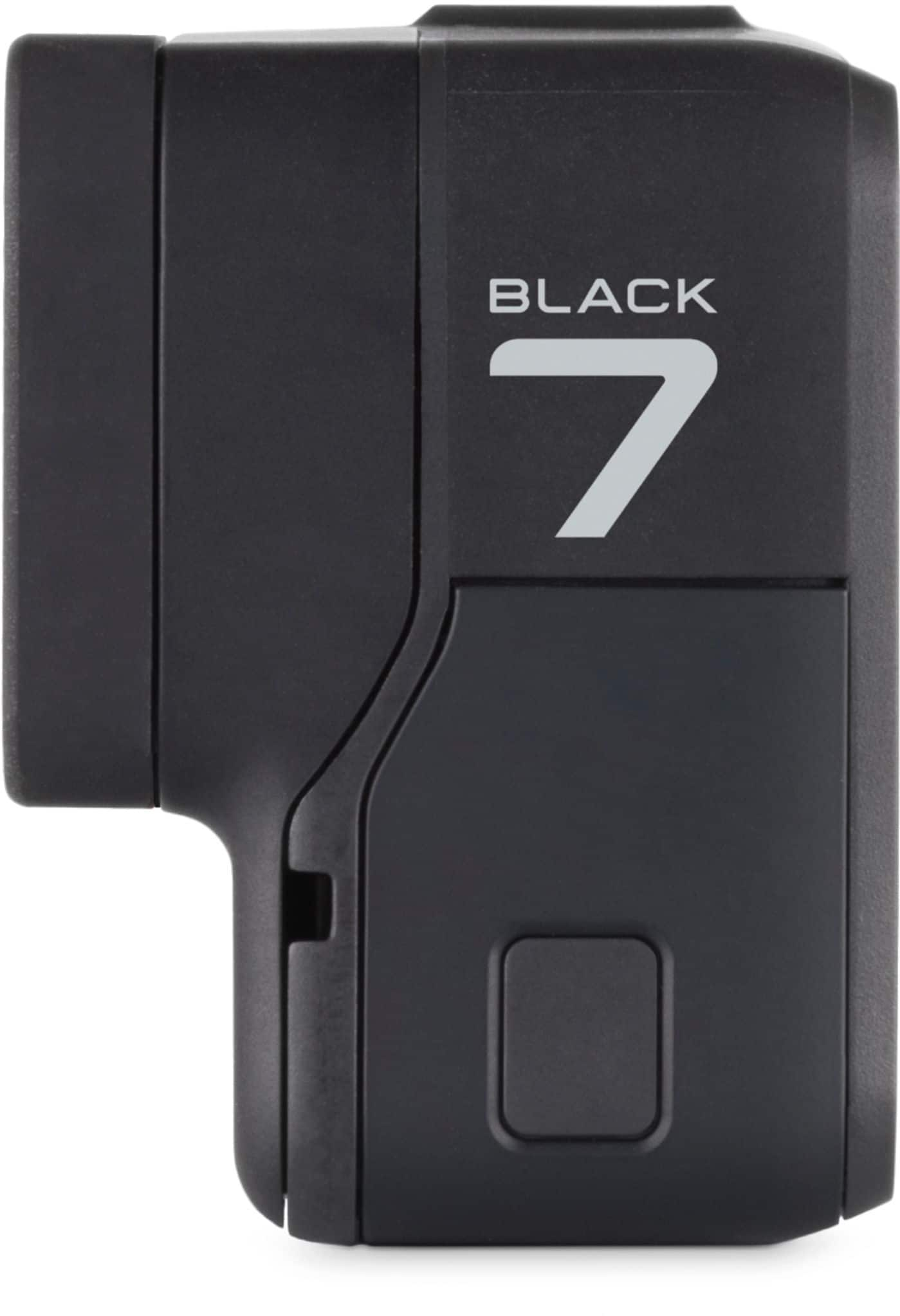
A:AnswerYes, the HERO7 Black has a time lapse setting that will allow you to take photos at a variety of intervals, including every half a second, 1 second, 2 seconds, 5 seconds, 10 seconds, 30 seconds, or 60 seconds.
A:AnswerOne of the easiest ways to live stream is to pair the GoPro with your smartphone and the GoPro app. If you can use your phone as a hotspot, you should be able to stream directly thought your phone. No laptop or other equipment would be needed. In regards to OBS, it will depend on the system. Our cameras are designed to stream to specific platforms like Facebook, YouTube and Twitch, but if your OBS system can take a feed from the camera, it may be possible to use that service too.
A:AnswerThat should be possible. It will depend some on your setup, but GoPro cameras are designed to be able to live stream from almost anywhere where you have a connection.
A:Answeryes, this is compatible with all Gopro cameras/ step one: go to Gopro.com / step two:on the top right click on the search button/magnifying glass / step 3: search the word "Fetch" (Gopro accessory) enjoy!
A:AnswerGoPro does have a Light Mod, but it is designed to work with the GoPro Media Mod. The Media Mods are only compatible with the HERO8 Black and the HERO9 Black though at this time. However, you can use the Light Mod as a separate light source that's not connected to the GoPro if you'd like.
A:AnswerThe photos and videos you shoot are saved to the SD memory card you use in the GoPro. Depending on your smart TV, you may be able to play the footage from the SD card directly.
A:AnswerThe screen turning off is a screensaver function that can save some battery, but the GoPro is going to keep some operations running, especially if it needs to stay paired to your Smart Remote. Depending on your settings though, you should get between 45 minutes and 90 minutes of recording time off of a full charge. The easiest option for longer power times beyond that would be to bring along some spare batteries, or even to bring a backup power pack that you can connect to the GoPro.
A:AnswerThe HERO7 Black is capable of live streaming directly to YouTube (note though that YouTube requires you to meet specific requirements in order to live stream to that site). As for uploading recorded videos, you would need to upload through either your computer or by pairing the GoPro to a smartphone and uploading through the phone.