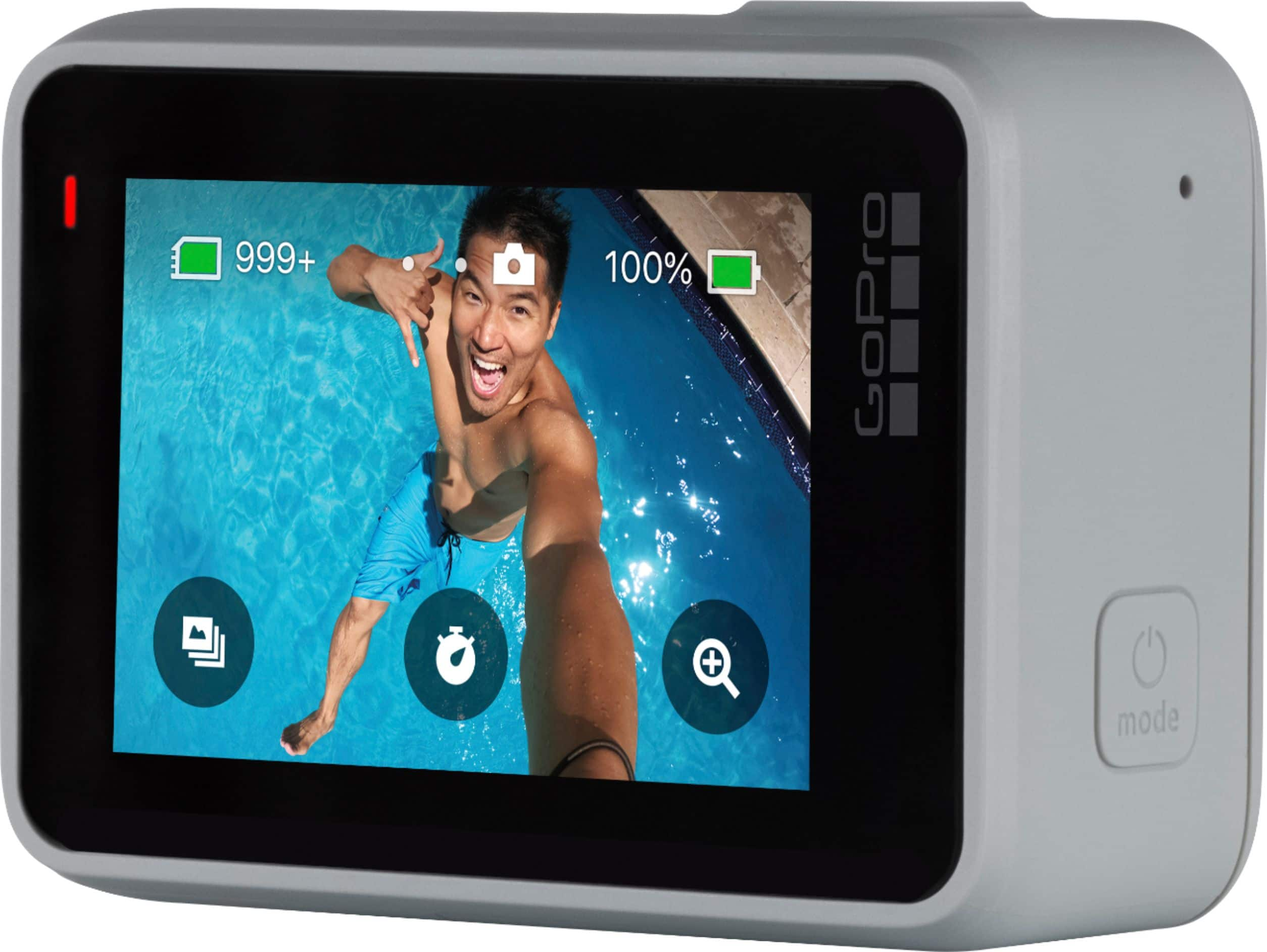
A:AnswerVoice Commands are pretty reliable, but if there is a lot of background noise, it might be hard for the GoPro to distinguish individual commands. If the GoPro is paired up to your phone using the GoPro app, you can turn the Voice Command functions on/off and you can control the functions and turn on/off recordings using the app as well.
A:AnswerI've slowed a few videos down and it does look "chunky" at best, not smooth. Also, Many people report, myself included, that shooting in 4K @ 60FPS will cause this unit to overheat pretty quickly ... five minutes, maybe. The longer you record in that setting, the hotter this thing gets. I literally couldn't touch this unit until it cooled down. I'm too afraid to use it with a tripod, fearing damage, loss of content, or even a fire in a short time.
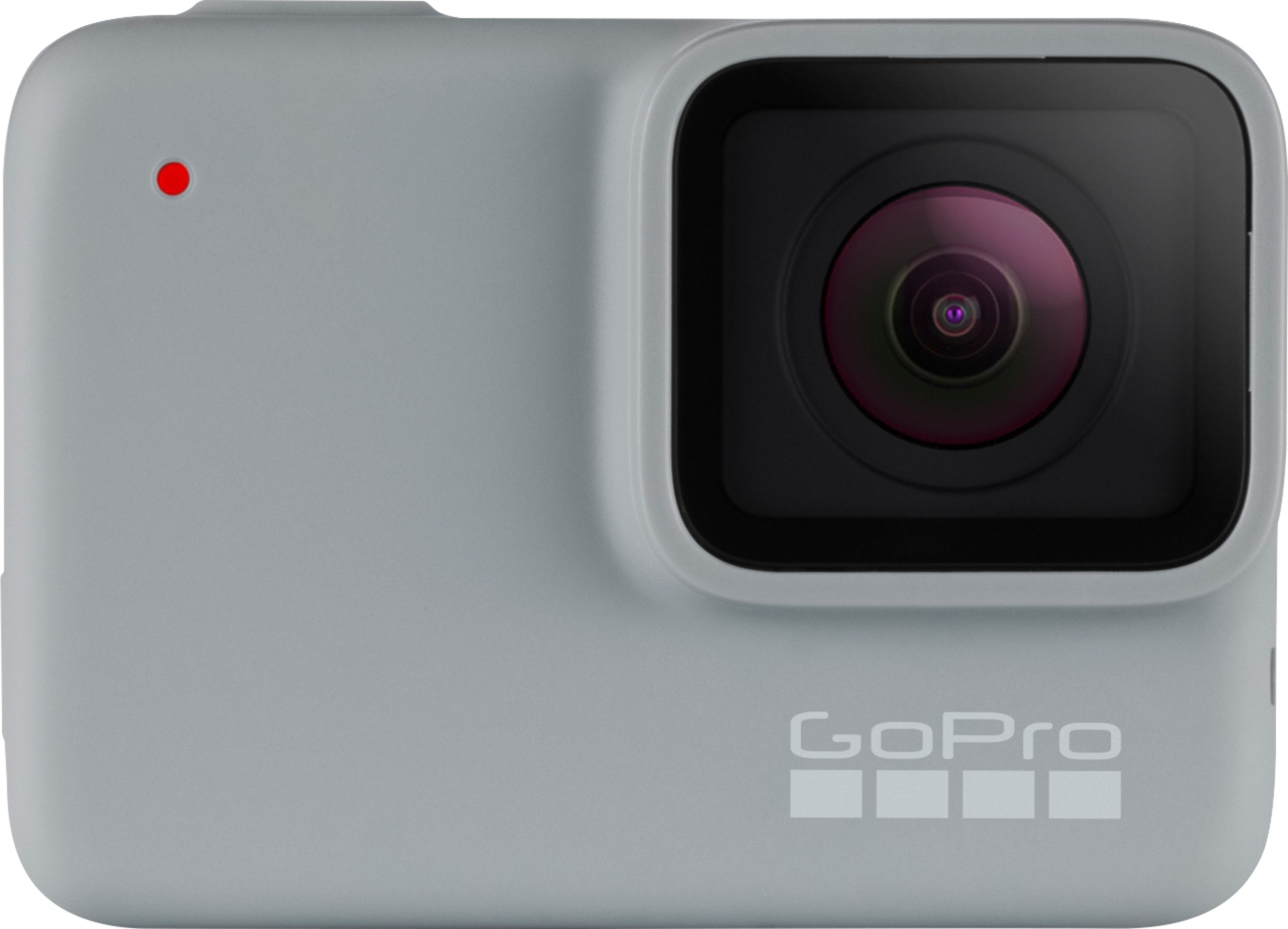
A:AnswerIt’s very slow. I have not been able to get anything of value off the camera. A few pictures at a time. Videos or more than 4 or5 get lost in the transfer. The camera is a huge disappointment.
A:AnswerYes, its compatible with Androids. I assume if you have the needed equipment to use as a dashcam you could do so. There's all types of equip for many activities.
A:AnswerThe HERO7 cameras can use Bluetooth, but only as a backup to the wifi connection. There is not a way to use just Bluetooth to control the camera, preview content on your phone, or other similar functions. All of those are handled using the wifi signal coming from the camera.