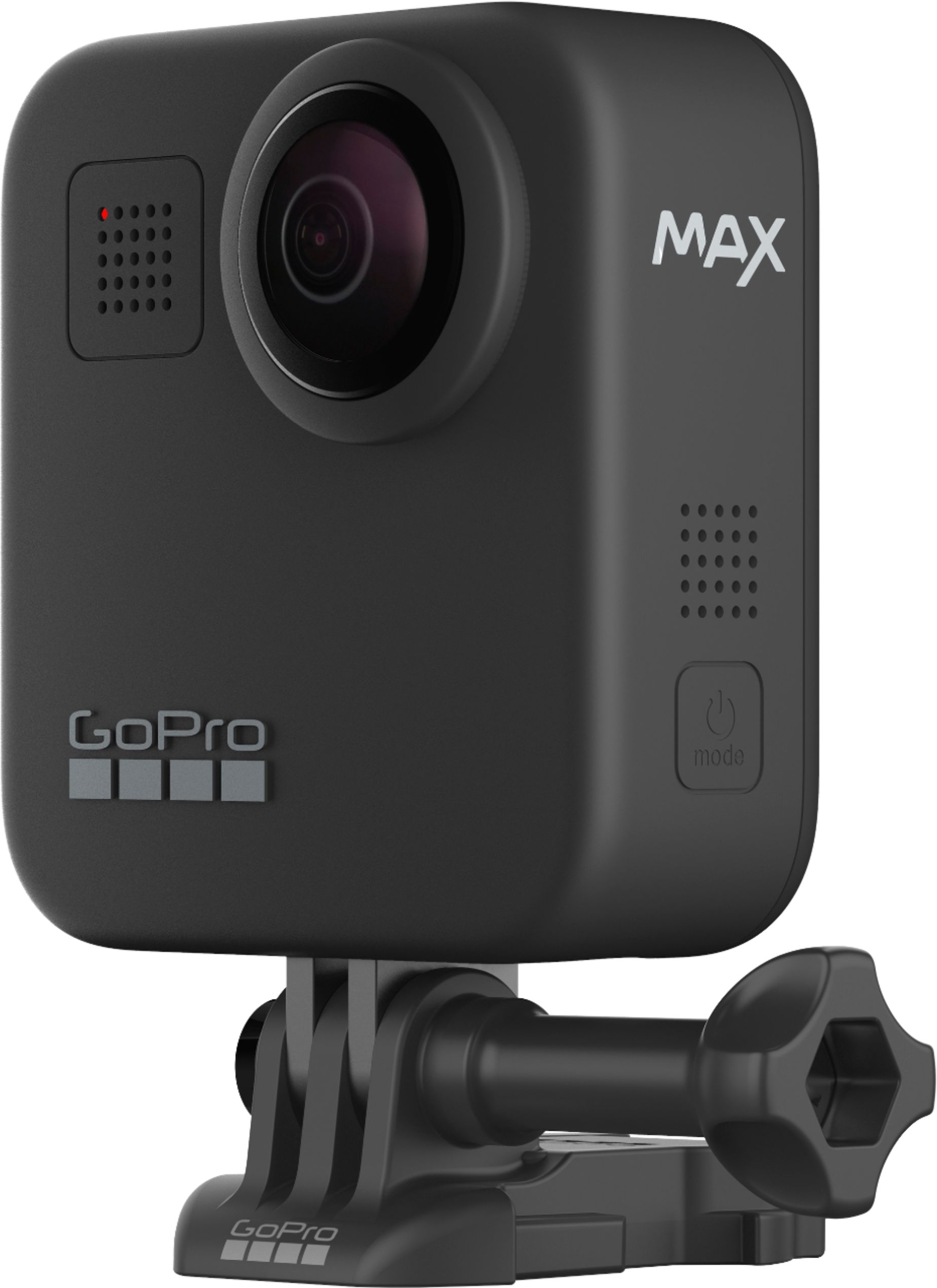
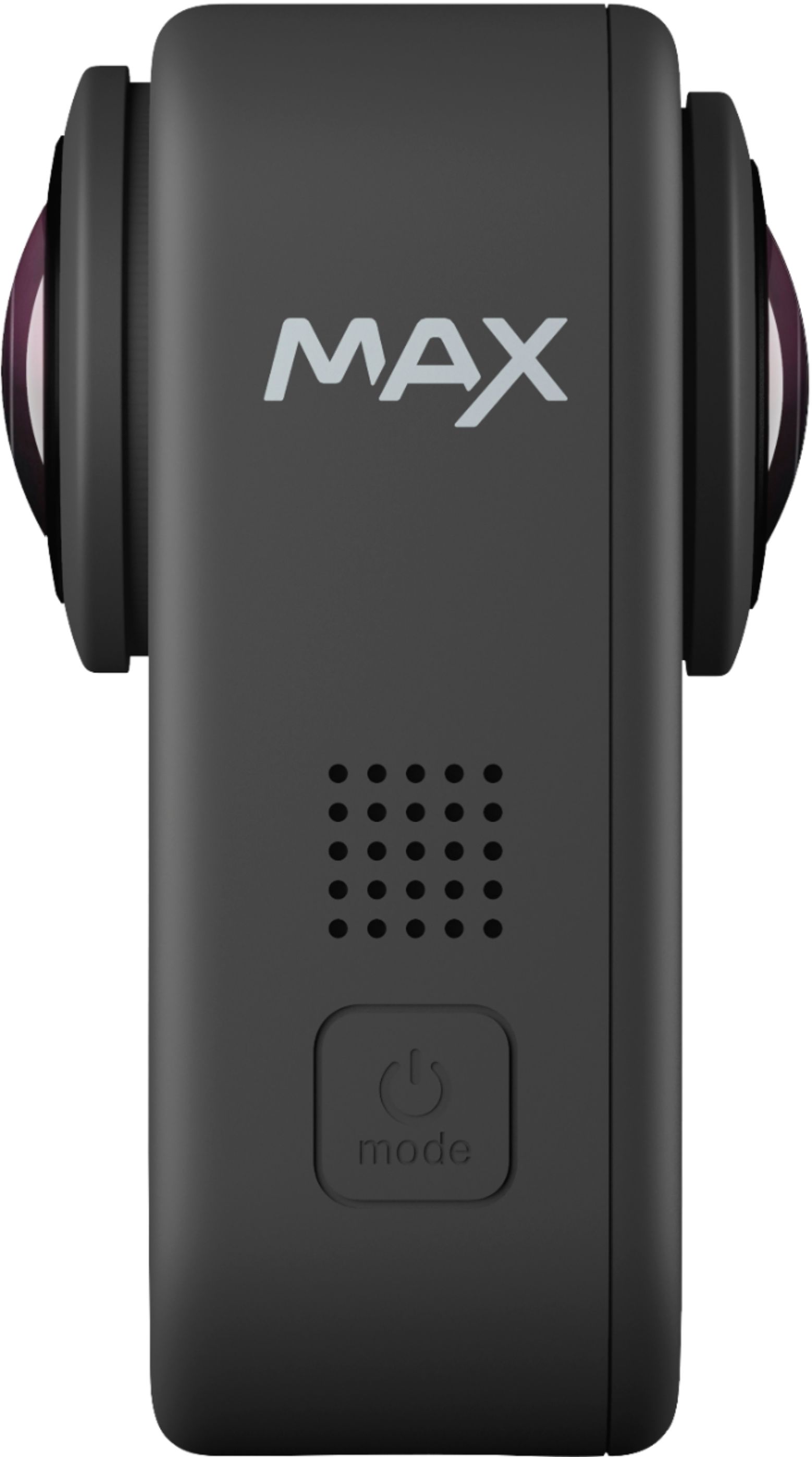
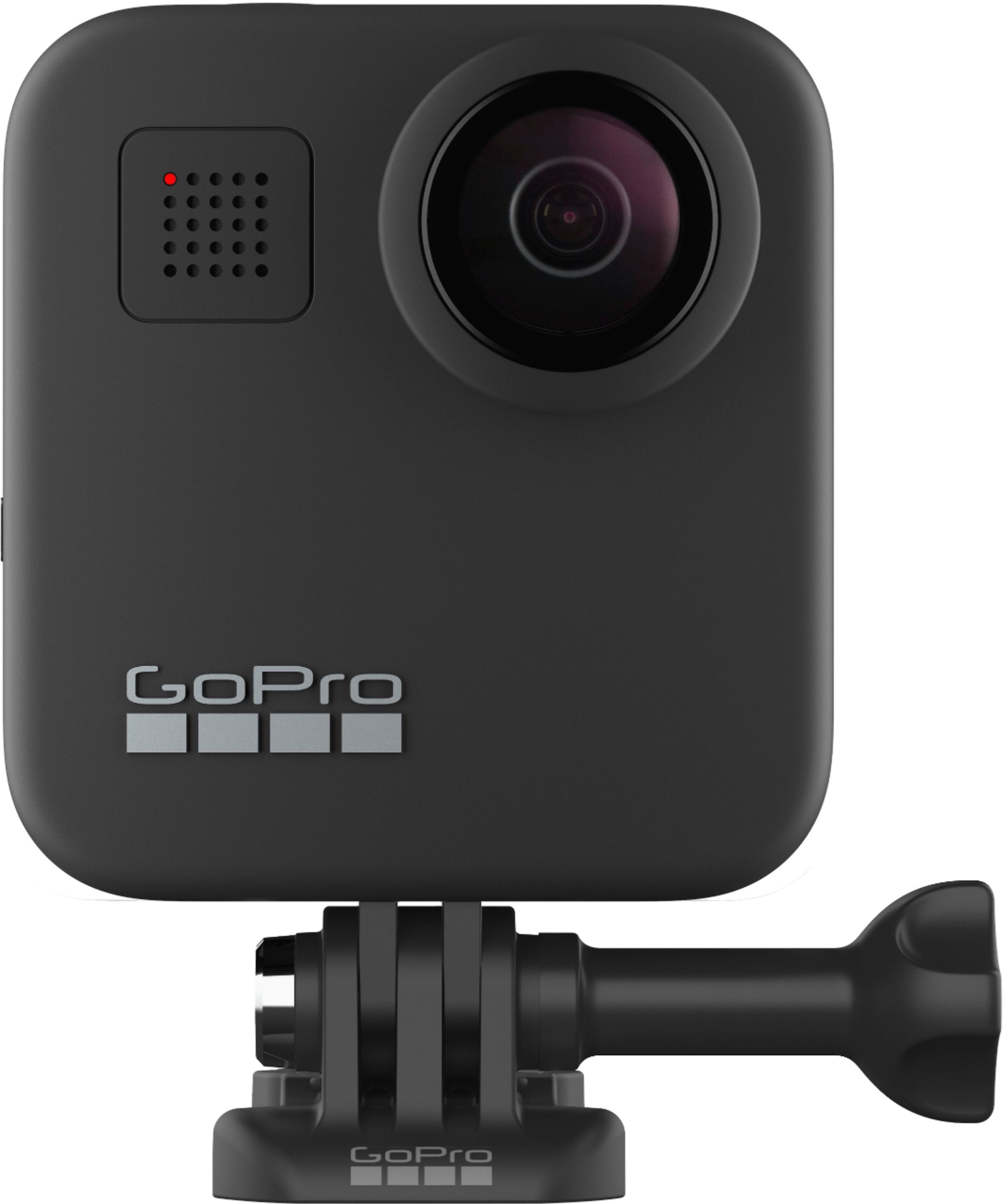
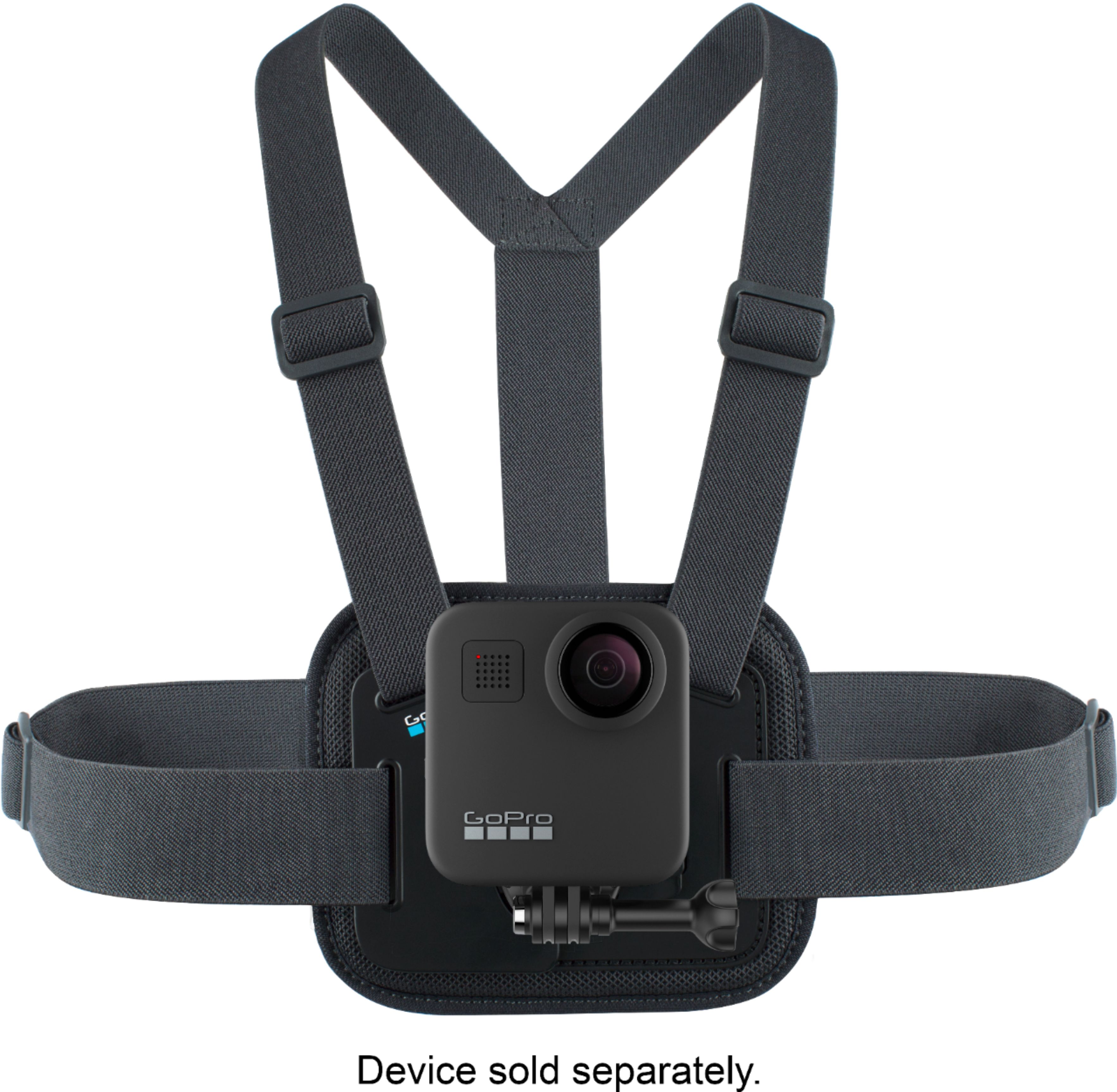
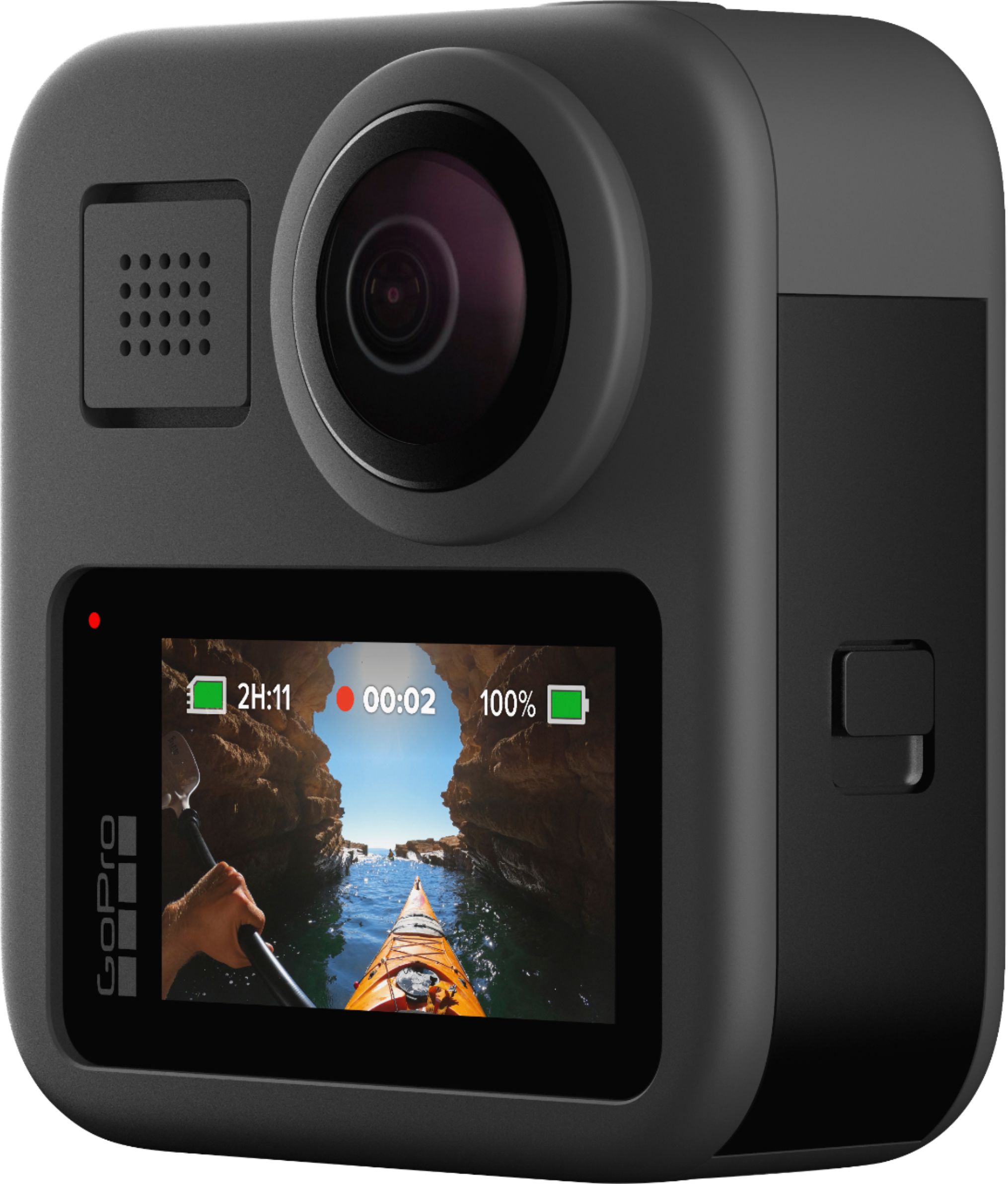
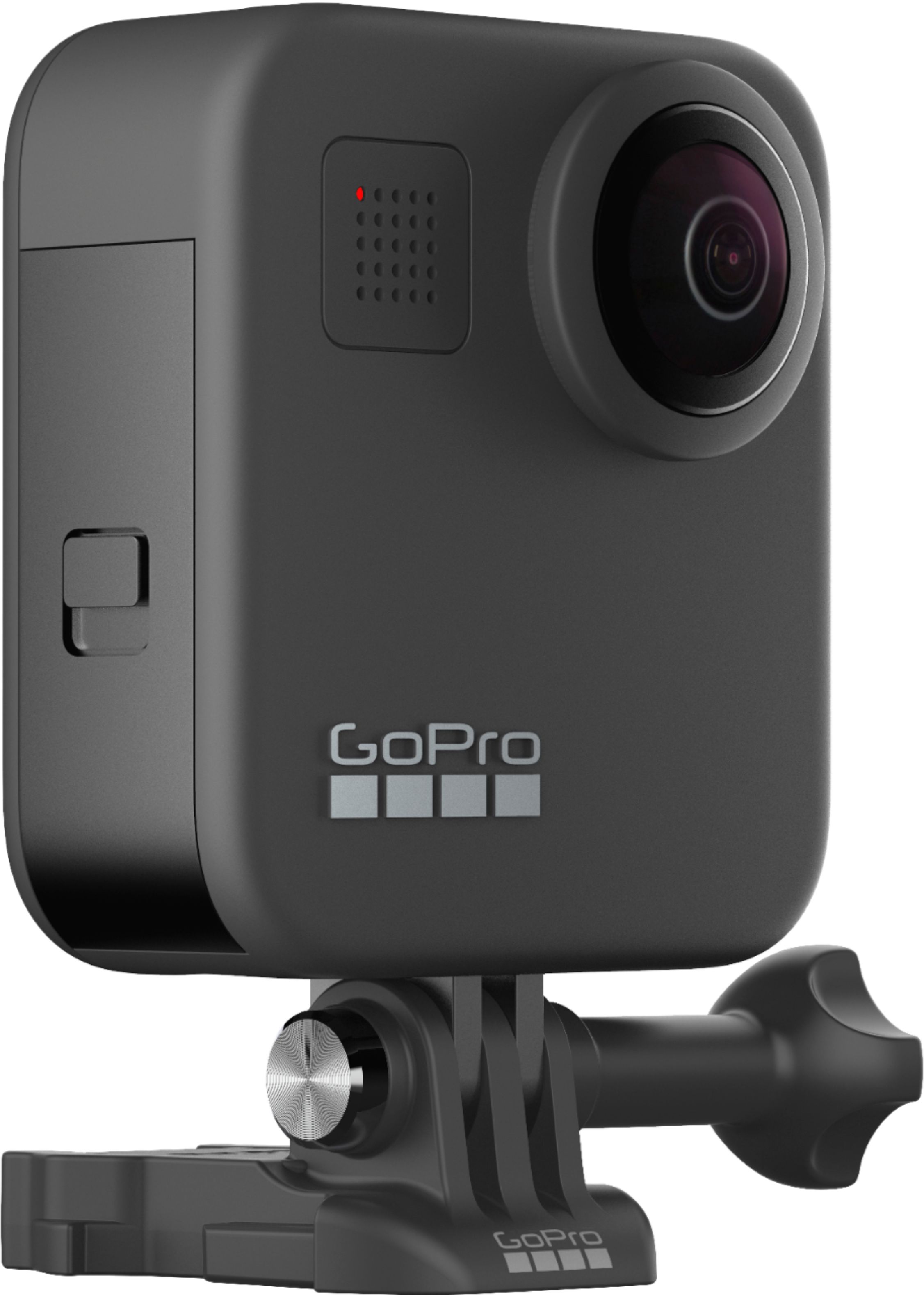
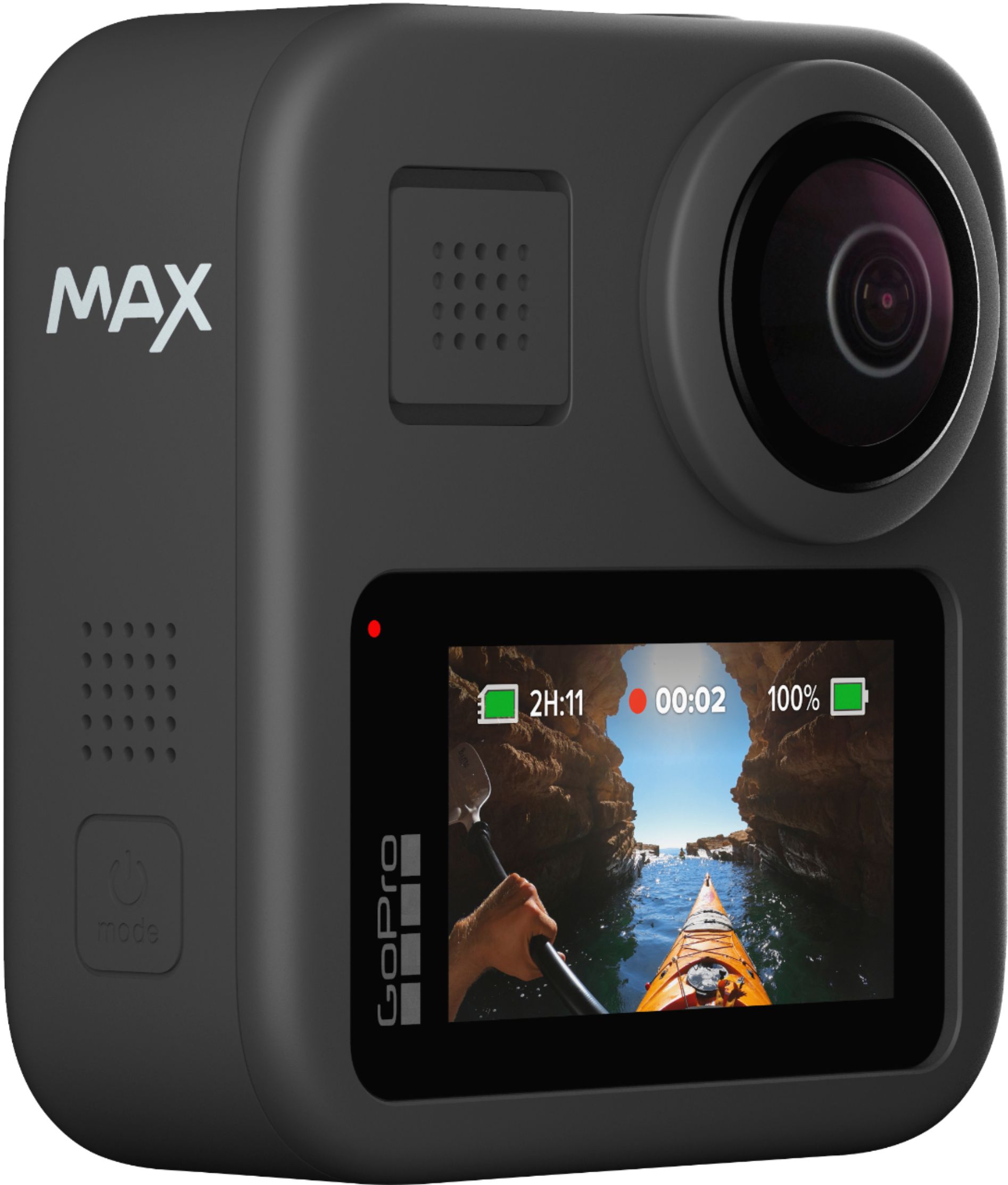
A:AnswerThe MAX has built-in mounting fingers, so it can connect to nearly any GoPro mount. It doesn't come with a mount designed specifically for handlebars, but you can definitely get that mount separately. The mount you're going to want to look for is called the GoPro Handlebar / Seatpost / Pole Mount.
A:AnswerGoPro cameras, including the MAX, can handle extremely cold temps with no issues. The one area to watch out for though is the battery. Cold temps can drain the type of battery used in GoPro cameras faster than they'd drain at more normal temps. Try to keep the MAX warm between uses (ex. keep it in an inside pocket) and you should be fine.
A:AnswerBring extra batteries. Your camera may not last as long as the sparklers. I haven’t filmed fireworks with mine but I would suggest a smart phone on the ground facing up over a GoPro MAX
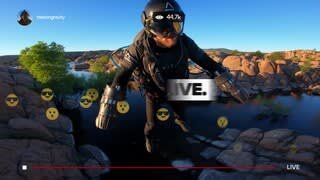
A:AnswerThe MAX can stream to Twitch, YouTube (if you meet their requirements), and to Facebook. For Zoom, the better option would be to use the HERO8 Black.
A:AnswerI have used it on both but the GoPro software is not designed foe the MAX. I would wait before spending the money until they have purpose built 360 software and sharing.
A:AnswerThe MAX doesn't have a specific zoom function. Instead, it captures a wide field of view, which you can then zoom in on later using our apps or other tools to crop the shot down to the parts you want to see.
A:AnswerYes you can, just be aware the battery door must remain open to plug in so you'll sacrifice its waterproof capabilities. That being said it should be able to record as long as there is space on the SD card.
A:AnswerThe GoPro warranty covers manufacturing defects. It does not cover lost items or items damaged during use. However, there may be other programs or protections you can subscribe to that may help in the case of damage caused during use.