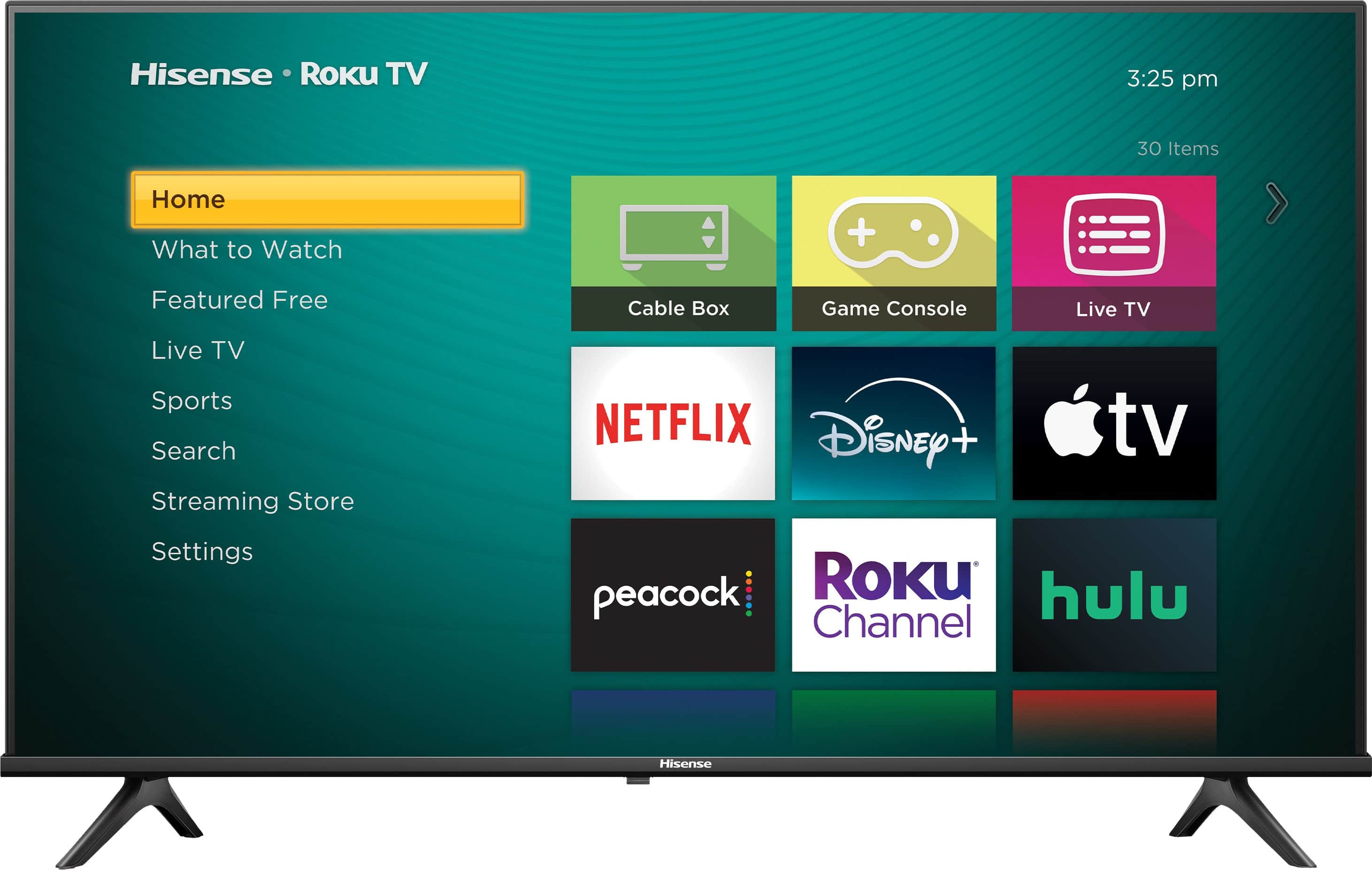
A:AnswerHi Hisense Customer, Thank you for your interest in the Hisense 32A4NR. You can set your unit to power on to a specific input. To configure the power on settings, from the Home screen, navigate to Settings > System > Power > Power on. Highlight the preferred power on location in the list, and then press OK. If you have any further questions or concerns, please give us a call at 1-888-935-8880 or email us at [email protected]. Thanks again, Harley with the Hisense Support Team.
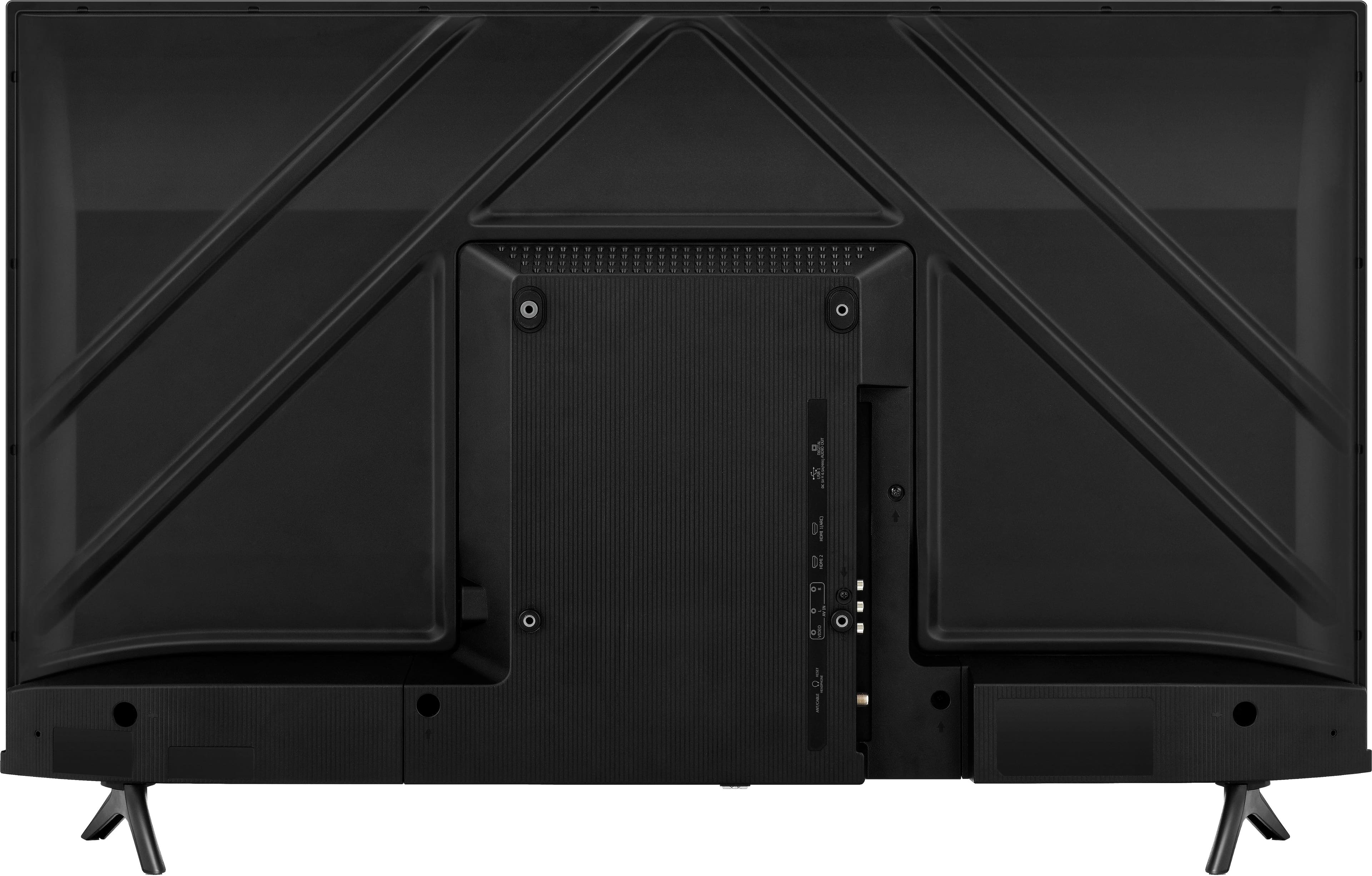
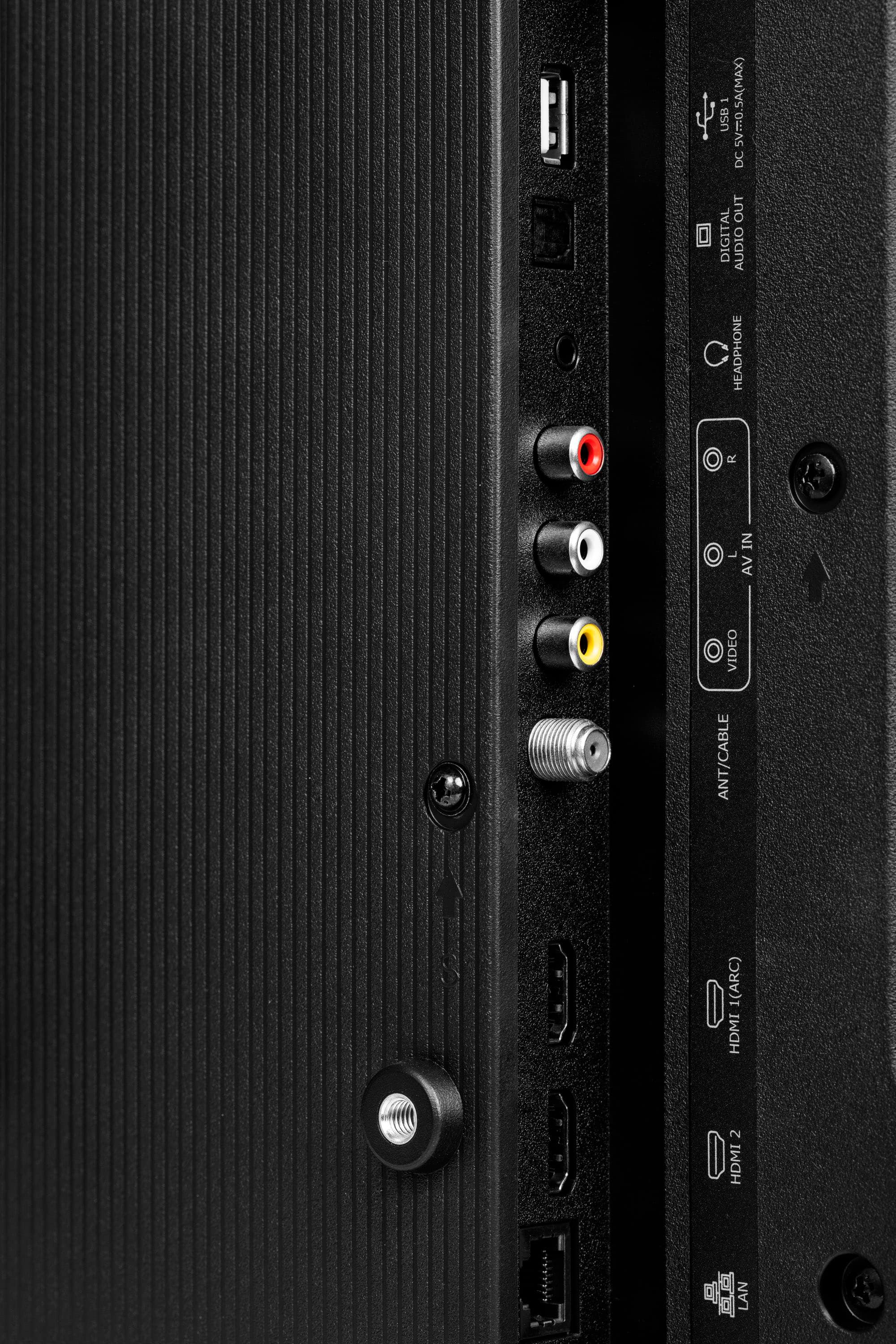
A:AnswerHi Scott, Thank you for your interest in the Hisense 32A4NR. This unit does not support an Ethernet connection. If you have any further questions or concerns, please give us a call at 1-888-935-8880 or email us at [email protected]. Thanks again, Harley with the Hisense Support Team.
A:AnswerHi Hisense Customer, Thank you for your interest in the Hisense 32A4NR. We recommend reaching out to BestBuy. If you have any further questions or concerns, please give us a call at 1-888-935-8880 or email us at [email protected]. Thanks again, Harley with the Hisense Support Team.
A:AnswerHi John, Thank you for your interest in the Hisense 32A4NR. During the set-up process, you will be able to choose what apps will be added to the unit. If you have any further questions or concerns, please give us a call at 1-888-935-8880 or email us at [email protected]. Thanks again, Harley with the Hisense Support Team.
A:AnswerHi Linda, Thank you for your interest in the Hisense 32A4NR. This unit supports HDMI ARC, optical, and 3.5 mm aux. If you have any further questions or concerns, please give us a call at 1-888-935-8880 or email us at [email protected]. Thanks again, Harley with the Hisense Support Team.

A:AnswerHi Petek, Thank you for your interest in the Hisense 32A4NR. This unit has a native refresh rate of 60 Hz and a motion rate of 60 Hz; this TV may not meet the needs of gamers who prioritize high refresh rates and minimal input lag. For the best gaming experience, we recommend opting for a gaming computer monitor. If you have any further questions or concerns, please give us a call at 1-888-935-8880 or email us at [email protected]. Thanks again, Harley with the Hisense Support Team.
A:AnswerHi Hisense Customer, Thank you for your interest in the Hisense 32A4NR. This unit supports Alexa and Google Assistant. If you have any further questions or concerns, please give us a call at 1-888-935-8880 or email us at [email protected]. Thanks again, Harley with the Hisense Support Team.

A:AnswerHi Doug, Thank you for your interest in the Hisense 32A4NR. The Hisense 32A4NR can be connected to a PC via HDMI. It has a native refresh rate of 60Hz and a motion rate of 60Hz. If you have any further questions or concerns, please give us a call at 1-888-935-8880 or email us at [email protected]. Thanks again, Harley with the Hisense Support Team.