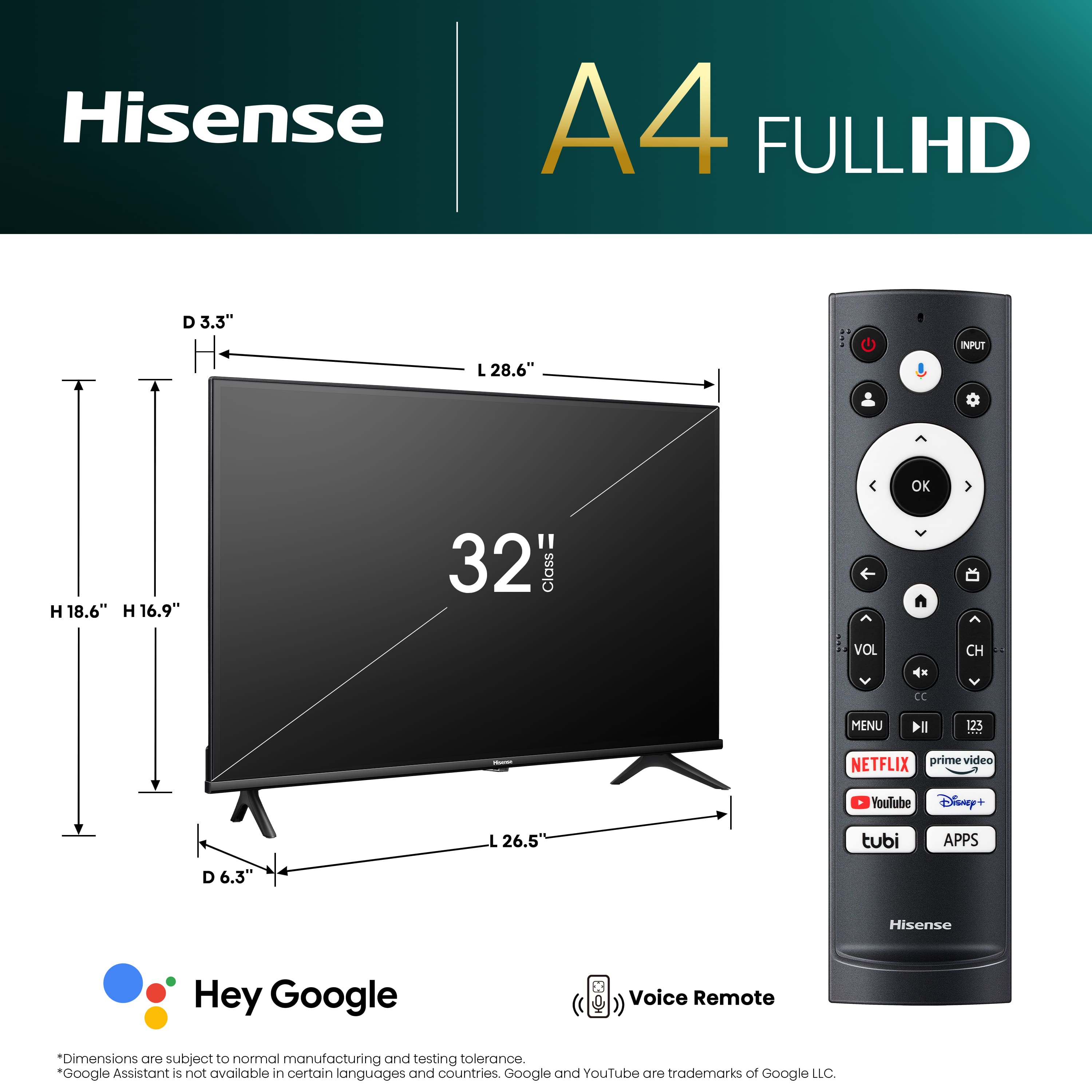
A:AnswerThe remote does not have numbers, but it does have a key labeled "123" that brings up an on-screen keypad with numbers and dash. Very awkward to use!
A:AnswerHi NateO, thank you for your interest in the Hisense 32A4K. The Hisense remote control can be used to control other HDMI devices, to a limited degree. Both devices must have consumer electronic control (CEC) functions enabled and the specific function you desire to control must be supported. If you have any further questions or concerns please give us a call at 1-888-935-8880 or email us at [email protected]. Thanks again, Harley with the Hisense Support Team.
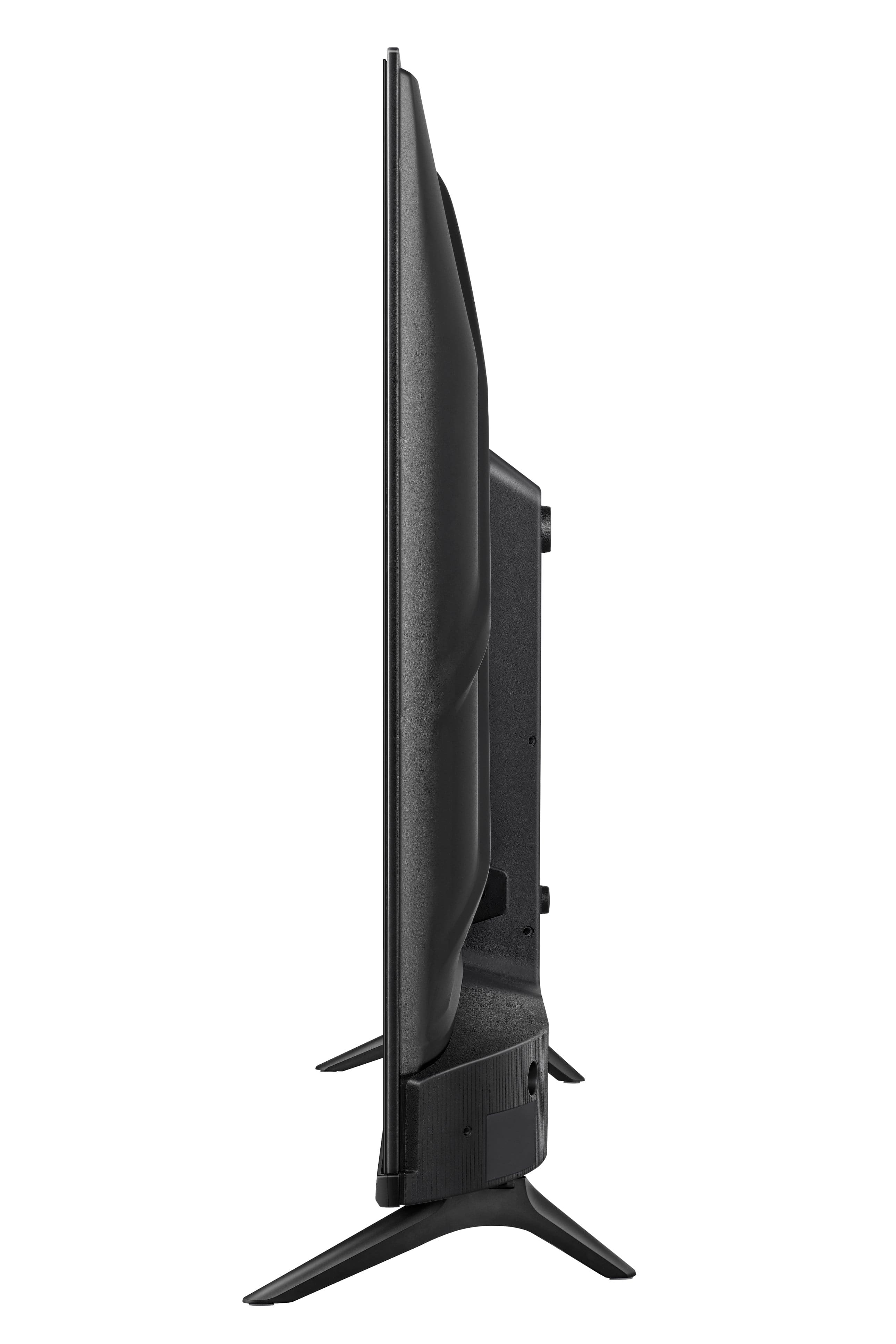
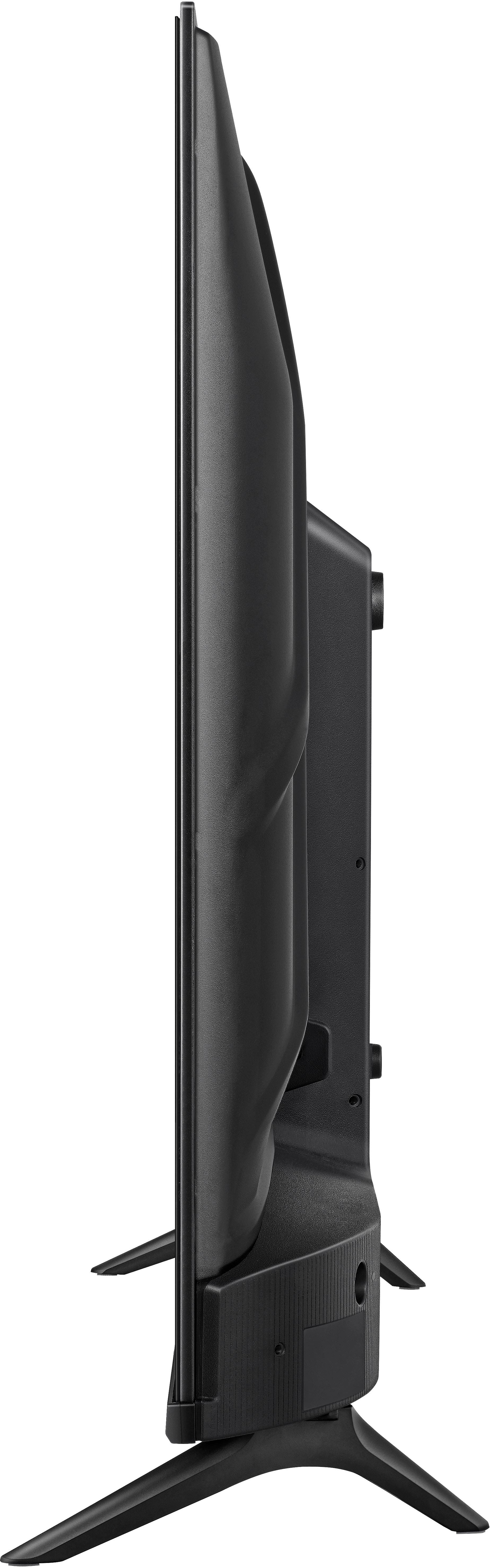
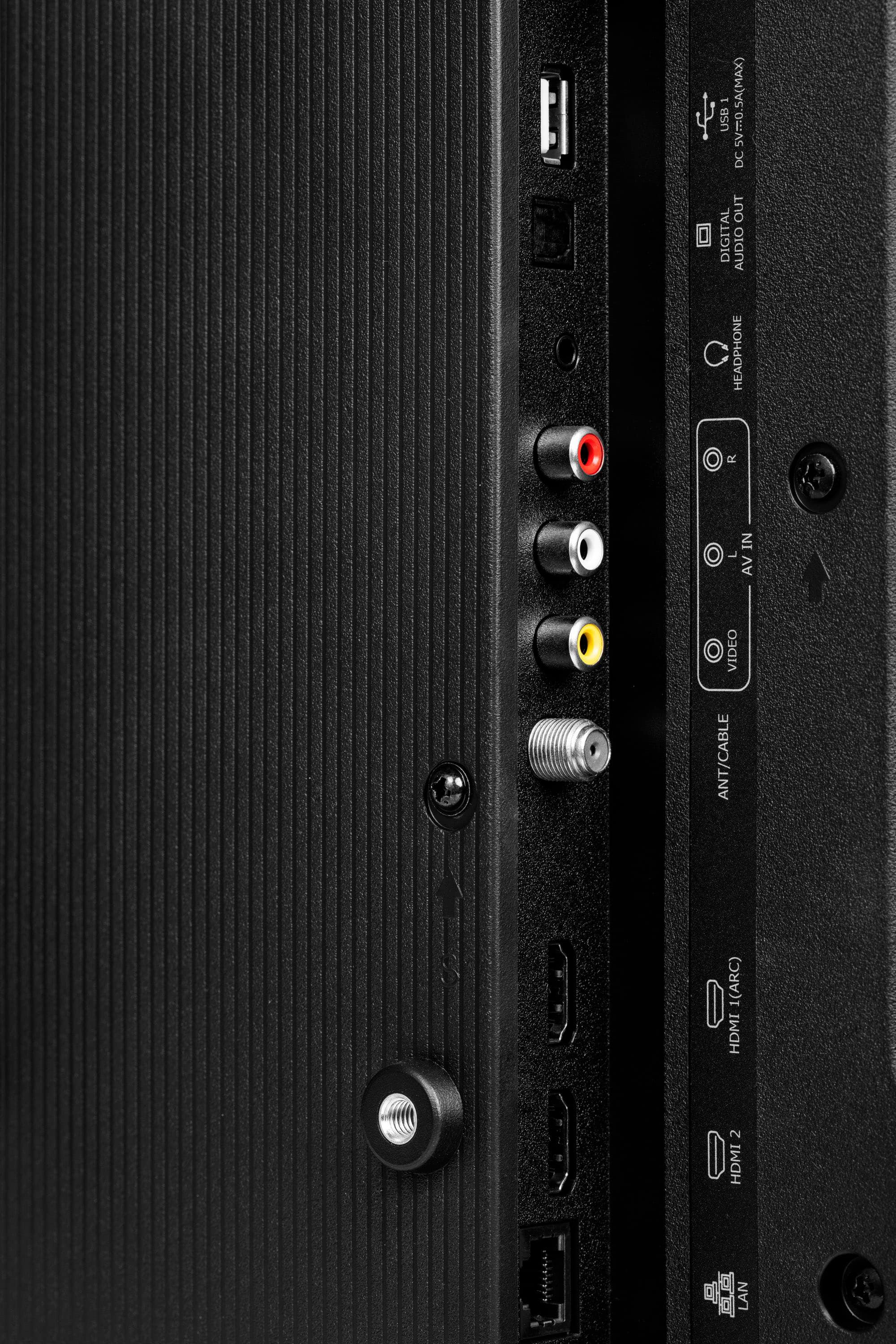
A:AnswerHi Hisense Customer, thank you for your interest in the Hisense 32A4K. The HDMI and antenna ports are at the center bac of the TV. If you have any further questions or concerns, please give us a call at 1-888-935-8880 or email us at [email protected]. Thanks again, Harley with the Hisense Support Team.
A:AnswerThat is NOT an answer. Beware....there is NO LIVE CHANNEL PROGRAM GUIDE WITH THIS TV so if you watch OTA TV and want to see what is on, do NOT buy this TV. You will have to get the higher end version like the QD5 to get the OTA channel guide.
A:AnswerHi MplsJDoe, Thank you for your interest in the Hisense 32A4K. The unit displays information based on the signal it is receiving. If you have any further questions or concerns, please give us a call at 1-888-935-8880 or email us at [email protected]. Thanks again, Harley with the Hisense Support Team.
A:AnswerSo far I have not been able to. Get a message it is not compatible with this device. Going to return it tomorrow. That was the one thing I wanted it to do.
A:AnswerHi margpegD, thank you for your interest in the Hisense 32A4K. The TV Stand Width is 26.5×6.3 inches. If you have any further questions or concerns, please give us a call at 1-888-935-8880 or email us at [email protected]. Thanks again, Harley with the Hisense Support Team.
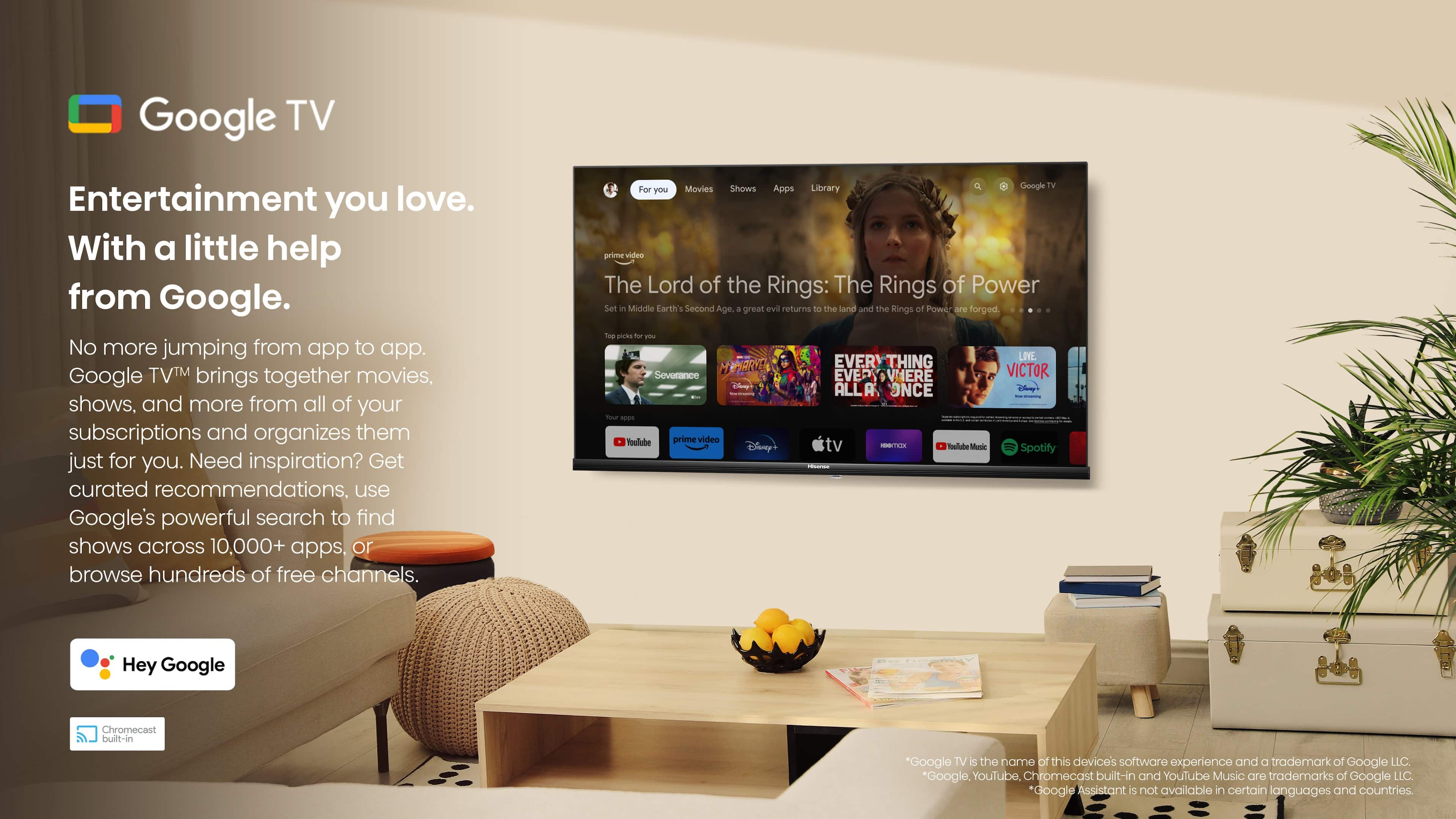
A:AnswerHi Marj, thank you for your interest in the Hisense 32A4K. You can check the Google Play Store to see if the app is available for download. If you have any further questions, please give us a call at 1-888-935-8880 or email us at [email protected]. Thanks again Harley with the Hisense Support Team.
A:AnswerHi Annie, thank you for your interest in the Hisense 32A4K. Please check with the remote manufacturer to confirm if it is compatible with your TV. If you have any further questions or concerns, please give us a call at 1-888-935-8880 or email us at [email protected]. Thanks again, Harley with the Hisense Support Team.
A:AnswerHi Hisense Customer, thank you for your interest in the Hisense 32A4K. This feature would not be able to be disabled. If you have any further questions or concerns, please give us a call at 1-888-935-8880 or email us at [email protected]. Thanks again, Harley with the Hisense Support Team.
A:AnswerHi Jojo, thank you for your interest in the Hisense 32A4K. Please reposition the antenna and rescan for channels. If you require technical assistance, please reach out to our dedicated support team directly at 1-888-935-8880 or via email at [email protected] so that we can promptly address and resolve the issue for you. Thanks again, Harley with the Hisense Support Team.