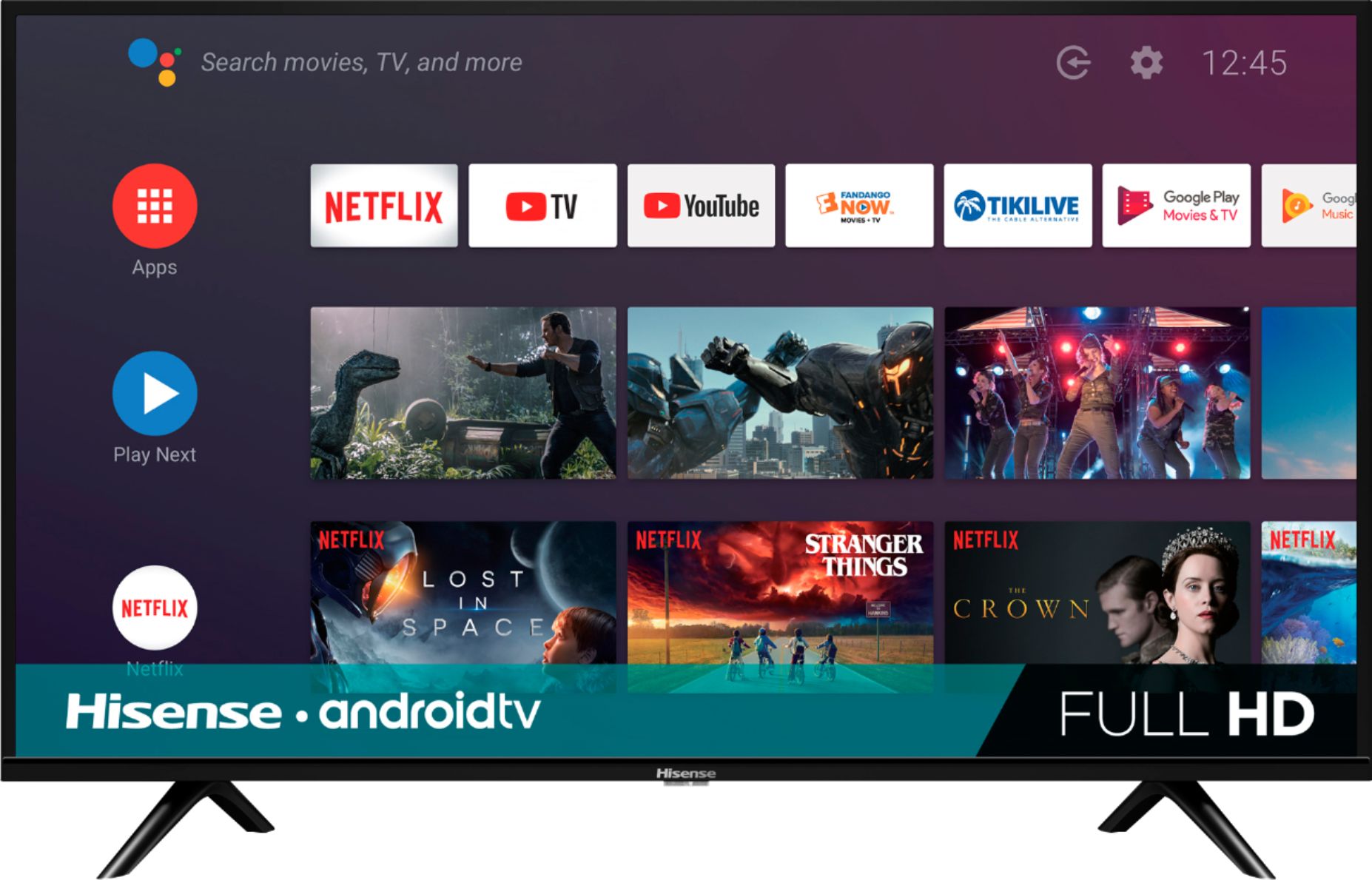
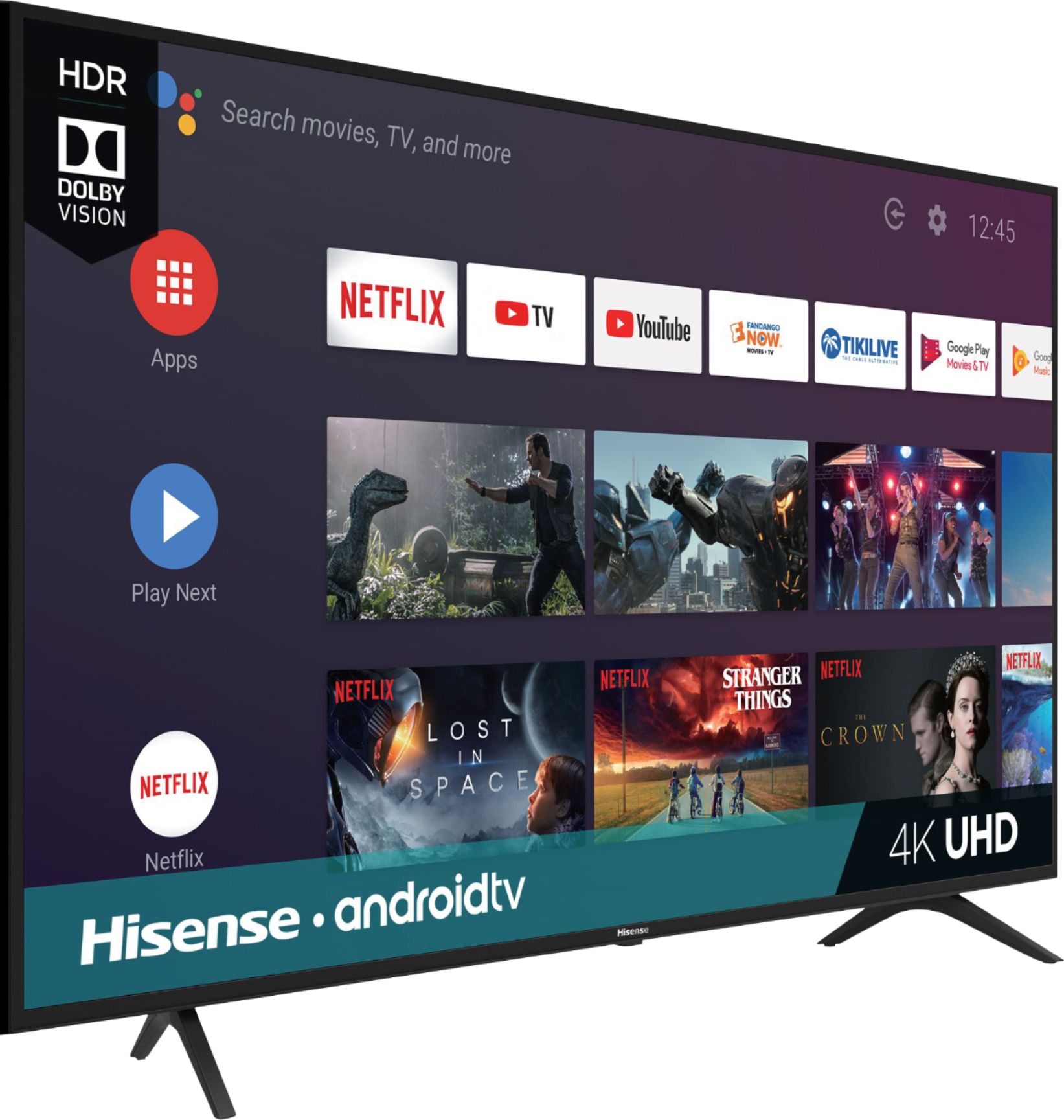
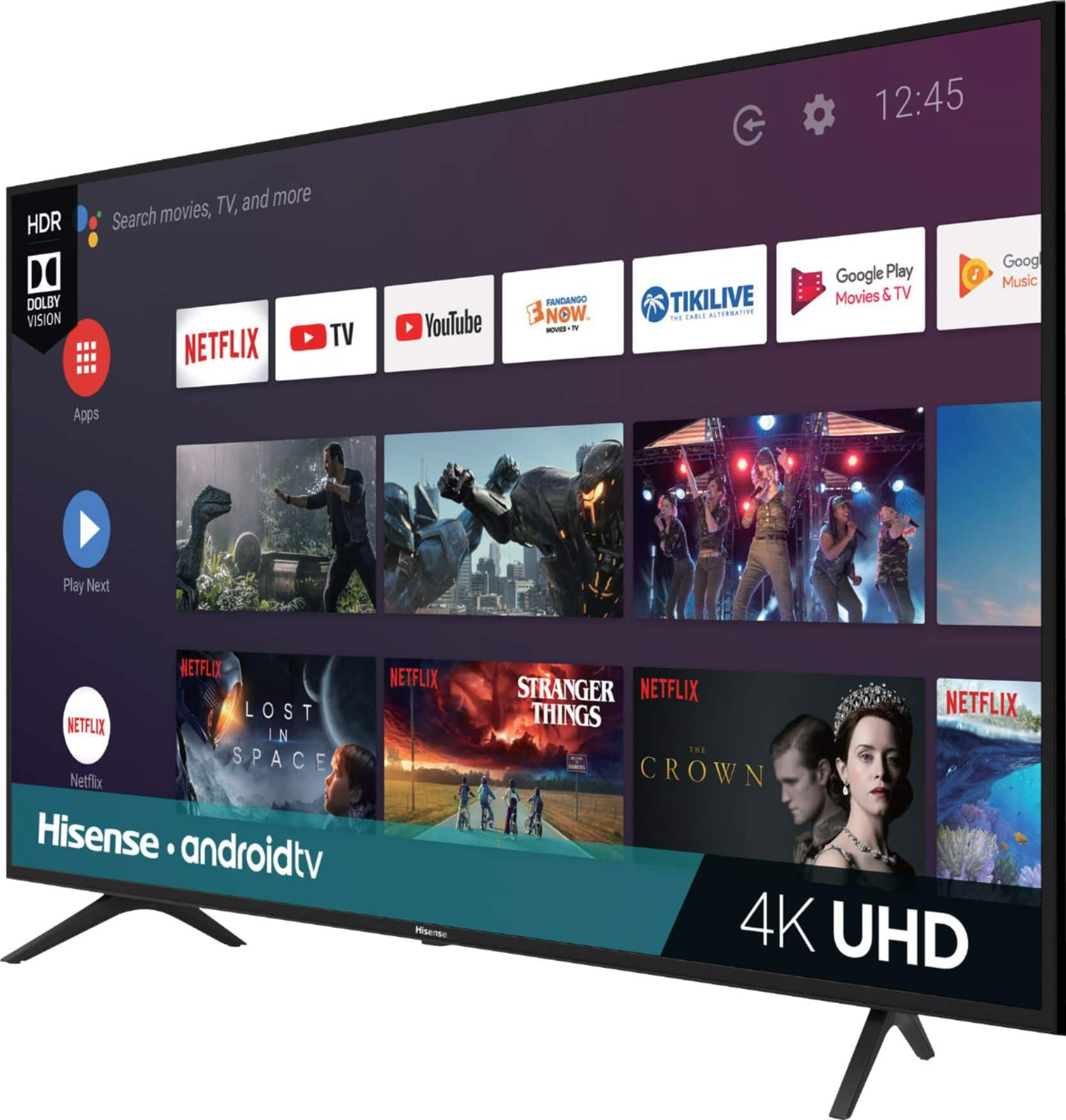
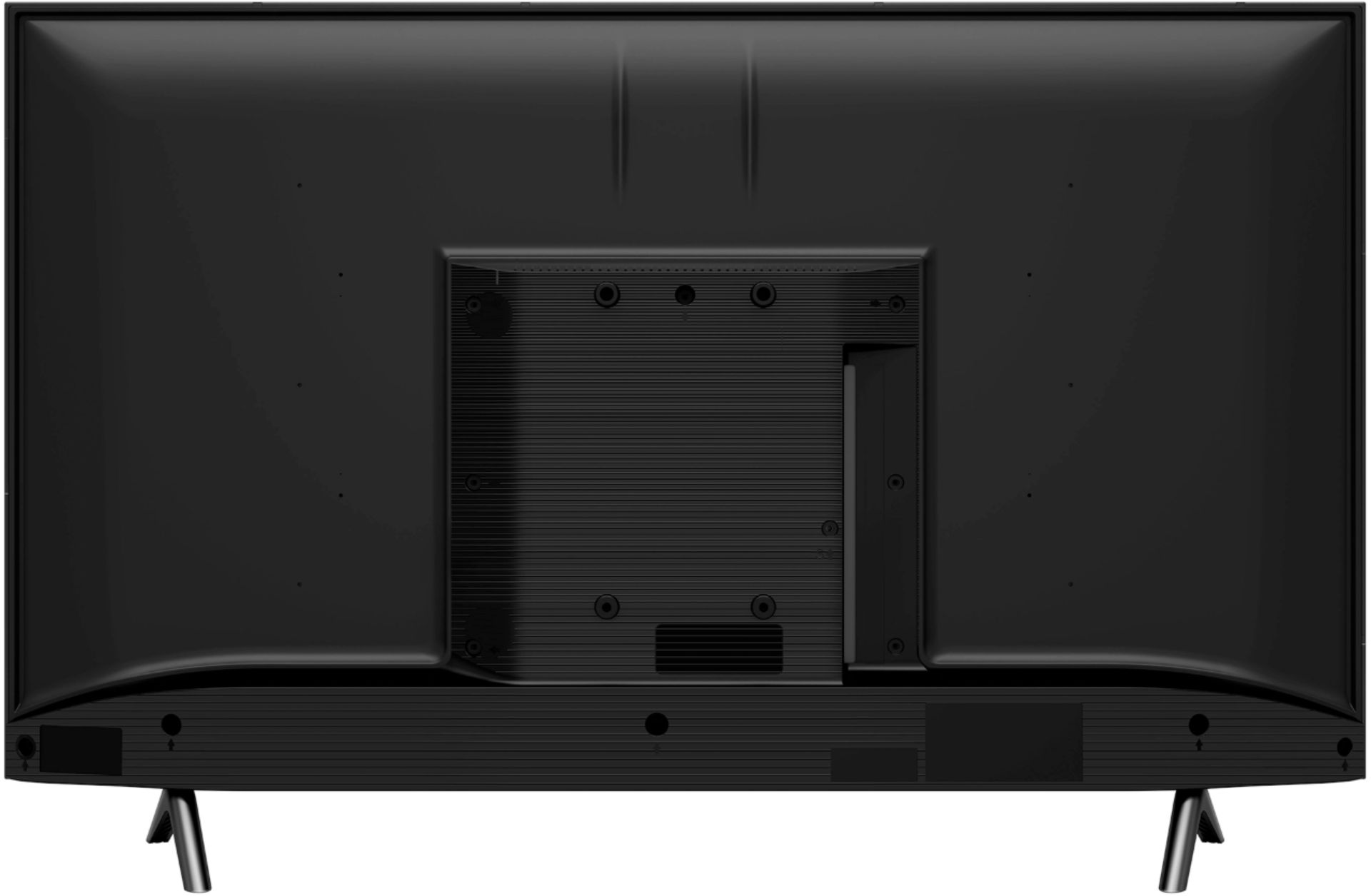
A:AnswerI did not have to active the TV. I plug it in and set up all channels and apps that I use. So, unless there was something that missed? The TV seems to be working fine.
A:AnswerHello Alexis, Thank you for your interest in the 32H5590F. To locate the Mac address please follow the following steps: Settings>Device Preferences> About>Status. If you have any further questions please give us a call at 1-888-935-8880 or email us at [email protected].
Thanks Again,
We look forward to hearing from you!
Harley with the Hisense Support Team
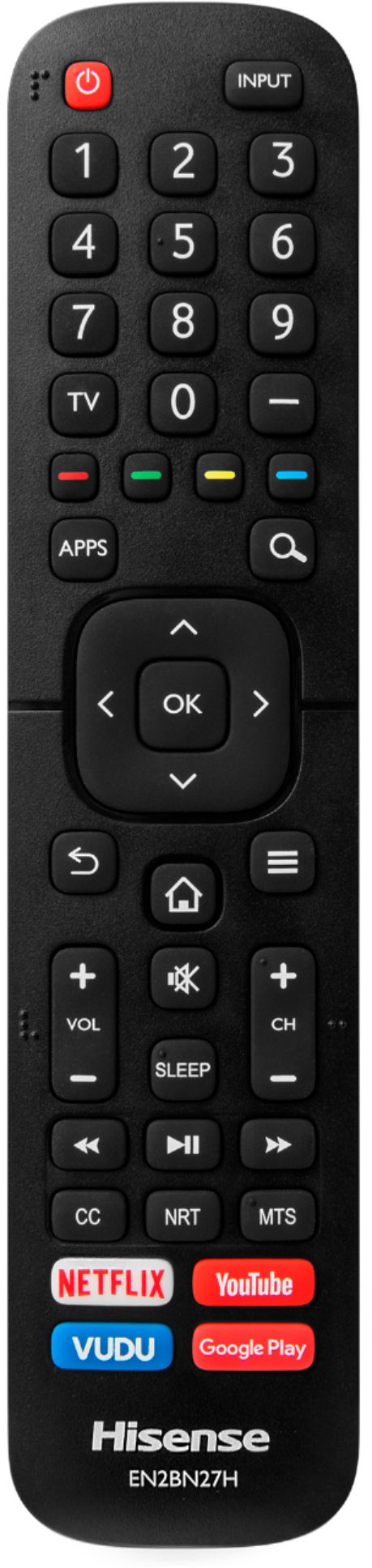
A:AnswerHello Hisense Customer, Thank you for your interest in the Hisense 32H5590F. This TV comes with a remote, power cord, stands/legs. Any additional electronics you would need to purchase. If you have any further questions or concerns please give us a call at 1-888-935-8880 or email us at [email protected]. Thanks Again, Harley with the Hisense Support Team
A:AnswerHello Hisense Customer, Thank you for your interest in the Hisense 32H5590F. This TV has power consumption of 120V which is 7.5 amps. If you have any further questions or concerns please give us a call at 1-888-935-8880 or email us at [email protected]. Thanks Again, Harley with the Hisense Support Team
A:AnswerHello Sophia, Thank you for your interest in the 32H5590F. You are able to cast from apps that support the Chromecast feature. If you have any further questions please give us a call at 1-888-935-8880 or email us at [email protected].
Thanks Again,
We look forward to hearing from you!
Harley with the Hisense Support Team
A:AnswerThis particular model has 2 USB ports. Theoretically, if your device has USB connections it should be supported by this tv model. The Android OS will provide access to thousands of apps.
A:AnswerHello Cloe, Thank you for your interest in the 32H5590F. We're sorry to hear that you are no longer able to connect your AirPods to the television. Please perform a factory reset on the television by going to Settings>Device Preferences>Reset. The television will then shut off and after coming back on will prompt you to set up the TV like when it was just out of box. If this does not resolve the issue please give us a call at 1-888-935-8880 or email us at [email protected].
Thanks Again,
We look forward to hearing from you!
Harley with the Hisense Support Team
A:AnswerHello Denise, Thank you for your interest in the 32H5590F. You are not able to download the Apple Music app to this television however you are able to cast to the television from the app on your phone with Chromecast. If you have any further questions please give us a call at 1-888-935-8880 or email us at [email protected].
Thanks Again,
We look forward to hearing from you!
Harley with the Hisense Support Team
A:AnswerI'm pleased to say this worked MUCH better than expected as a monitor.. as long as you use the native resolution which I know isn't really ideal for gaming. I bought a 32 inch and its resolution is 1360x768 but for the size of the screen and the fact that its a TV, the screen was surprisingly CLEAR.
A:AnswerHello Kiernan, Thank you for your interest in the 32H5590F, Yes the television does have 16 MS of input delay. If you have any further questions please give us a call at 1-888-935-8880 or email us at [email protected].
Thanks Again,
We look forward to hearing from you!
Harley with the Hisense Support Team
A:AnswerHello Preet, Thank you for your interest in the 32H5590F. Unfortunately this television does not support 5G networks. If you have any further questions please give us a call at 1-888-935-8880 or email us at [email protected].
Thanks Again,
We look forward to hearing from you!
Harley with the Hisense Support Team
A:AnswerYes you can but its been useless since Google changed the required login account.
You currently cannot log into the app with a google log in. If you have NOT migrated your account over yet, it may still work for you.
Otherwise, all you'll ever see is the login screen until Google updates this.