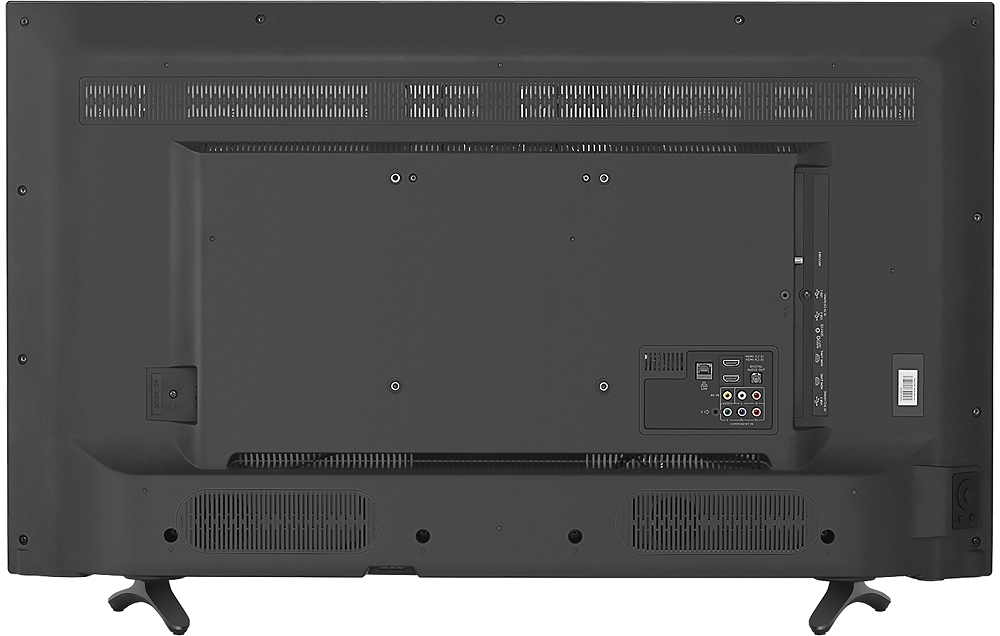
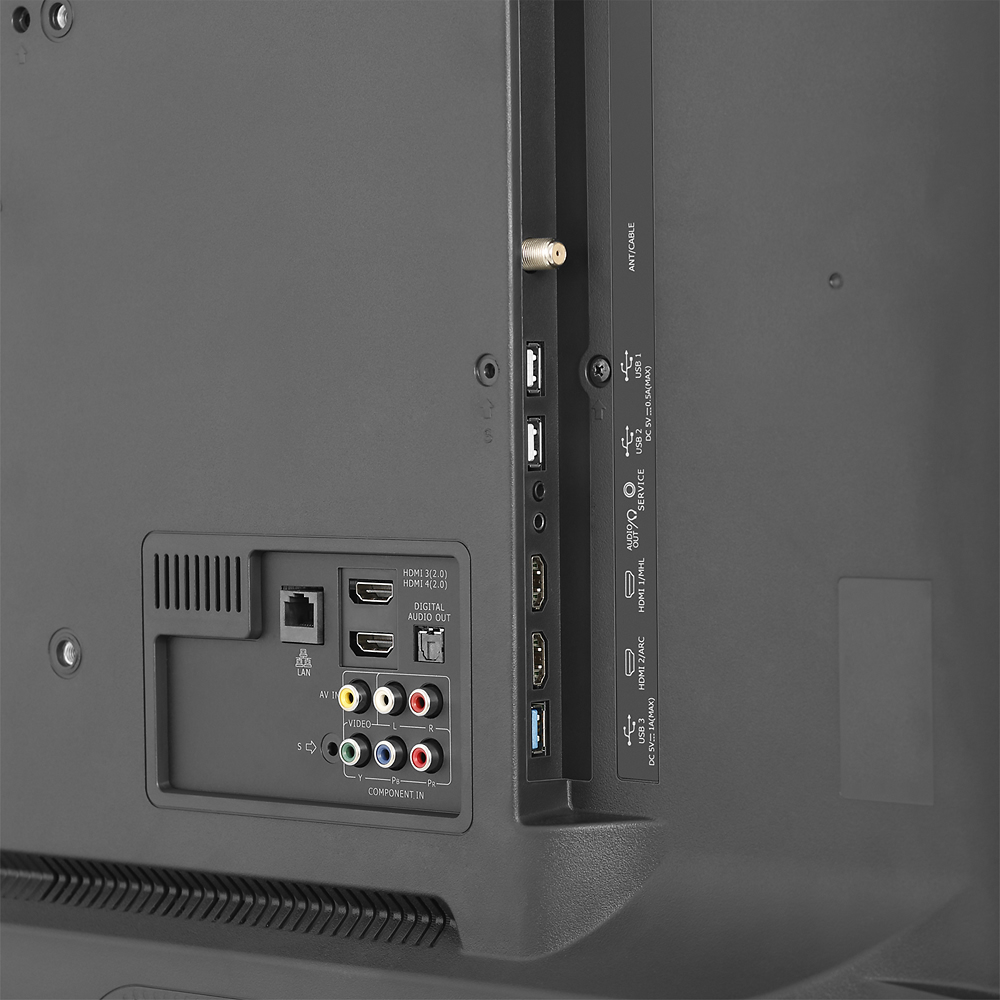
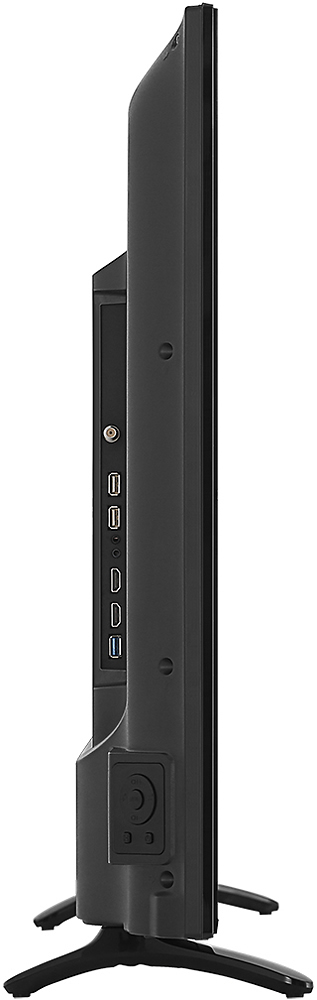
A:AnswerI just used the HDMI that is located on the back of the Hisense. I did not use the others, but it really doesn’t matter but when you hit source be sure you choose the correct HDMI so it will go to the correct source. The instruction book explains which one to use. Basically it is personal choice and depends on how many HDMI cords you are using. I only have my DVD player so I used the high def HDMI because my DVD player is also a blue ray player.
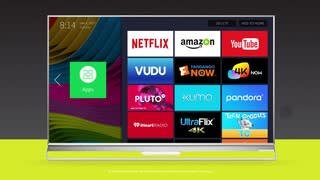
A:AnswerCurrently Hisense TV's do not include Hulu App. We’d love to add Hulu to all Hisense models and are making enormous efforts to establish a partnership with Hulu. The day to enjoy Hulu on your Hisense TV’s will come sooner if you could join other Hisense users to post your requests on Hulu’s Facebook page: https://www.facebook.com/hulu/. For instant access to Hulu, you can connect the TV with a compatible streaming device (purchased separately).
A:AnswerHi! This TV has 2 HDMI 2.0 ports (#3 and #4). I recommend that you use those two ports. If you have any further questions, please contact us at 1-888-935-8880.
A:AnswerHi Matt, please press the "up" button on the remote control to check the resolution. If you have any further questions, please contact us at 1-888-935-8880.
A:AnswerIn the menu, navigate to 'System', then 'Advanced Picture Settings', and select 'Use Mode' to determine if the television is in 'Store Mode'. If you have any questions, please call us at 1-888-935-8880.