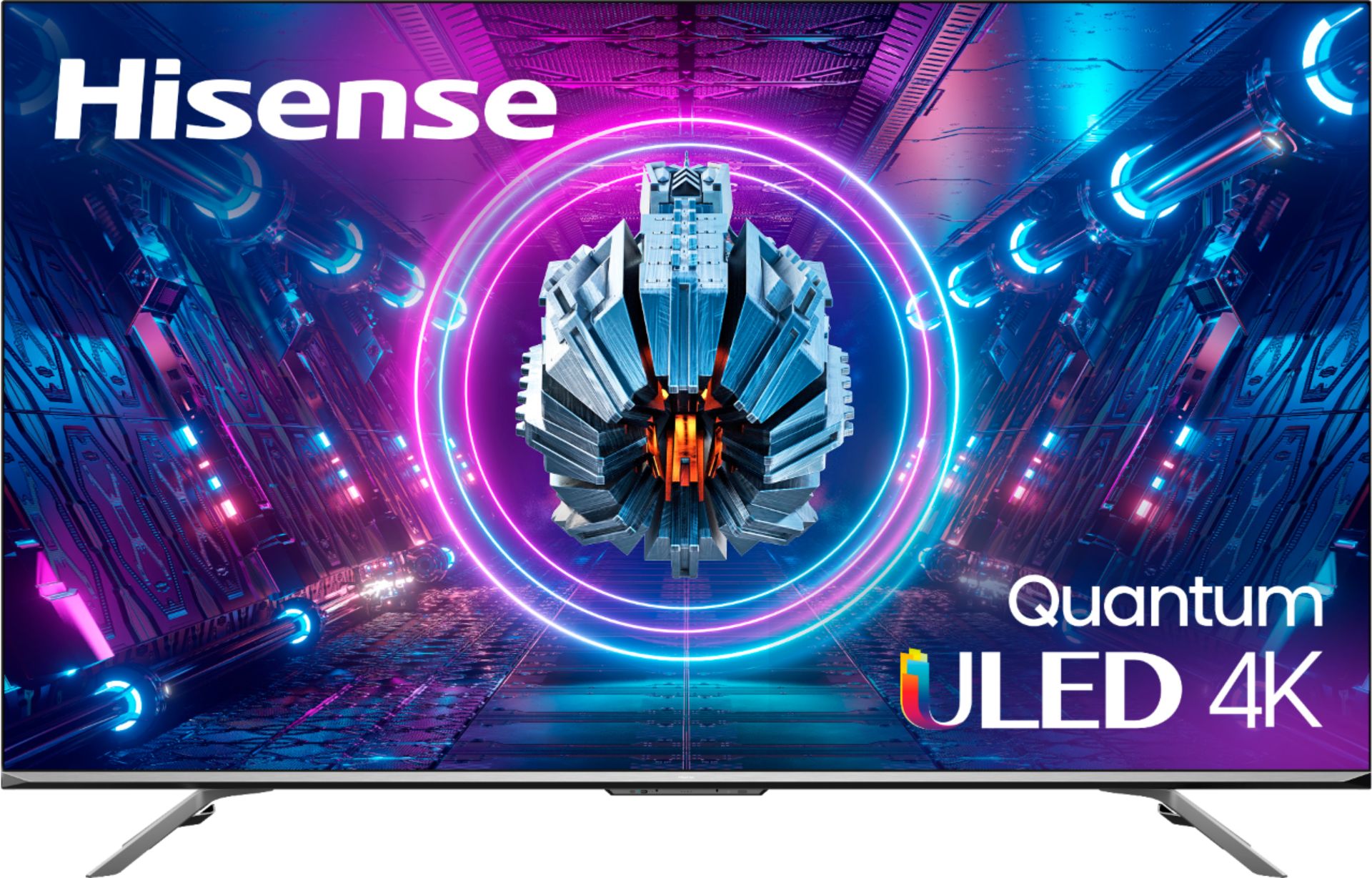
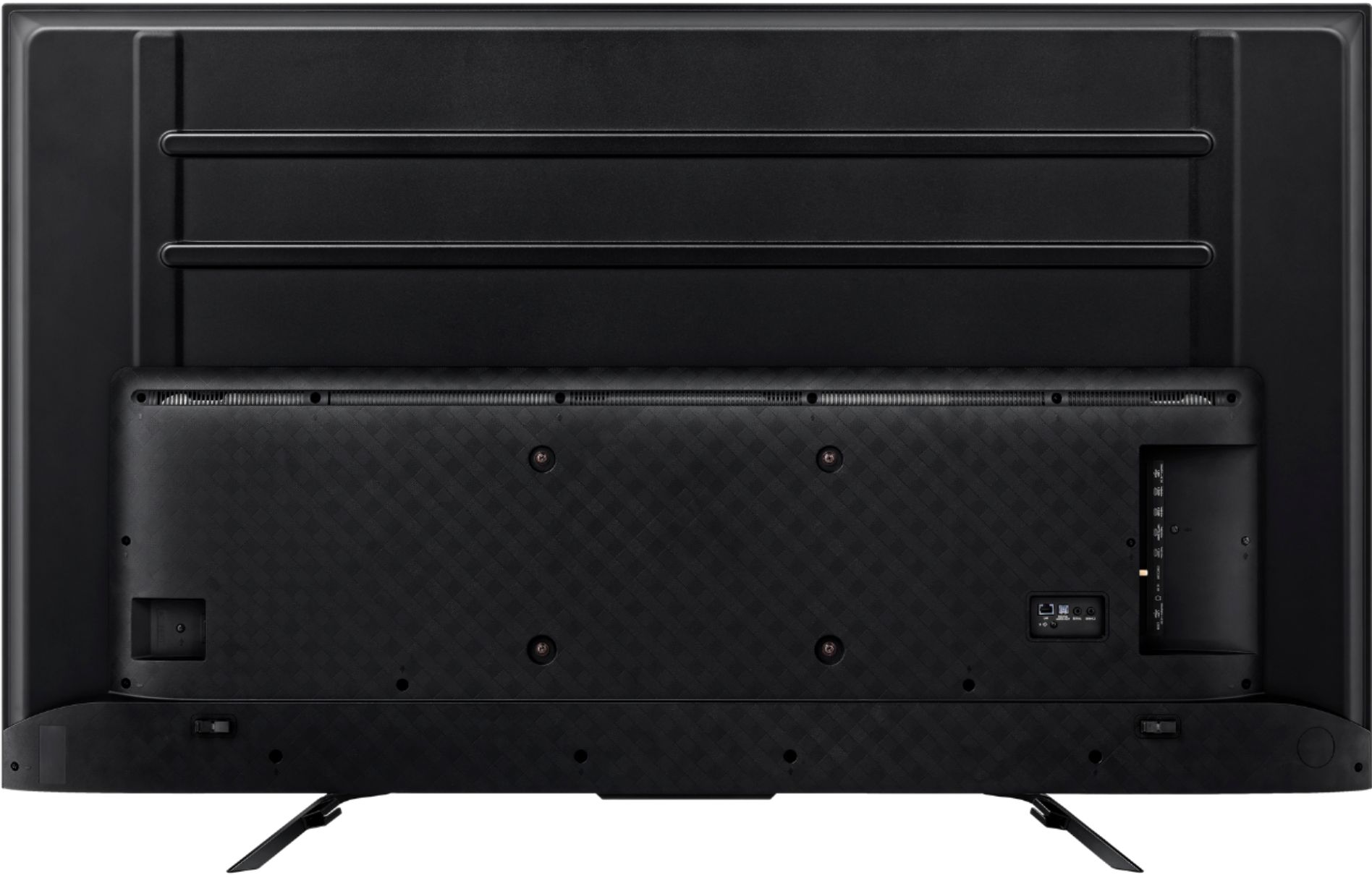
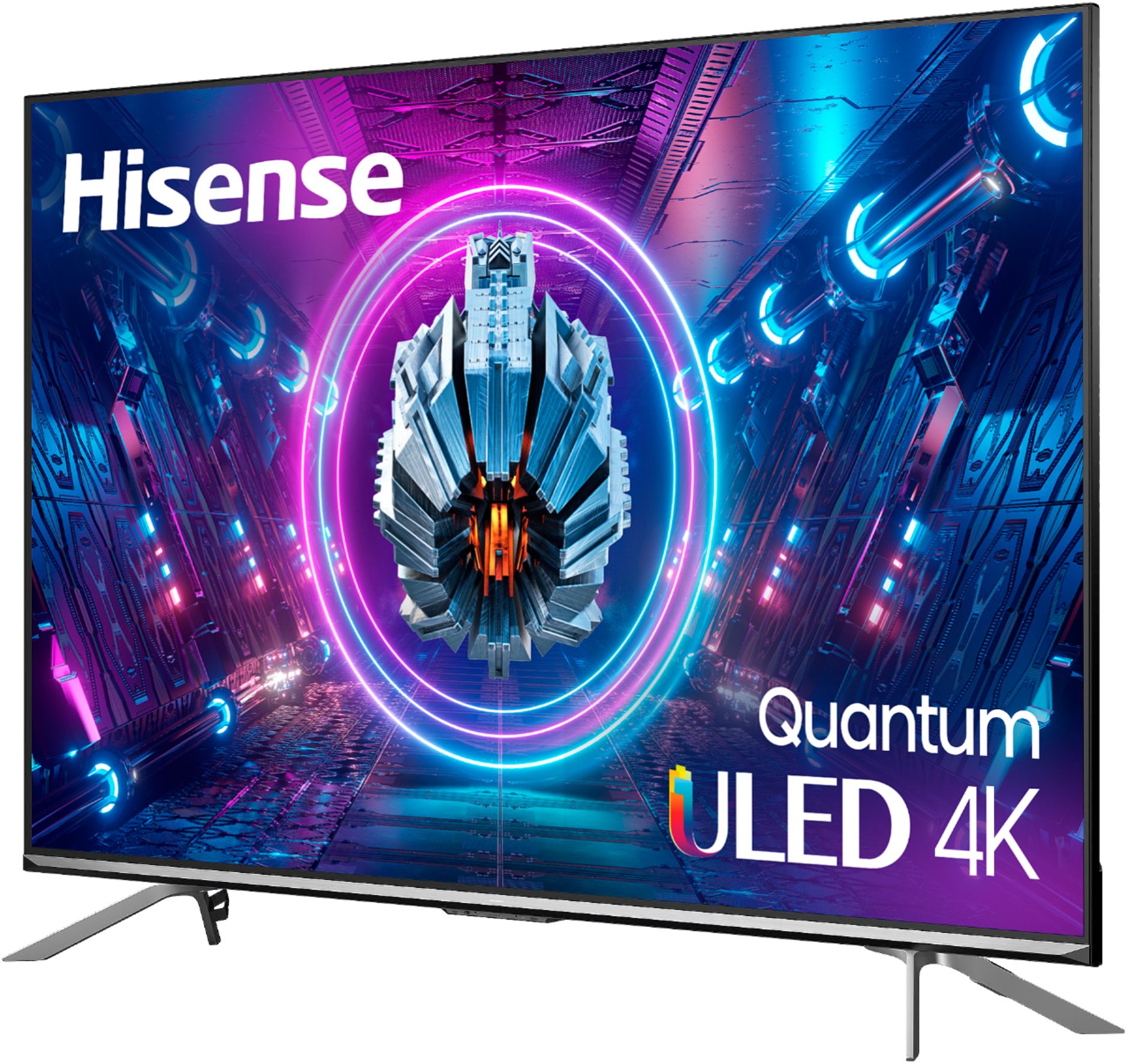
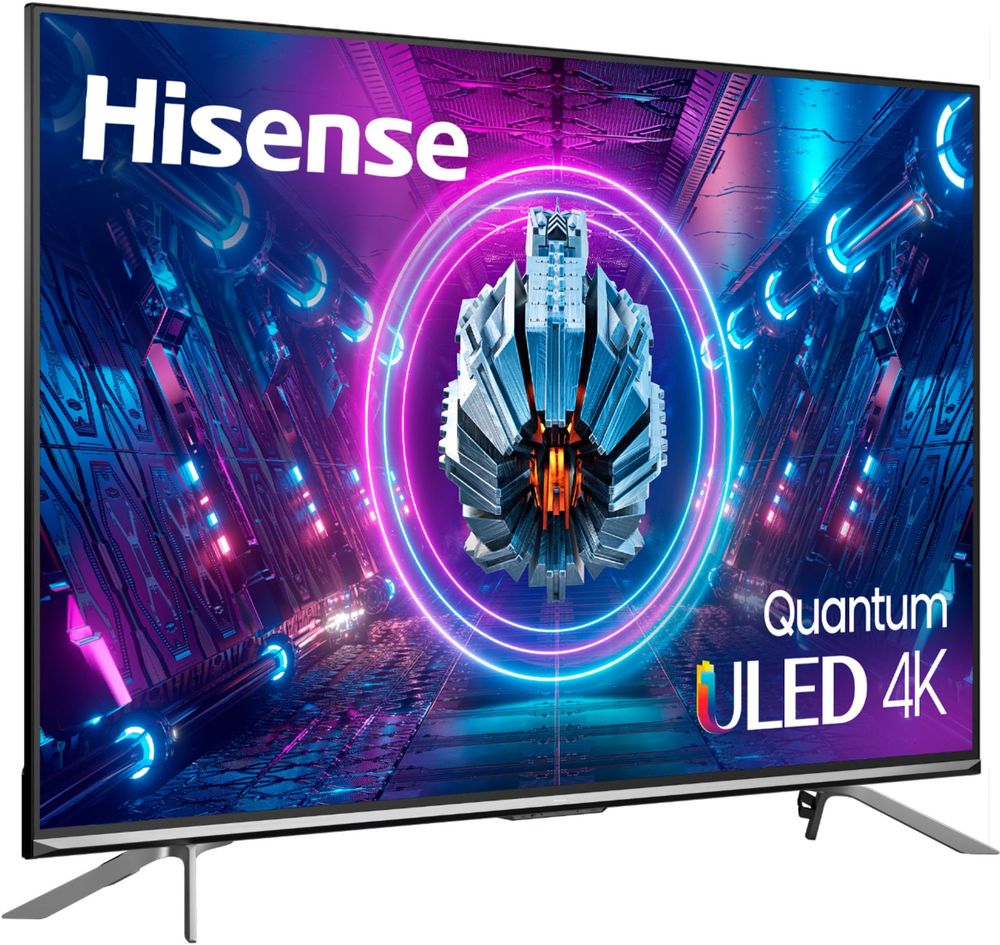
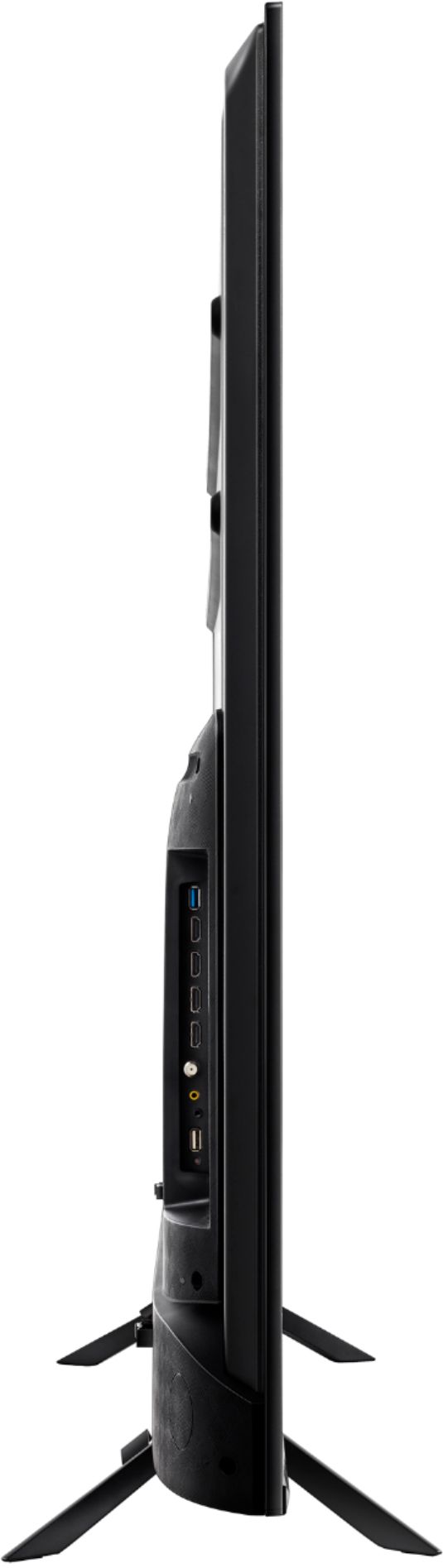
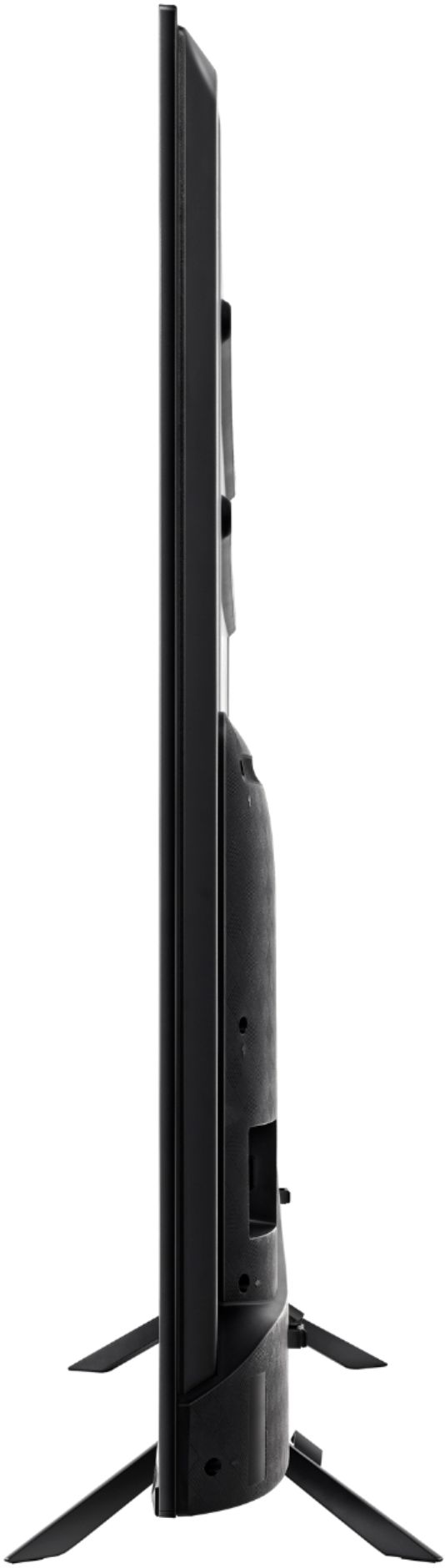
A:AnswerHello Don, Thank you for your interest in the Hisense 65U7G. The TV Stand Width (wide) 48.0×10.7 inches and (narrow) 36.5 x 10.7 inches. If you have any further questions or concerns please give us a call at 1-888-935-8880 or email us at [email protected]. Thanks Again, Harley with the Hisense Support Team
A:AnswerHello Jim, Thank you for your interest in the Hisense 65U7G/ 75U7G. The TV Stand for the 65" Width (wide) is 48.0×10.7 inches and (narrow) 36.5 x 10.7 inches and the TV Stand for the 75" Width 59.3 x 14.5 inches and 26.1 x 14.5 inches. If you have any further questions or concerns please give us a call at 1-888-935-8880 or email us at [email protected]. Thanks Again, Harley with the Hisense Support Team
A:AnswerHello Dave, Thank you for your interest in the Hisense 65U7G. The 65U7G has our exclusive ULED technologies. They boost color, contrast, brightness, motion, etc. A similar model is the 65U6G which has our exclusive ULED technologies. They boost color, contrast, brightness, motion. If you have any further questions or concerns please give us a call at 1-888-935-8880 or email us at [email protected]. Thanks Again, Harley with the Hisense Support Team
A:AnswerHello Hisense Customer, Thank you for your interest in the Hisense 65U7G. Yes the Airplay 2 is supported and well as apple home kit. If you have any further questions or concerns please give us a call at 1-888-935-8880 or email us at [email protected]. Thanks Again, Harley with the Hisense Support Team
A:AnswerHello Sergio, thank you for your interest in the Hisense 65U7G. Regrettably, this unit does not support AirPlay. If you have any further questions or concerns, please give us a call at 1-888-935-8880 or email us at [email protected]. Thanks again, Harley with the Hisense Support Team.
A:AnswerHello Hisense Customer, Thank you for your interest in the Hisense 65U7G. For the stocks and availability of this model, please reach out directly our local retailer. This model has VA panel alignment. If you have any further questions or concerns please give us a call at 1-888-935-8880 or email us at [email protected]. Thanks Again, Harley with the Hisense Support Team
A:AnswerYES. Despite what the incorrect people have said, if your PC supports BlueTooth and is connected to the TV, you can use a Steam Remote Play compatible device (ie tablet, Steam Deck, phone) to stream the game to the Remote Play device, and it will be properly displayed on the TV.
Unfortunately it doesnt seem like you can download Steam Link on the Vidaa app store. There may be a way to sideload it (ADB/Linux thing) but I would be VERY careful with that as it will probably violate the warranty,