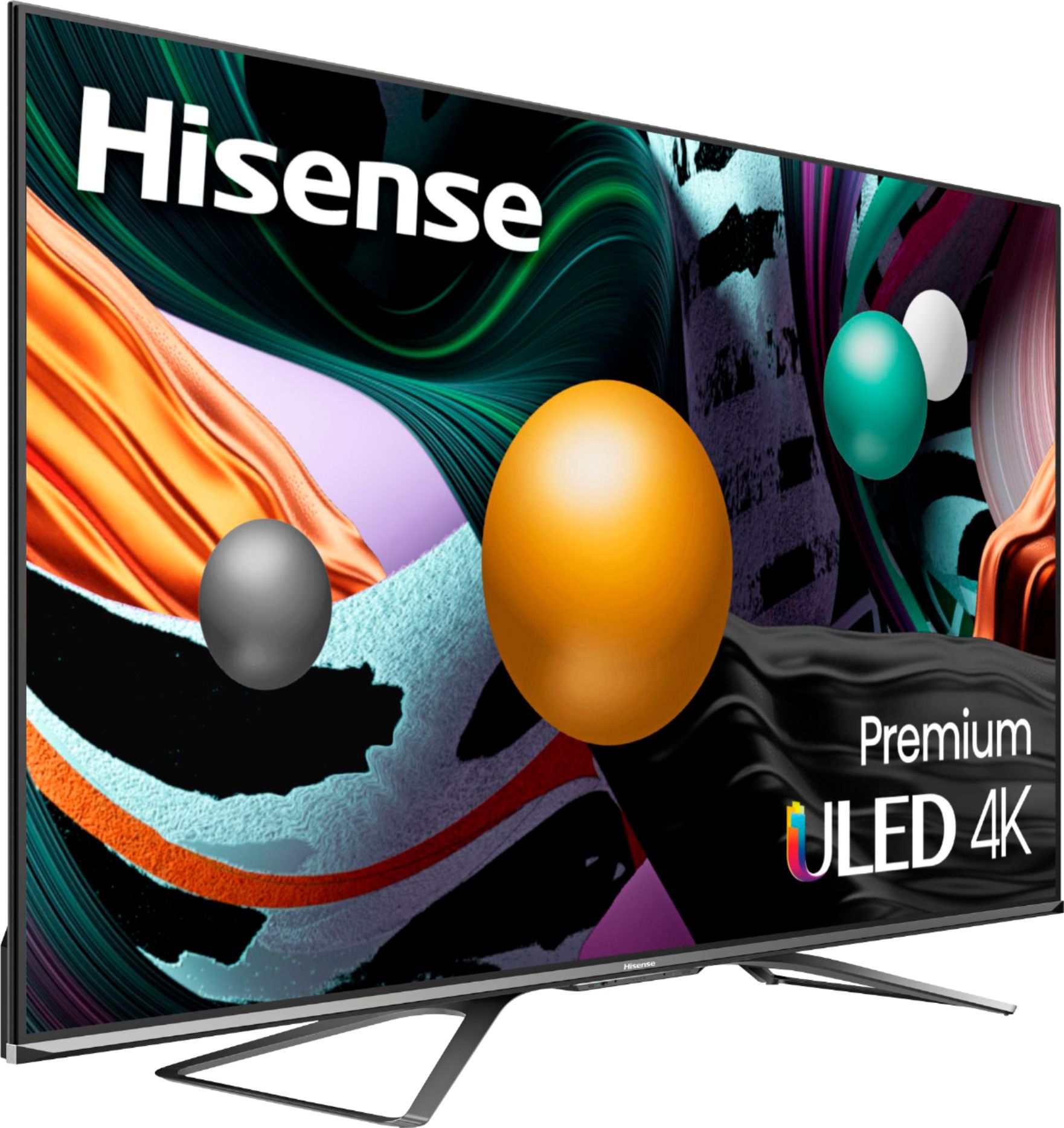
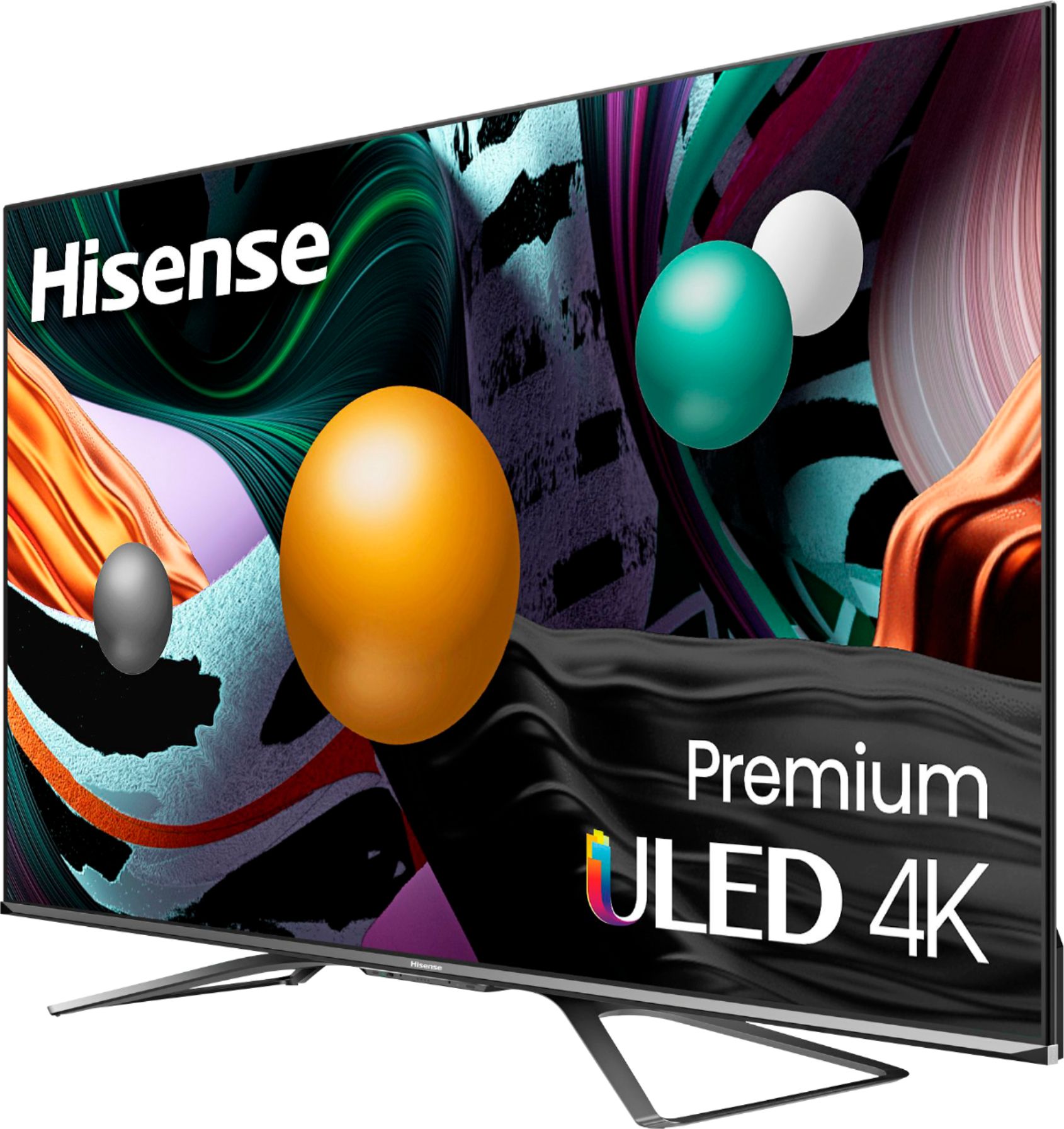
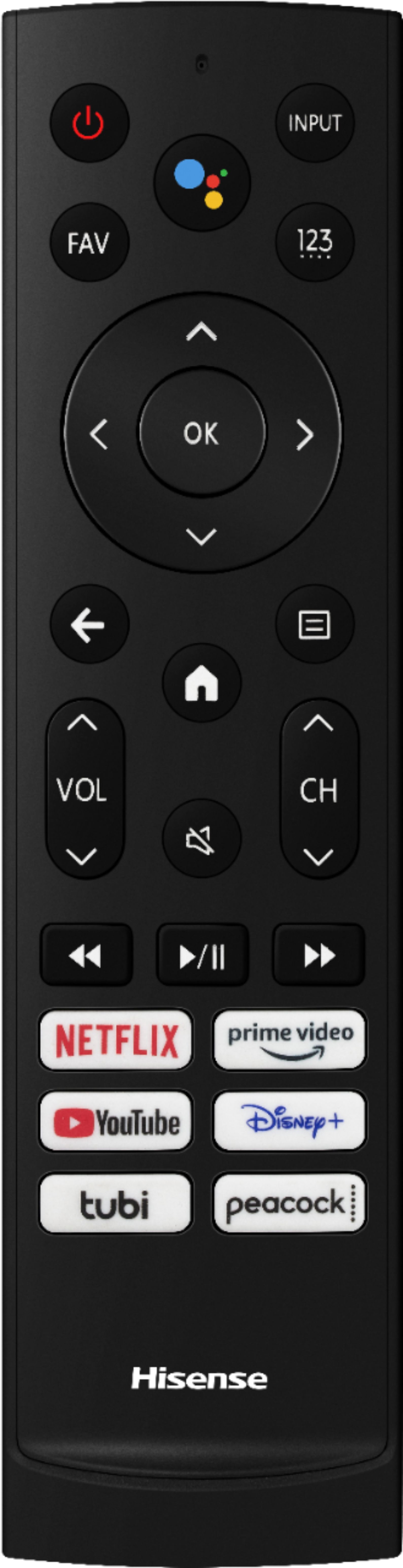
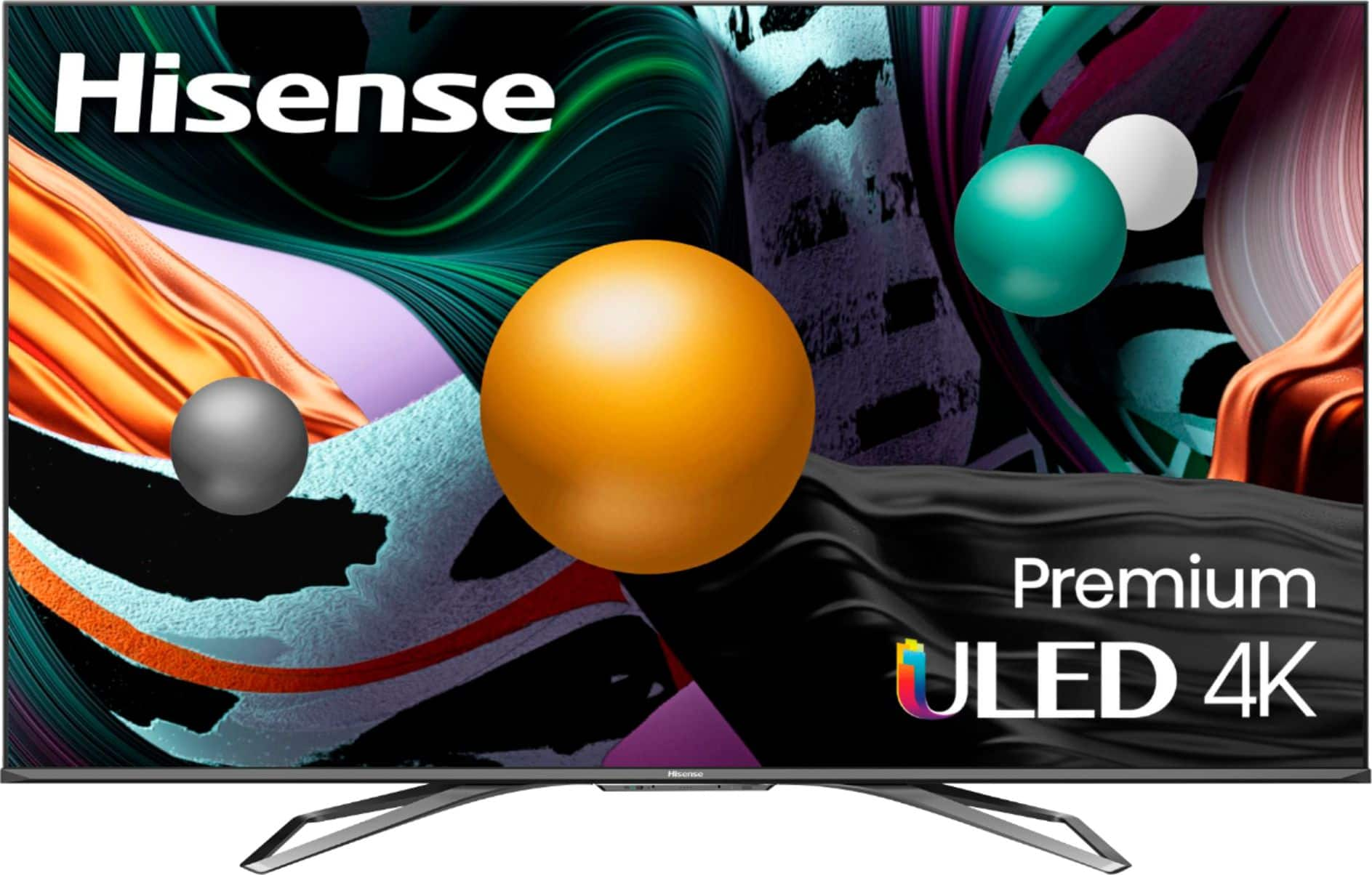
A:AnswerHello Jeff, Thank you for your interest in the Hisense 65U8G. Yes you can add apps from the app store, to check the availability of a desired app, you can visit Google Play https://play.google.com/store/apps. If you have any further questions or concerns please give us a call at 1-888-935-8880 or email us at [email protected]. Thanks Again, Harley with the Hisense Support Team
A:AnswerI’ve had this set for close to threes weeks. It’s a vast improvement over my former set …EXCEPT for the sporadic audio delay on the set which is attached to my new Vizo sound bar The delay was unbearable using the HDMI arc connection -> Tv to sound bar. It was a reminder of joking about old black and white Godzilla films from eons ago.
So I switched to the optical cable and the delay does not seem constant or as noticeably off wack. . But it rears it ugly head often. Oddly this is an issue with another house TV (Vizo) utilizing a Samsung SB. The Hisense is connected to cable and I also use Roku frequently. The Vizo, on the other hand is strictly for streaming: Roku and A Stick. The issue is (temporarily) resolved on the Vizo TV by rebooting the Roku box. So I tried rebooting the Roku connected to the Hisense and it seems to (temporarily) resolve the delay not only on the streaming apps, but also with Xfinity cable.
The delay doesn’t appear to happen spontaneously while something is on. Rather it seems to happen (consistently) when the set has been off.
So let’s put this to Hisense to get this frustrating issue resolved ASAP….please and thank you.
Ciao
A:AnswerThe apps are not detecting this is a 4K unit. I have used vudu, movies anywhere, apple tv streaming box, etc and they ALL are giving errors the tv is not capable of 4k streaming. This is a HISENSE issue. Just called your customer service department and they told me it is not a 4k tv!
A:AnswerNo, but for you, it may be different. There are plenty of motion-clarity settings if needed. Some show that you stream or live games may seem to studder due to buffer rates in your internet.
A:AnswerHello Chris, Thank you for your interest in the Hisense 65U8G. For the availability of this model, please reach out directly to the local retailer. If you have any further questions or concerns please give us a call at 1-888-935-8880 or email us at [email protected]. Thanks Again, Harley with the Hisense Support Team
A:AnswerHello Hisense Customer, Thank you for your interest in the Hisense 65U8G. The screw size is M6. If you have any further questions or concerns please give us a call at 1-888-935-8880 or email us at [email protected]. Thanks Again, Harley with the Hisense Support Team
A:AnswerHello Hisense Customer, Thank you for your interest in the Hisense 65U8G. For the cost of this model, please contact the local retailer directly. If you have any further questions or concerns please give us a call at 1-888-935-8880 or email us at [email protected]. Thanks Again, Harley with the Hisense Support Team
A:AnswerHello Hisense Customer, Thank you for your interest in the Hisense 65U8G. Regrettably, we're unable to validate if the TV will have google TV in the future. If you have any further questions or concerns please give us a call at 1-888-935-8880 or email us at [email protected]. Thanks Again, Harley with the Hisense Support Team
A:AnswerHello Hisense Customer, Thank you for your interest in the Hisense 65U8G. Yes this TV has Bluetooth capabilities. Regrettably, Bluetooth headphones can not be paired to this tv simultaneously. If you have any further questions or concerns please give us a call at 1-888-935-8880 or email us at [email protected]. Thanks Again, Harley with the Hisense Support Team
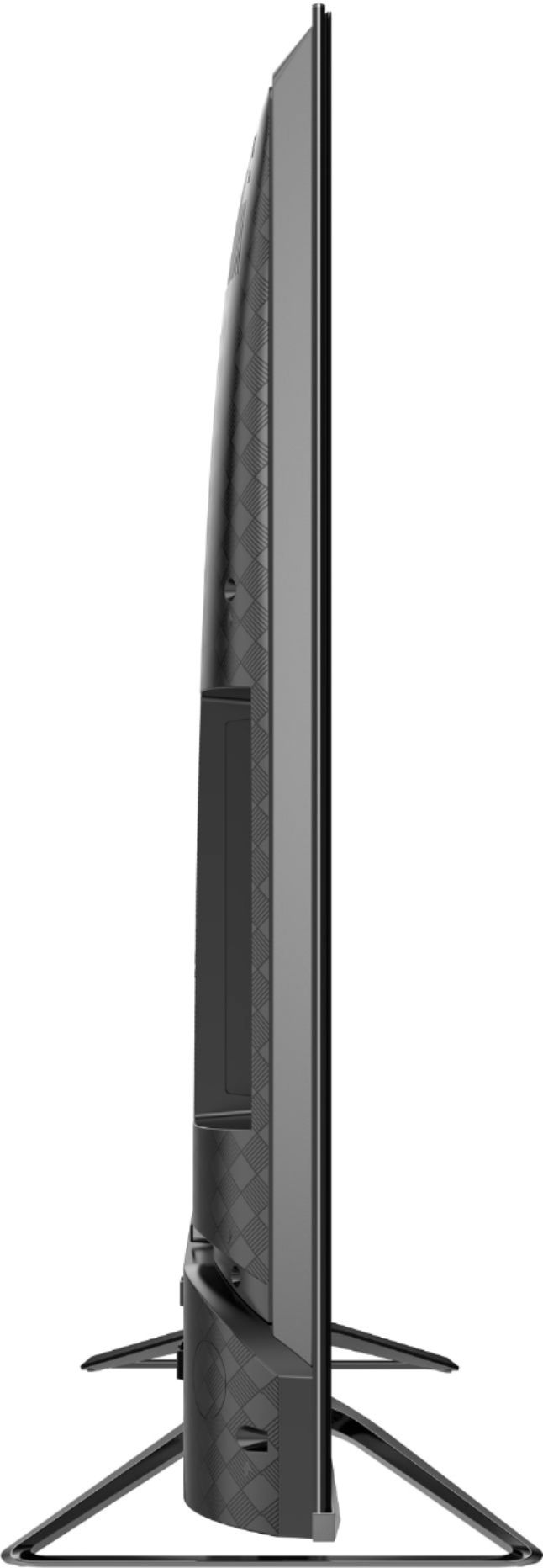
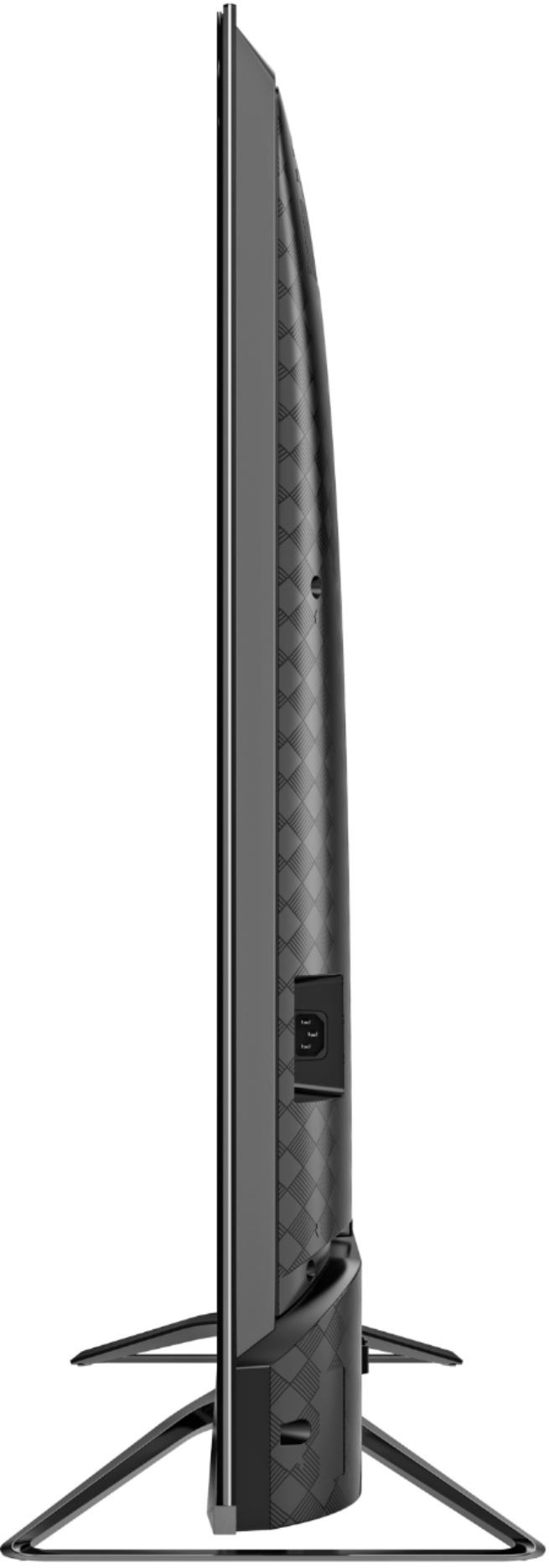
A:AnswerThe two upper screw holes are flush. The bottom two are recessed and will require spacers of approximately 20-40mm to make them flush. Flat washers work fine for this. Your local hardware store should have everything you need
A:AnswerIn order to get the IMAX Enhanced mode on the U8G, the content being watched has to support it. The only streaming service I know of that offers any IMAX Enhanced content right now is FandangoNOW. For 4K Ultra Blu Ray disc, some movies support it, just have to look for IMAX Enhanced label on the cover. For the full immersive experience, your audio equipment and speakers will need to support it as well. I don't know of any soundbars that support it currently.
A:AnswerHello Ken, Thank you for your interest in the Hisense 65U8G. Regrettably, its not supported device and service to use Apple Airplay2. We're unable to advised if it will be supported after a firmware update is done. If you have any further questions or concerns please give us a call at 1-888-935-8880 or email us at [email protected]. Thanks Again, Harley with the Hisense Support Team
A:AnswerHello Hisense Customer, Thank you for your interest in the Hisense 65U8G The game mode is activated automatically, All the most advanced gaming tech, all in this TV. HDMI 2.1 inputs recognize
gaming sequences to automatically adjust settings for smooth, uninterrupted play. If you have any further questions or concerns please give us a call at 1-888-935-8880 or email us at [email protected]. Thanks Again, Harley with the Hisense Support Team
A:AnswerHello Hisense Customer, Thank you for your interest in the Hisense 65U8G. For the availability of this model, please contact the local retailer directly. If you have any further questions or concerns please give us a call at 1-888-935-8880 or email us at [email protected]. Thanks Again, Harley with the Hisense Support Team
A:AnswerHello Hisense Customer, Thank you for your interest in the Hisense 65U8G. For the price and availability on this model, please reach out to the store directly. If you have any further questions or concerns please give us a call at 1-888-935-8880 or email us at [email protected]. Thanks Again, Harley with the Hisense Support Team