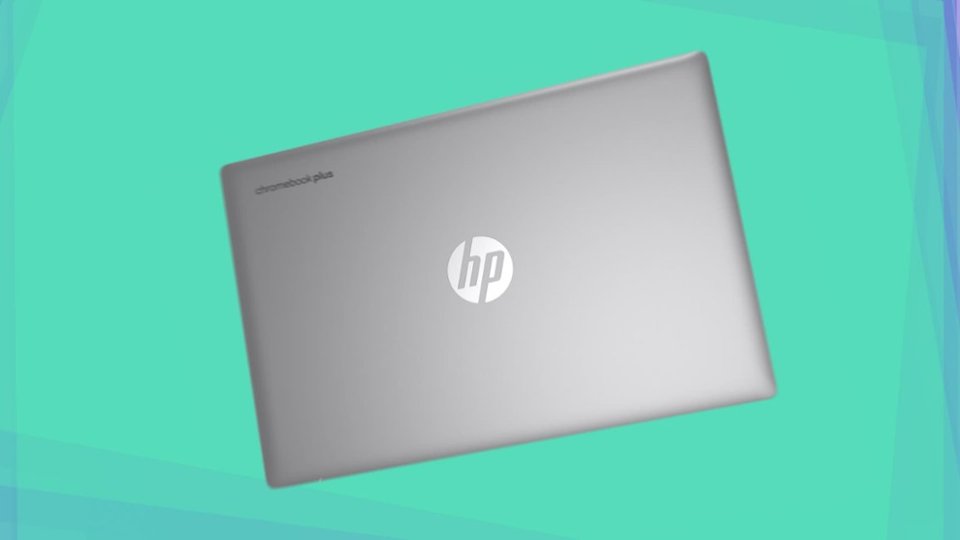
A:AnswerThank you for your question about this HP Chromebook! Setup is a snap and all you need to do is log into your Google account or create one if you have not done so and you are all set to go!
A:AnswerThank you for your question about this HP Chromebook! Yes, you can use Squarespace to build websites with this, as it only requires the pre-installed web browser to use.
A:AnswerHi Tim, thank you for the question. You can transfer files from your old laptop to the new one by uploading them to a flash drive and then downloading them from the flash drive to the new laptop. You can also transfer files using the cloud. Note while files are transferred, apps are not transferred; you'll need to add the apps from the Play Store.
A:AnswerHi, thanks for your question! This HP 15.6" Chromebook Laptop (model 15a-nb0013dx) has a battery life rating for up to 11 hours and 30 minutes, but may vary depending on several factors, including the software being used.
A:AnswerThank you for the question. Chromebooks do not come with Microsoft 365 (formerly Microsoft Office), however, you can get the app in the Google Play Store.