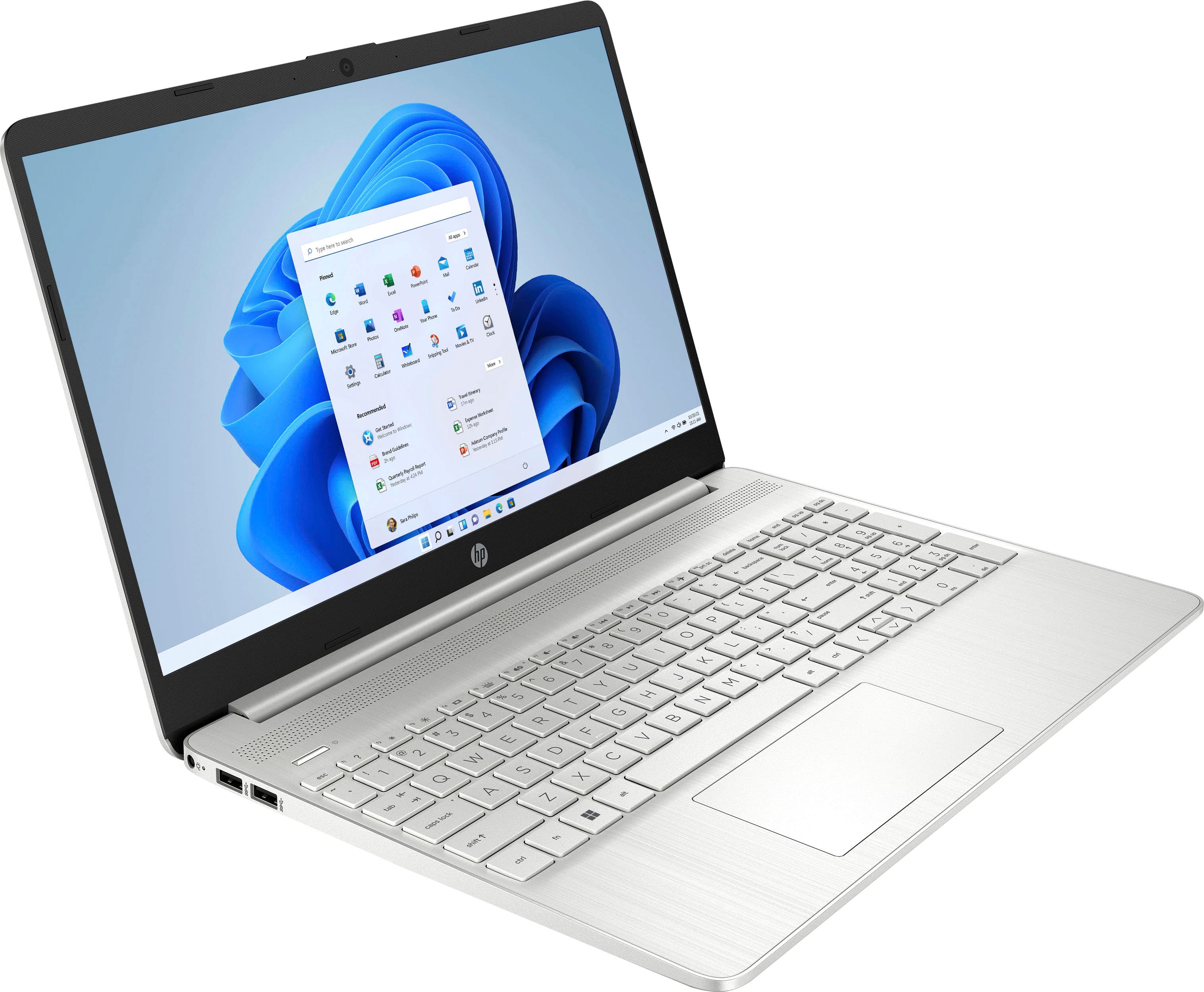
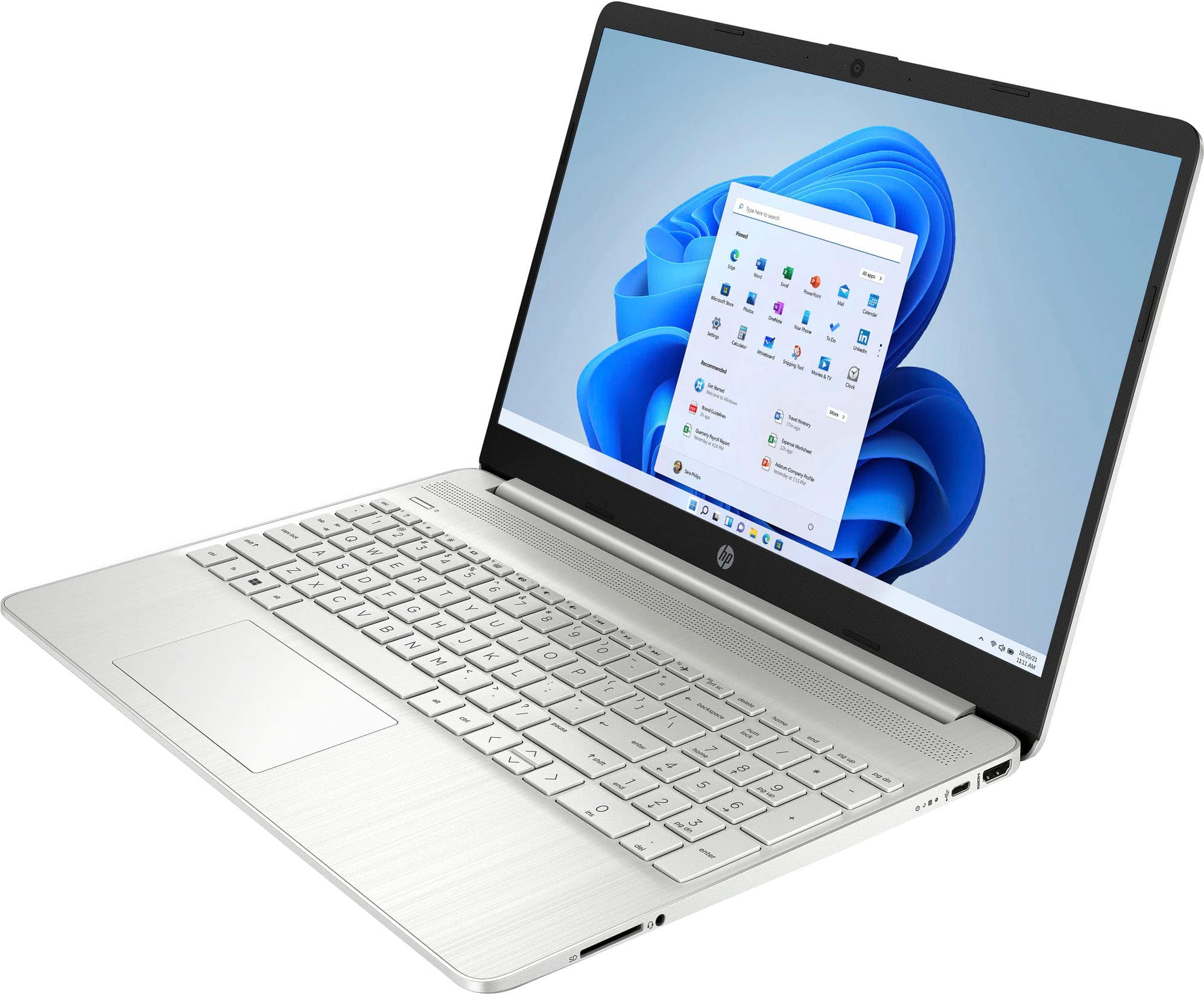
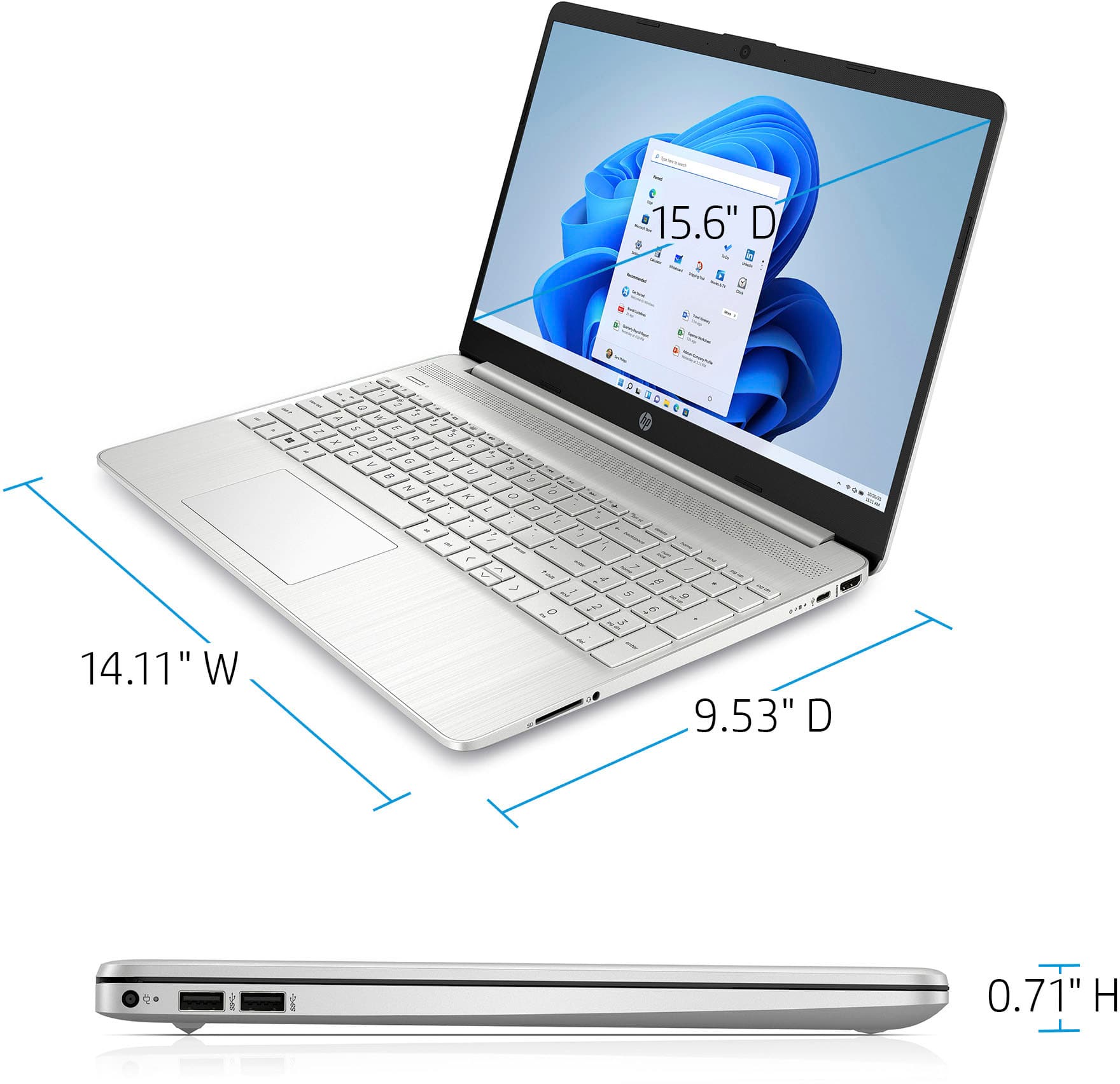
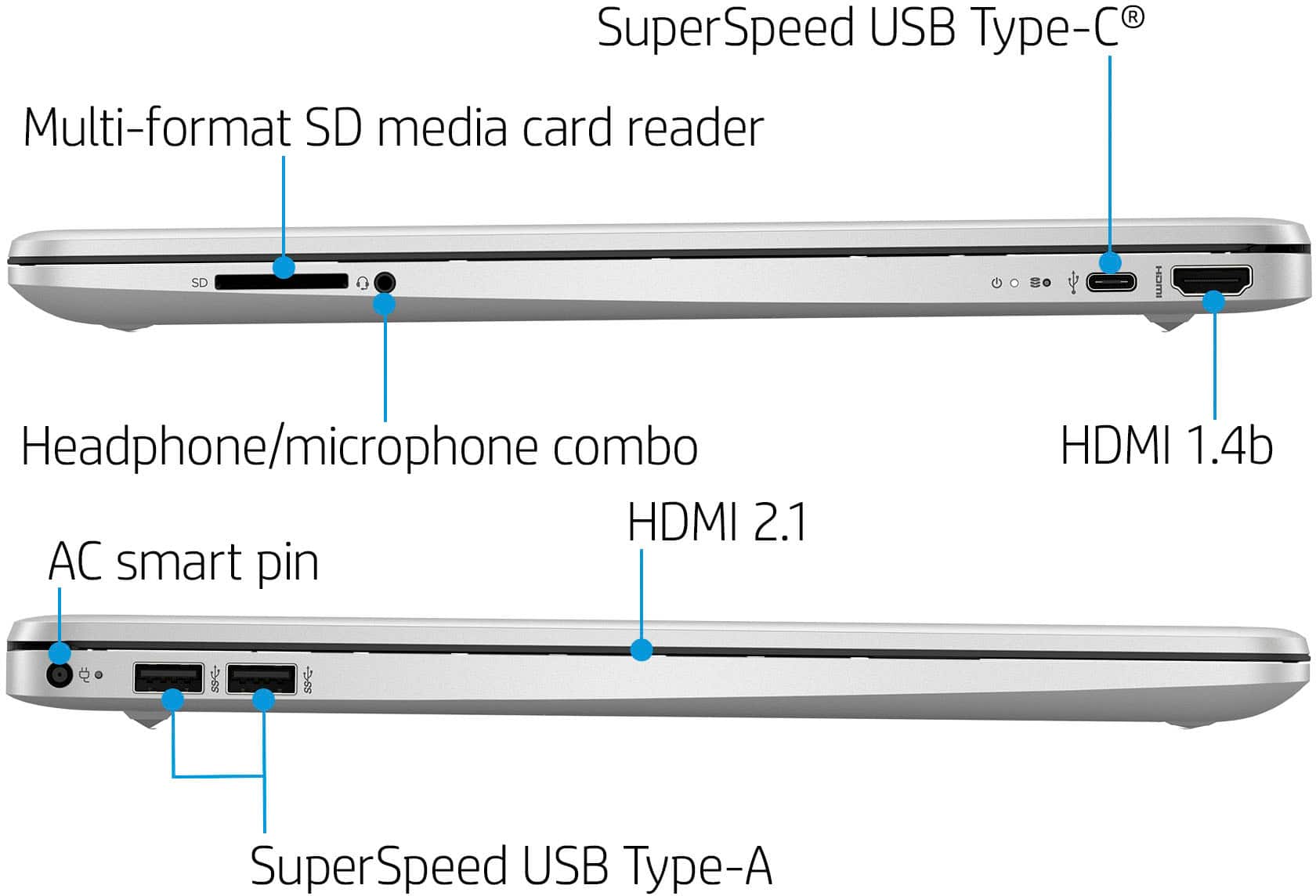
A:AnswerMost laptops now a days are built with bluetooth capability to connect a wireless mouse and keyboard. If you are using a usb connected mouse and keyboard, as long as the laptop/desktop has enough usb ports to connect them. If you find that a laptop does not have enough ports, you can always purchase a docking station that provides multiple ports for multiple devices including adding an external second or third monitor.
A:AnswerYes, but mind had a problem and I worked with HP support who suggested a new windows install. That was a pain but it fixed the problem. You need to buy MS Office separately.
A:AnswerJust started using this laptop, but so far so good. No latency in operation or issues with handling multiple tasks/operations/apps. Of course, I’m replacing a 12 old HP laptop so this new one is like lightning! I did, however need to reinstall windows, which was a pain. There was a problem with loading MS Photos and HP support suggested a new windows install.
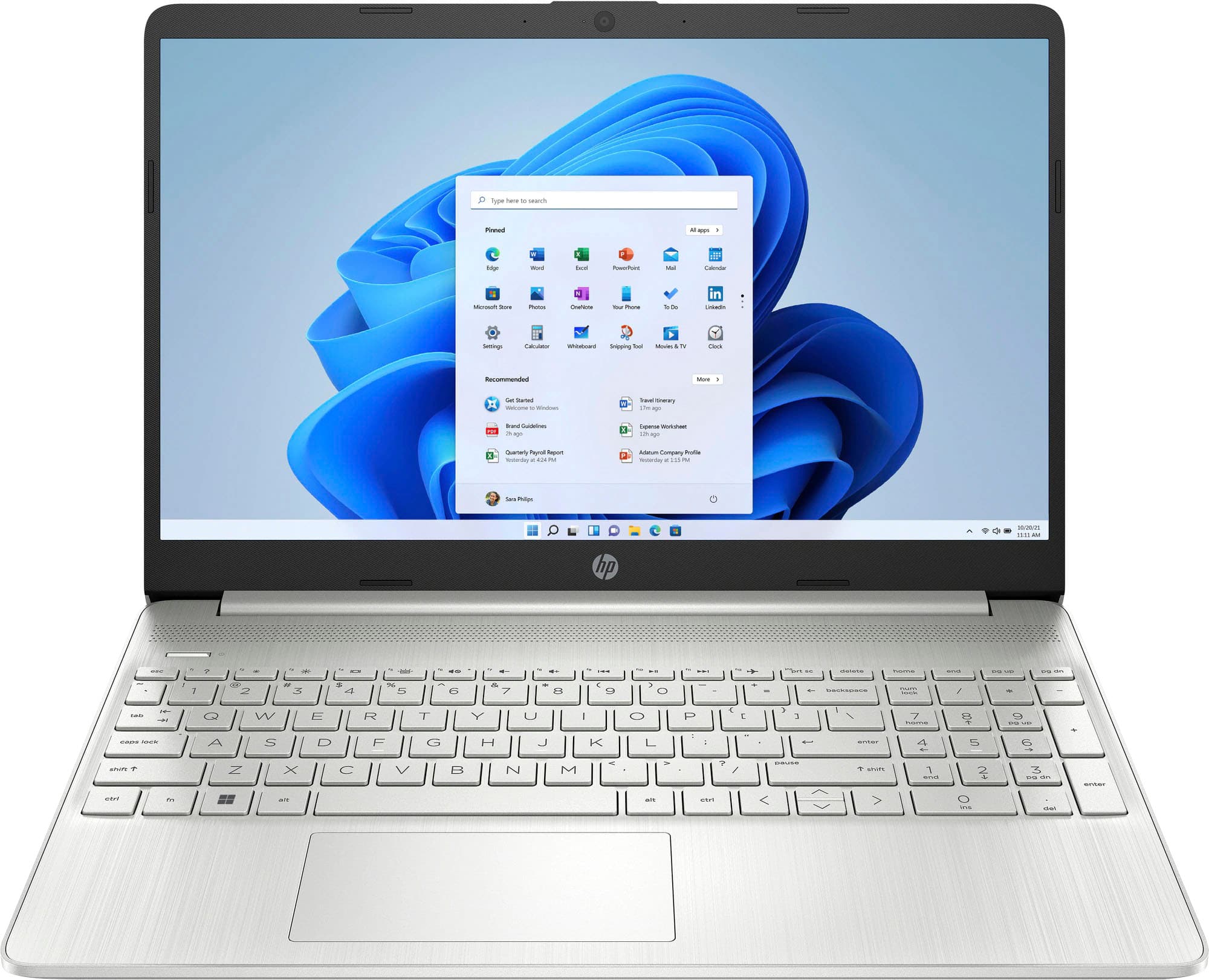
A:AnswerThank you for the question. This laptop has Windows 11 in S Mode, and you'll need to convert it to Windows 11 Home in order to be able to use the Chrome browser, necessary for ChromeCast. (Additionally, not all versions of Cricut software are compatible with Windows S Mode). Converting to Windows 11 Home is simple and free, and it is not reversible.