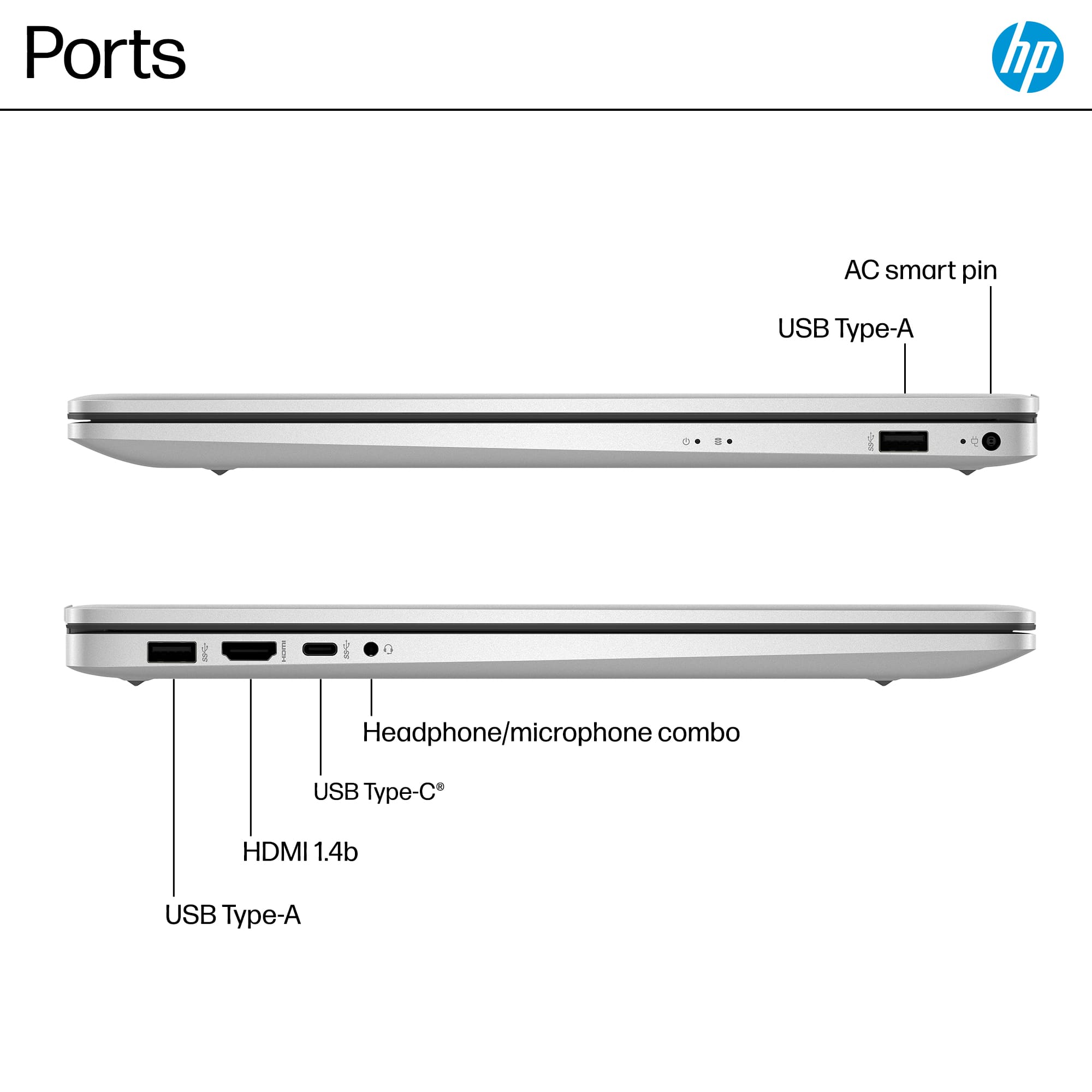
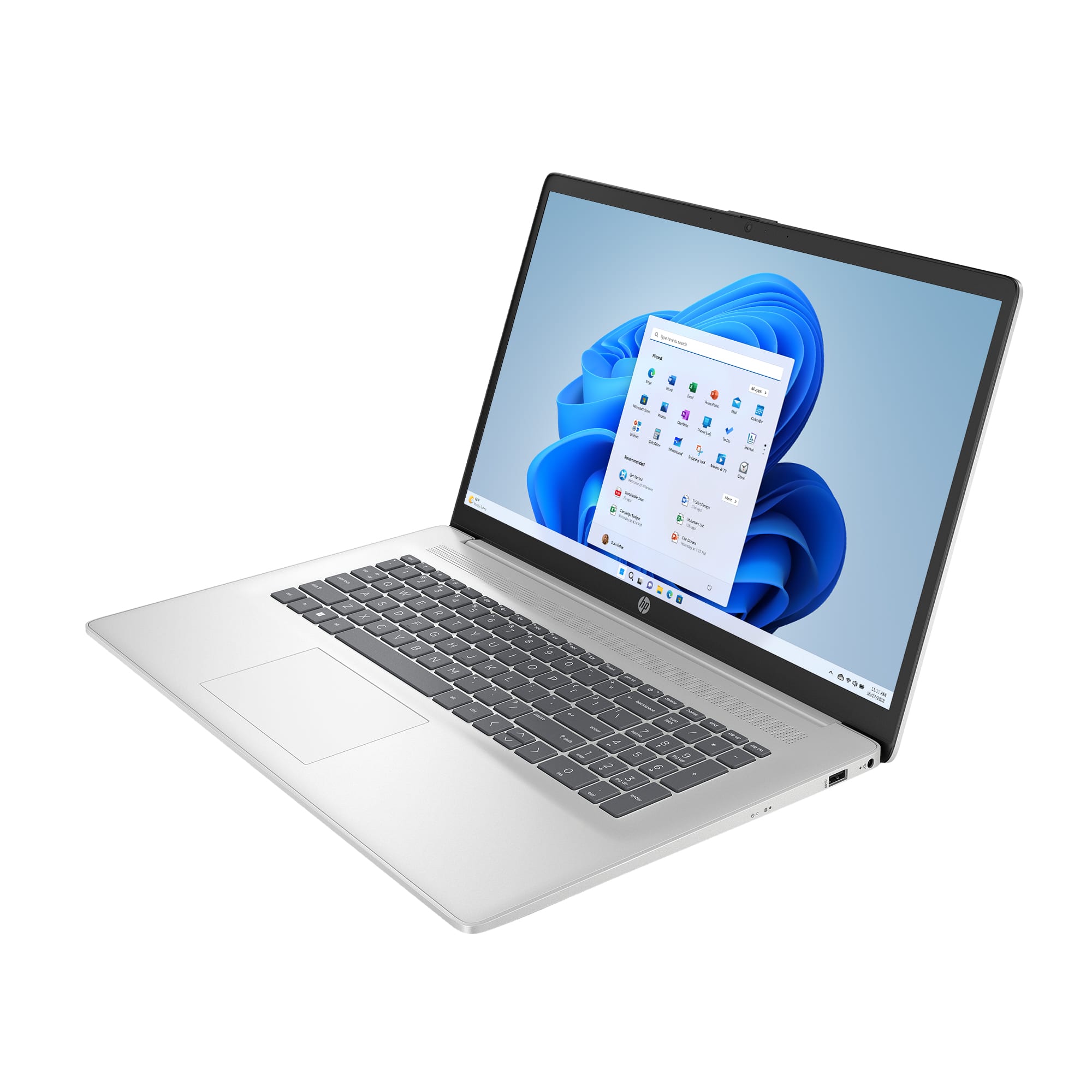
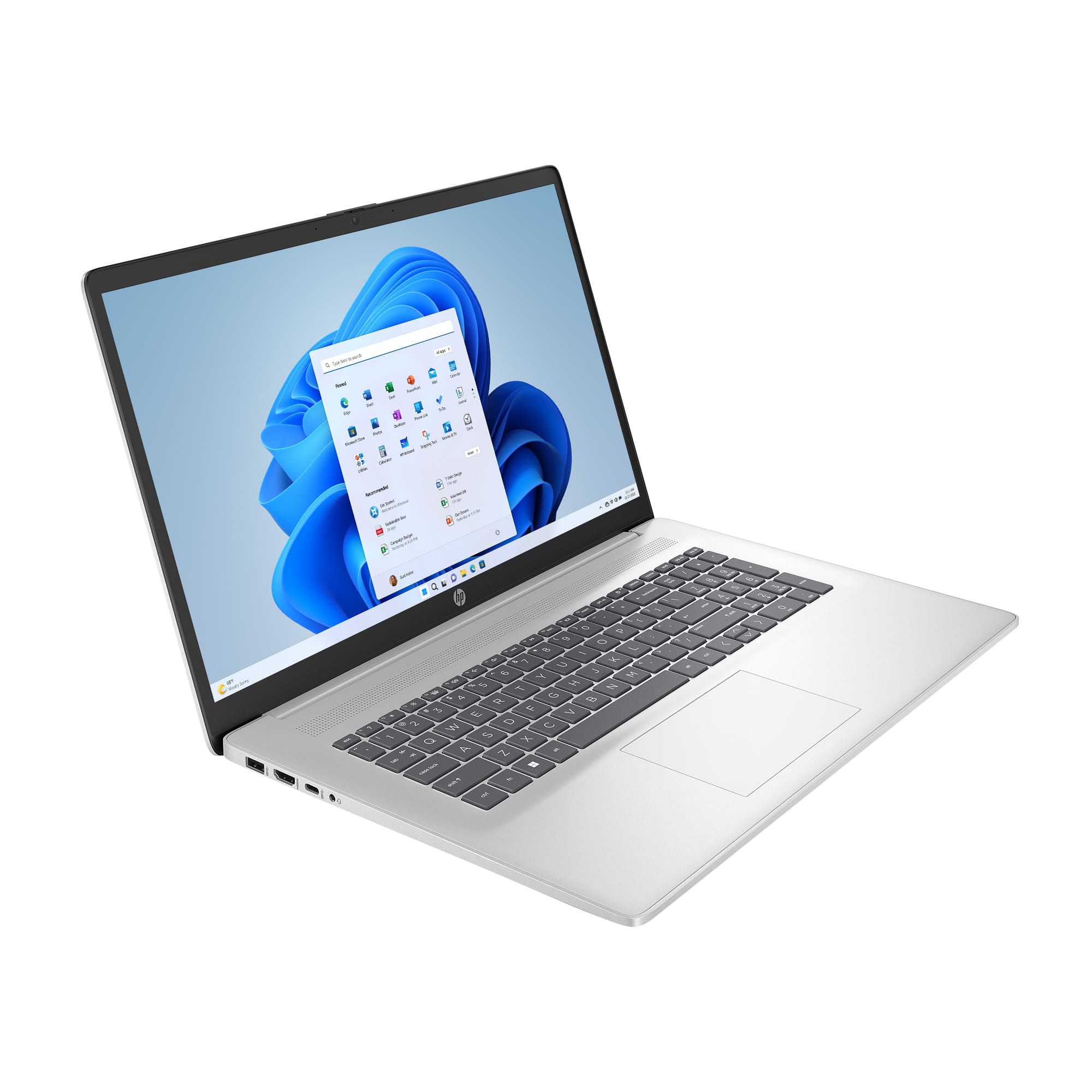
A:AnswerShort answer is yes, there is an HDMI port for that and most new displays will connect with a USB-C connection but I haven't tried on this particular laptop yet.
A:Answer1. First of all Donald, this is NOT a conversation. You ask a question, you get an answer. You can upvote or downvote the reply, but that is it. If you are unhappy with the reply, you can wait for another, better reply, or try reposting your inquiry worded in such a way as to get a more apt answer, e.g., "I want to [x]. I tried suggestion [y], but it didn't work. Anyone have better advice?" On the other hand, if you are happy with the answer, say so. Both types of reactions will be appropriately recorded on the Best Buy website, to guide others in the future. My answer is just a coincidence.
2. This is really not a Best Buy question, since it's not an issue with the computer you bought from Best Buy, bot a general question. You should really just search the web for an answer, which would probably be faster and more informative. That said....
3.Assuming you set up your User Account correctly on your computer (big assumption), type the word "screensaver" in the main search field (left of center on the Taskbar). Look at the left for the "Turn screen saver on or off" link and click on it. In the new window, look for the box next to "On resume, display logon screen," click on the box, and then click on "OK." If you want, you can check this by hitting the Windows key and "L" at the same time.
4. This is just one way of doing this. There are others.
A:AnswerIf it's just DATA, the easiest way it to copy the info from the old PC to a flash drive, then from the flesh drive to the new one. You can also use a cable connection between the two, but this requires considerable detail to perform correctly so I suggest you Goggle it.
A:AnswerIf it were the speakers, any idiot would know to turn down the volume, so I'm assuming you are having a loud fan. In that case, try HP's support line first for any possible fix. If that doesn't work, take it in to BB, along with your receipt, in case they can't rectify the problem and you need to return the unit.
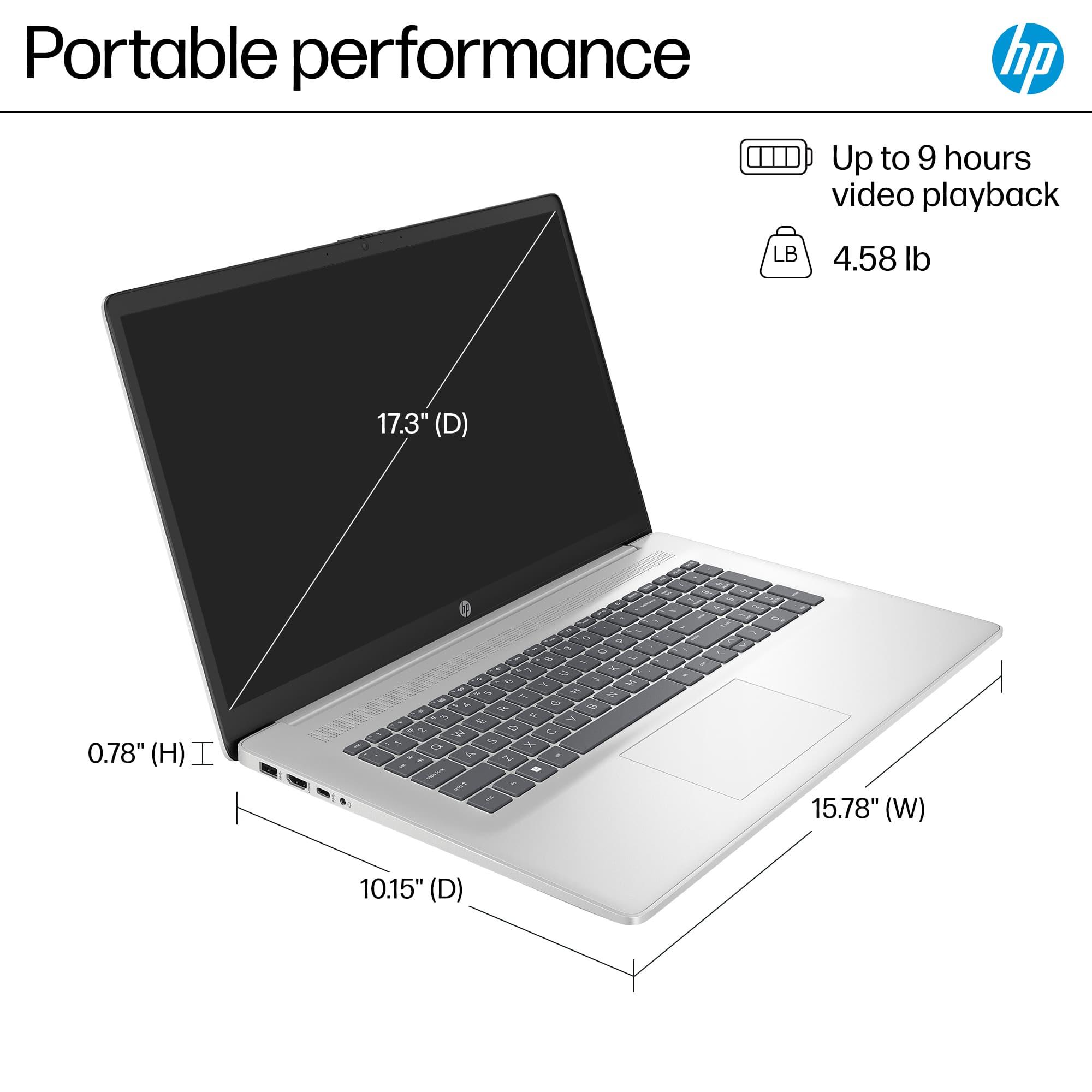
A:AnswerThanks for your question. This HP laptop does not have a touchscreen. Most touchscreen HP models will be labeled as HP 2-in-1, HP X360, or will have touchscreen in the title.
A:Answer1. Yes, it has a battery! All laptops do!
2. Unfortunately, there is no standard method of measuring battery life, the way there is, for example, CPU performance. This means it is impossible to compare one company’s computer’s battery use vs. another. Some manufacturers do provide details on how they measured it, but this is a rarity. The best way to find this information is to search out reviews by trusted tech publications, where they give detailed explanations of their procedures, as well as comparisons to comparable models.