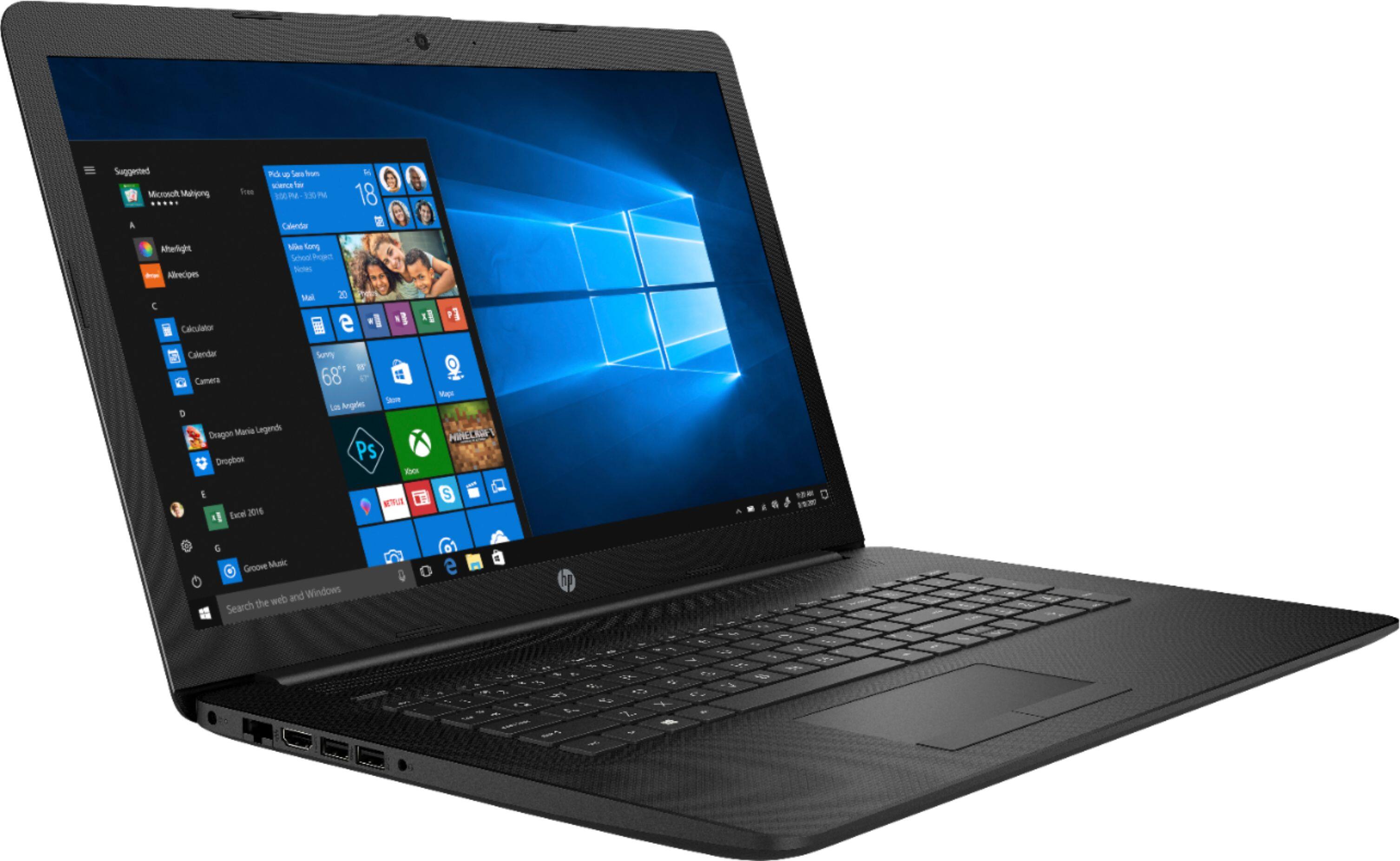
A:AnswerThe OS is Windows 10 Home and it also has the following software installed: HP Audio Switch; HP Games by WildTangent; HP JumpStart; HP Support Assistant; HP Connection Optimizer; McAfee LiveSafe™. It comes bundled with Webroot Internet Security + Antivirus too.
A:AnswerI don't know about that specific program, but we bought two of these laptops recently. My mother uses hers for emails and simple internet tasks, and it's perfect for that. My son, though, wanted it to play games such as Roblox, Fortnight, etc., and he's pretty unhappy with it (says it lags, it's slow, etc). Unfortunately we just missed the window for returning it, so he's stuck with it. But if I could go back in time, I wouldn't buy it for playing games.
I know it's not exactly what you asked but maybe it's still somewhat helpful info ;-)
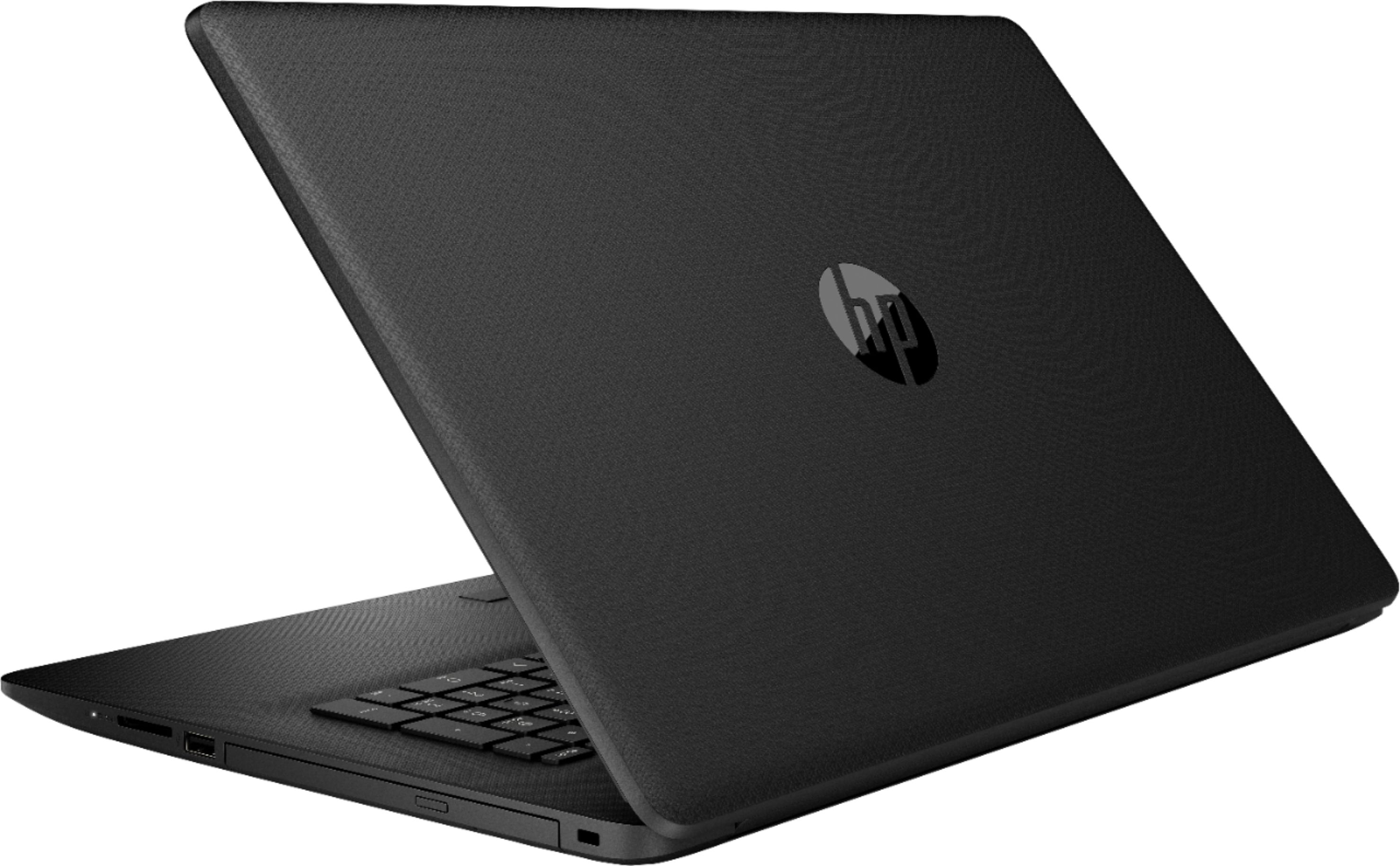
A:AnswerNo DVD, unfortunately. It has a restore partition and Windows 10 has the functionality built in to restore from that. You can also create a USB flash drive backup of the OS, which I did.
A:AnswerYou would need to add the Microsoft Office suite which starts at $49 for a single user on Office 365 (subsequent years are $69/year). If you don't want the subscription version, Office 2019 costs $149 but you would get it for $129 with a computer.
A:AnswerSorry, don't know what kind of sound card the laptop has. The sound quality is barely OK. I gave it as a gift and also bought a pair of cheap ($22) speakers at Best Buy to plug in and they sound lots better than the speakers in the laptop.
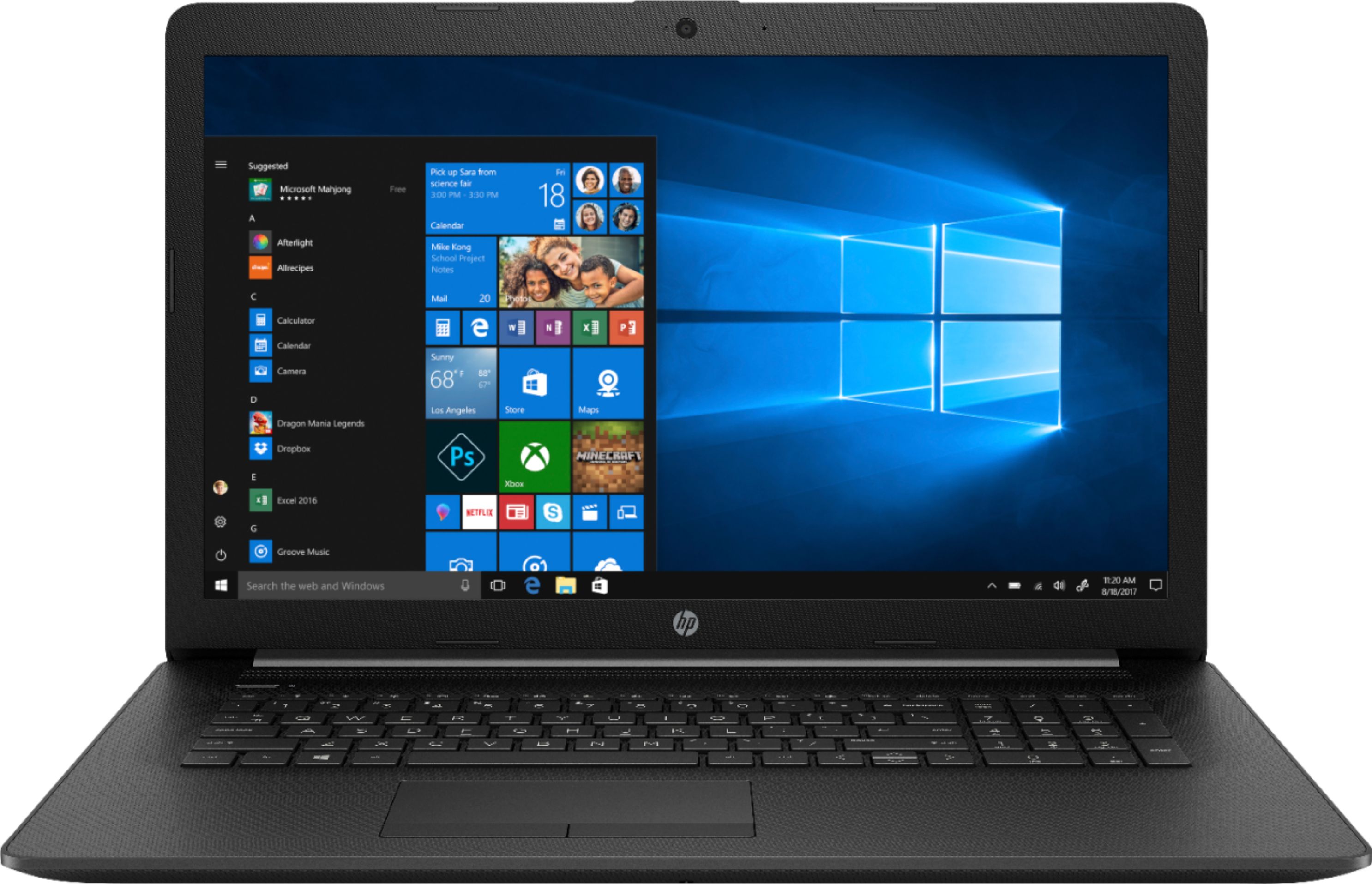
A:AnswerNo, sorry, this model does not have a backlit keyboard. You will find that feature in our higher-end products such as some Pavilion, most Envy and all Spectre laptops.
A:AnswerIf you are looking for high-quality footage, you should use an external FHD webcam instead of relying on the built-in cameras found in laptops.