A:AnswerThe only other thing you will probably need is a version of "Office", Word, Excel, Power Point.There's a free version you can get once you get a valid school email address.
https://www.microsoft.com/en-us/education/products/office
Other than that, it's sort of a plug-and-play☺
Pete
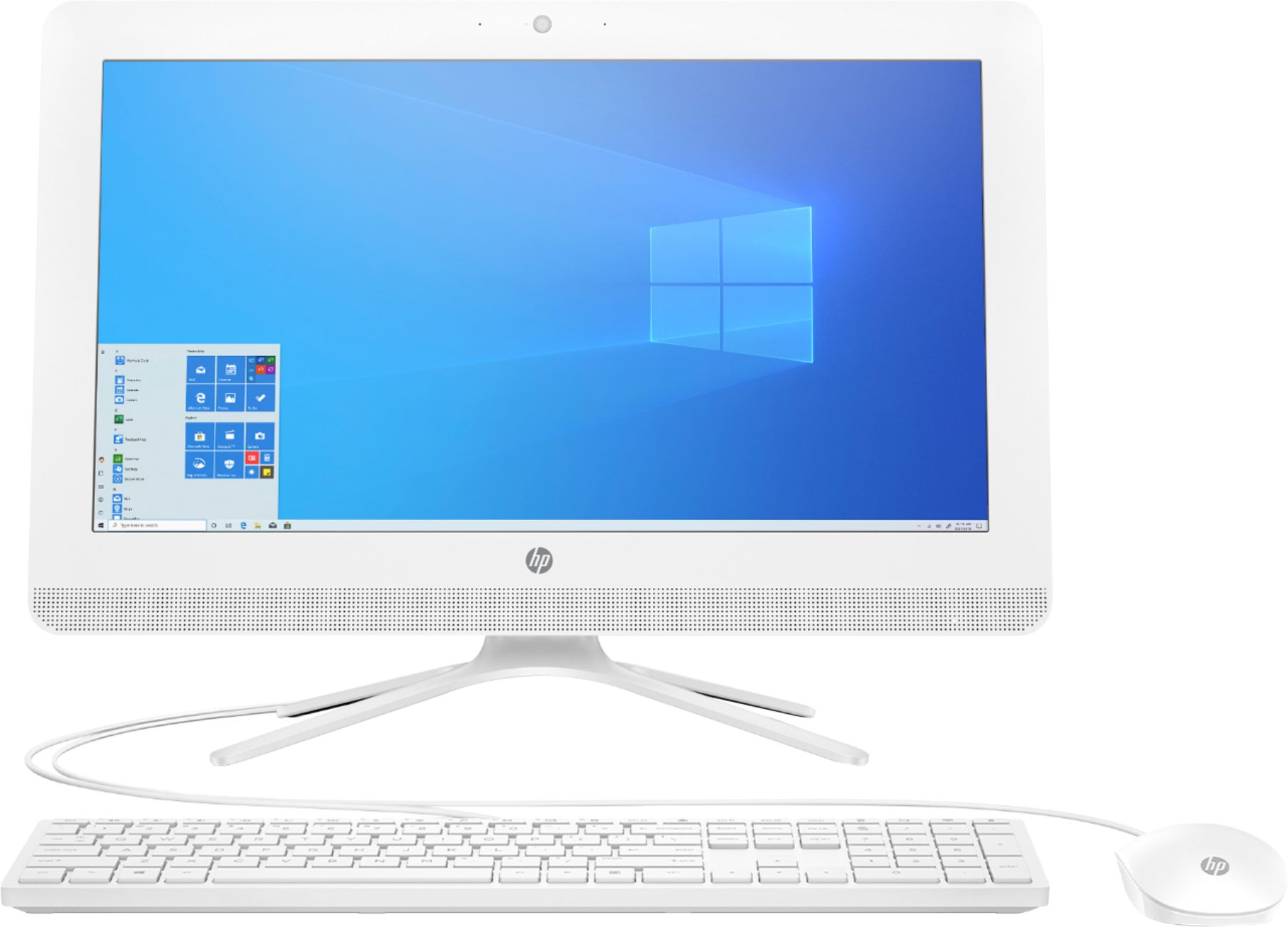
A:AnswerYes, it has only 1 RAM slot. You can remove the existing 4GB module and replace it with an 8GB module. Here are the specs:
Single-channel memory architecture
One DDR4 SODIMM (260-pin) socket
Supports the following:
PC4-17000 (DDR4-2133)
PC4-19200 (DDR4-2400)
A:AnswerYes, you can upgrade the RAM from 4 to 8 gigabytes. Because there is only one slot for RAM, you'll need to replace the 4 gigabyte module with an 8 gigabyte one.
A:AnswerYes it is possible up to 16 G, although in the HP website recommends 8G. But it is possible and very easy. But be aware it's a replaceable ram you have to replace the one it has with the new bigger ram(8). There are no extra slots to add ram.
A:AnswerThis is not a great option for photo editing. I would look for a model that has 8GB of RAM and at least Intel i3 or AMD Ryzen 3 CPU. The Intel i5 or AMD Ryzen 5 will be the best option for photo editing.
A:AnswerNo sorry the processor that is shipped with your model is soldered and is not upgradeable. Yes it should support a 3.1 USB hub. We can't answer your Garry's Mod question except to say that you are at the minimum specs for the game. This is not a gaming PC.