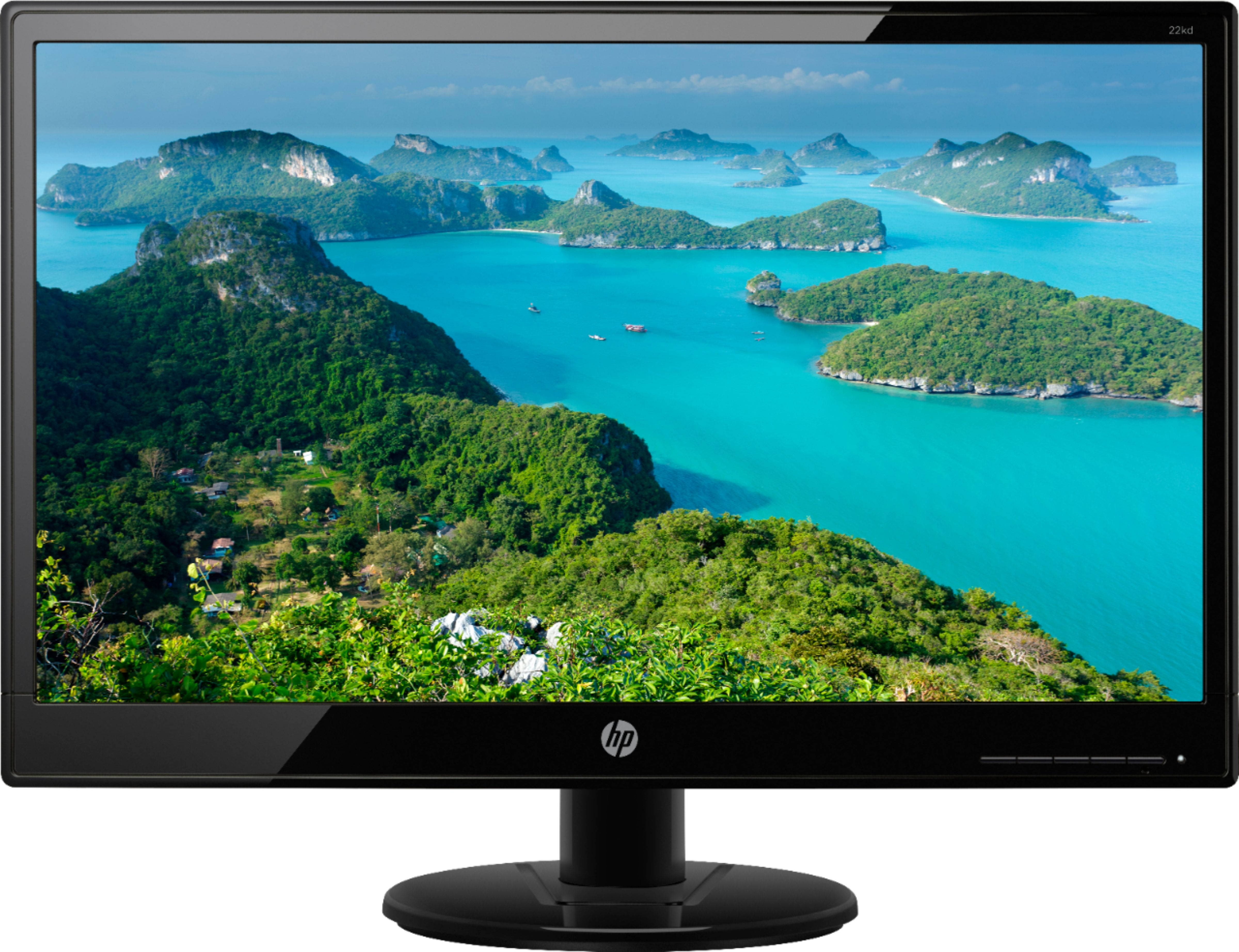
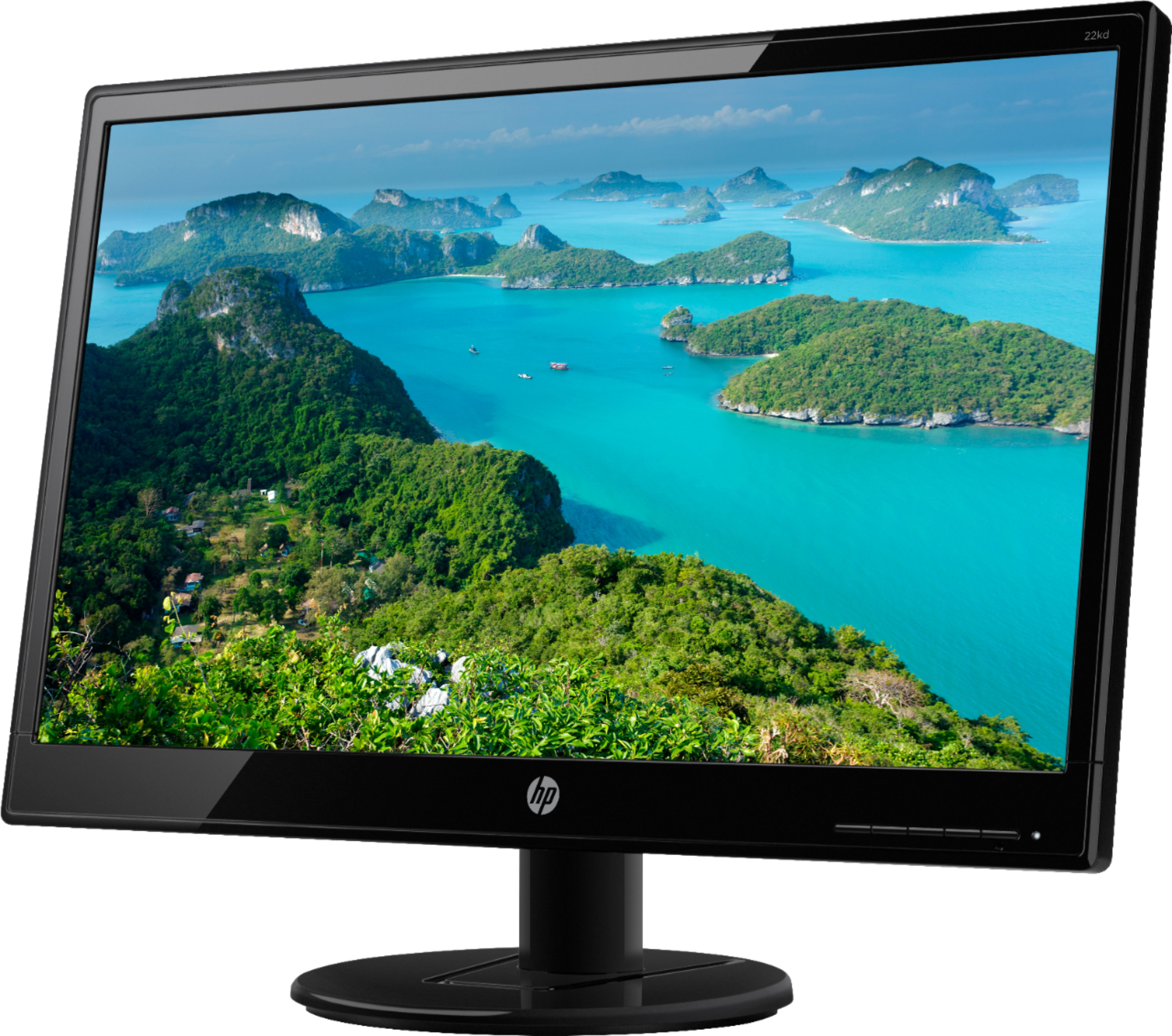
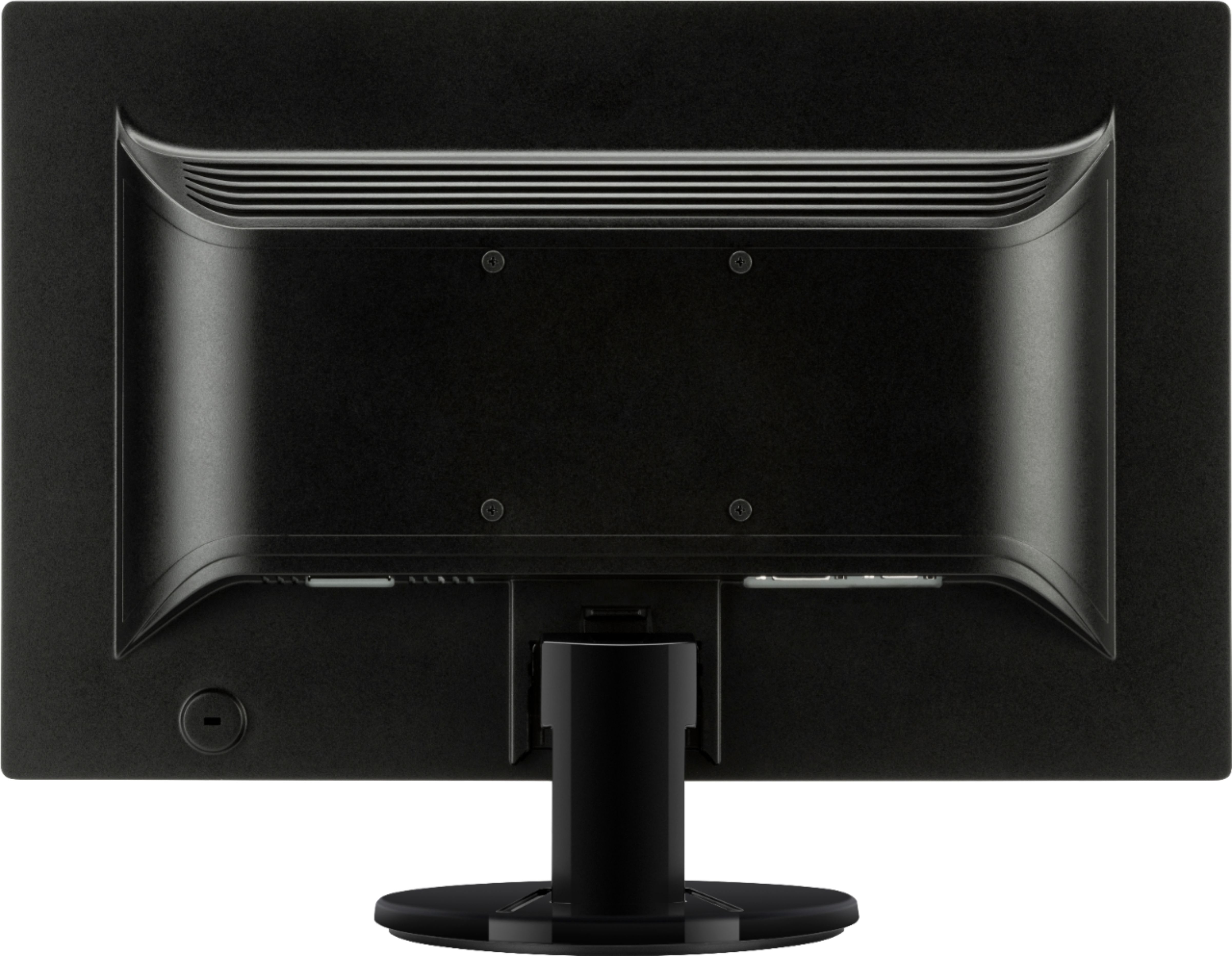
A:AnswerIf your Chromebook has the HDMI port, then you would need the DVI-D to HDMI cable to use this monitor. This HP 21KD monitor has 1 VGA port and 1 DVI-D port.
A:AnswerIs it plugged into your graphics card? I had this same problem cuz It was plugged into my motherboard. found out my graphics card doesn’t support vga. So I had to get a vga to hdmi adapter.
A:AnswerThe Best Buy listing is incorrect. The HP spec sheet does list it as a TN panel. https://support.hp.com/us-en/product/hp-value-20-inch-displays/7274733/model/10193416/document/c05272238
A:AnswerHi. If you purchased this new and it is still under warranty, please contact HP support at :
https://support.hp.com or call them at 1-800-HPINVENT. Escalate the issue to management if you are not helped sufficiently.
A:AnswerYes, you can use the VGA on the PC to connect to the VGA connection on the monitor. You need a VGA cable like this one:
https://www.bestbuy.com/site/insignia-6-vga-monitor-cable-black/5885036.p?skuId=5885036