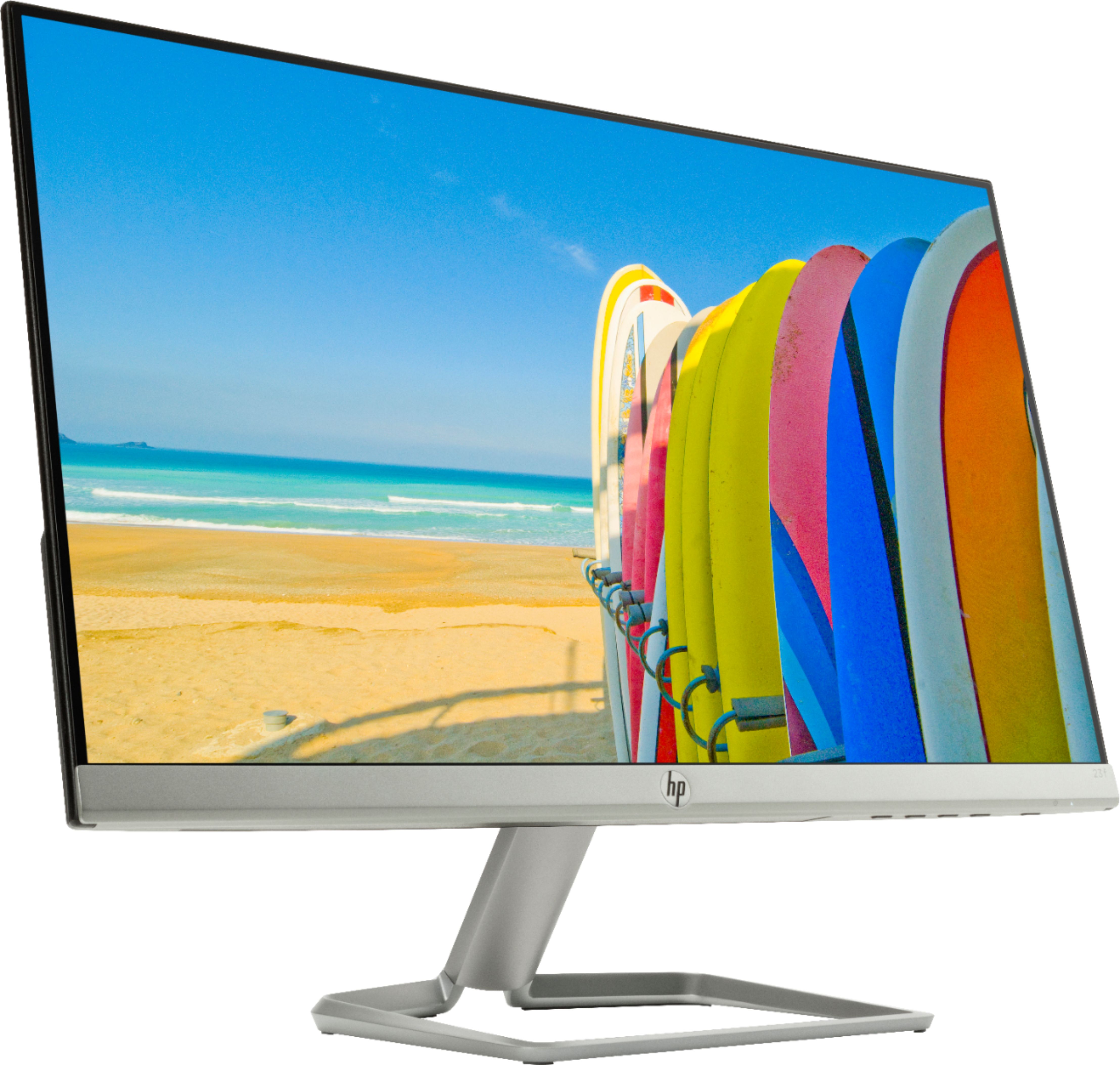
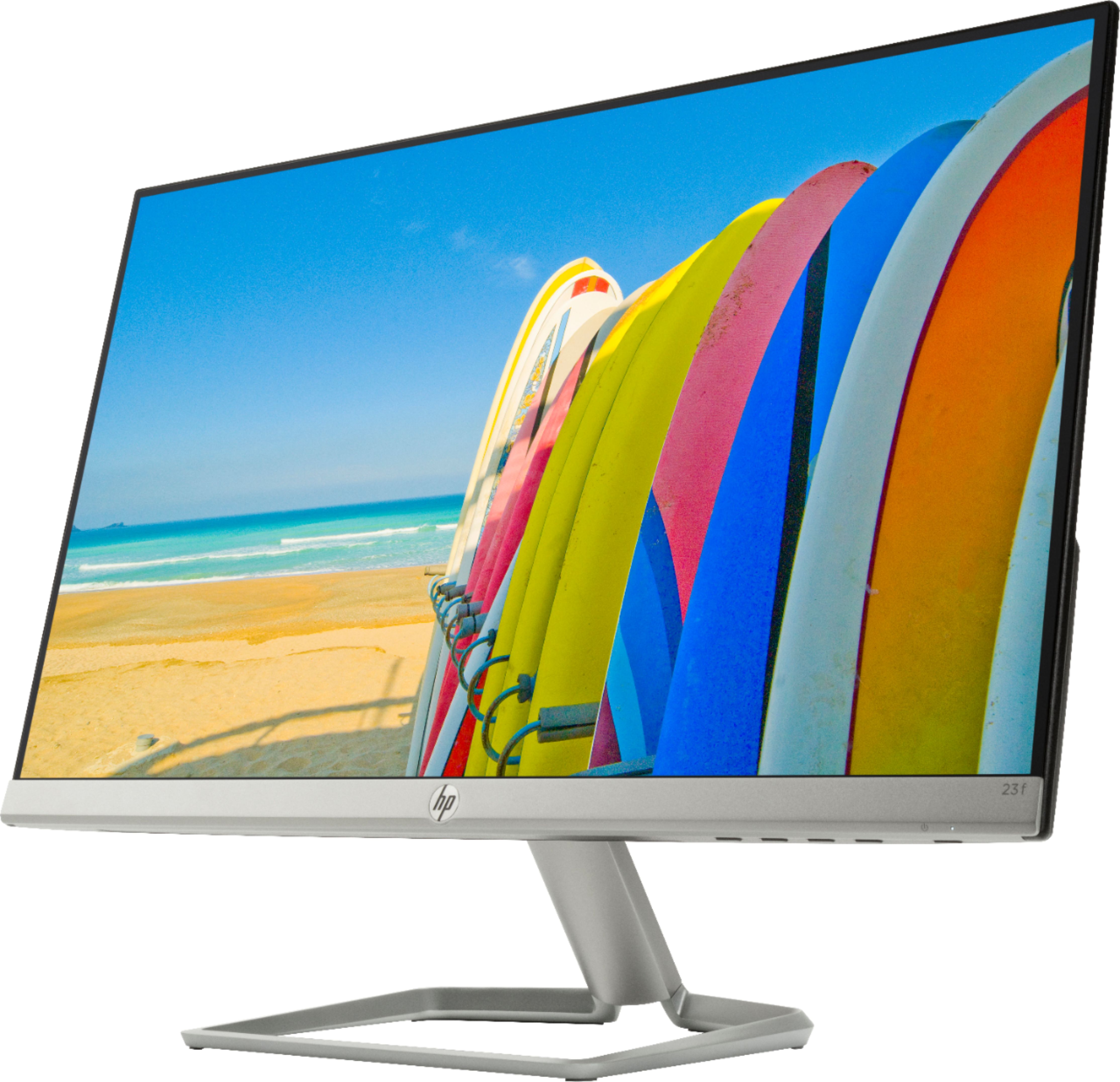
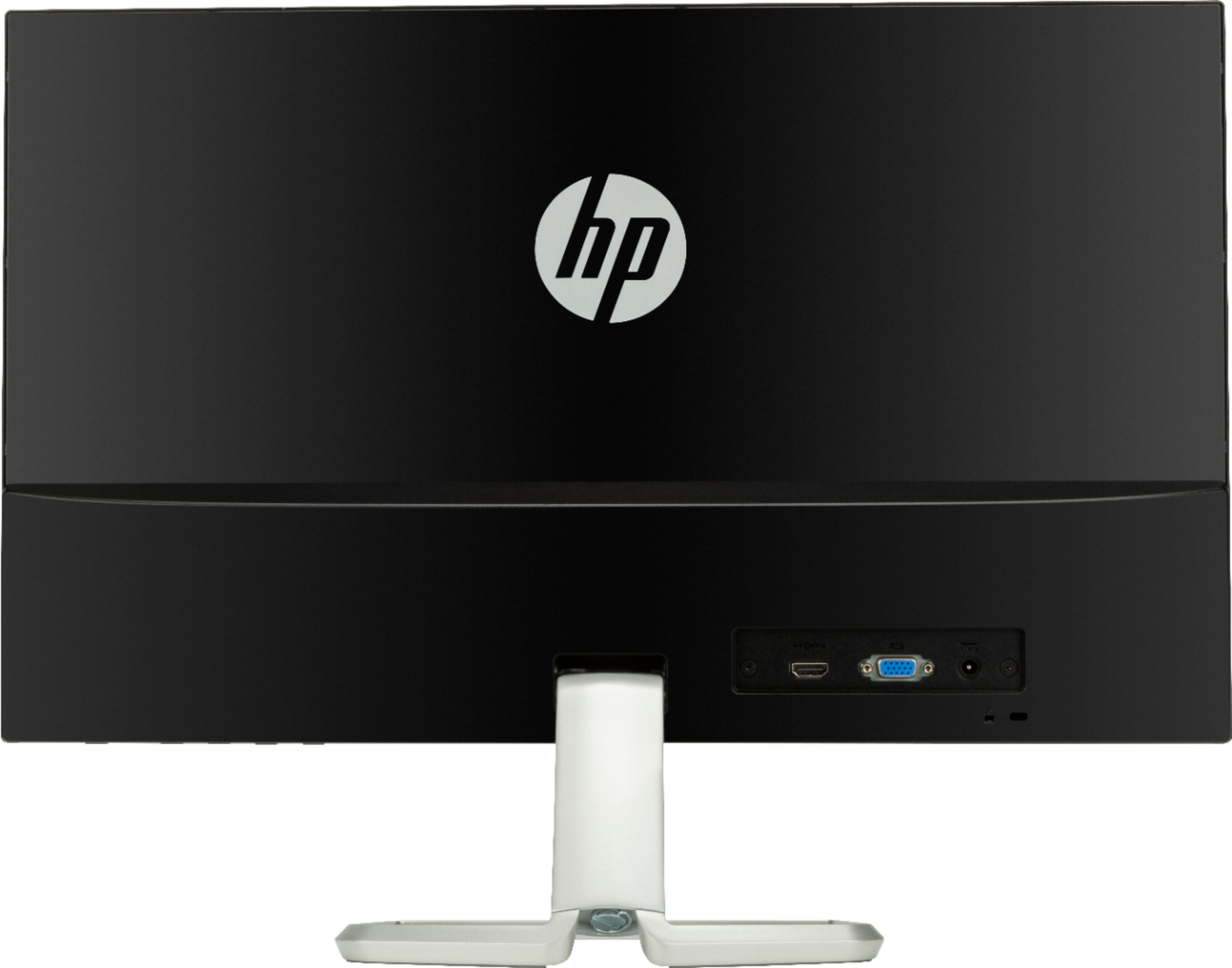
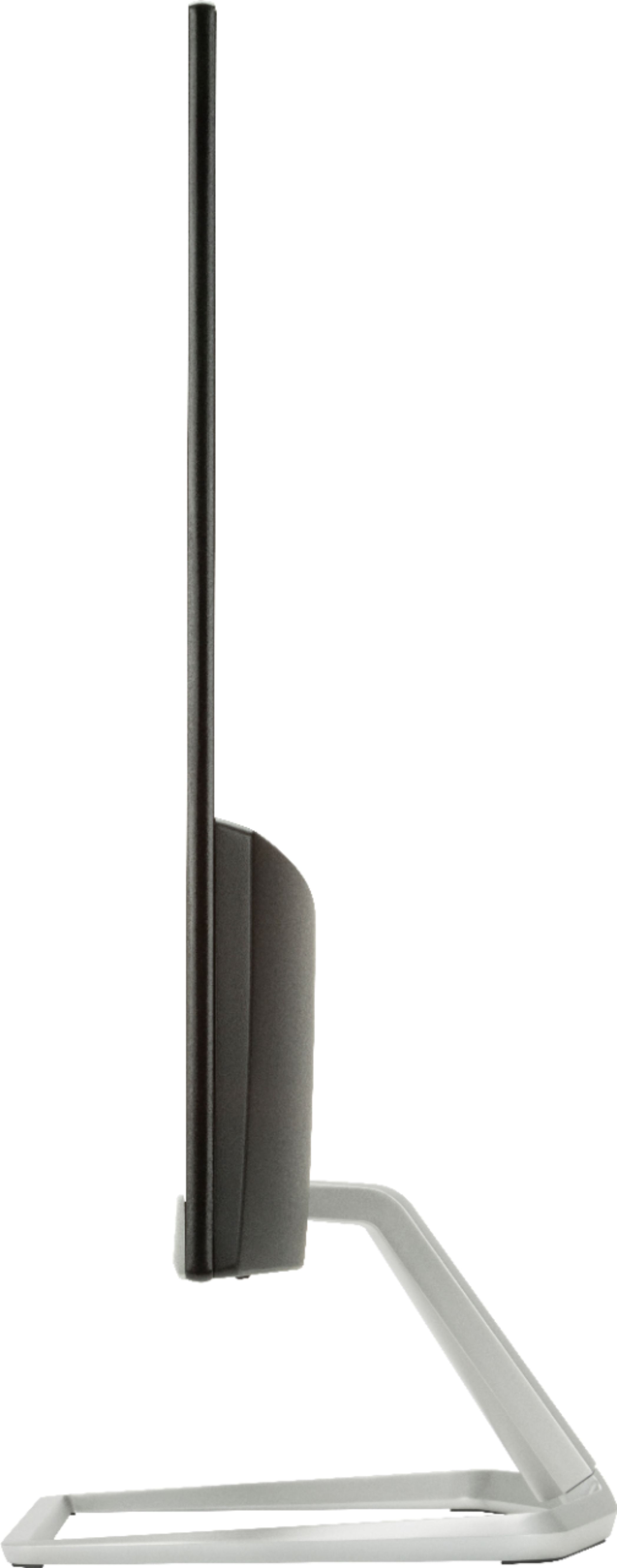
A:AnswerThe monitor is not VESA mount compatible. To have it mounted you would need to get a VESA adapter mount, sold separately. If you use an adapter, you will need to be careful when adjusting the mount and by using the adapter it might void the warranty. It is a good monitor but it is not a VESA mount compatible.
A:AnswerYou can control all of the audio outputs from the sound settings in Windows 10. From there you can set your laptop as the default audio output.
A:AnswerIf there is a way, it will not connect through your monitor, but through the computer. Look for Bluetooth in control panel and follow the steps
A:AnswerI guess you could through a series of adapters or something, but I would suggest something more like a portable monitor or chomecast type of solution instead.