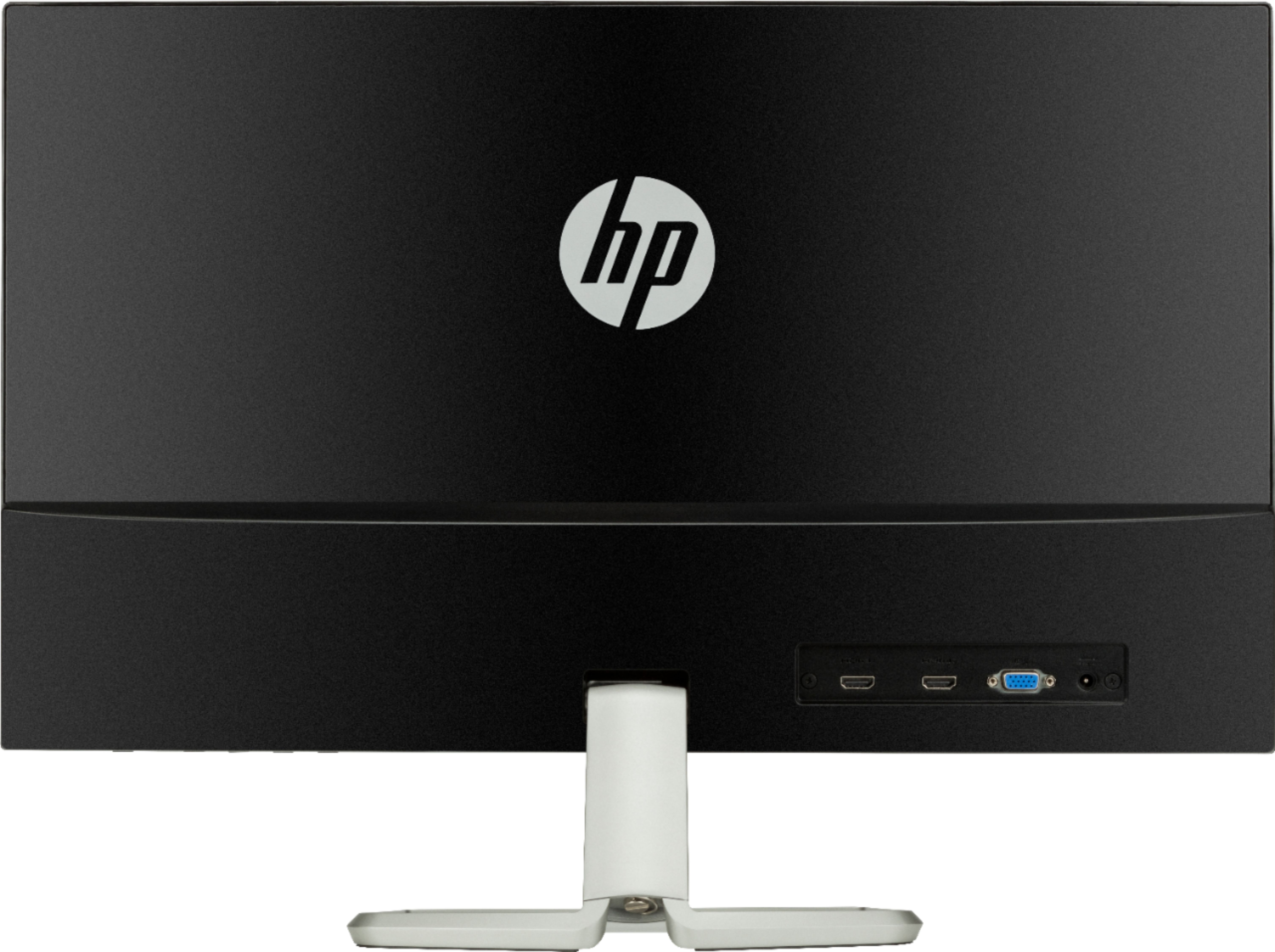
A:AnswerAccording to the user manual pdf available on the HP website under Support. The far left button is menu/ok, the next is info/auto adj/minus, the next is input/plus, the next is viewing mode/exit. and then of course, the far right is power on/off For a complete explanation you will want to examine the user manual.
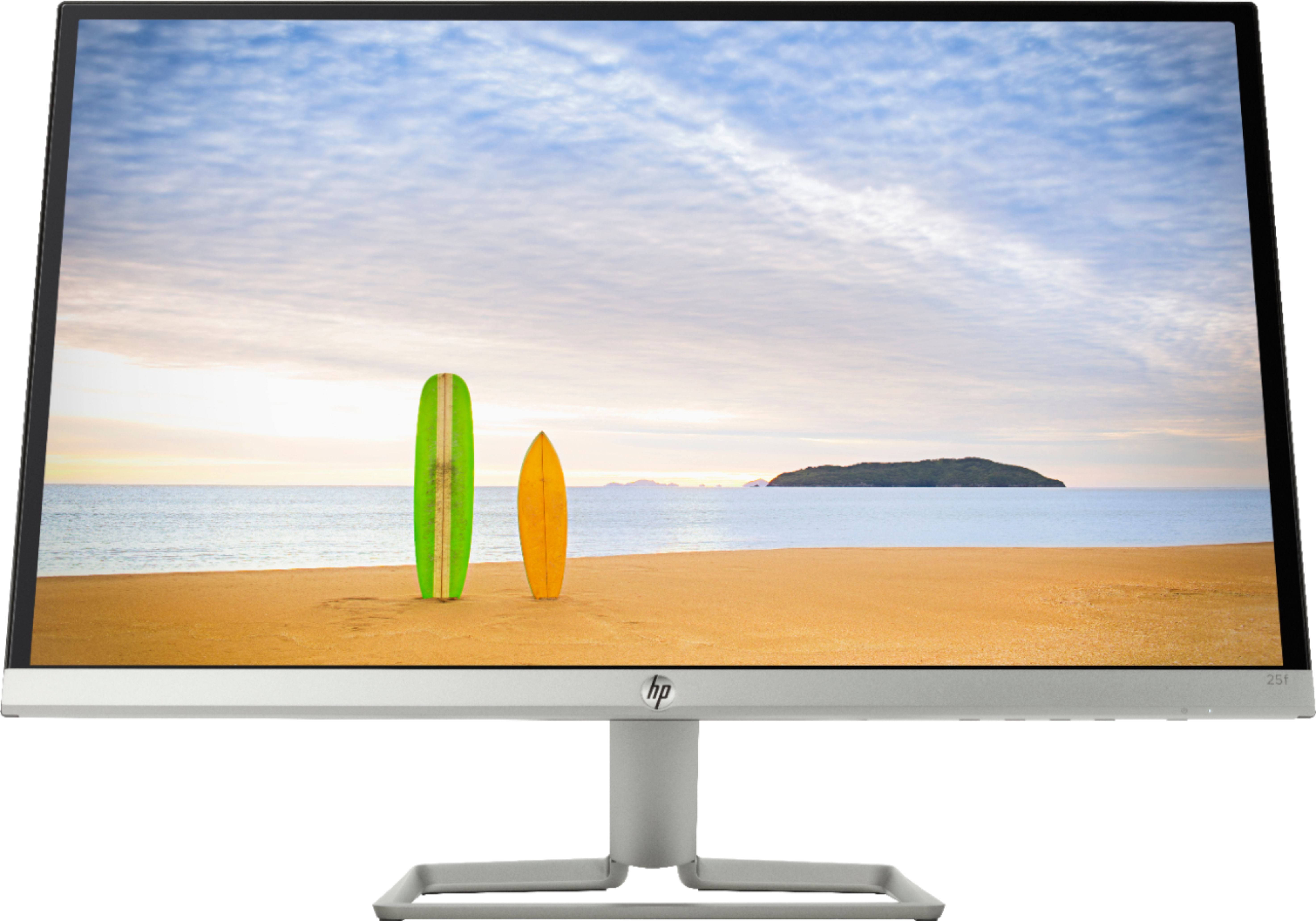
A:AnswerI looked for a VESA mount array of screw holes, but there are none to be found. I suggest (and NOT facetiously) you consider automobile strength VELCRO to attach this screen, because it only weighs 7 lbs. It's possible HP has a solution using an accessory of some sort, but I didn't pursue that.
A:AnswerThese are the numbers I have. AC/DC Adapter; Model ADP-40LD D ; Input 100-240 v-1a 50-60 Hz ; Output 19v --2.1a . The HP part number I believe is: HP 738001-001-40 LD, Slate 21-5100 E2P18AA. Hope this helps.
A:AnswerI didn't get one either, I think the description is in error. I was able to utilize HDMI. An older VGA cable will work, but maybe BestBuy will give you a VGA cable, you will have to ask them.