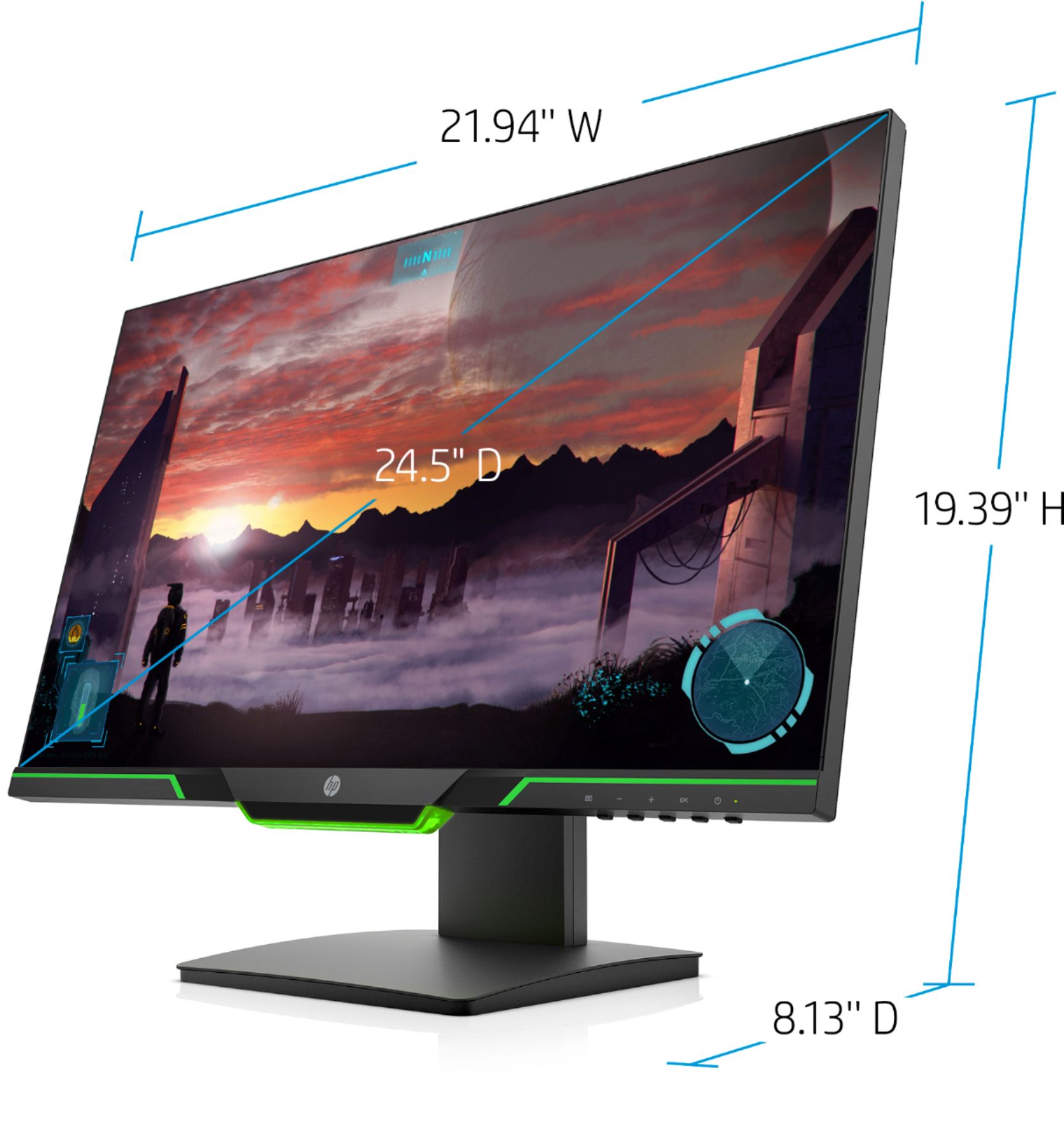
A:AnswerYes it does. Here is the monitor data sheet.
https://cdn.cnetcontent.com/syndication/mediaserverredirect/06268be6486e45631f19a1bdf81c3061/original.pdf
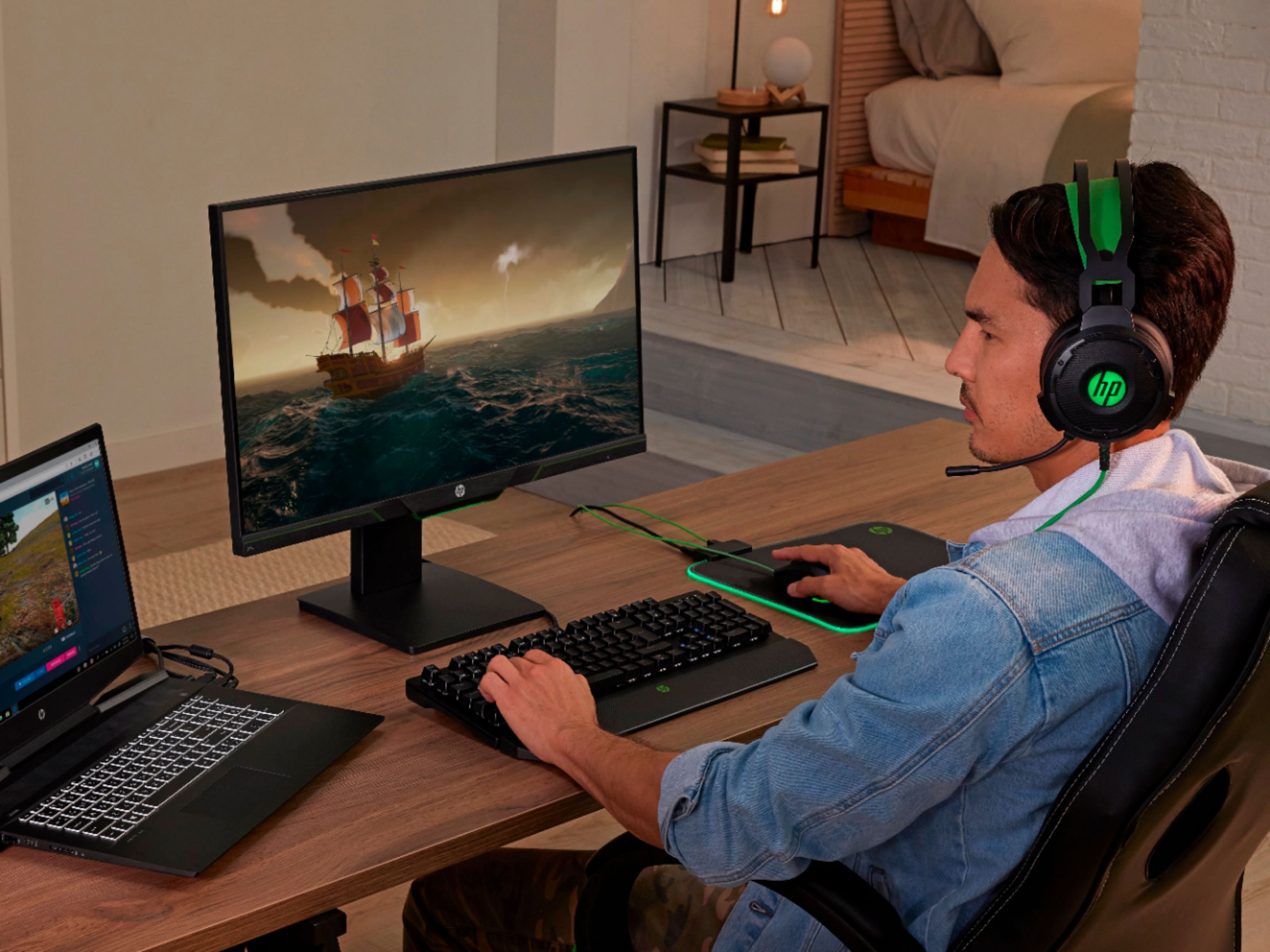
A:AnswerThis would work well with the laptop - it has hdmi and comes with an hdmi cable. Does not have a wireless display. Note is has 144hz refresh rate - if your graphics card supports it this could be a great setup.
A:AnswerIt does have a HDMI 2.0 port. Whether it comes with an HDMI 2.0 cable, i am not sure as I used my existing HDMI. And yes, you do get 144hz over HDMI.
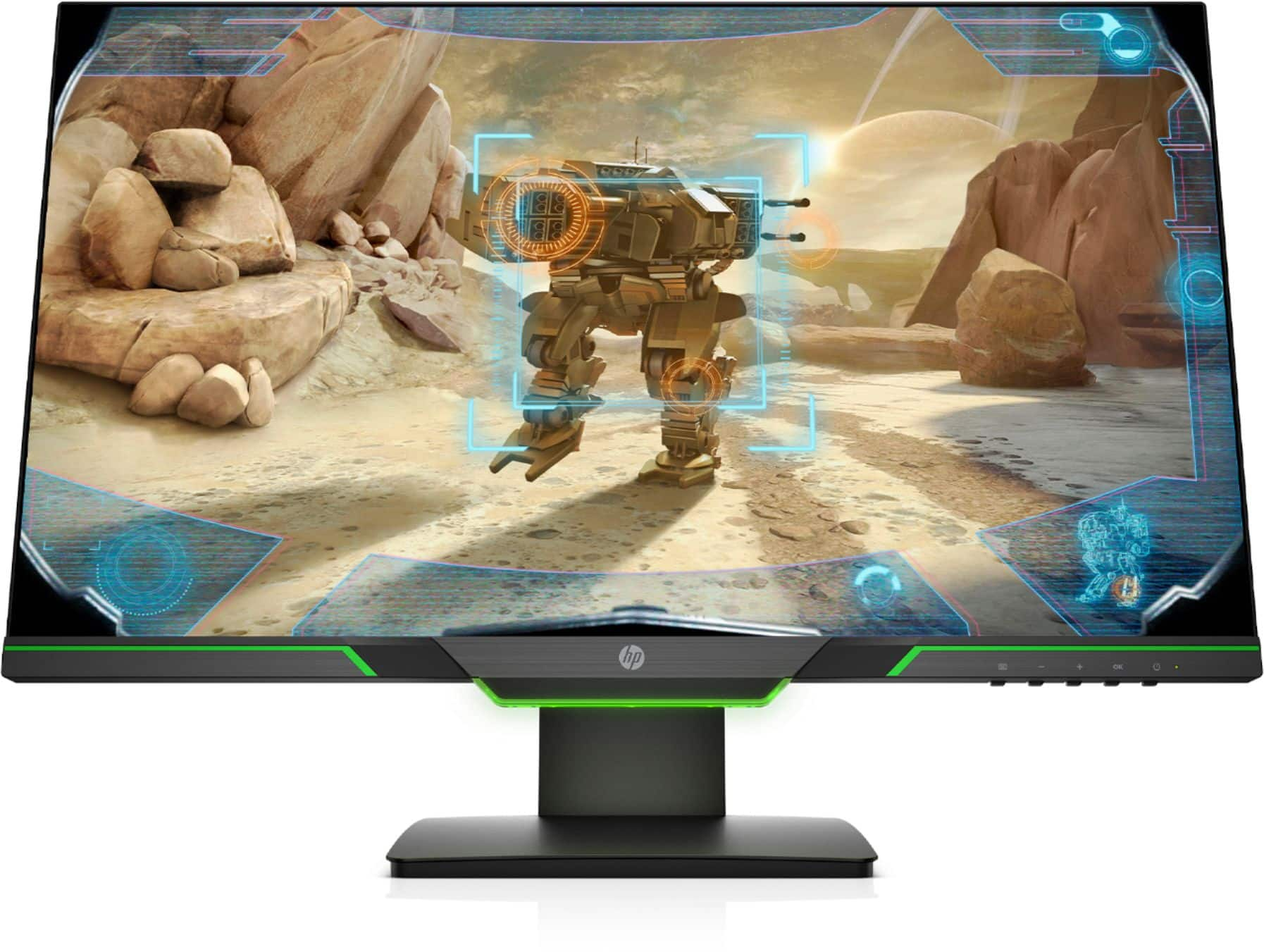
A:AnswerThe OSD (On Screen Display) Menu setting buttons are next to the power button. You can see what settings are available on page 11 of the user guide: http://h10032.www1.hp.com/ctg/Manual/c06081133