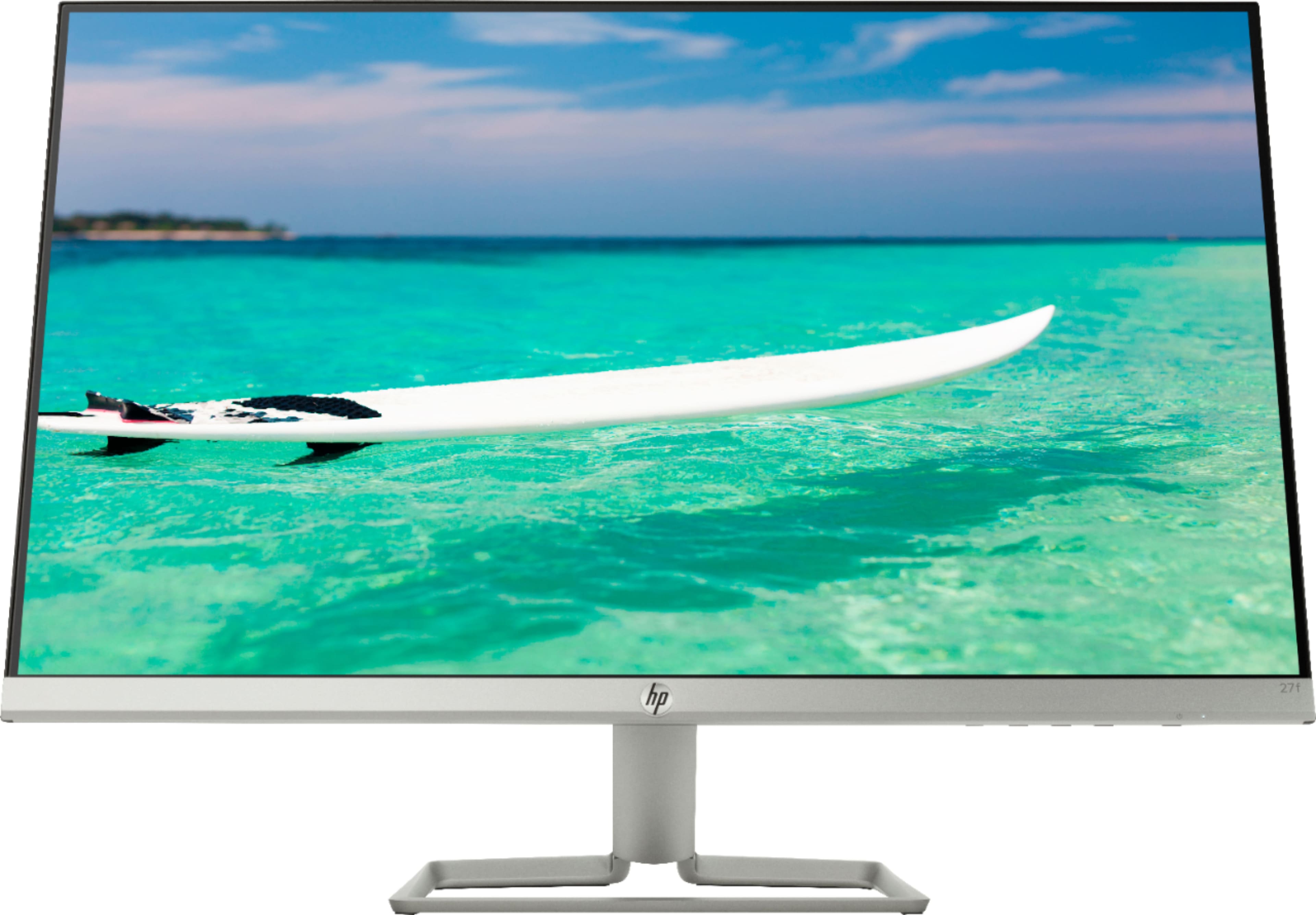
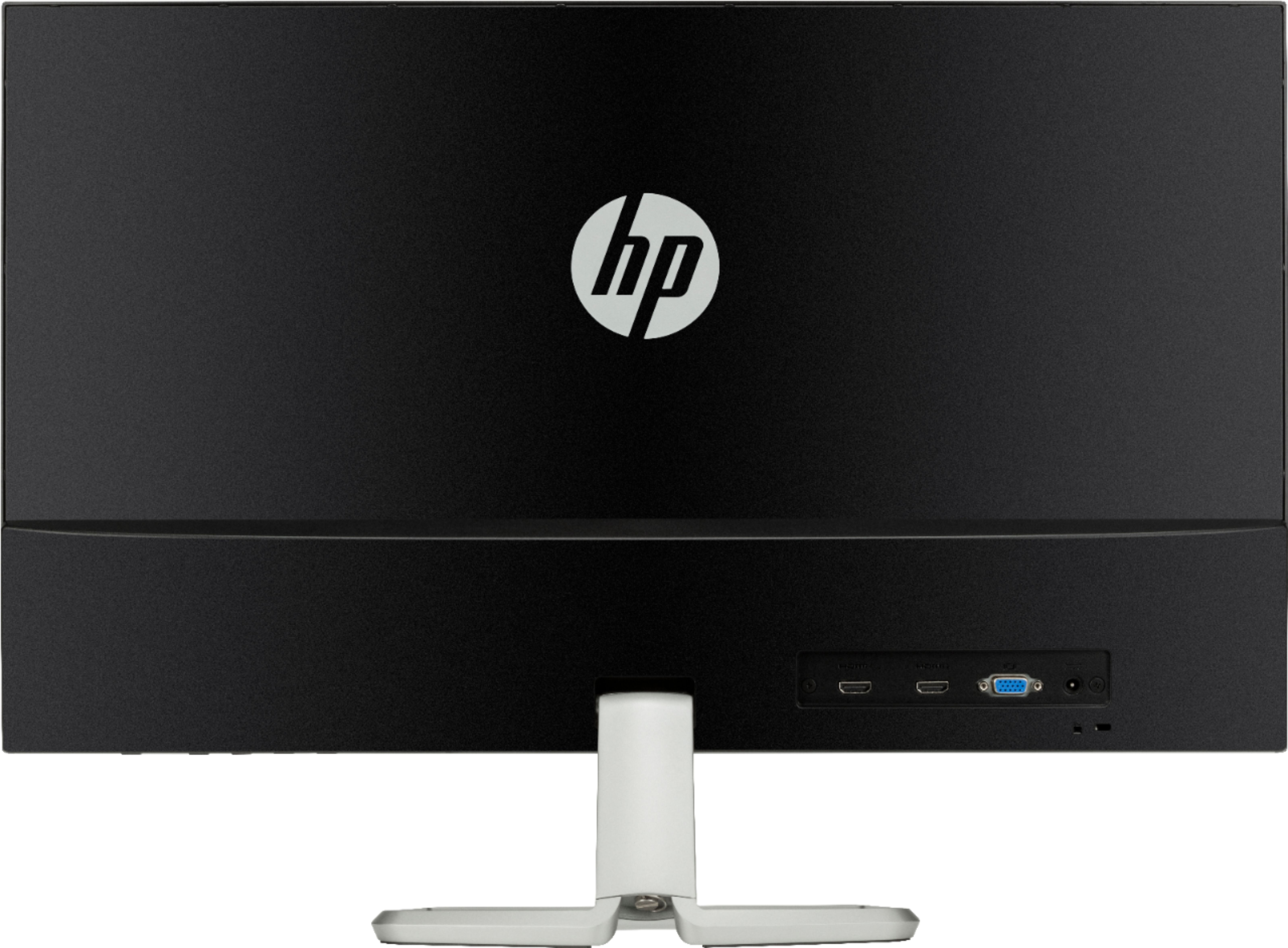
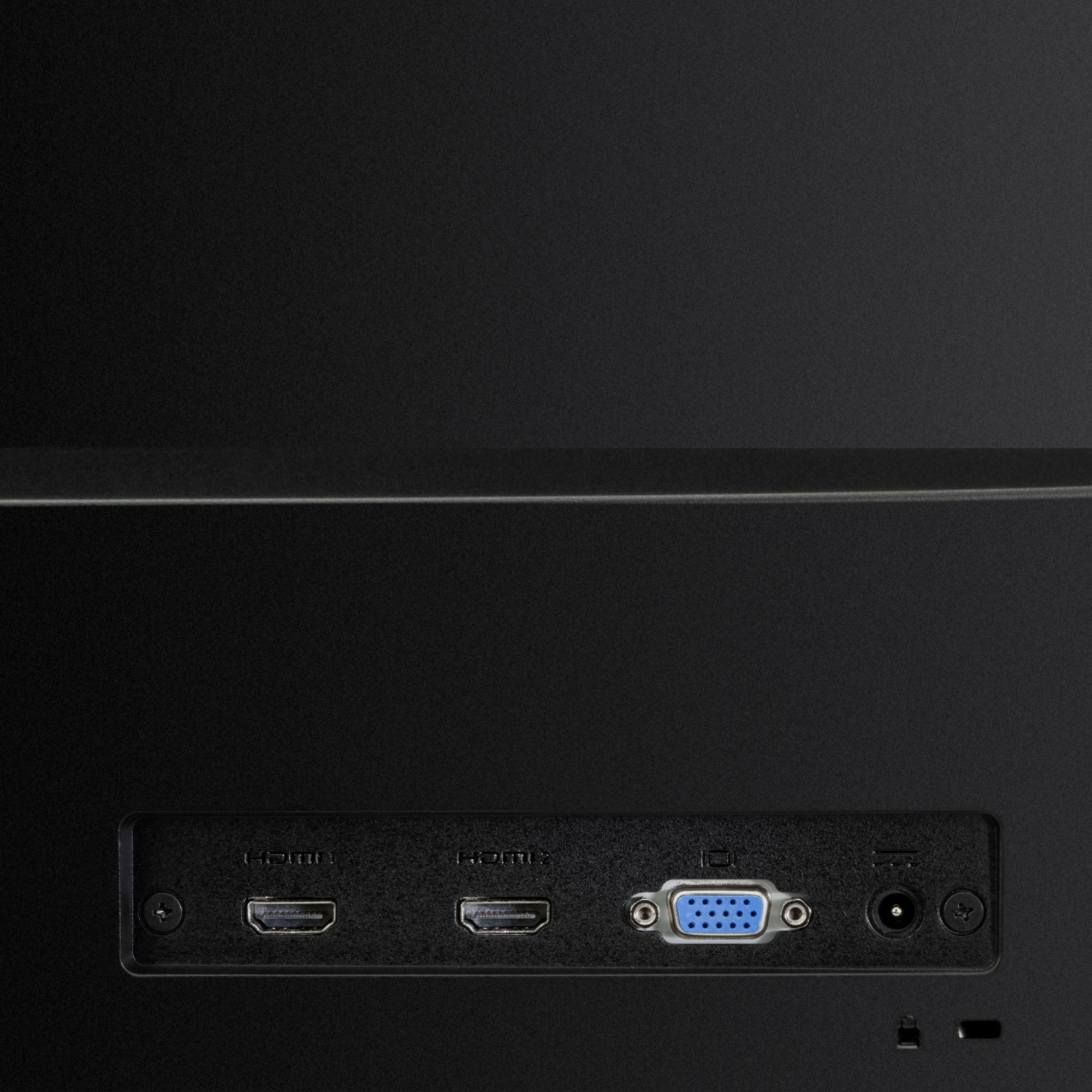
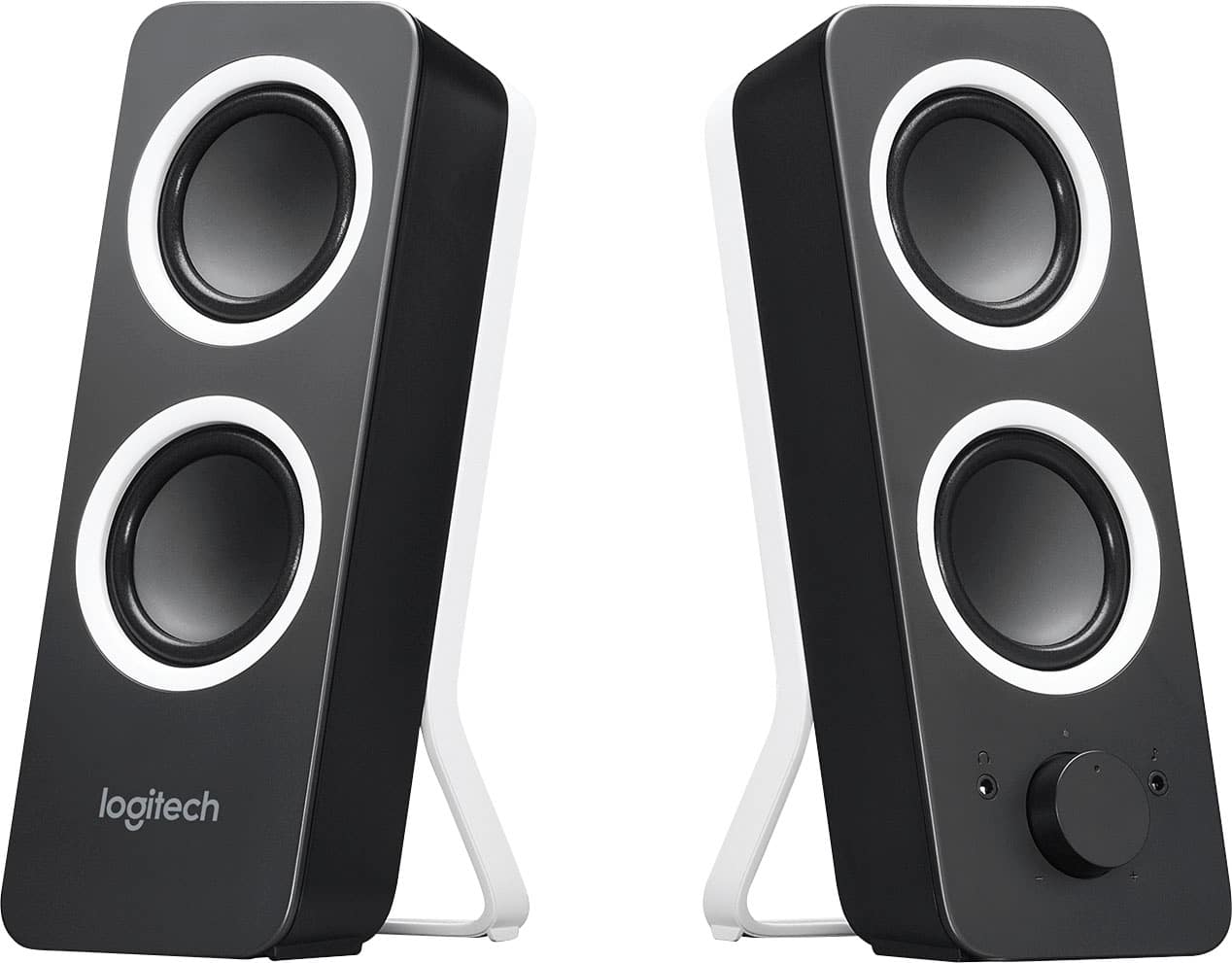
A:AnswerYou can use a speaker with this monitor but you can't directly connect a speaker to this monitor. This is a monitor not a computer with a CPU. The speaker (wired/wireless) needs to be connected to your laptop/PC through a 3.5 mm jack or via bluetooth and the monitor can be connected to the computer via HDMI. You can then go to 'Sound' setting in the control panel and select your speaker as the default. Hope this helps!
A:AnswerUse the hdmi cord it comes with, plug it in the back of the monitor and then into your laptop. Afterwards go into your settings in display and click on where it says use as a second display.
A:AnswerThat's the only problem I have with this is you have to buy an adapter to connect a wall mount. You can find an adapter piece for around $20 on Amazon.
A:AnswerThis does a much better job at light filtering than the night mode on my laptop. Eliminate? Not sure if I'm qualified to say that. But it does a much better job than my laptop and slightly better than the night mode on my Pixel 2.
A:AnswerDepends what model MacBook you own, I own a 2011 MacBook Pro. I bought a thunderbolt to HDMI cable. If you want to us the monitor as you main screen without having your MacBook open. All you have to do is have it connected to the power at all time, that way you don't have to always hav your MacBook open. hope this helps!