Questions & Answers
- Model:
- 27-cr0054/7G9S2AA#ABA
- |
- SKU:
- 11771085
Q: QuestionWhat are the measurements of the base!
Asked by Telehealth.
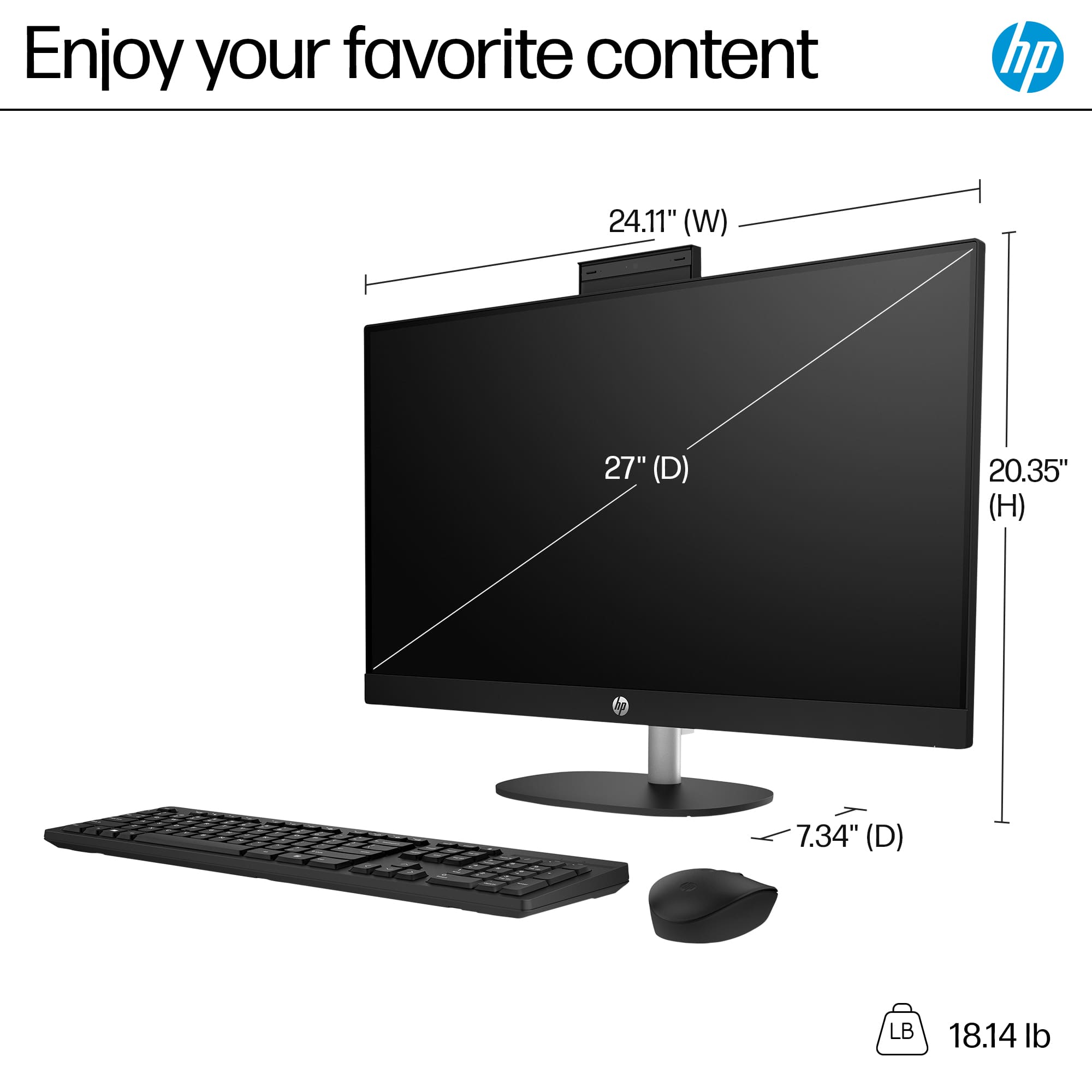
- A:Answer Hi, Telehealth, and thank you for asking the question about the size of the base. It's approximately 9 inches across, and 7.5 inches deep.
Answered by HP Team
Q: QuestionJust took this out of the box and the wireless mouse and keyboard have new batteries and are “on” and neither are working.
Asked by Notworkingoutoftheboxpleasehelp.
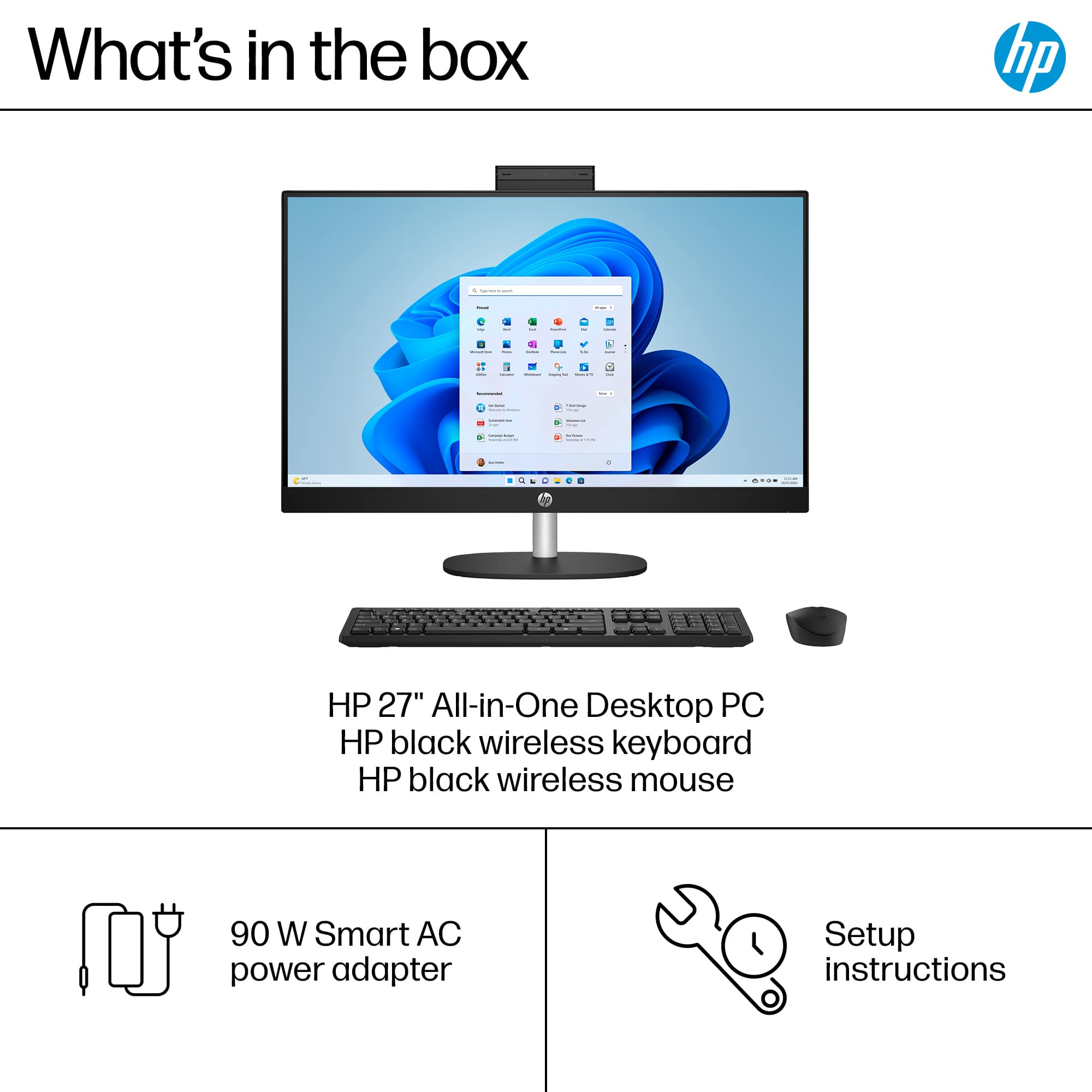
- A:Answer Apologies for what you're experiencing. The wireless mouse and keyboard work with a unifying receiver that is connected to the USB Type-A port. Did you connect it? If you have done so and it's still not working, please reach out to Support.HP.com or call 800-474-6836 for assistance.
Answered by HP Team

Q: QuestionCan two monitors be used with this all in one?
Asked by Anonymous.
- A:Answer yes
Answered by LeonardS
Q: QuestionDoes the all in one desktop has a built-in camera?
Asked by Mike.
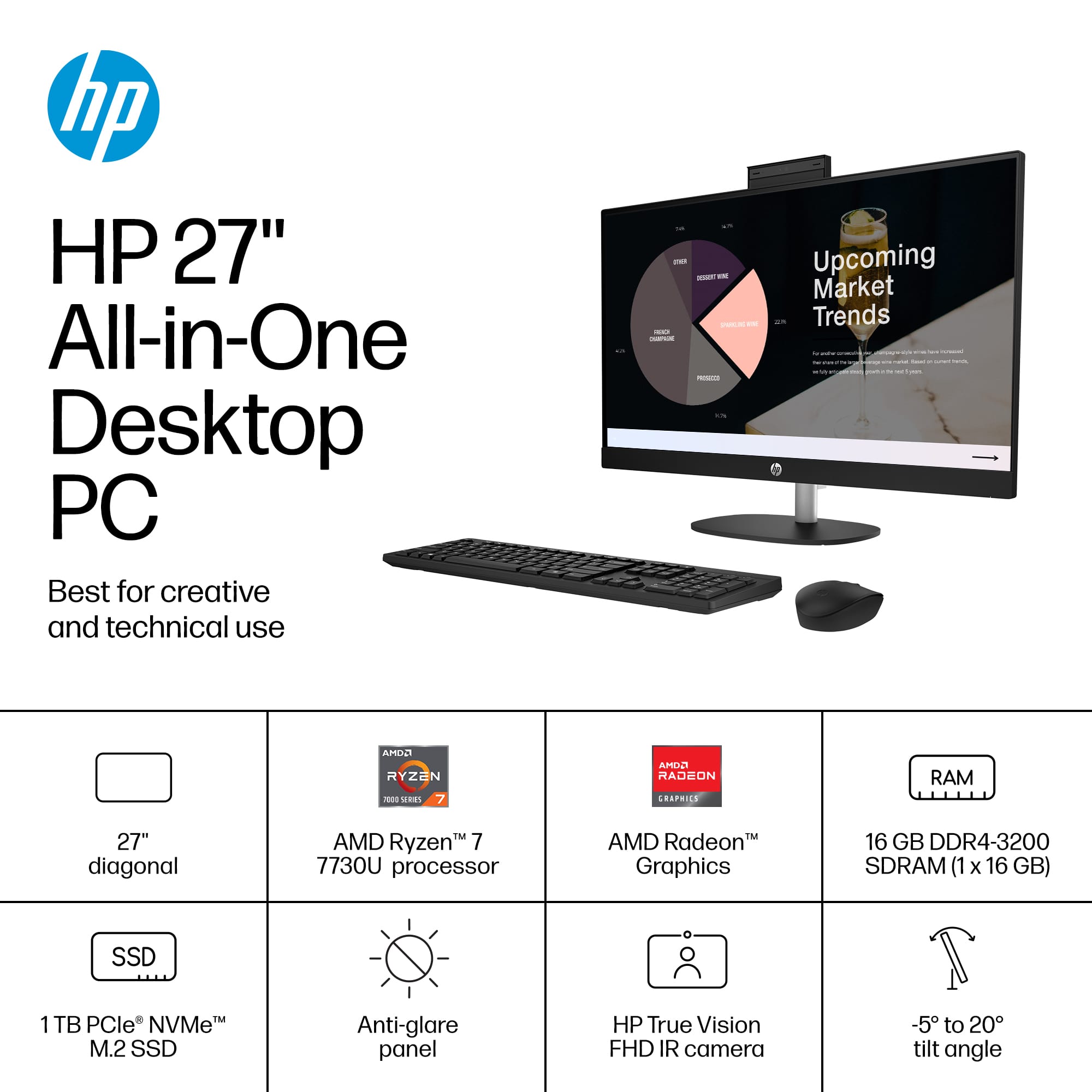
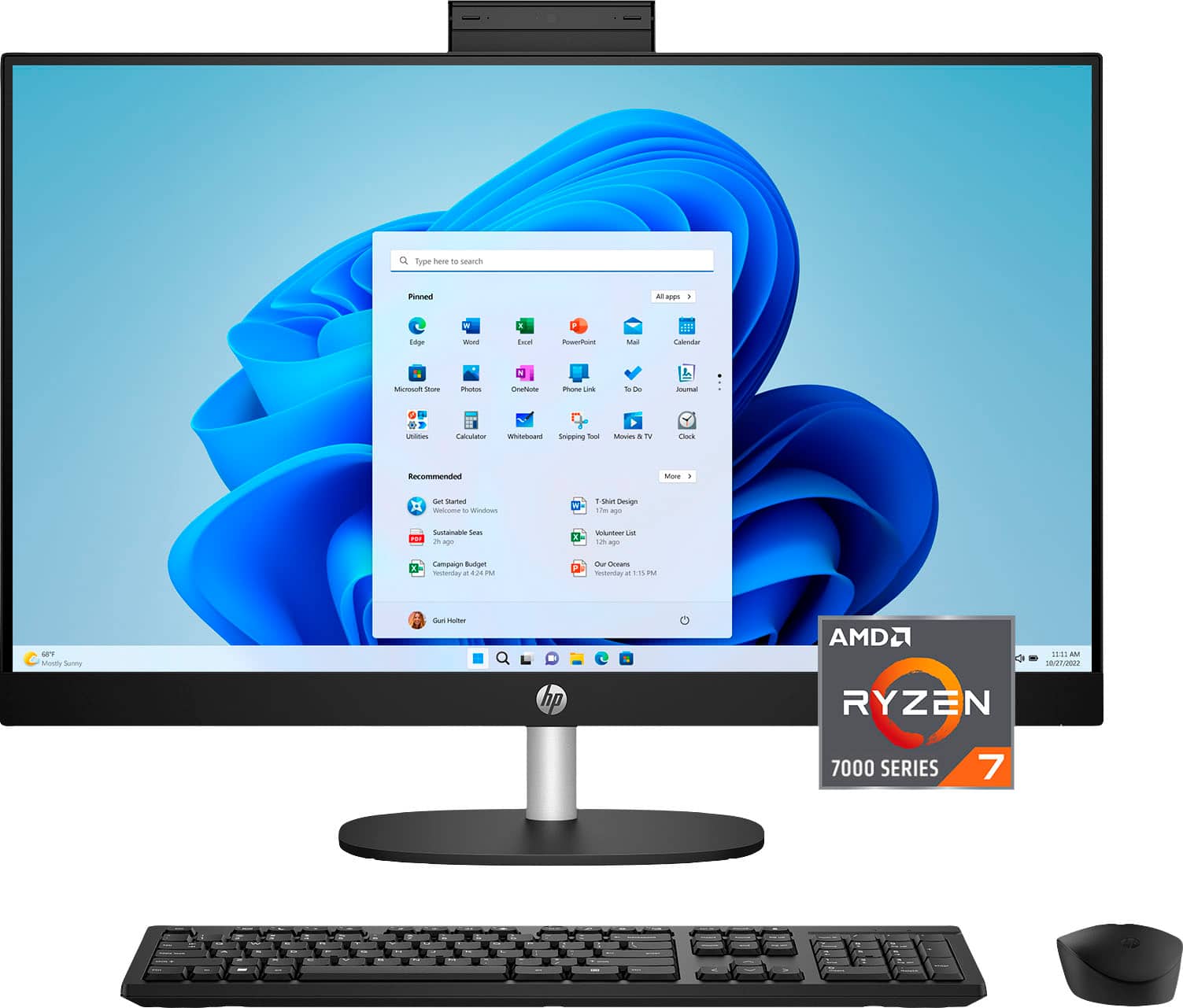
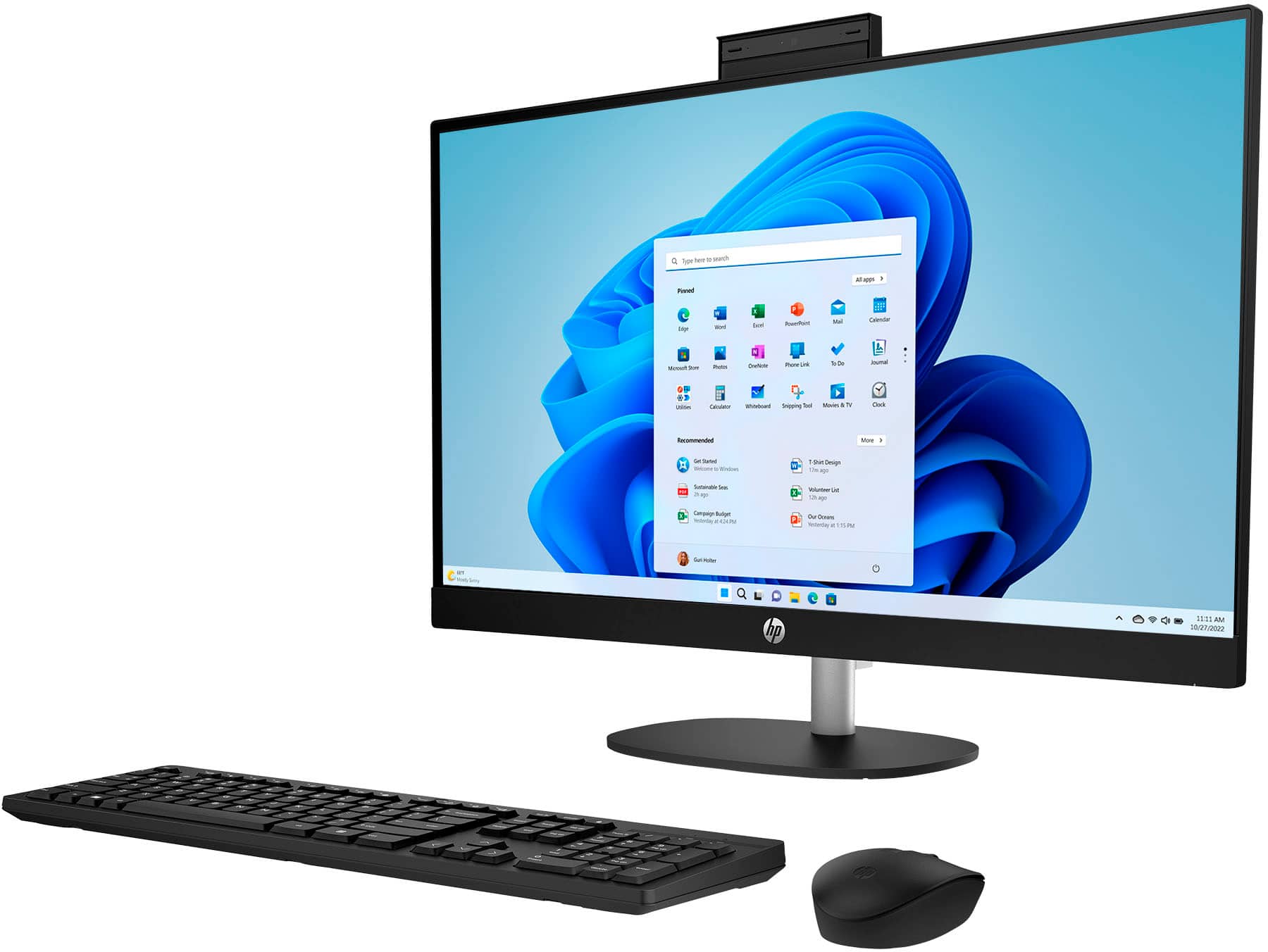
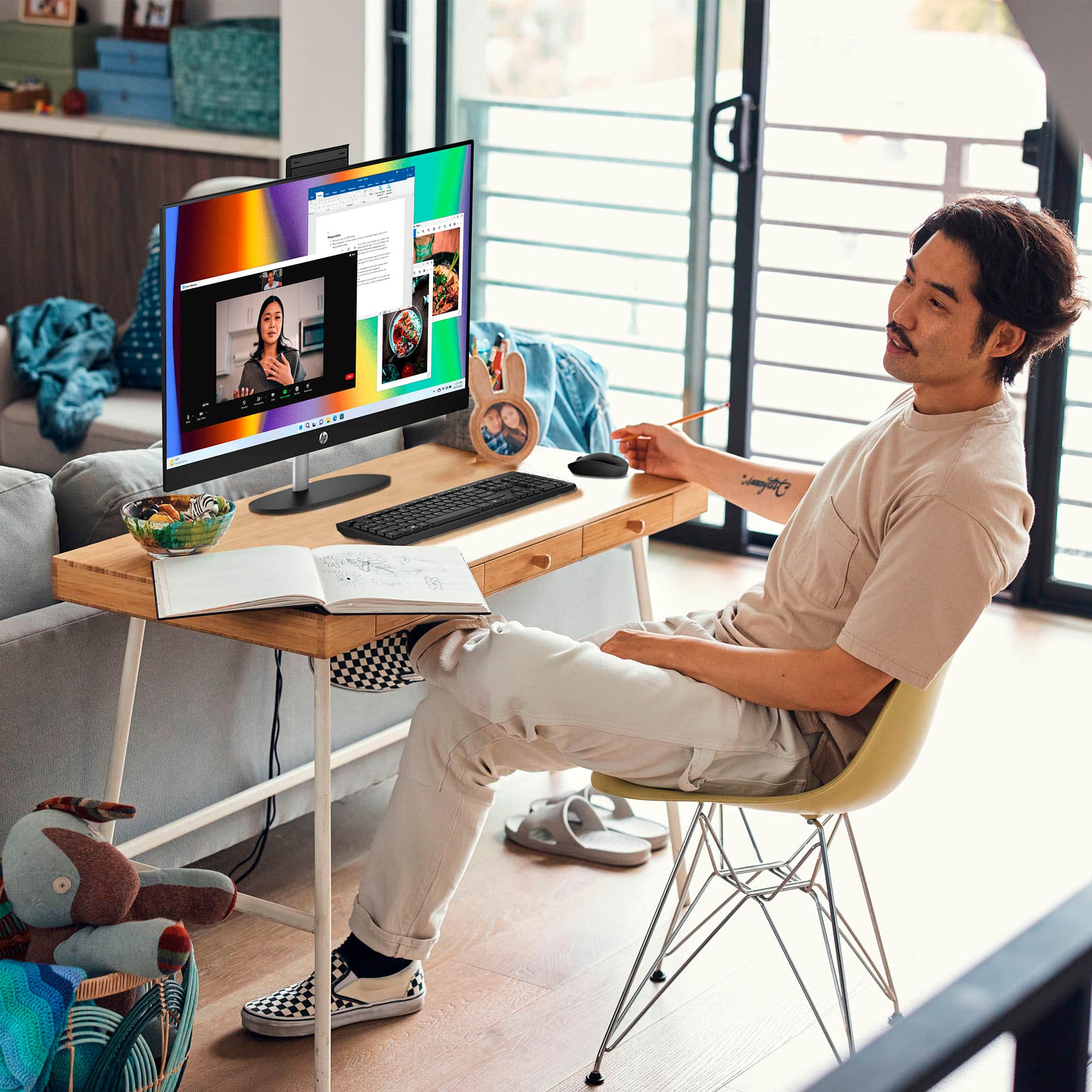
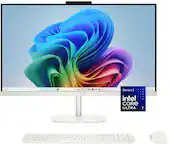
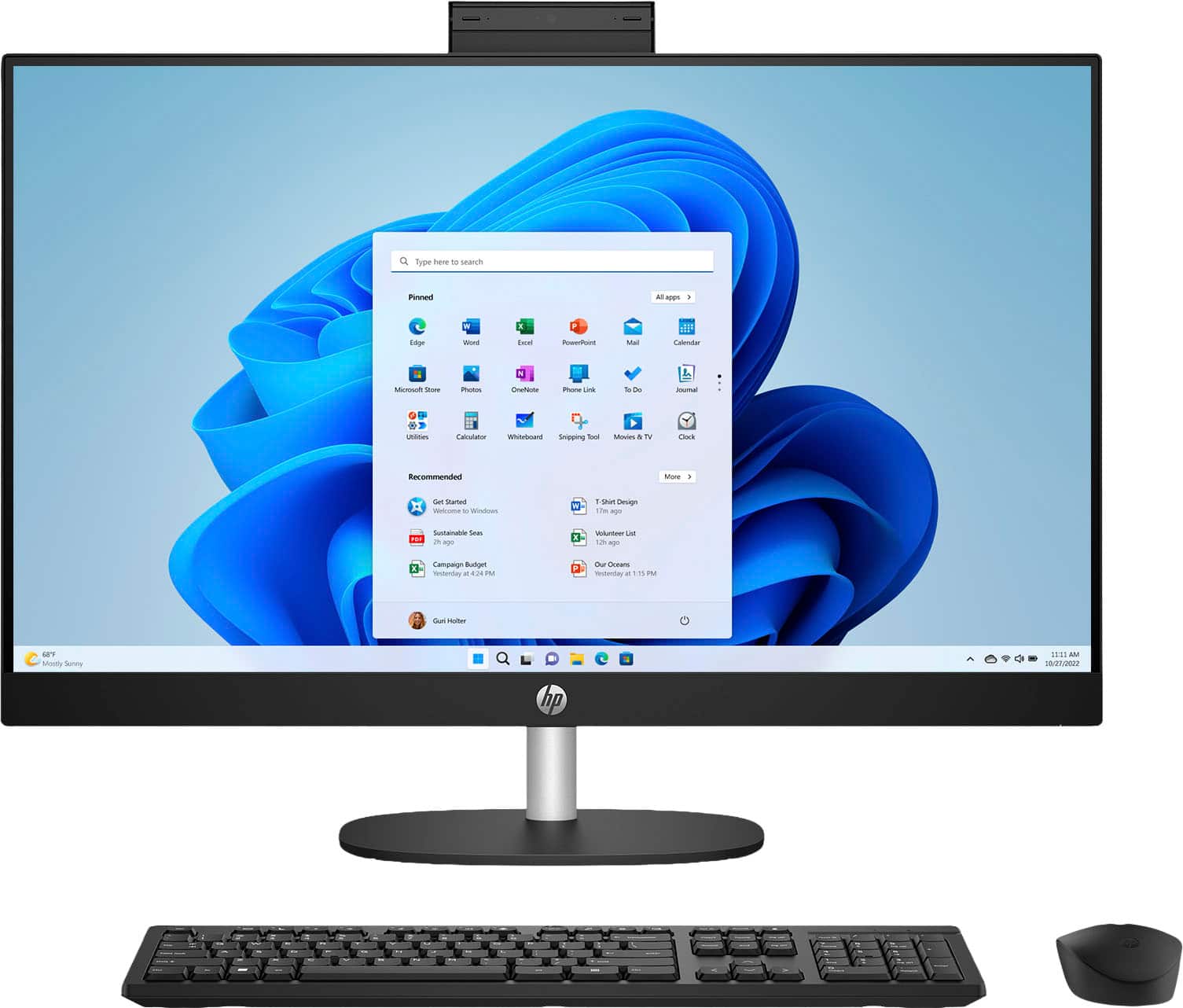
- A:Answer Hi Mike. Thank you for your question. This HP All-in-One Desktop PC will come with a built-in HP True Vision 1080p FHD IR tilt privacy camera with temporal noise reduction and integrated dual array digital microphones.
Answered by HP Team

Q: QuestionWhich pens for the touchscreen are compatible with this PC.
Asked by Jeri.
- A:Answer Thank you for the question. The 27-cr0054 is compatible with MPP (Microsoft Pen Protocol) pens/styli.
Answered by HP Team

Q: QuestionIs there a place for USB plug for wireless headphones?
Asked by Anonymous.
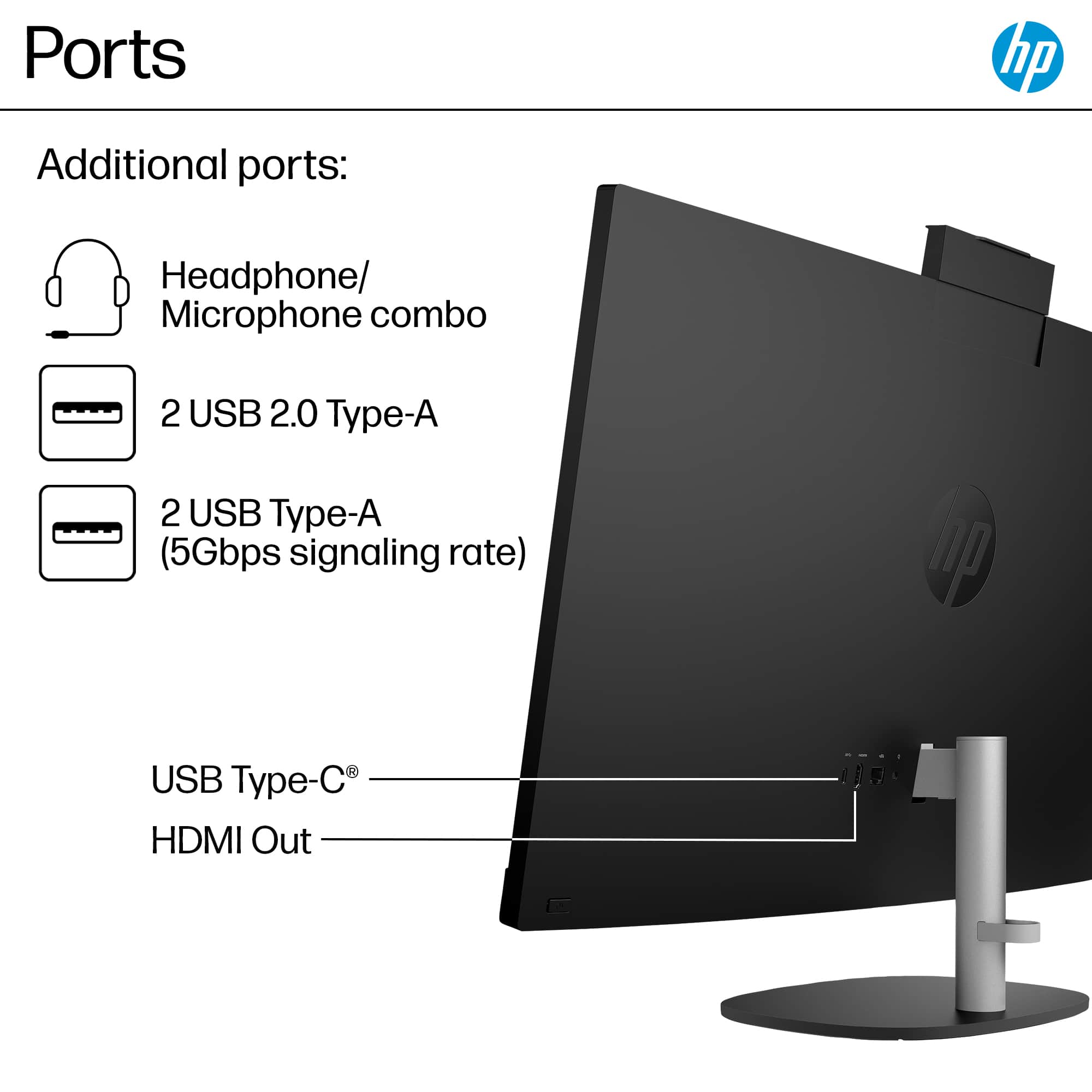
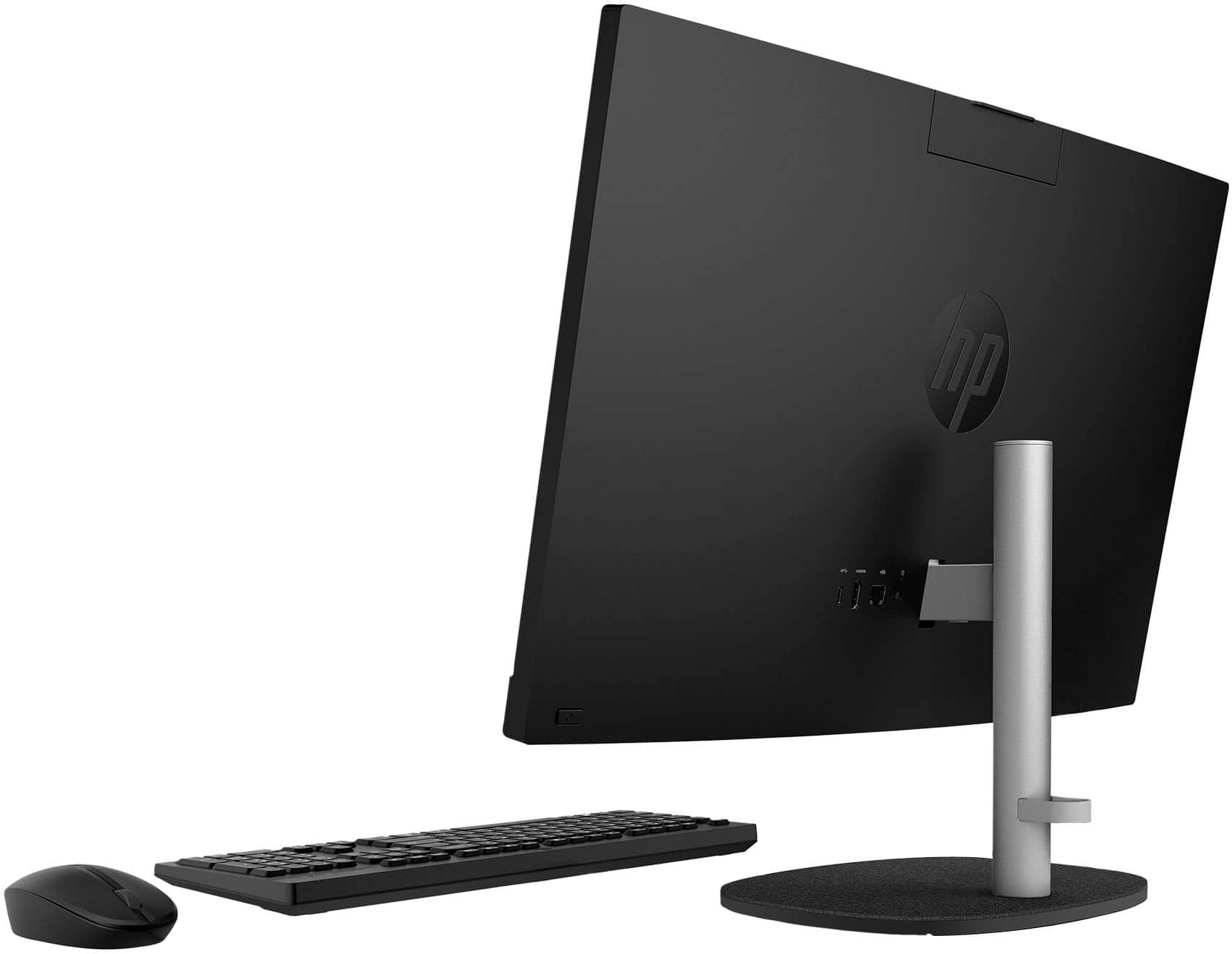
- A:Answer Hi there. Thank you for your question! This HP All-in-One PC will feature one USB Type-C® 5Gbps signaling rate port, two USB Type-A 5Gbps signaling rate ports, and two USB 2.0 Type-A ports for connecting USB accessories and peripherals.
Answered by HP Team

Q: QuestionIs this wi-fi 6 or wi-fi 5?
Asked by Jimm.
- A:Answer Thank you for the question. The HP 27-cr0054 has Wi-Fi 6.
Answered by HP Team

Q: QuestionWhat size powder cord does take I lost my power cord
Asked by Pookie.
- A:Answer Hello. Thanks for your question. The part number for the AC adapter for this HP all in one computer is N55132-001. The power cord is part number L19367-001.
Answered by HP Team

Q: QuestionAre you able to upgrade the graphics card to medium level? If so, how much usually?
Asked by DarVadar.
- A:Answer Hello. Thanks for your question. There is no available PCIe slot for a dedicated graphics card on this HP all in one computer.
Answered by HP Team
Q: QuestionCan i add a dedicated graphics card for online gaming?
Asked by VictorS.
This question was asked about the related product: HP - 27" Touch-Screen All-in-One with Adjustable Height - AMD Ryzen 7 7730U 2023 - 16GB Memory - 1TB SSD - Jet Black
- A:Answer No, this All-in-One is not designed for adding a dedicated graphics card. It uses integrated graphics and has limited internal upgrade options.
Answered by HP Team
Q: QuestionDoes this computer's screen tilt? Is the tilt adjustable?
Asked by Carol.
This question was asked about the related product: HP - 27" Touch-Screen All-in-One with Adjustable Height - AMD Ryzen 7 7730U 2023 - 16GB Memory - 1TB SSD - Jet Black
Q: QuestionCan I upgrade to Windows 11 pro ??
Asked by Charly.
- A:Answer Yes, you can upgrade from Windows 11 Home to Windows 11 Pro. The upgrade requires a separate Windows 11 Pro license purchased through Microsoft.
Answered by HP Team
Q: QuestionDoes the warranty cover an accident dropped
Asked by Anonymous.
- A:Answer No, HP's standard hardware warranty only covers manufacturing defects. Accidental drops are classified as "Customer Induced Damage" and are excluded from the warranty
Answered by HP Team
Q: QuestionHow do I connect stand to monitor
Asked by Scott.
This question was asked about the related product: HP - 27" Touch-Screen All-in-One with Adjustable Height - AMD Ryzen 7 7730U 2023 - 16GB Memory - 1TB SSD - Jet Black
- A:Answer There is a small push button on the stand under the short bar. You just insert the short bar into the back of the monitor, until it securely clicks in place.
Answered by TRINNETTEW
Q: QuestionDoes computer download photos?
Asked by DennisK.
- A:Answer It can download photos and the storage is extensive.
Answered by TRINNETTEW
Q: QuestionCan you connect headphones to this pc
Asked by Ivan.
- A:Answer Yes you can, there is a headphone jack on the back of the monitor with the headphone symbol. You can also use a wireless headphone by inserting the dongle that comes with the wireless headset in one of the USB ports, also on the back of the monitor.
Answered by TRINNETTEW