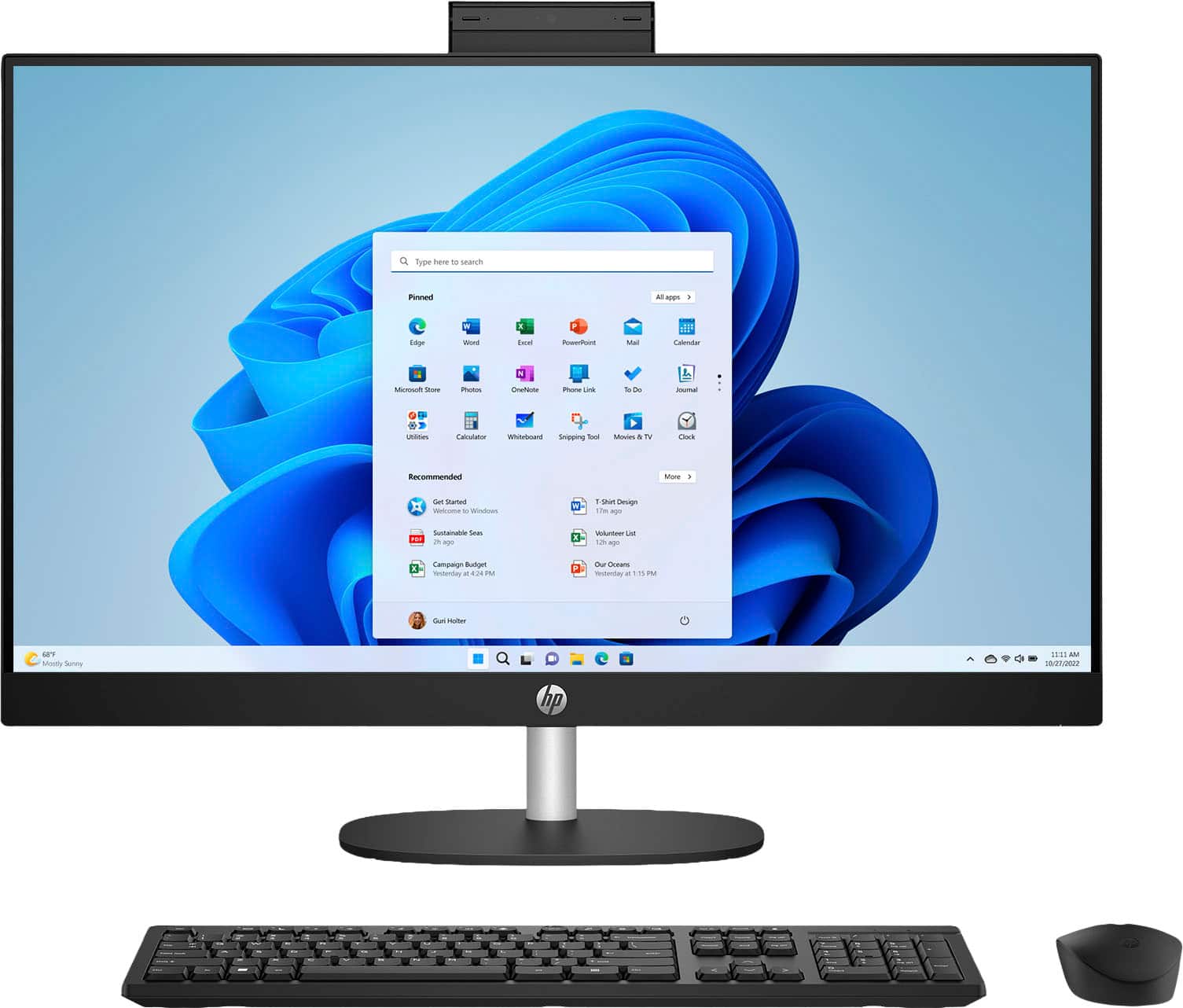
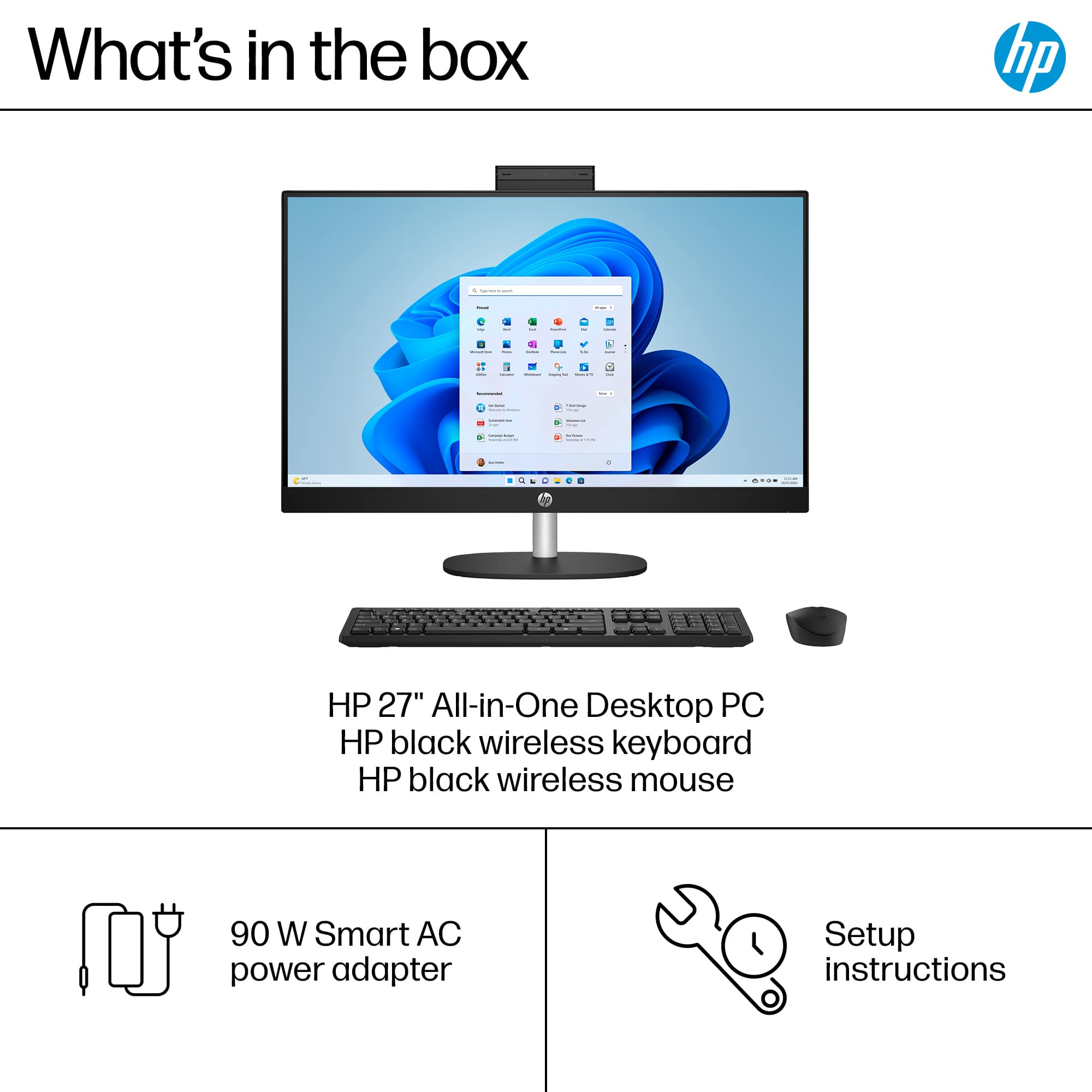
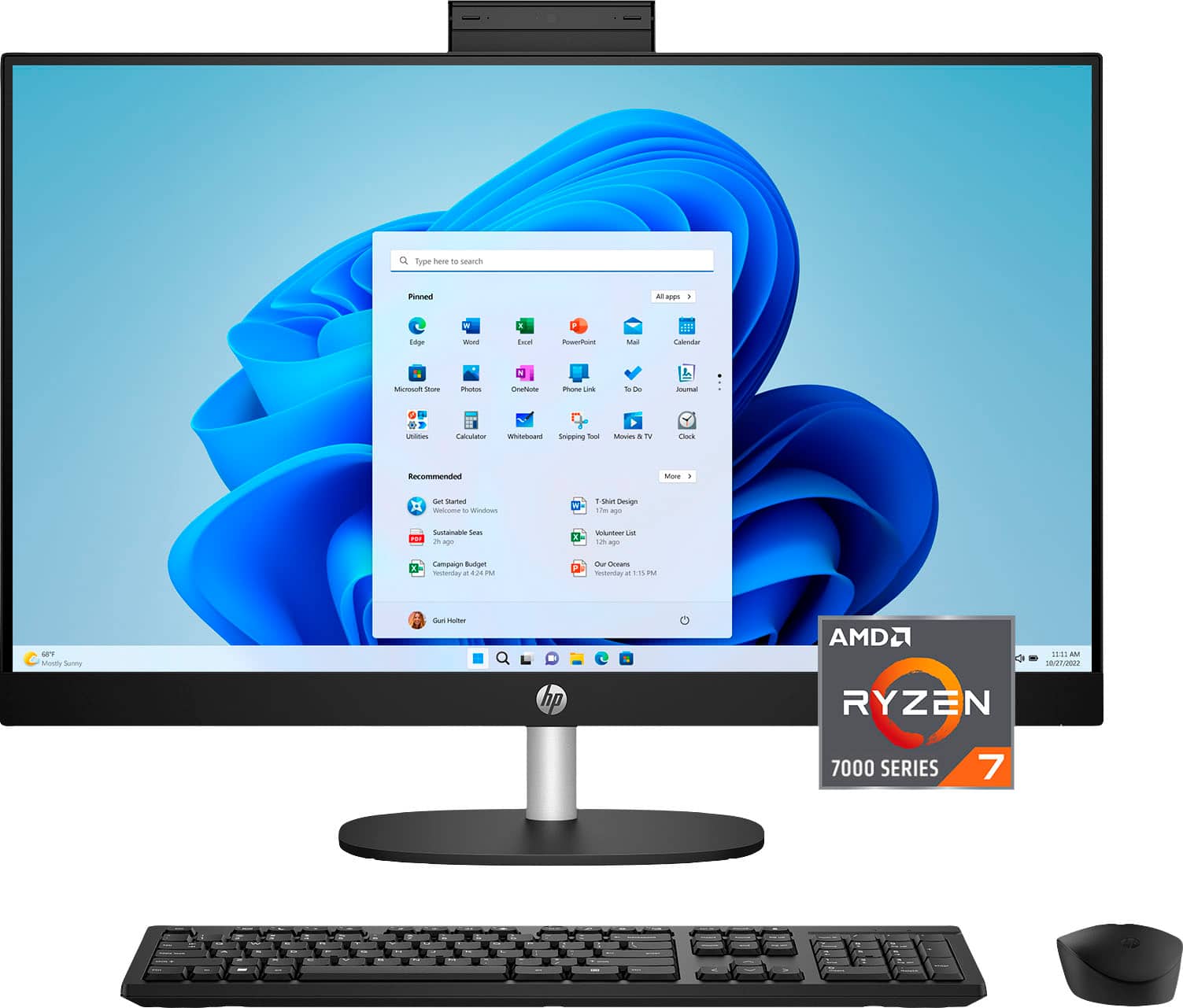
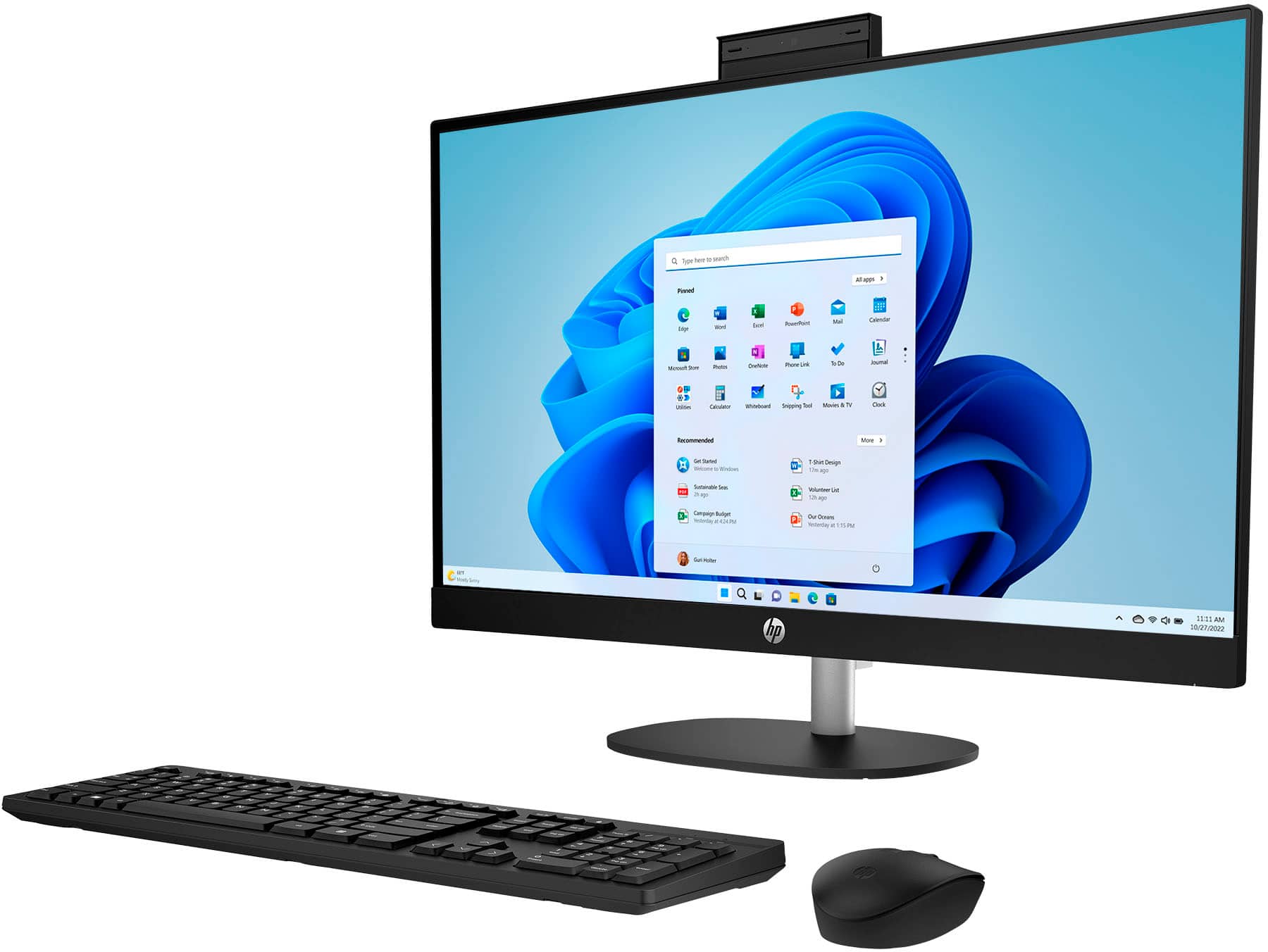
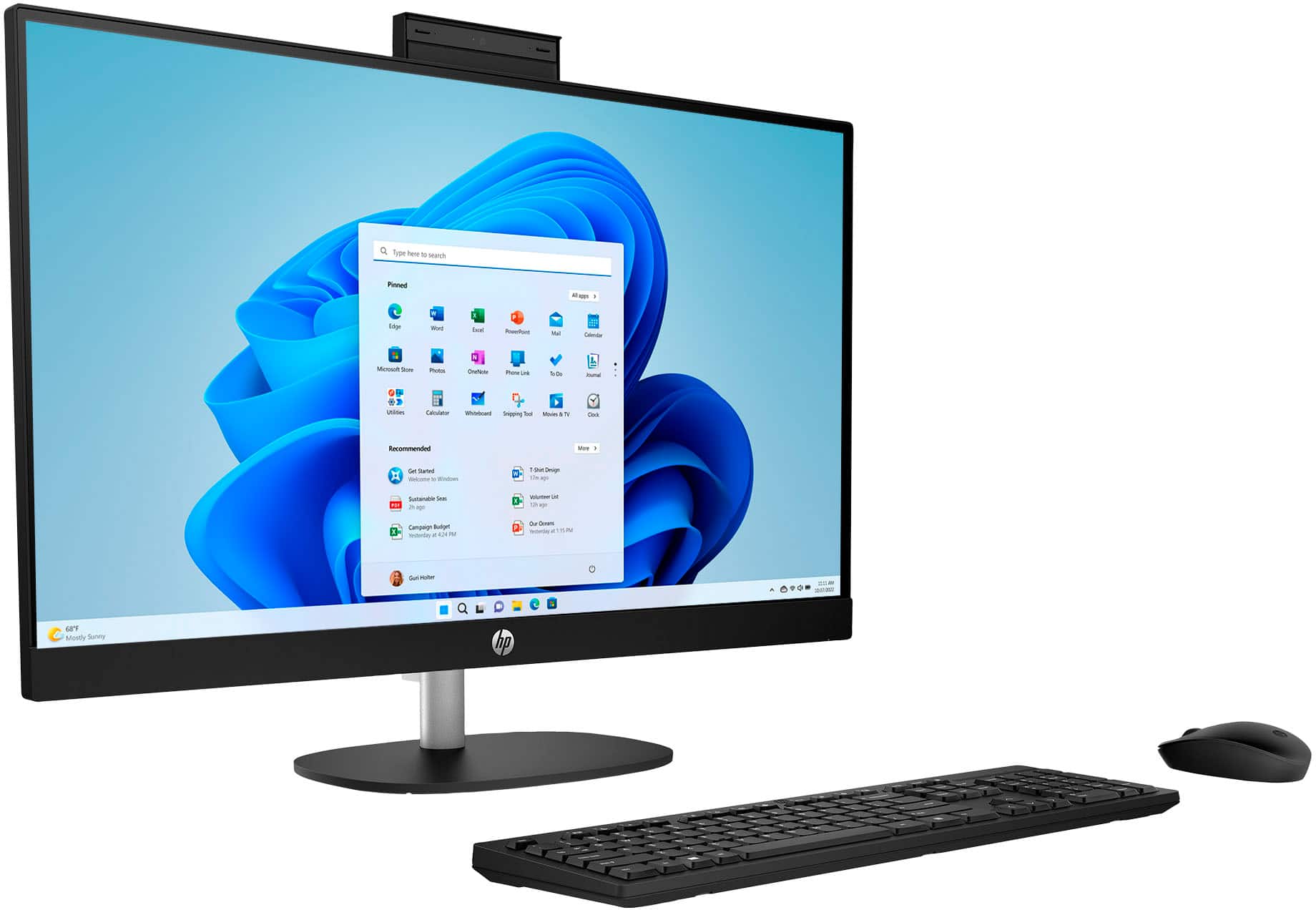
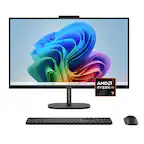
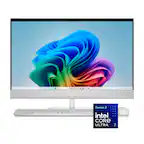
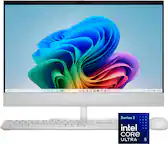
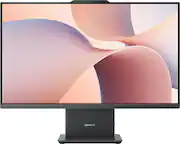
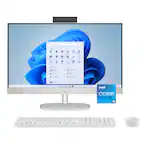
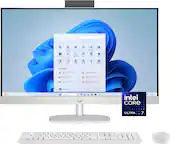
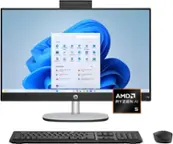
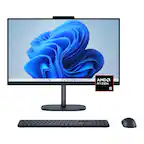
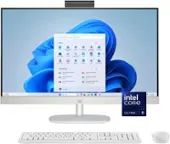
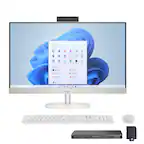
A:AnswerApologies for what you're experiencing. The wireless mouse and keyboard work with a unifying receiver that is connected to the USB Type-A port. Did you connect it? If you have done so and it's still not working, please reach out to Support.HP.com or call 800-474-6836 for assistance.
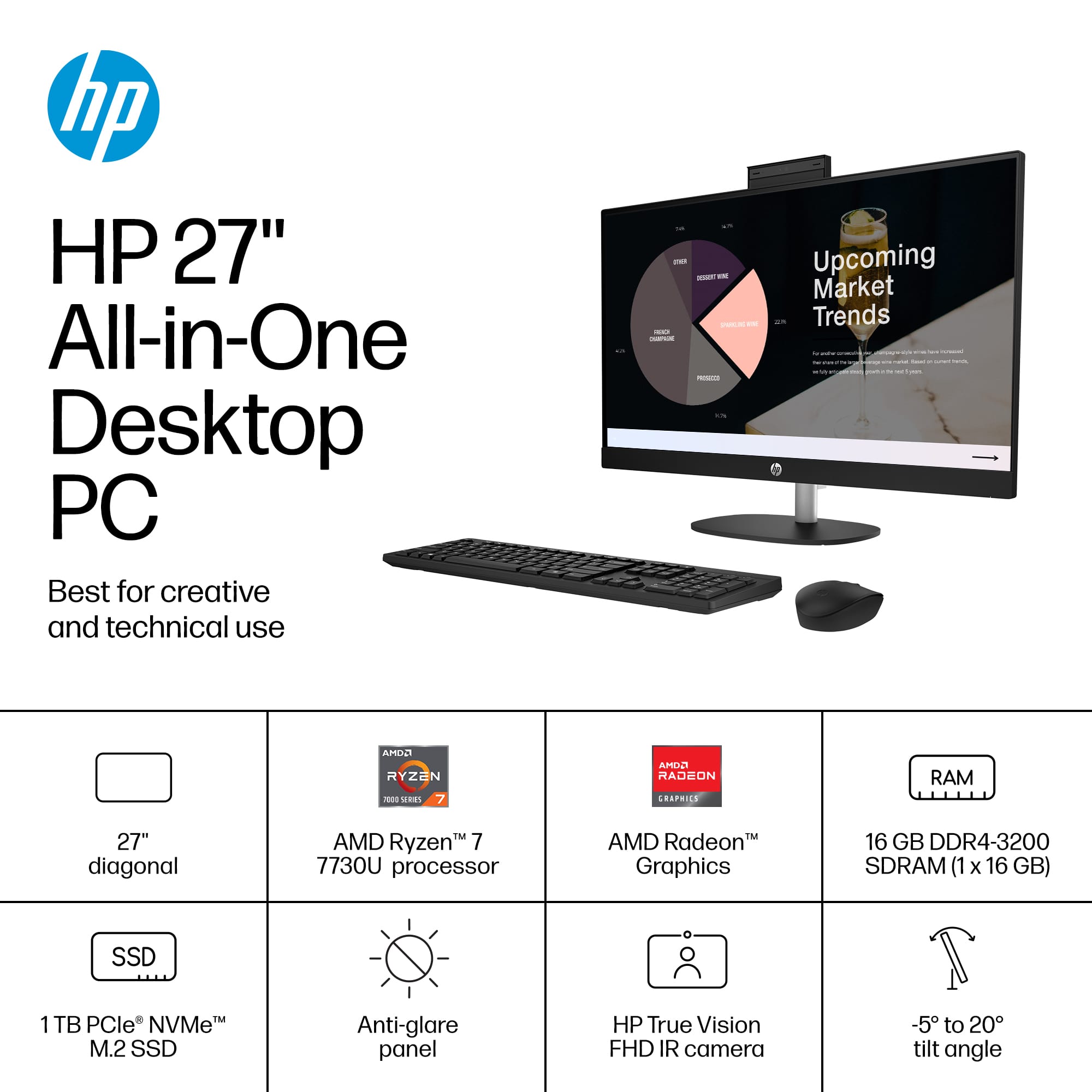
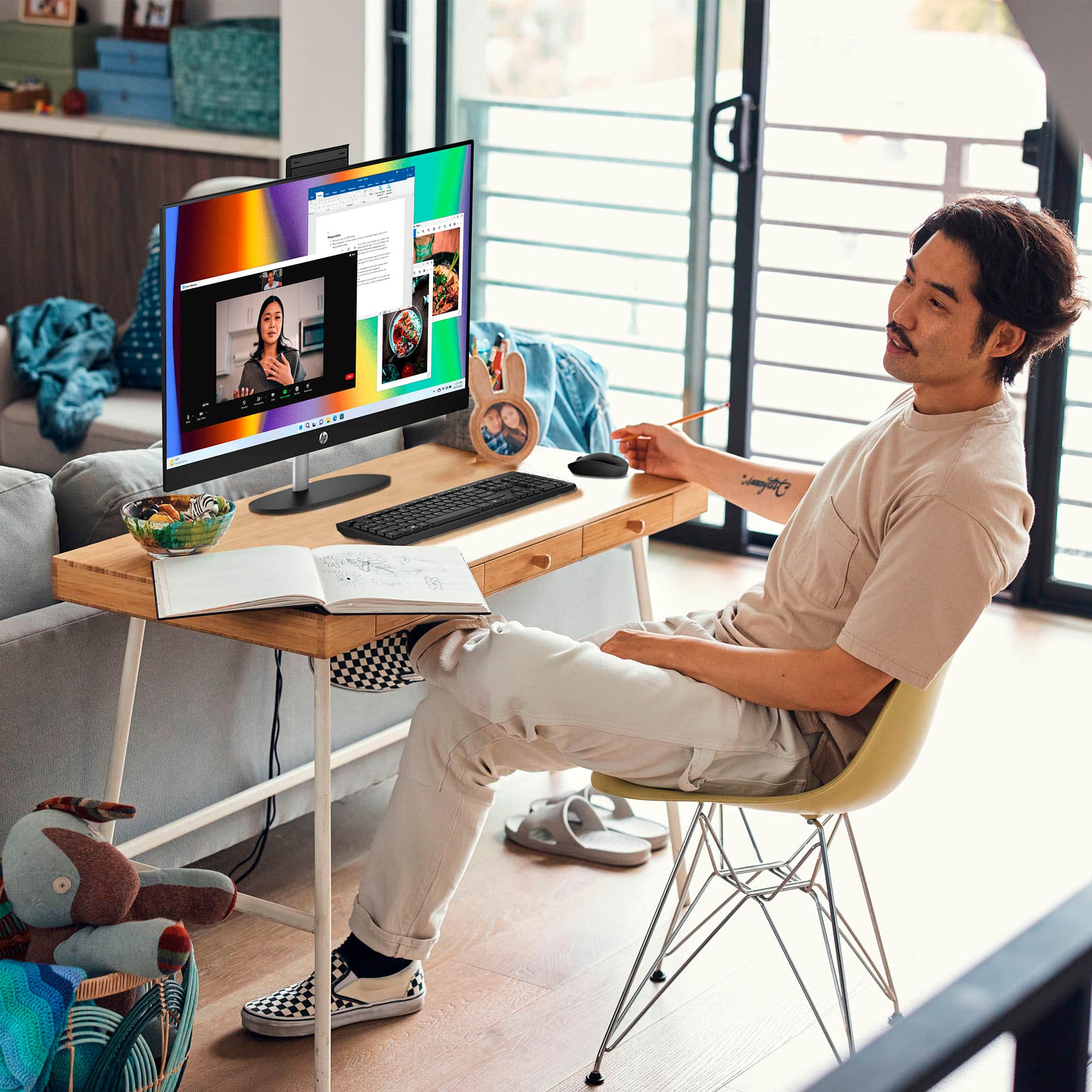
A:AnswerHi Mike. Thank you for your question. This HP All-in-One Desktop PC will come with a built-in HP True Vision 1080p FHD IR tilt privacy camera with temporal noise reduction and integrated dual array digital microphones.
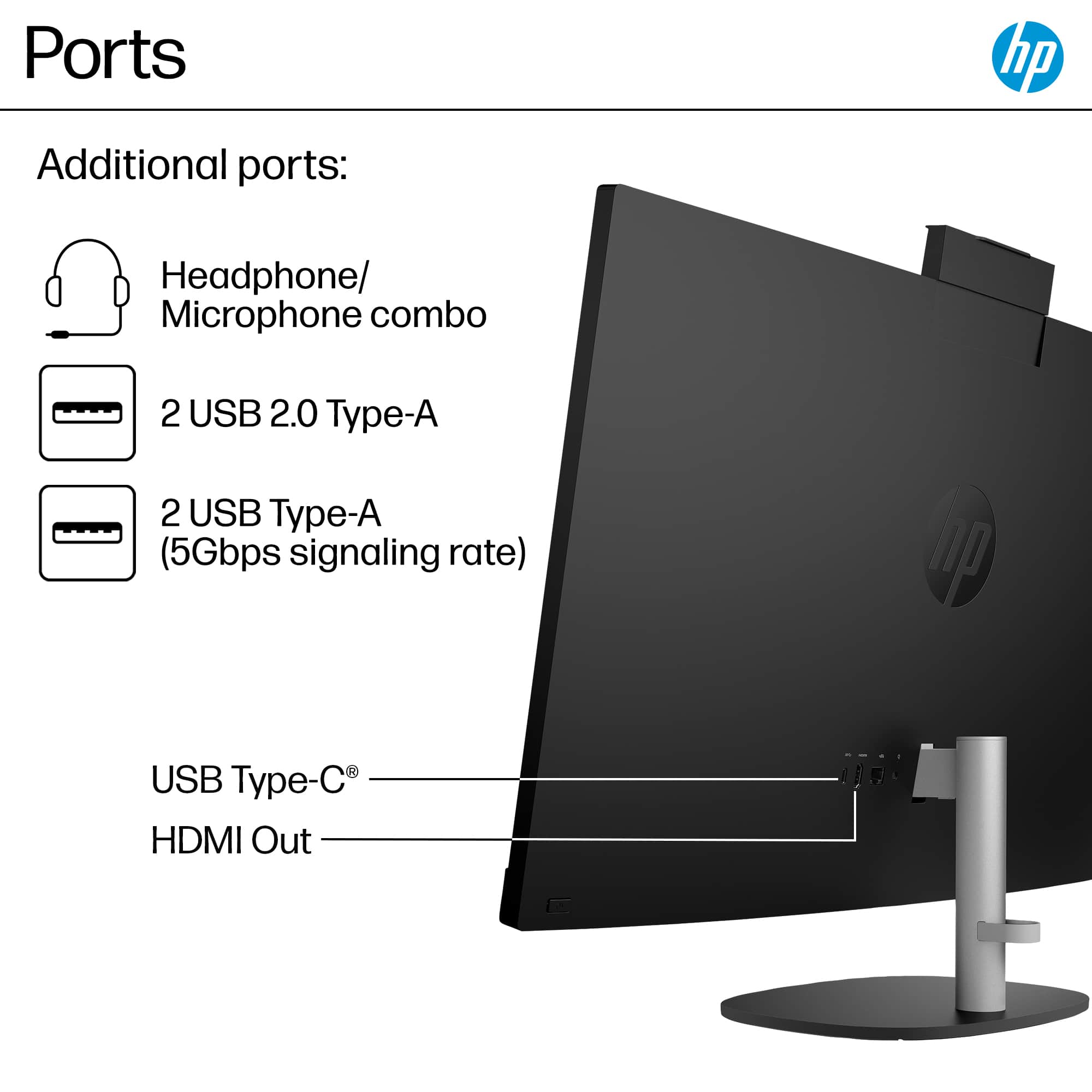
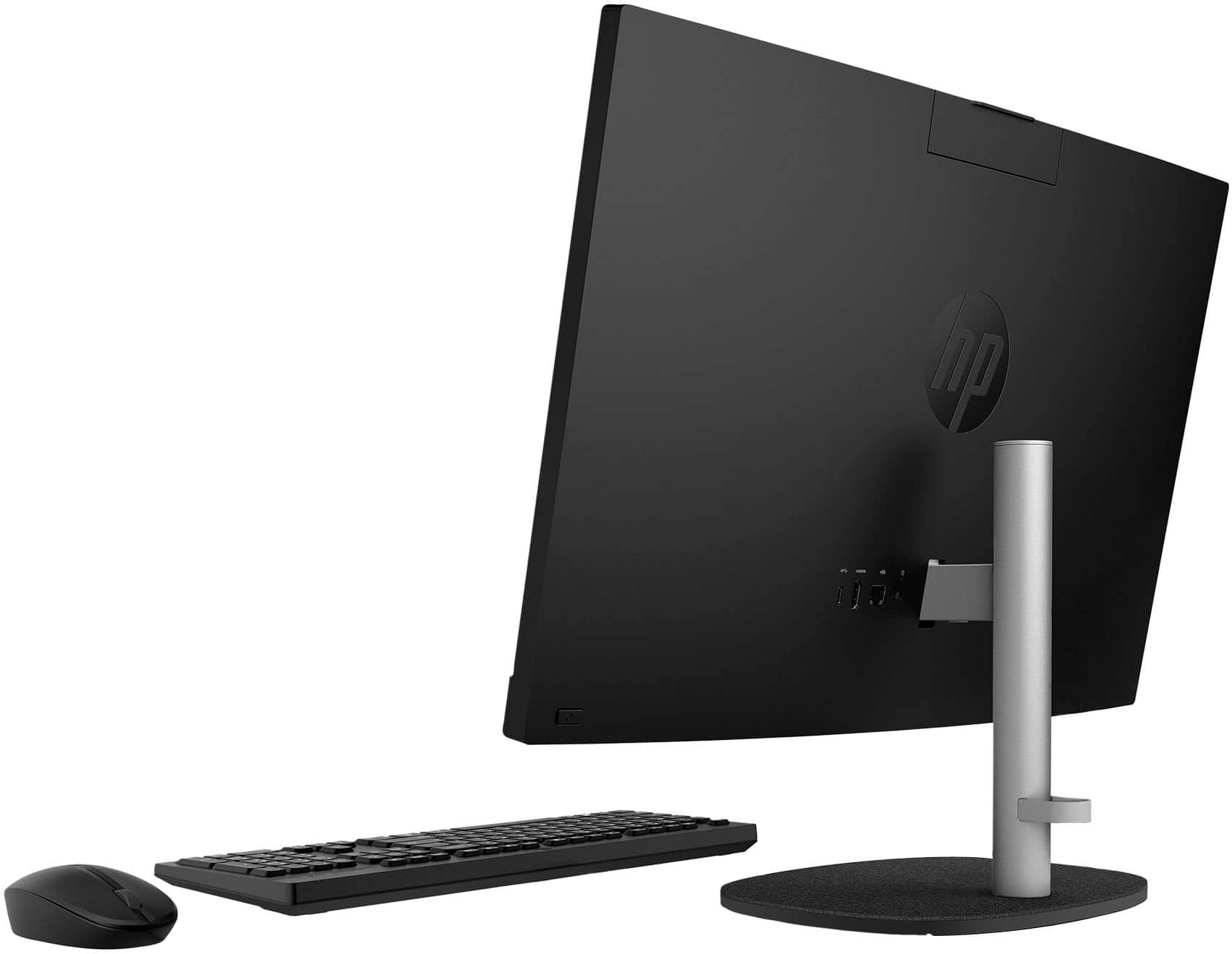
A:AnswerHi there. Thank you for your question! This HP All-in-One PC will feature one USB Type-C® 5Gbps signaling rate port, two USB Type-A 5Gbps signaling rate ports, and two USB 2.0 Type-A ports for connecting USB accessories and peripherals.
A:AnswerHello. Thanks for your question. The part number for the AC adapter for this HP all in one computer is N55132-001. The power cord is part number L19367-001.
A:AnswerNo, this All-in-One is not designed for adding a dedicated graphics card. It uses integrated graphics and has limited internal upgrade options.
A:AnswerYes, you can upgrade from Windows 11 Home to Windows 11 Pro. The upgrade requires a separate Windows 11 Pro license purchased through Microsoft.
A:AnswerNo, HP's standard hardware warranty only covers manufacturing defects. Accidental drops are classified as "Customer Induced Damage" and are excluded from the warranty
A:AnswerThere is a small push button on the stand under the short bar. You just insert the short bar into the back of the monitor, until it securely clicks in place.
A:AnswerYes you can, there is a headphone jack on the back of the monitor with the headphone symbol. You can also use a wireless headphone by inserting the dongle that comes with the wireless headset in one of the USB ports, also on the back of the monitor.