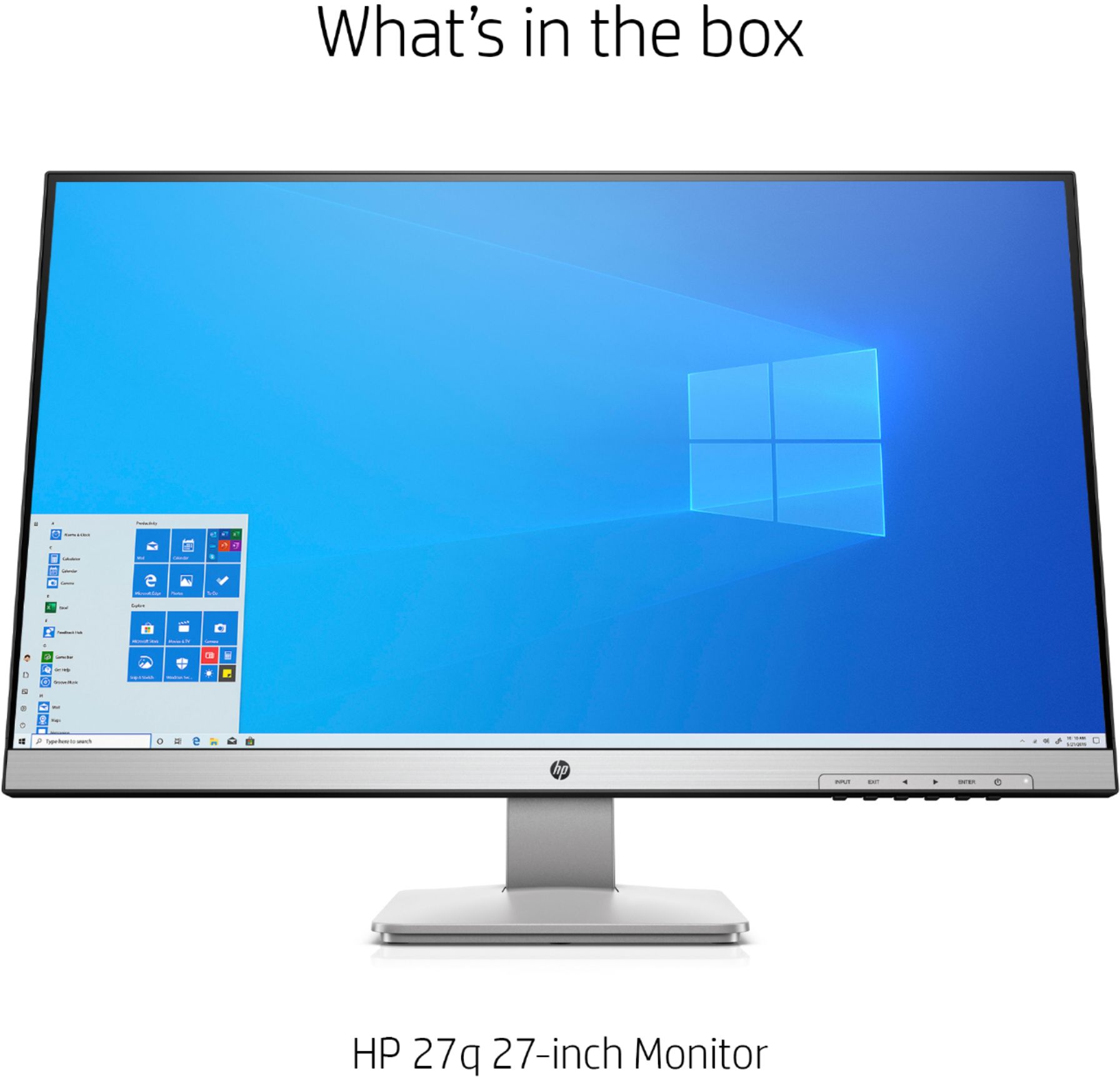
A:AnswerSure but why would you want to? Console gaming systems are designed to be played on large. flat panel televisions. LCD monitors such as this one are specifically designed for graphic design, high-res PC gaming, and business (e.g. extensive spreadsheets, etc.) due to their higher color reproduction, higher pixel density, higher refresh rates, and better response times (basically precision applications). Not saying one is better than the other, but I think your money is better spent on a larger screen TV for ps4 gaming.
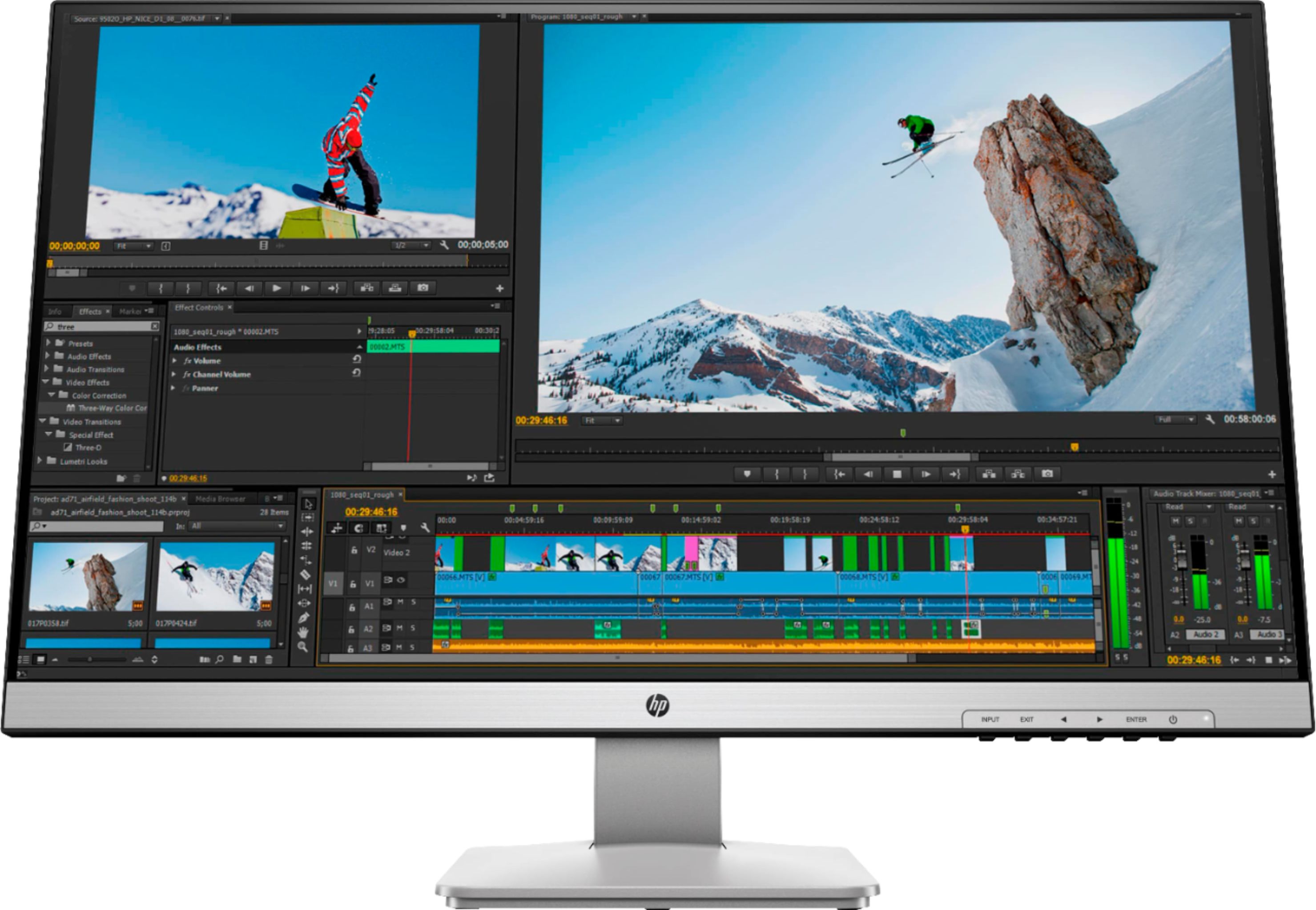
A:AnswerI can adjust my brightness on the same monitor with the brightness feature on the menu I don’t understand why you can’t I get it down really slow
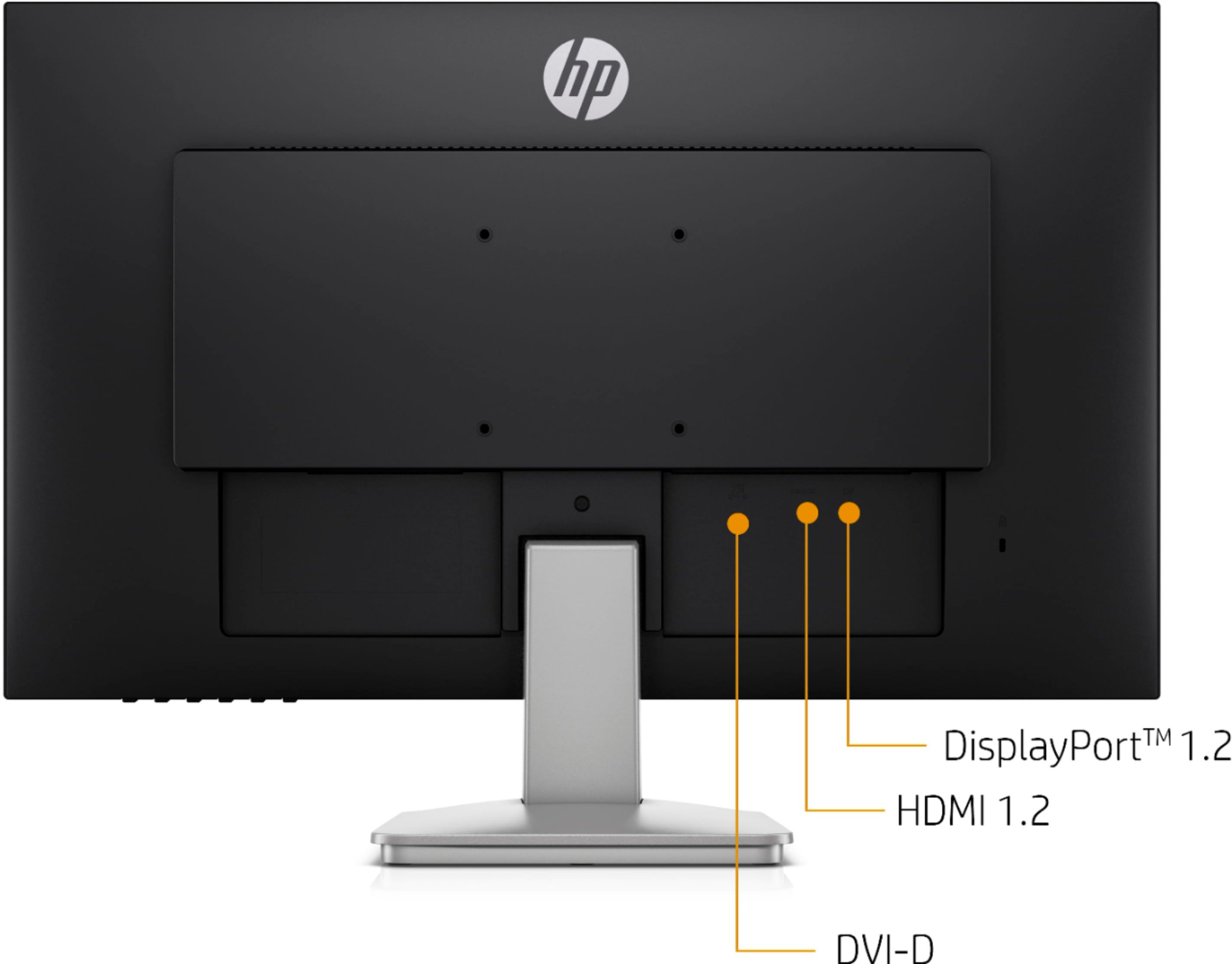
A:AnswerYou might want to check your aspect ratio, to make sure it's set to match the specs for the monitor. Also, these monitors are made for HDMI and display port connections. If you're using a different cable with an adapter, that might be the cause
A:AnswerThis monitor unfortunately does not have a headphone jack.I was going to purchase today but discovered no source to hear audio without getting adapters that might have audio not synced up with images.
A:AnswerIn short NO. I also have a Roku and would love to have a way to hear audio from this beautiful monitor, even if it was just a simple headphone jack.
A:AnswerUnfortunately it seems that the manual for this model is not available online yet. I would reach out to the HP support team to see if they can get you an ETA on its publication date.