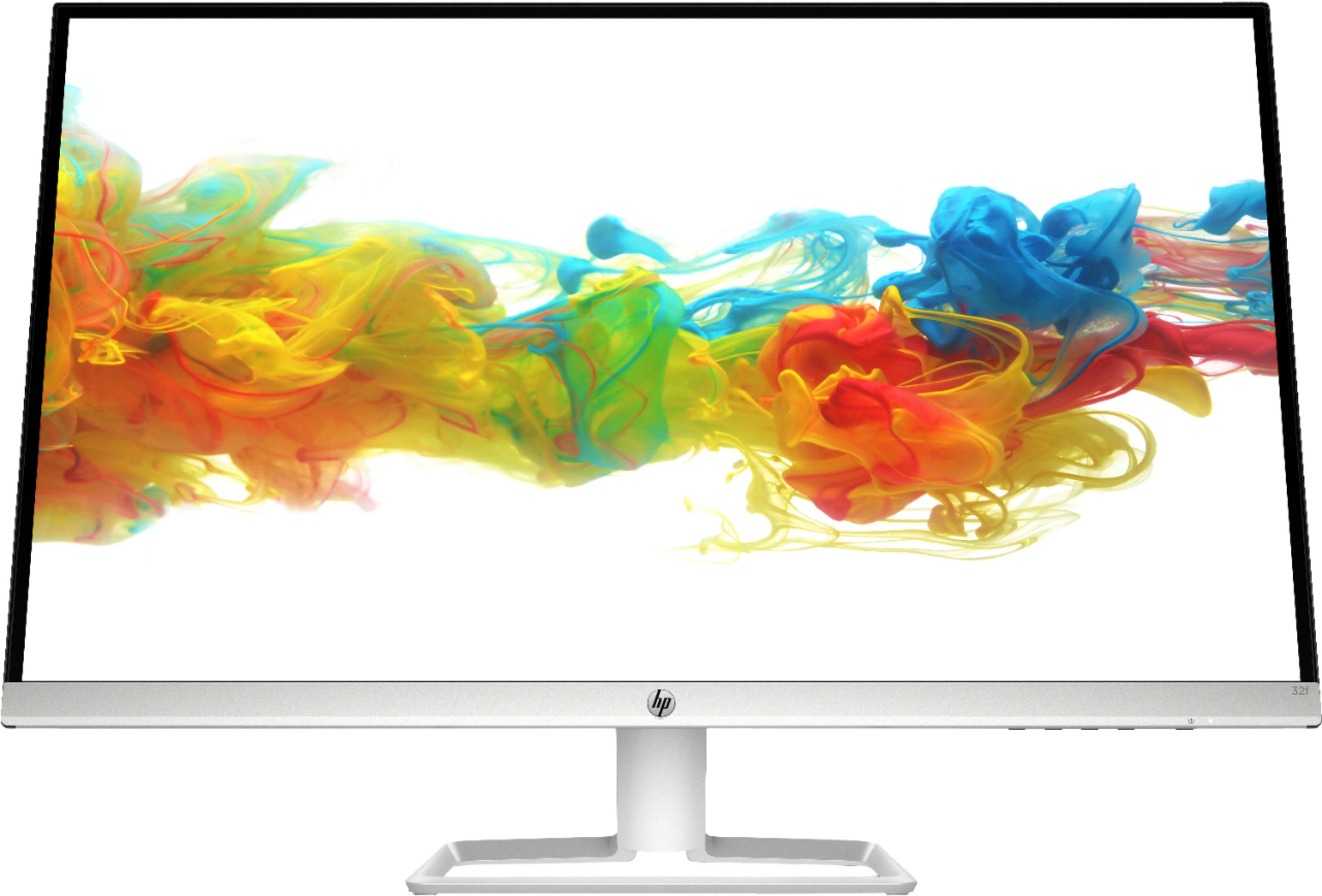
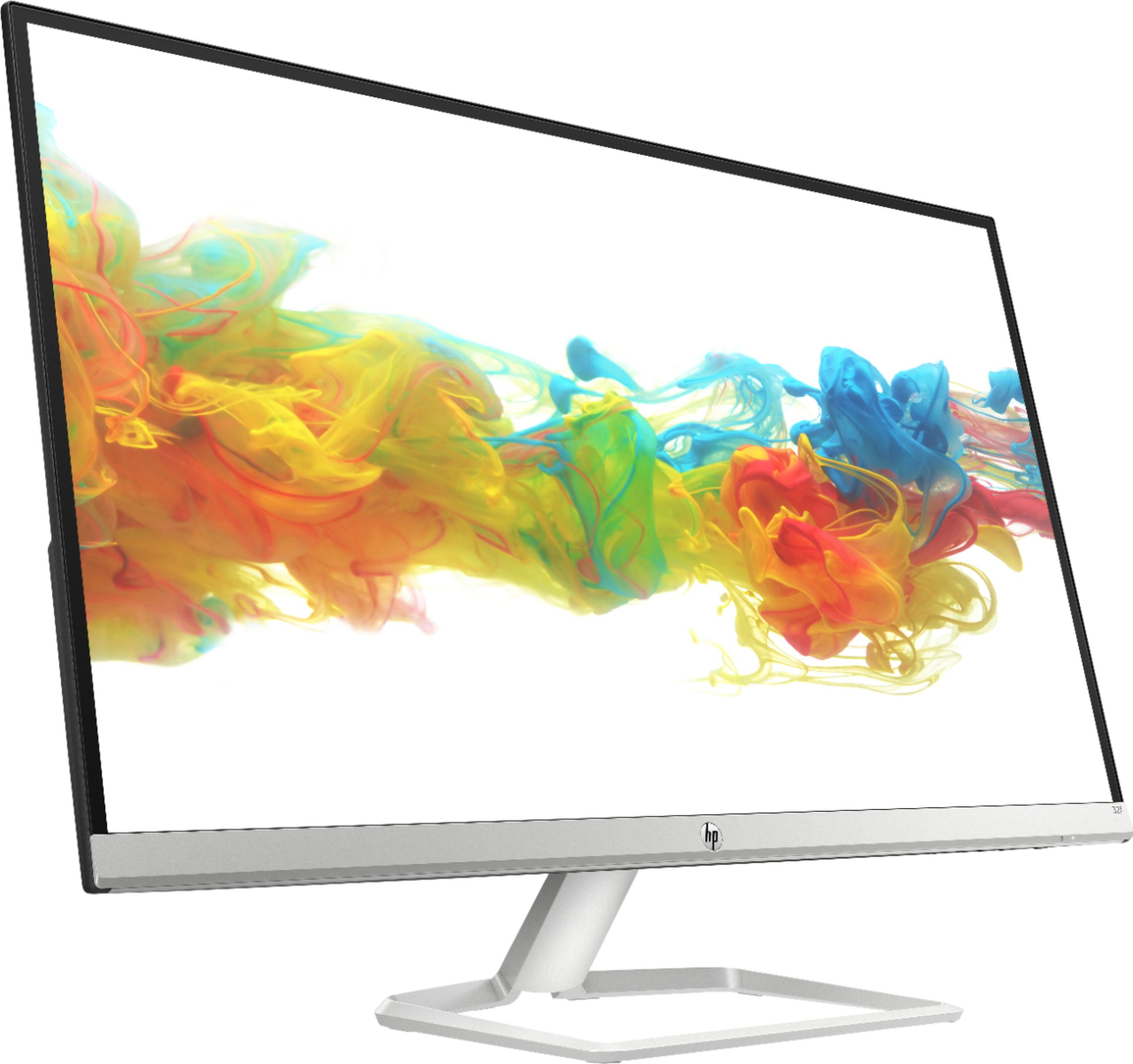
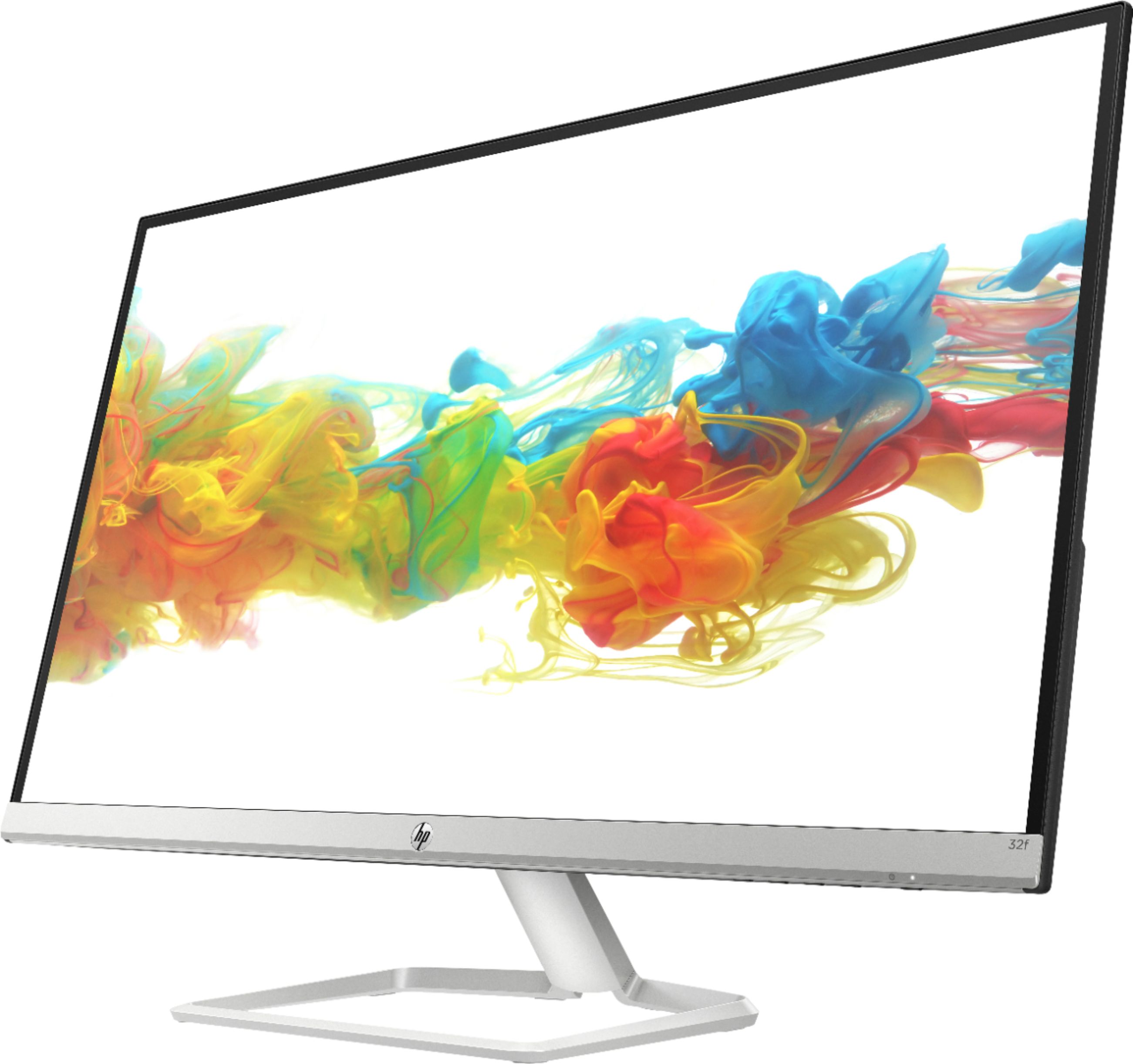
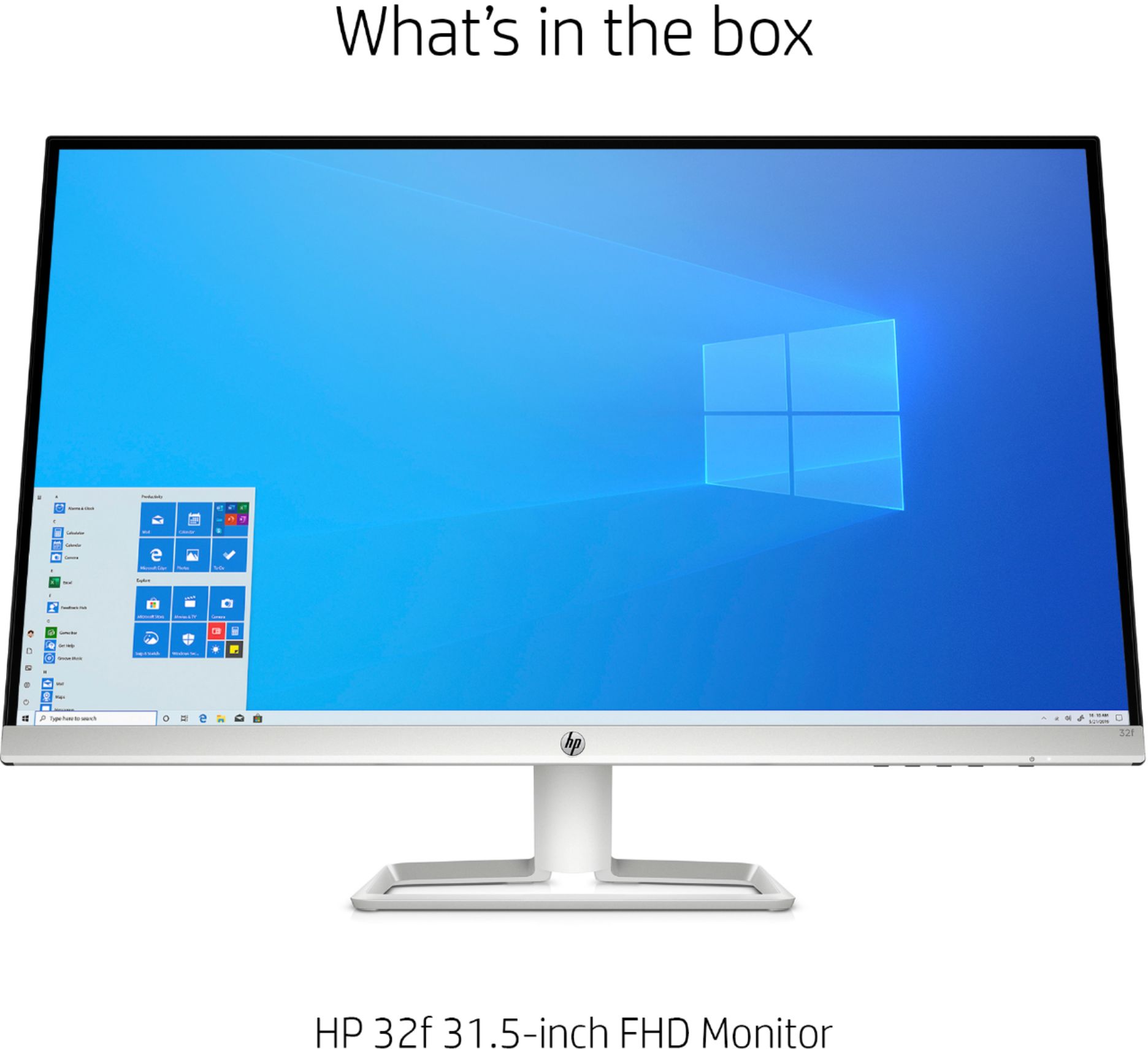
A:AnswerThe buttons to the right under the screen are all picture , tone brightness etc, controls. basically you adjust all settings of the monitor with those. very easy to use.
The power is the button on the far right under the light that shows when the monitor is powered.
A:AnswerThe ClearType Text Tuner help for me. I found that it's very tricky. If you over correct the font will be blurry. But if you under correct, the font will have jaggy edge or too sharp. I found that this monitor simply too big with only 1080 pixels. so if I stay far enough everything looks fine. But if I got too close, everything tend to see pixels. both on photos and text. Another thing the Adobe font seem a bit better than the windows true Type fonts.
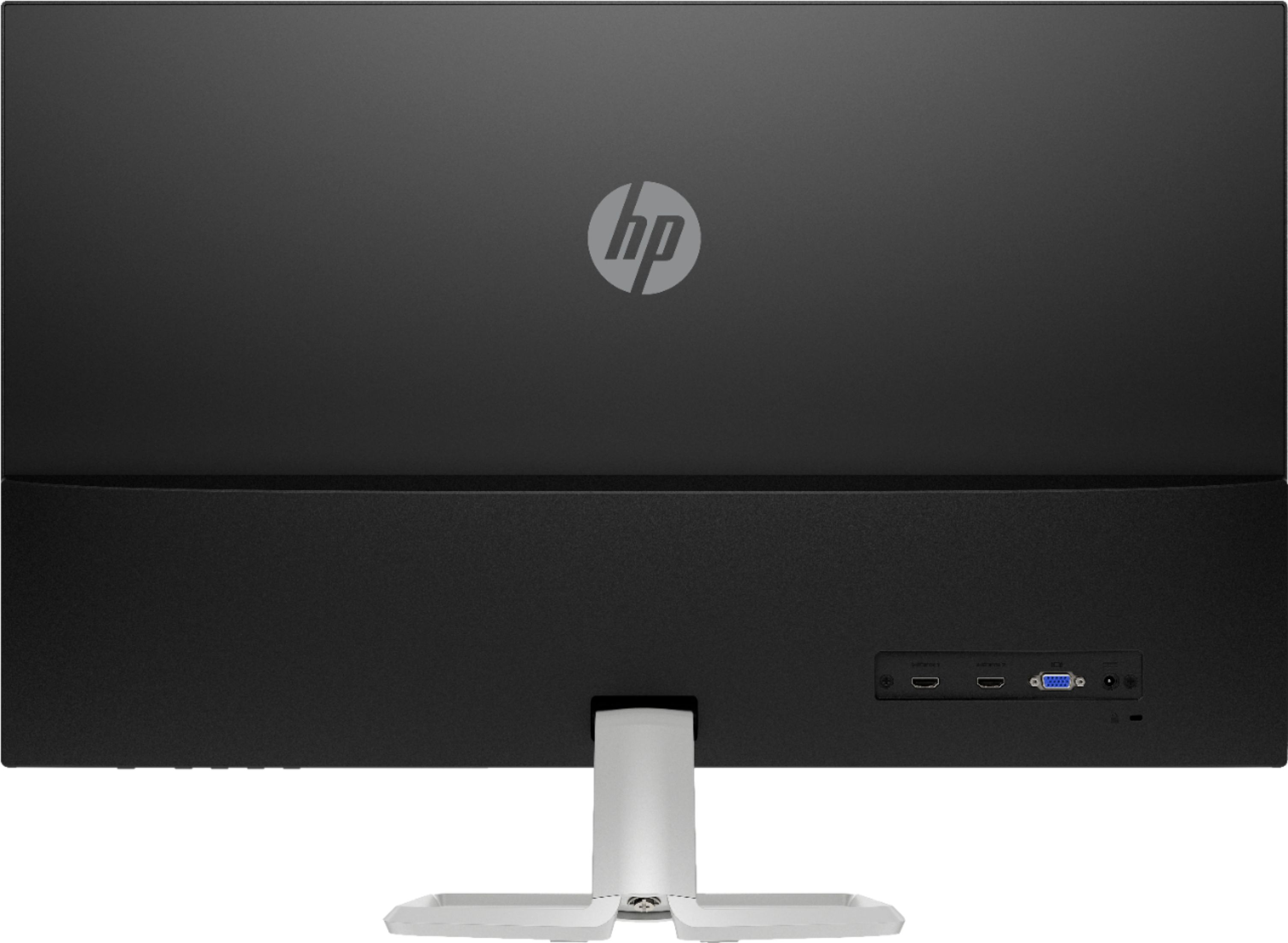
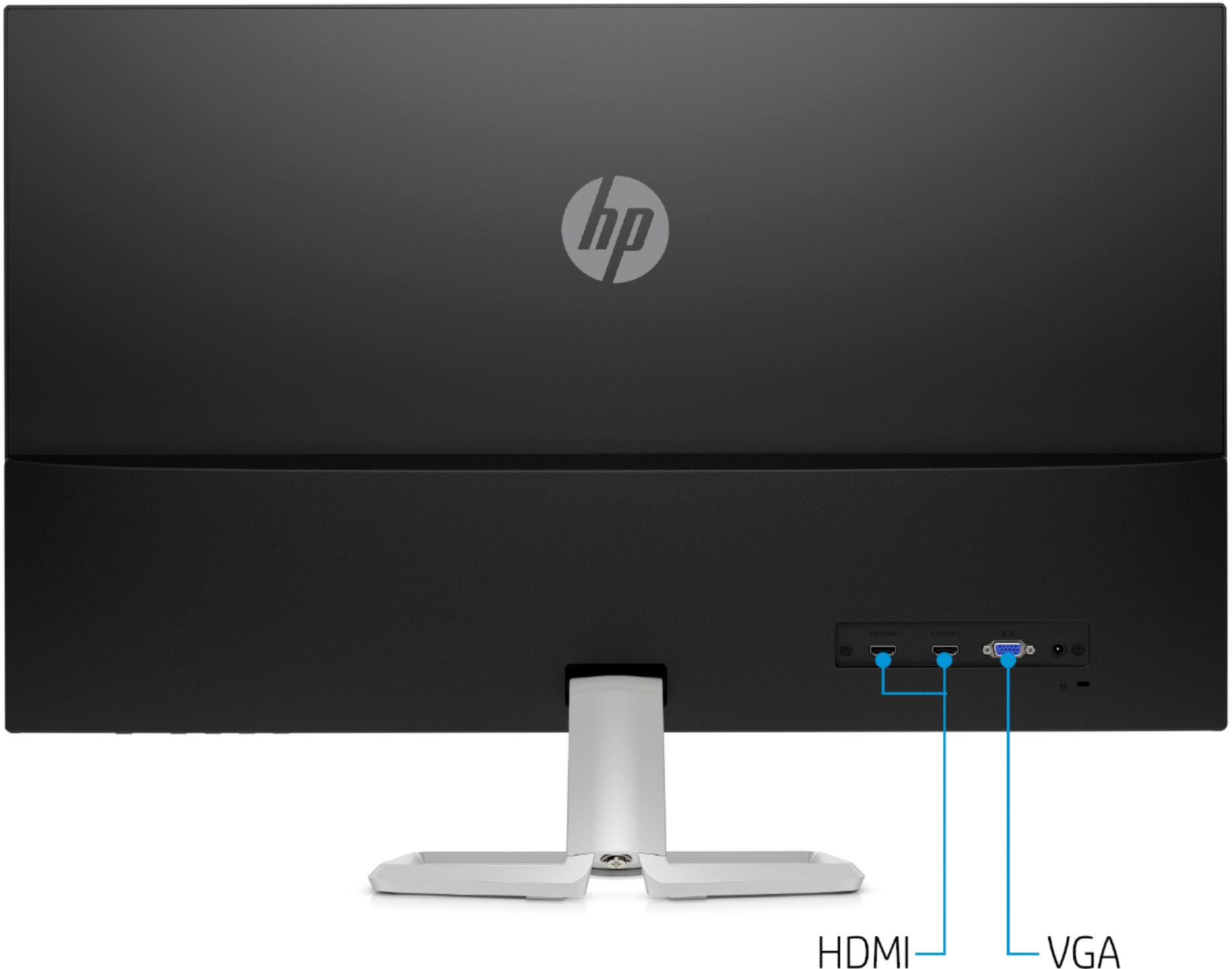
A:AnswerThis monitor has both HDMI and VGA ports to connect to your computer, however your computer has to have the ability to handle 2 monitors which not all computers can.