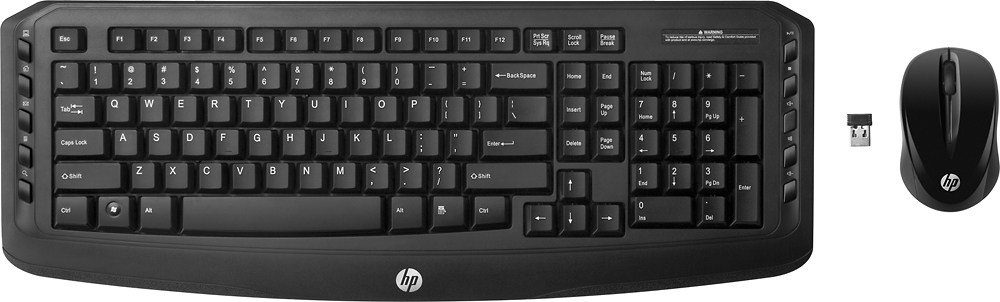
A:AnswerNo it doesn't. But you can set up an audible sound to alert whenever the Caps Lock, Scroll Lock, or Num Lock is pressed. It's under PC Settings/Ease of Access/Keyboard/Use Toggle Keys.
A:AnswerI am using this keyboard on a Linux Mint system right now. As for speakers, I am currently listening to a blue tooth speaker and I have used wireless headphones and the speakers built into the monitors with my Linux system.
A:AnswerI had the same problem and found that it was caused by interference from the WiFi on the motherboard. I used a USB extension cable to move the dongle away from the computer and closer to the keyboard.
A:AnswerIt would really be dependent on whether or not the TV will allow you to use a wireless keyboard. I would suggest looking in the manual for the tv or reach out to a home theater blue shirt or a Geek Squad member at Best Buy for further assistance.
A:AnswerIf you need a silent keyboard you should go to the store and try them out. This one might or might not work for you, but is not intended to be silent.
A:AnswerYou would need a computer between your keyboard/mouse and the monitor. The monitor is just a display and requires a computer in order to work. If you are familiar with Linux, you could get a $35 Raspberry Pi computer if you don't need a lot of computing power.