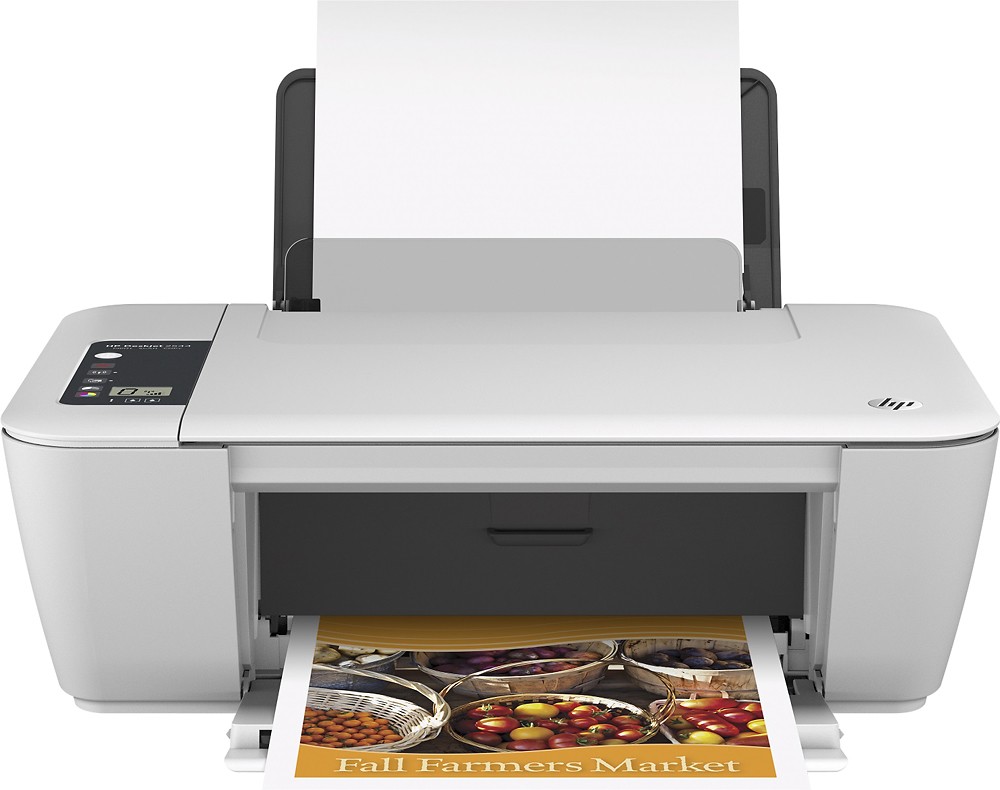
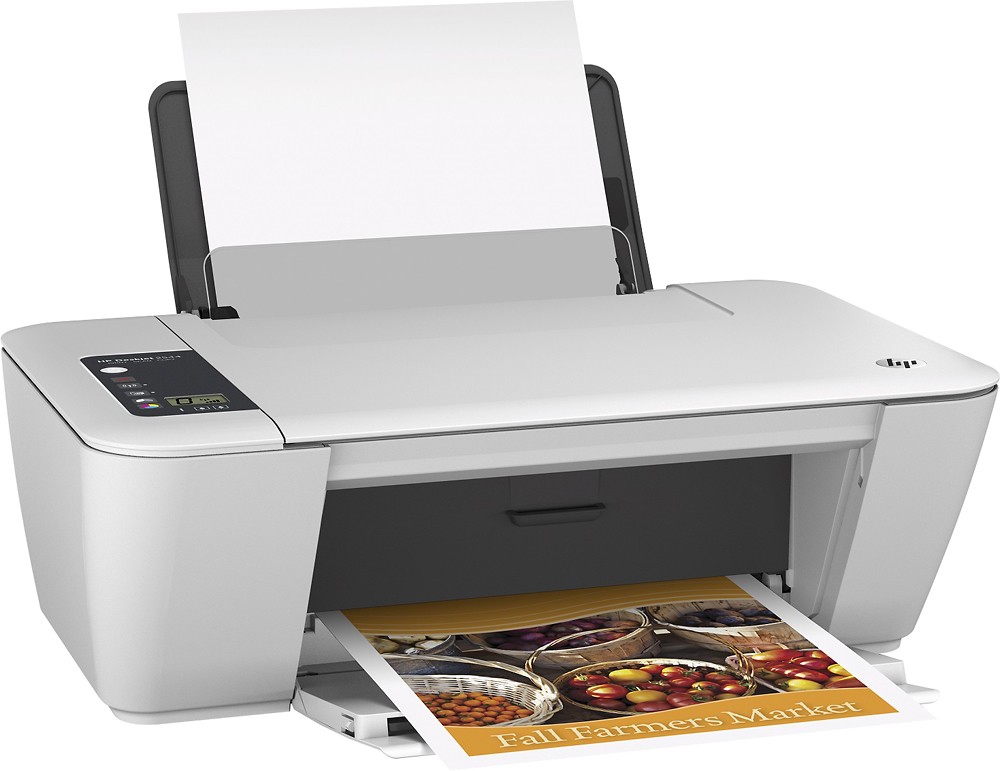
A:Answer Use the single-cartridge mode to operate the HP Deskjet 2540 series with only one ink cartridge. The
single-cartridge mode is initiated when an ink cartridge is removed from the ink cartridge carriage.
During single-cartridge mode, the printer can copy documents, copy photos, and print jobs from the
computer. Install both the black and tri-color ink cartridges in the HP Deskjet 2540 series to exit single cartridge mode.