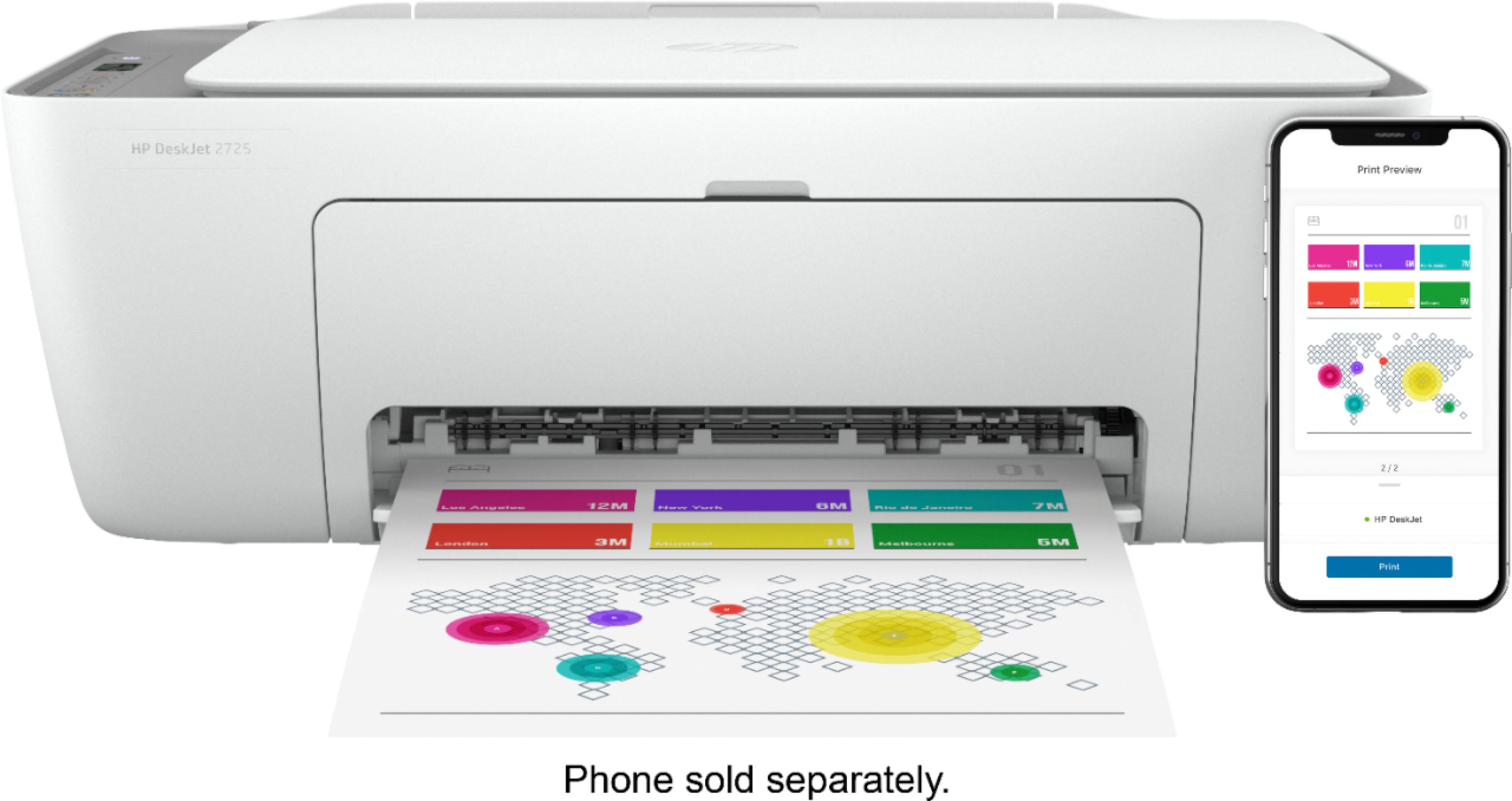
A:AnswerI believe because it’s used with wifi just send it to the printer from whatever device your using. I print from my cell phone with no issues or needing a usb.
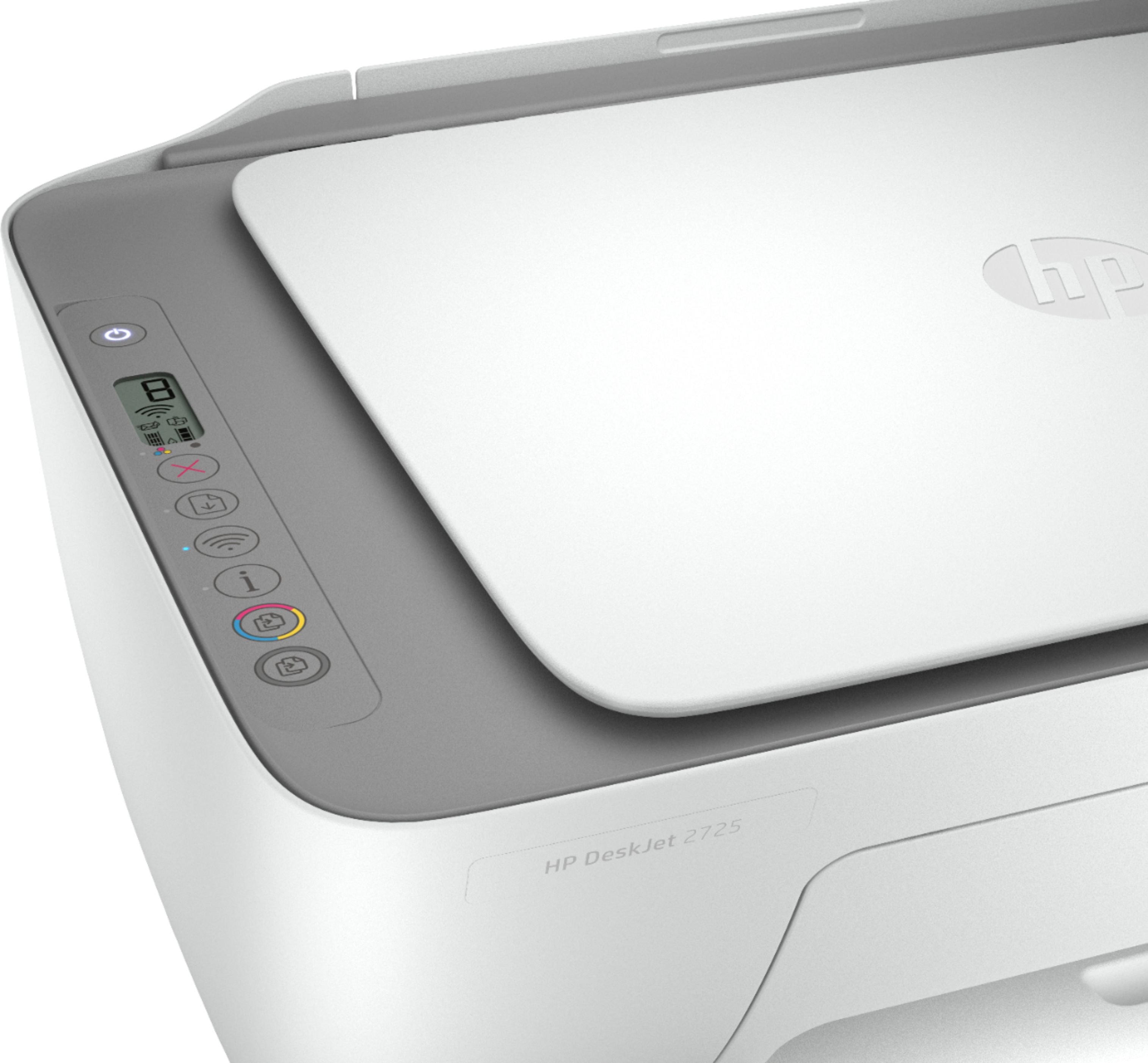
A:AnswerThis printer does not have a document feeder. There is only a flatbed scanner on this printer. If you want a printer with a document feeder, we recommend looking at the HP Deskjet Plus 4155 or HP Envy Pro 6455 printers.
A:AnswerThe HP "Instant Ink Ready" cartridges that come with most of our HP inkjet printers have two options. You can activate and enroll them with HP Instant Ink, OR you can choose to just use them as regular setup cartridges if you plan on buying cartridges in-store/online. The 15 page per month plan will cost 99cents per month.
A:AnswerYes, you can use this printer with the iPad Pro. Just be sure the iPad Pro and the printer are on the same wireless network. We recommend using the HP Smart App: https://support.hp.com/us-en/document/c03561640
A:AnswerYes, you can print from your iPhone. Just be sure the iPhone phone and the printer are on the same wireless network. We recommend using the HP Smart App: https://support.hp.com/us-en/document/c03561640