Questions & Answers
- Model:
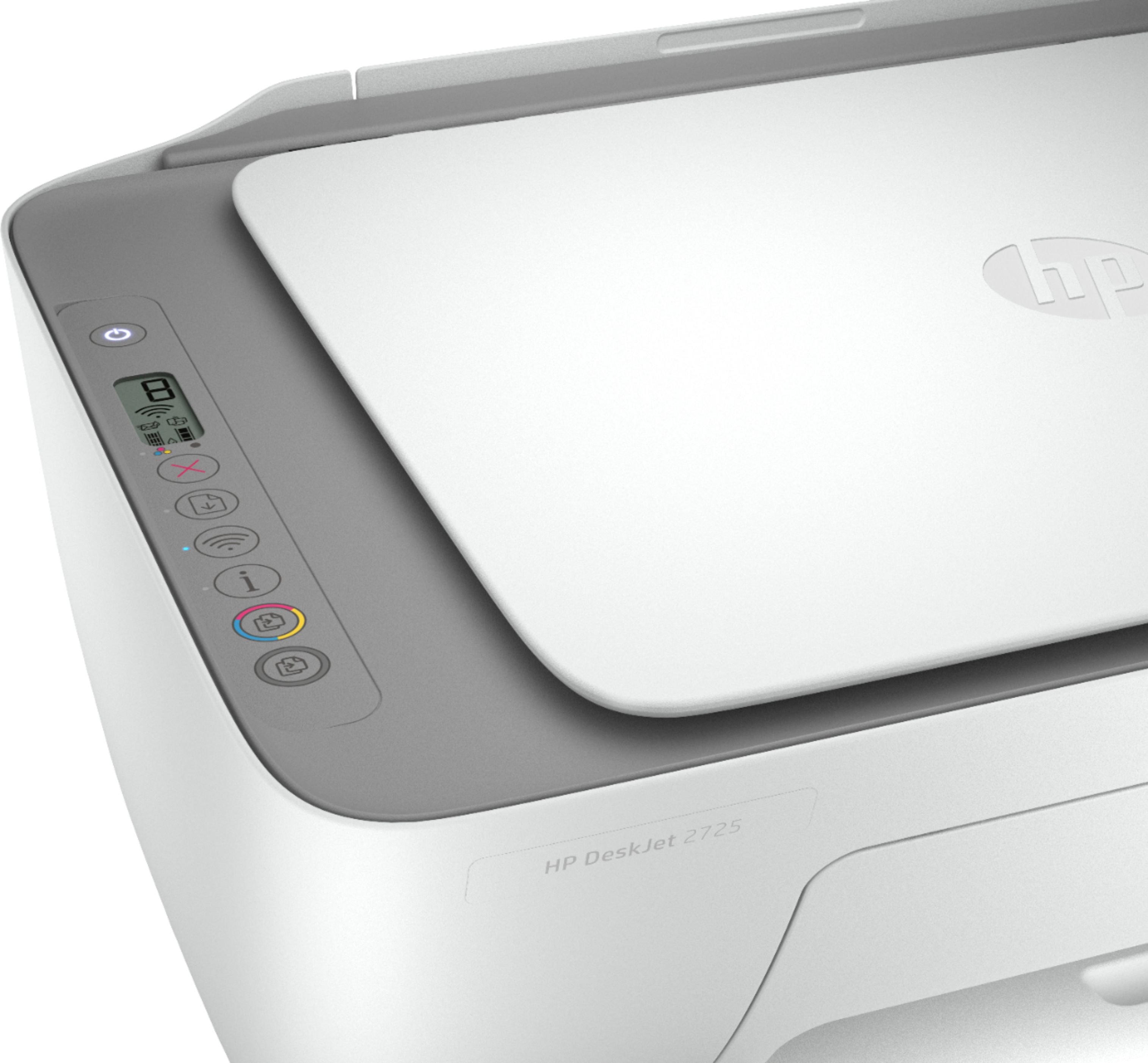
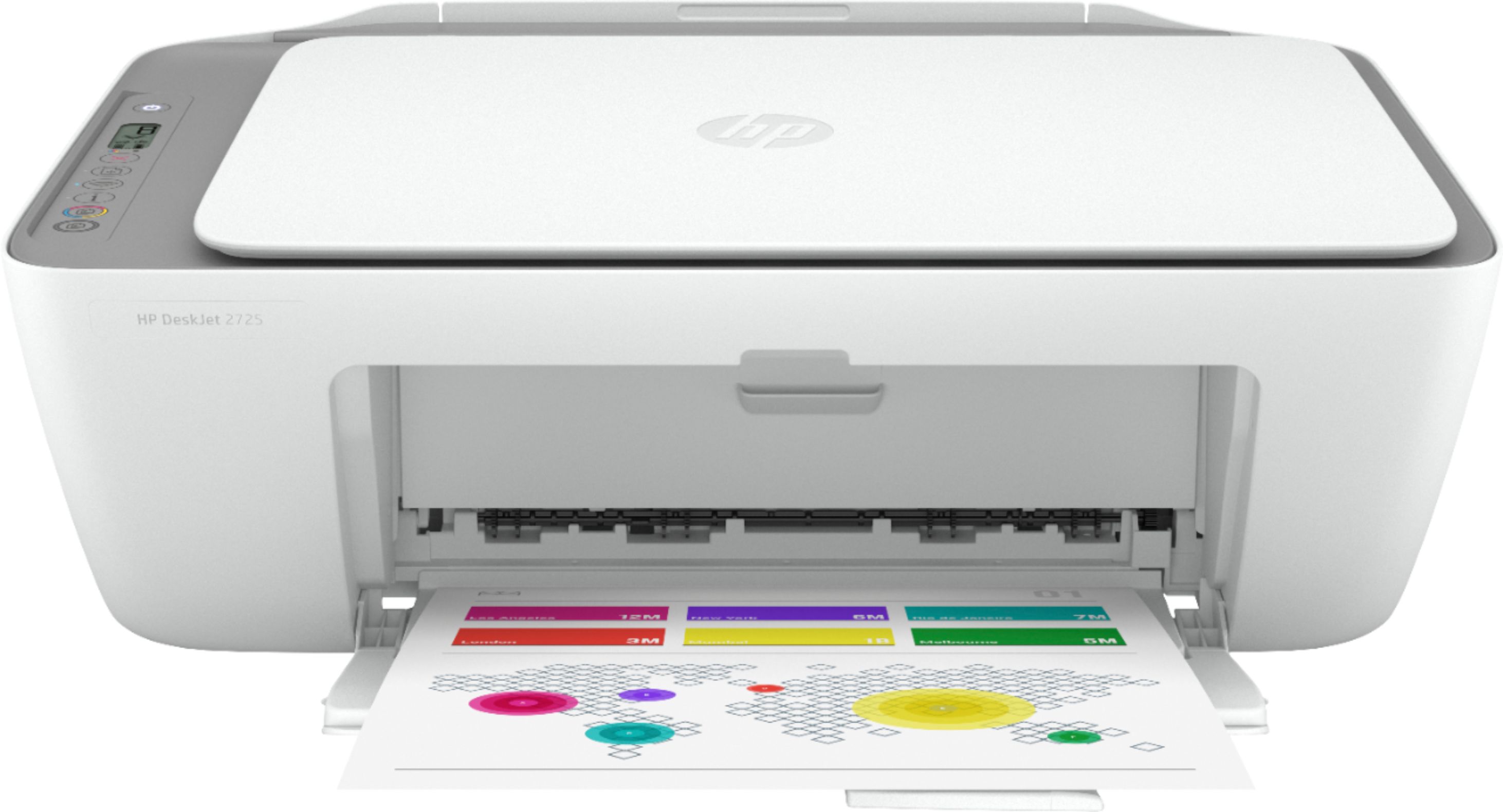
- DeskJet 2725
- |
- SKU:
- 6421533
Highly rated by customers for: Ease of use, Print Quality, Price
Page Showing 241-260 of 333 questions
Q: QuestionWill this printer connect to a mesh wifi network?
Asked by Rob.
- A:Answer Yes, this printer can connect a WiFi mesh network.
Answered by HP Team

Q: QuestionIs this compatible with picture and sticker paper?
Asked by Jaime.
- A:Answer Yes, as long as they're designed for use with inkjet printers.
Answered by HP Team

Q: QuestionDoes this printer work with acer chrome book Laptop
Asked by Anonymous.
- A:Answer Yes, you can use this printer with the Acer Chromebook. Here are some instructions on how to set up the printer on the Chromebook: https://support.hp.com/us-en/document/c04122530
Answered by HP Team

Q: QuestionIs this compatible with ipads?
Asked by Ipad.
- A:Answer Yes, you can print from your iPad. Just be sure the iPad and printer are on the same wireless network. We recommend using the HP Smart App: https://support.hp.com/us-en/document/c03561640
Answered by HP Team

Q: QuestionCan I get the Print free for life intant ink for this printer?
Asked by prasad.
- A:Answer No you can not.
Answered by HP Team

Q: QuestionIs this printer Bluetooth?
Asked by Jen.
- A:Answer No. This printer has WiFi technology. Wireless Direct (WiFi Direct) allows you to directly connect to a printer from a mobile device or computer without the need for internet access or a wireless network. You would connect to the printer’s wireless direct signal just like you would connect to a wireless network. The printer would have a unique name in your wireless connections, i.e. Direct-04-Printer. For more information, you can go to https://bit.ly/3jqsGQ8
Answered by HP Team

Q: Questioncan I print with my phone? or do I need a laptop?
Asked by Anonymous.
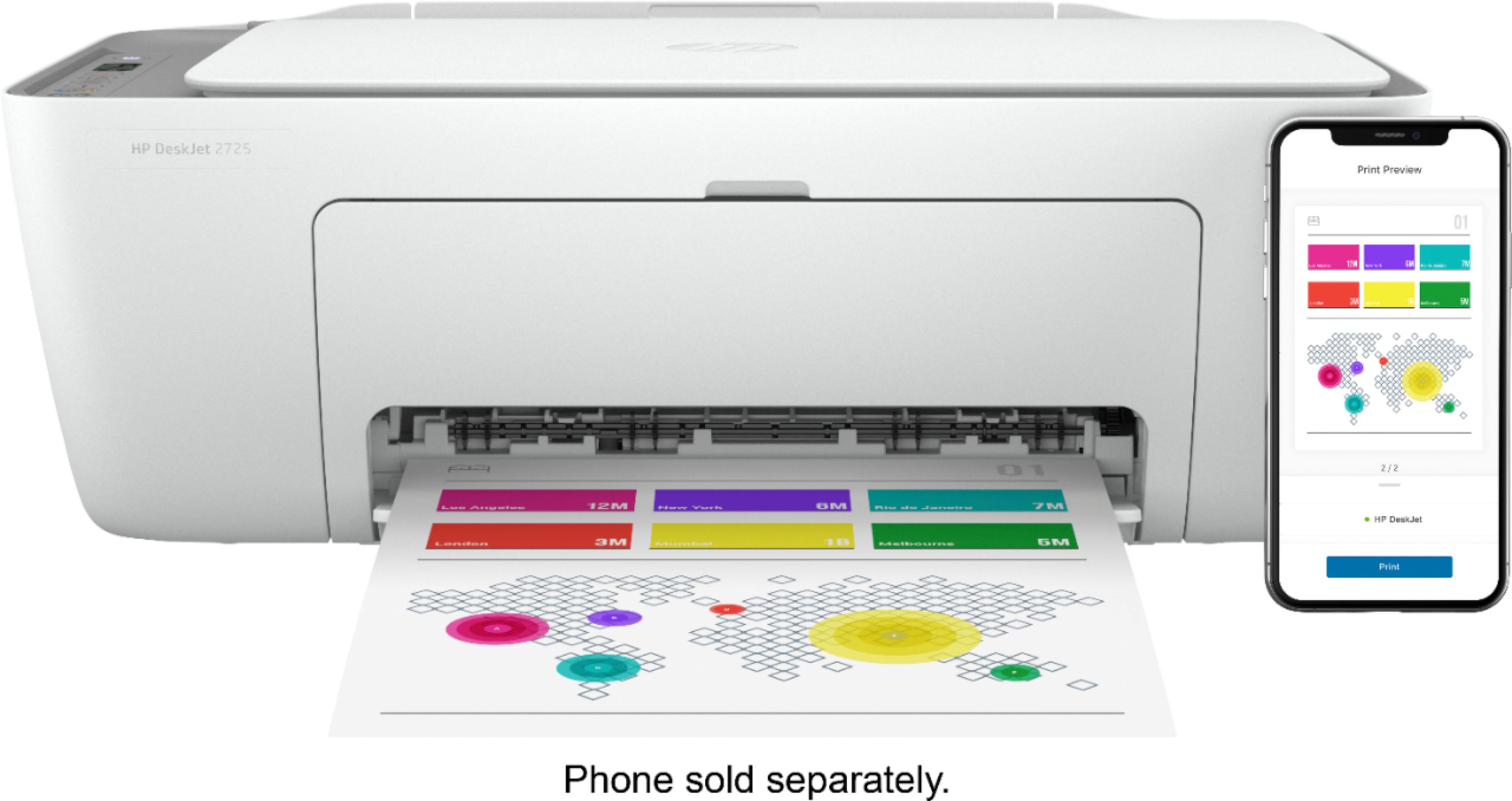
- A:Answer Yes, you can print from your phone. We recommend using the HP Smart app: https://bit.ly/3cEujqO
Answered by HP Team

Q: QuestionWill the printer still work without black ink?
Asked by lookinaround84.
- A:Answer Yes. You can use the HP Deskjet 2725 All-In-One Printer in the single-cartridge mode. I would recommend using the setup cartridges first. Then, when the tricolor or black ink cartridge is empty or low, you would take that ink cartridge out. The printer will automatically go into the single-cartridge mode. Then, you can print with just the tricolor ink cartridge if you wanted to.
Answered by HP Team

Q: QuestionCan you print documents from your cell phone?
Asked by Pdub.
- A:Answer Yes, you can print documents from your cell phone. Just be sure the cell phone and the printer are on the same wireless network. We recommend using the HP Smart app: https://support.hp.com/us-en/document/c03561640
Answered by HP Team

Q: Questionwhat comes in the box with this printer and will it connect to my hp lamptop
Asked by tiger.
- A:Answer This printer comes with setup cartridges in the box. The yield of setup cartridges varies by model but tends to be enough to get the average user through setup and initial printing jobs. You can learn more about Ink and Toner by the model at https://bit.ly/3cQrnaN This printer is wireless or you can connect it to the computer using the USB A to B cable.
Answered by HP Team

Q: QuestionDoes this printer use the HP 60 ink cartridges?
Asked by Jo.
- A:Answer No. The HP Deskjet 2725 uses the HP 67 or 67xl black and tricolor ink cartridges.
Answered by HP Team

Q: QuestionCan I use cardstock paper?
Asked by Jamie.
- A:Answer Yes, you can print on cardstock up to 110 pounds.
Answered by HP Team

Q: QuestionIs there a wireless printing feature
Asked by Dee.
- A:Answer Yes, this printer is wireless.
Answered by HP Team

Q: QuestionIs this printer compatible with Windows 8 ?
Asked by Dave.
- A:Answer Yes, this printer is compatible with Windows 8.
Answered by HP Team

Q: QuestionDoes this work with a mac?
Asked by Titus.
- A:Answer Yes, you can use this printer with a Mac.
Answered by HP Team

Q: QuestionCan i use an USB chord to connect to my laptop if I choose not use it wirelessly
Asked by Anonymous.
- A:Answer Yes, you can connect this printer to your laptop using the USB cable.
Answered by HP Team

Q: QuestionDoes this work with Mac books / iPhones and chrome books that aren’t HP brand
Asked by With.
- A:Answer Yes, this printer will work with the MacBook, iPhone and Chromebook. Here are some instructions on how to set up the printer on the Chromebook: https://support.hp.com/us-en/document/c04122530
Answered by HP Team

Q: QuestionCan I only use black ink on this?
Asked by Anonymous.
- A:Answer Yes you can! This is an HP 2-cartridge printer so the printheads are built into the cartridges (black and tricolor). Our exclusive feature, Single Cartridge Mode, allows you to print with only one cartridge -- just don't leave the empty one in. So you never have to buy color if you don't want to.
Answered by HP Team

Q: QuestionIs this a sublimation printer, can it take sublimation paper? If not, which ones can ?
Asked by Lily.
- A:Answer No, HP does not make sublimation printers.
Answered by HP Team

Q: Questionhow does the printer do printing card stock? and up to how think of a card stock does it prinnt? i use 65lb to 85 lb.
Asked by BB.
- A:Answer The HP DeskJet 2725 printer can handle up to for the following media: Letter: 16 to 32 lb.; HP envelopes: 20 to 24 lb.; HP cards: up to 110 lb.; HP 4 x 6 inch photo paper: up to 145 lb.
Answered by HP Team

Most-viewed items
- $209.99$209.99The price was $439.99
- $109.99$109.99The price was $199.99
- $199.99$199.99The price was $349.99
- $139.99$139.99The price was $259.98
- $229.99$229.99The price was $599.99
Linkind - A21 1600 Lumens Smart LED Blub, Matter Compatible, Coloring Changing (4-Pack) - Multicolor$39.99$39.99The price was $69.99- $249.99$249.99The price was $379.99
- $329.00$329.00The price was $349.00
- $329.99$329.99The price was $469.99