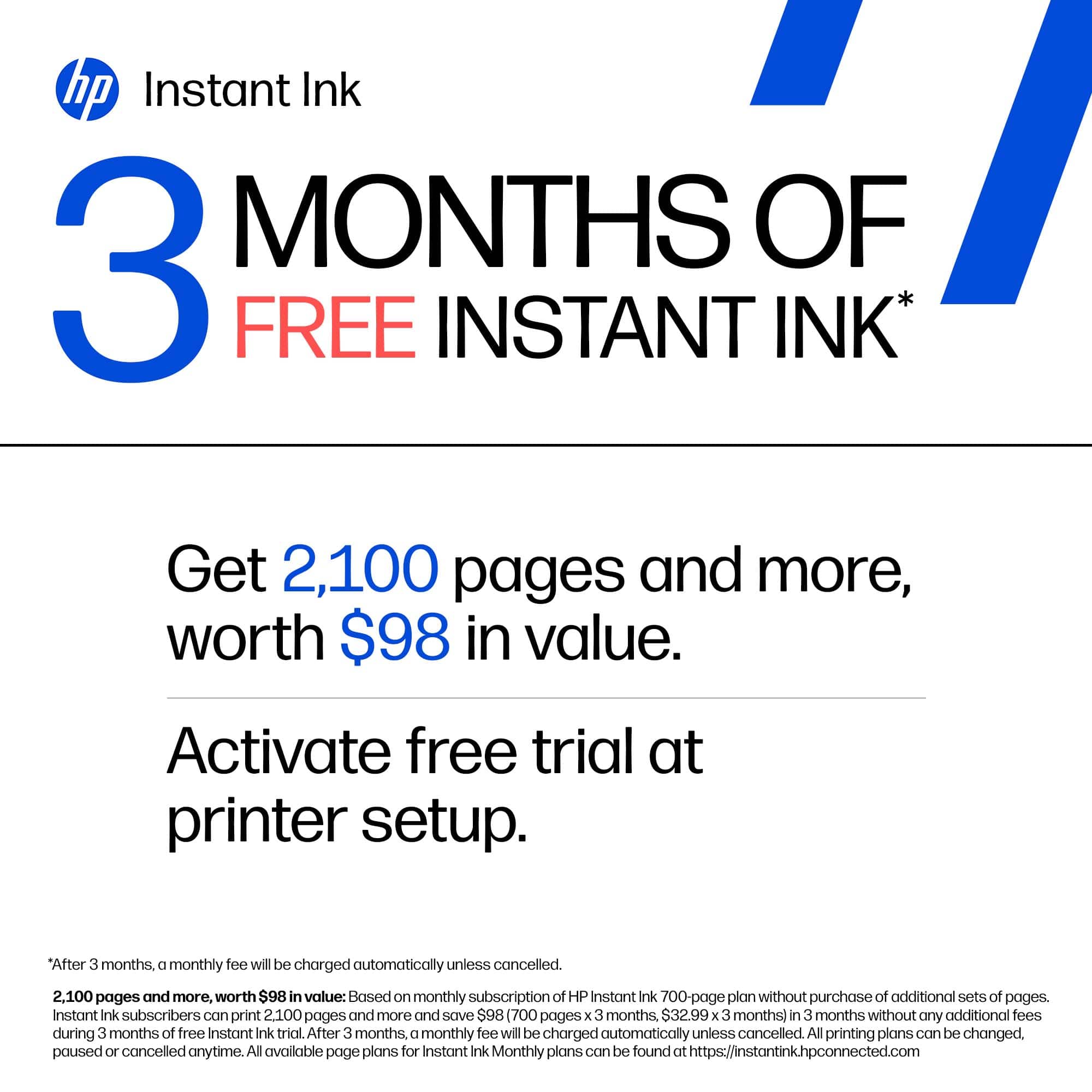
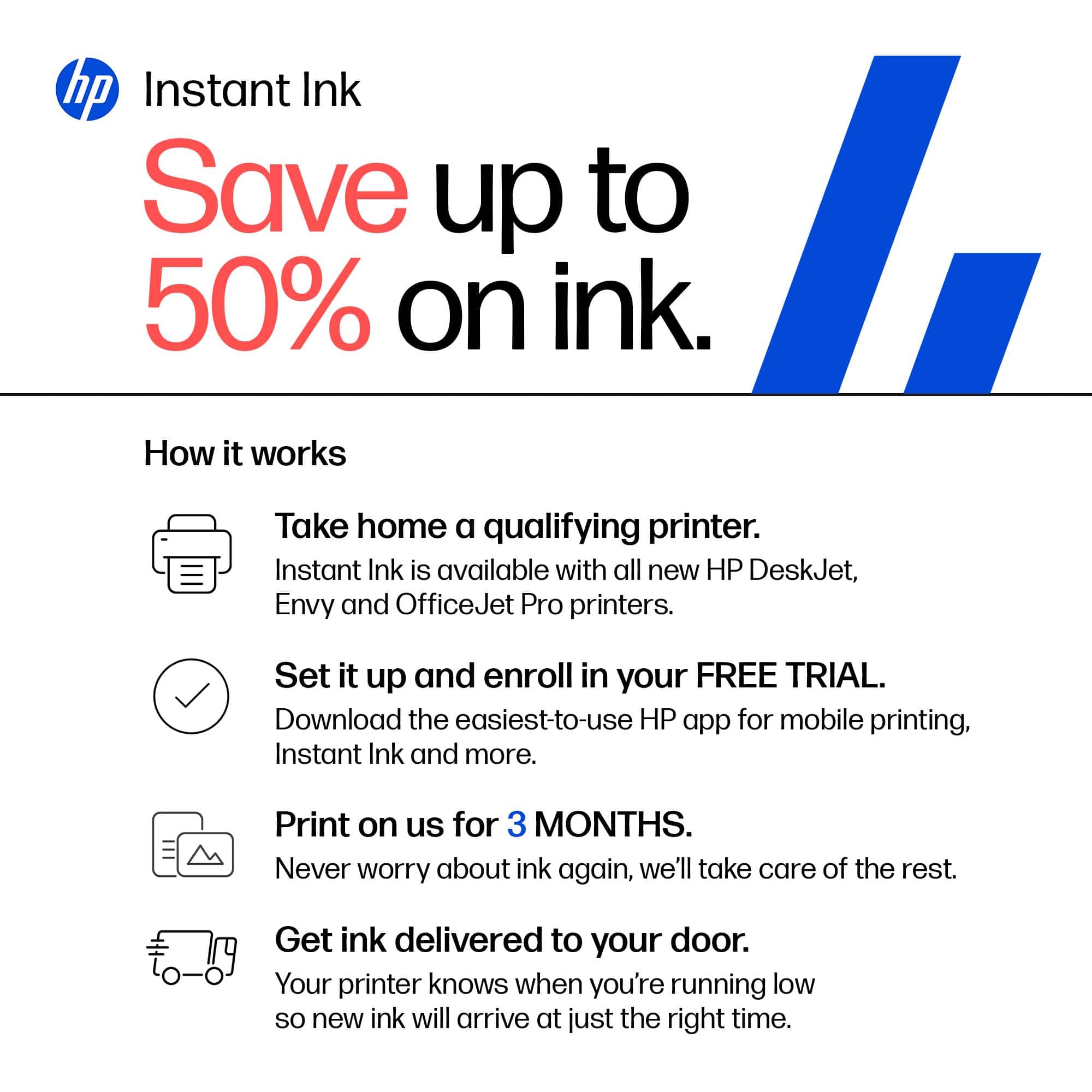
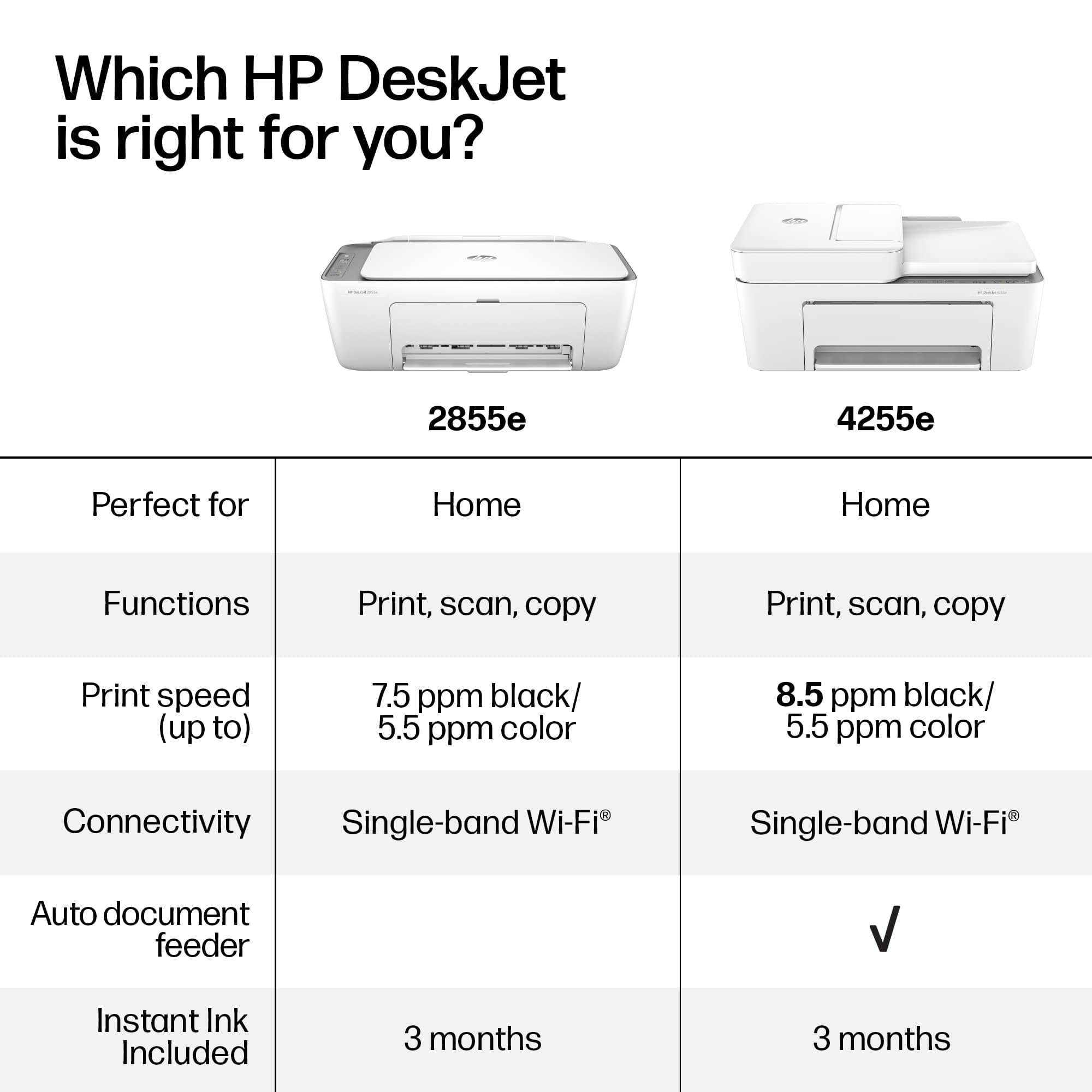
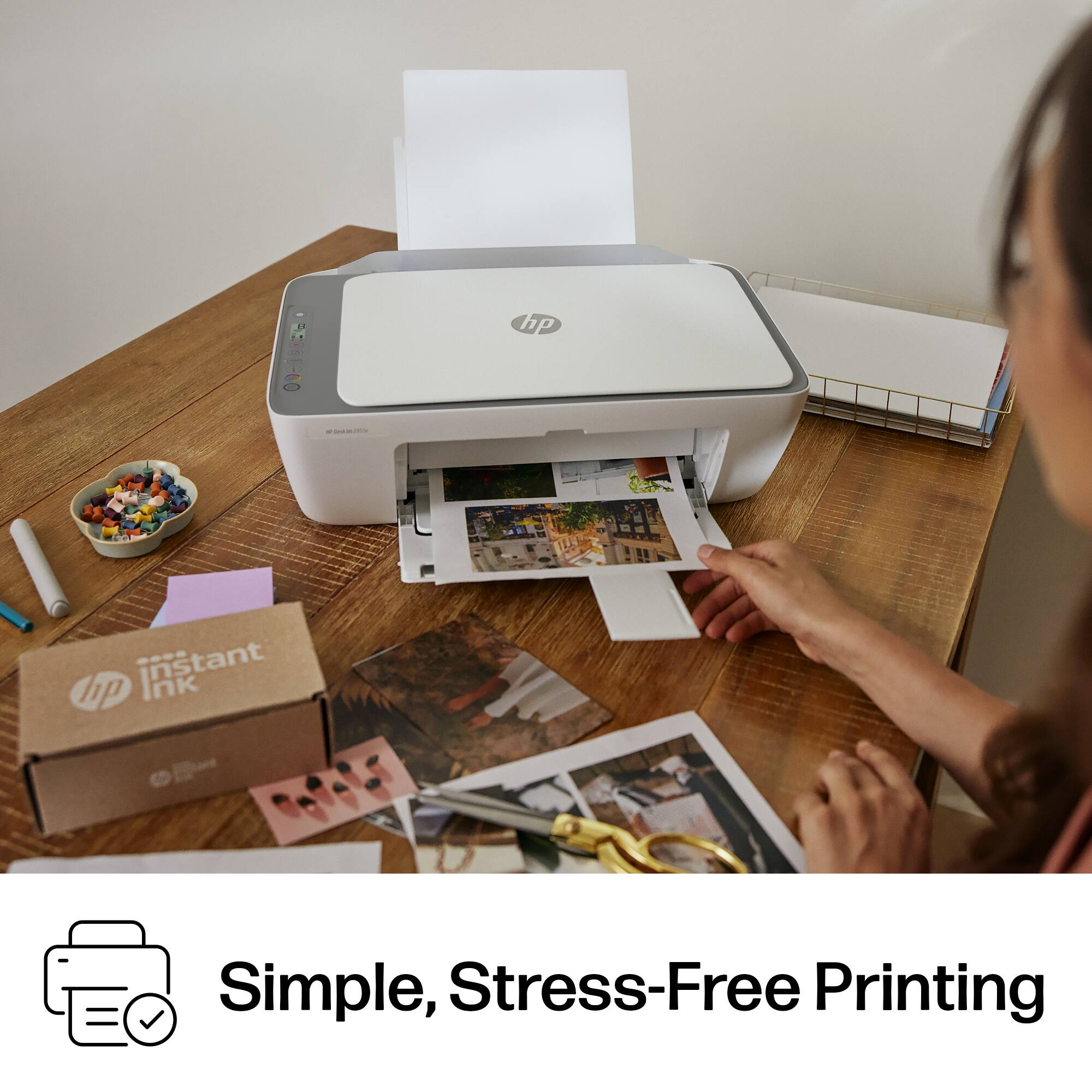
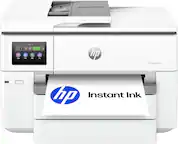
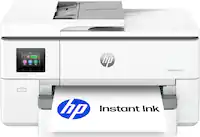
A:Answer HP Instant Ink is a subscription program offered by HP to help you manage you ink cartridges. Plans are based off on how many pages you plan to print versus how much ink goes into each page. This means you can print 1 page of black and white text and 1 full size 8x10 photo for the same price. The printer notifies HP that you are low and the cartridges are mailed to you automatically. You choose the plan based on your printing frequency and can change or cancel anytime. Any unused pages are rolled over to the next month at up to 3X your plans page count. A traditional cartridge may yield a certain amount of pages but if you're prints are using up a lot of ink, then they won't last as long as the cartridge states to last. HP instant ink cartridges are also XXL which means that they have a lot more ink them than the standard cartridges you can buy at a store. This is why a lot of customers claim that they don't get cartridges in the mail that often because they barely print anything. I must also note, that since you are paying for pages and not the ink, if you choose to cancel your subscription, the current instant ink cartridges on your printer will not longer be operable and you will need to purchase cartridges off the shelf. Again, this is due to you purchasing pages rather than the ink that is on those cartridges. Thanks,