A:AnswerSometimes they retire these products from their store. If they’re not a very big seller, I would try very hard to go on the Internet and see if you can find one. Hope this was helpful.
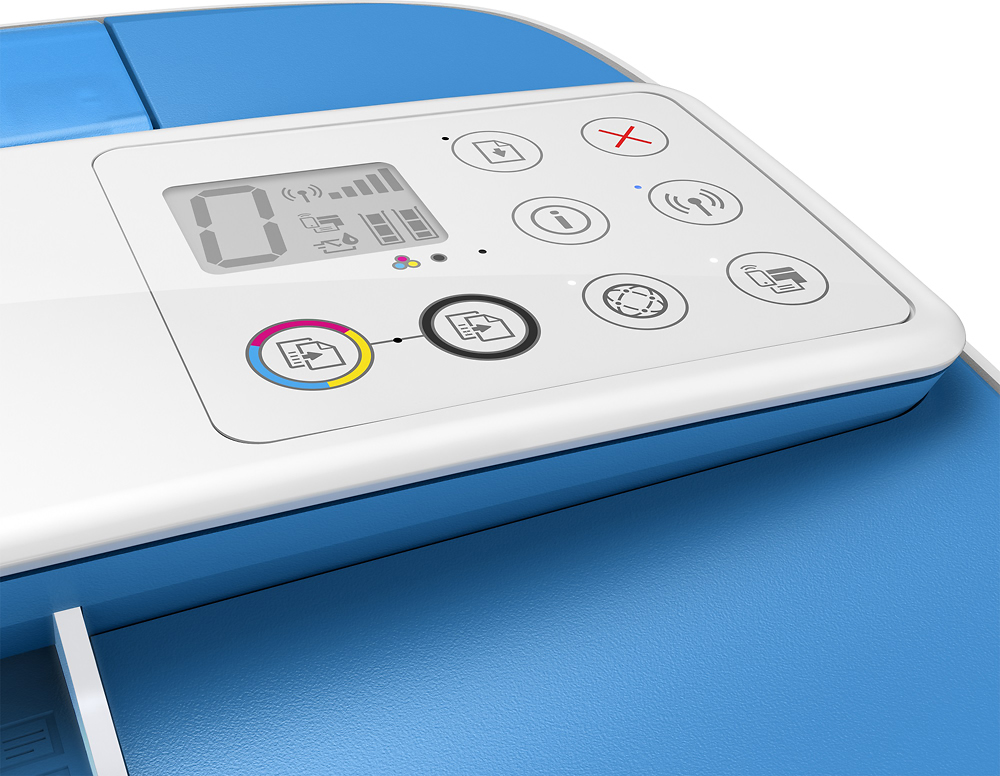
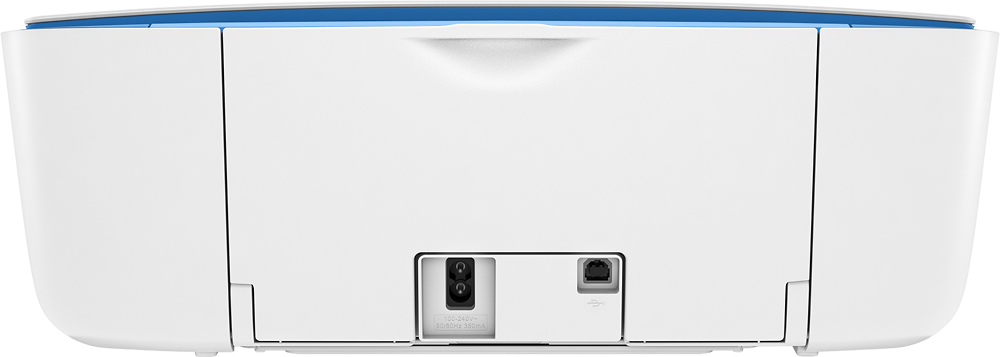
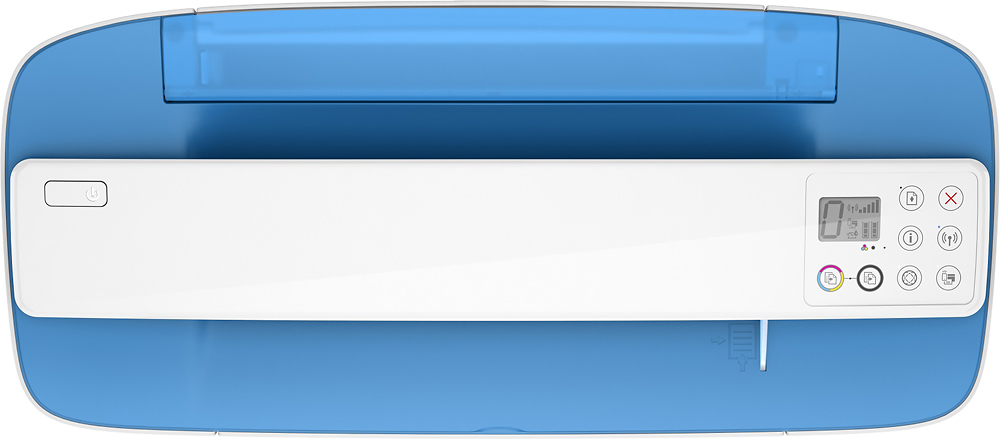
A:AnswerTry this try unplugging the plugs behind the printer, waiting a few minutes and resetting the buttons on the front part and hopefully that should work. If that doesn’t work try unplugging it from the wall and plugging it back in. Hope this was helpful.
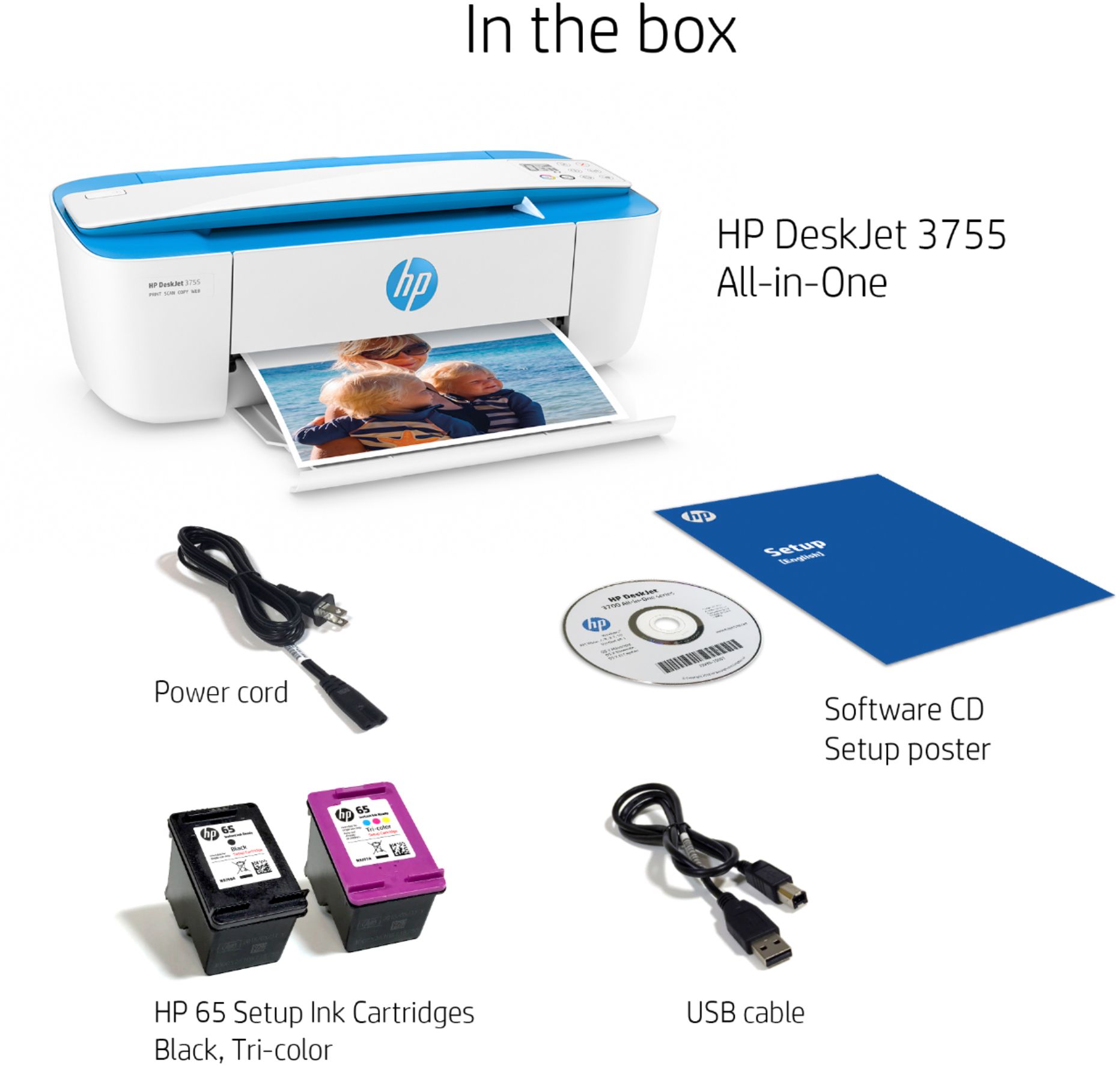
A:AnswerIt says you can and I did try it. Seems I need a new connecting wire so my son-in-law attached it to the wi-fi for now, until I get a chance to get the new wire.