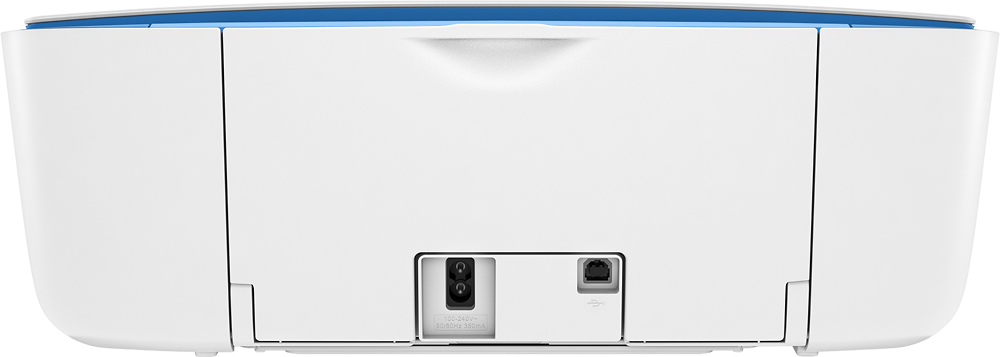
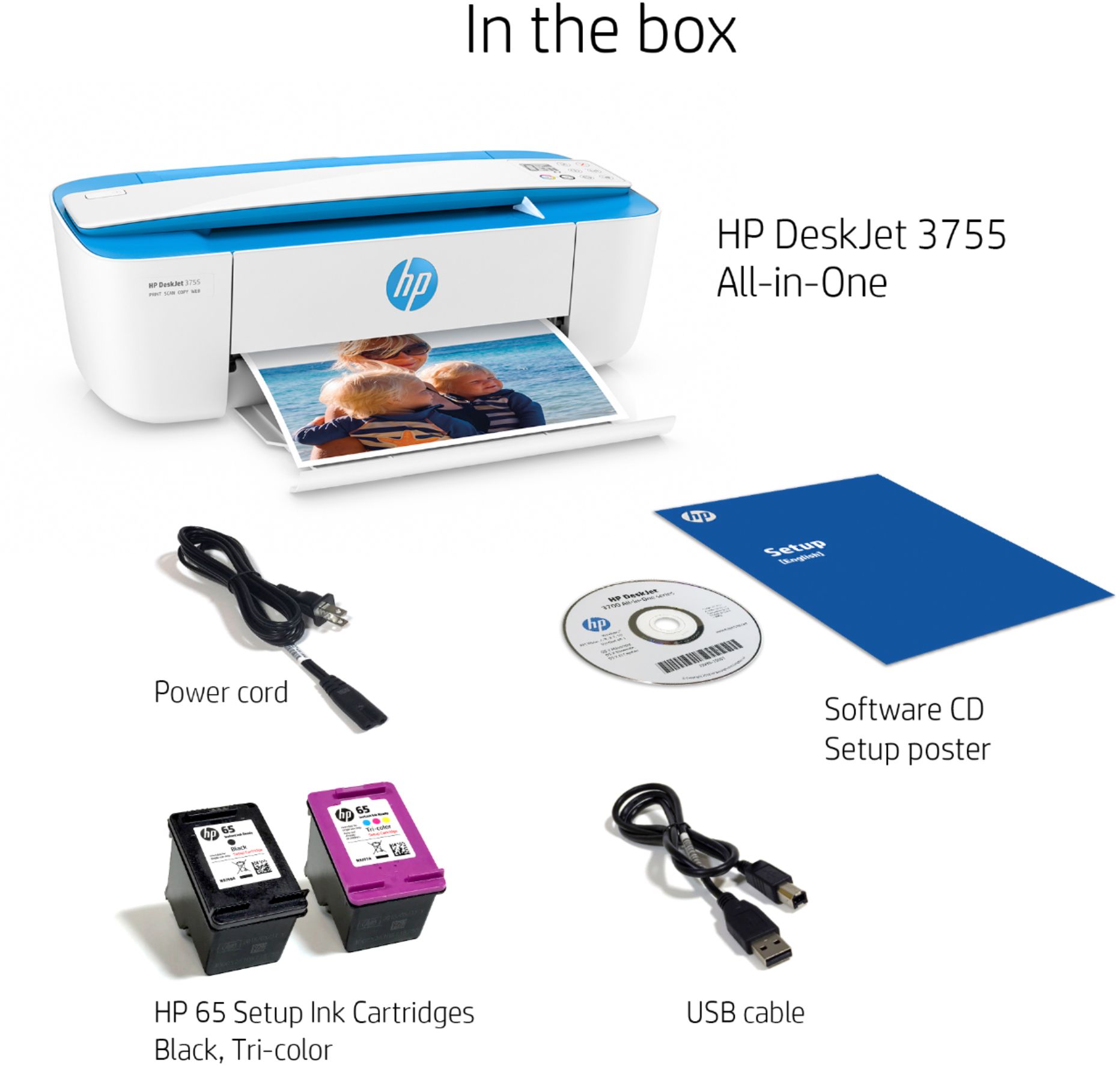
A:AnswerIf you want to connect it wirelessly to your computer or other device, you won't need one. If you're replacing a printer that was connected with a USB printer cable, the same cable you were using will work just fine.
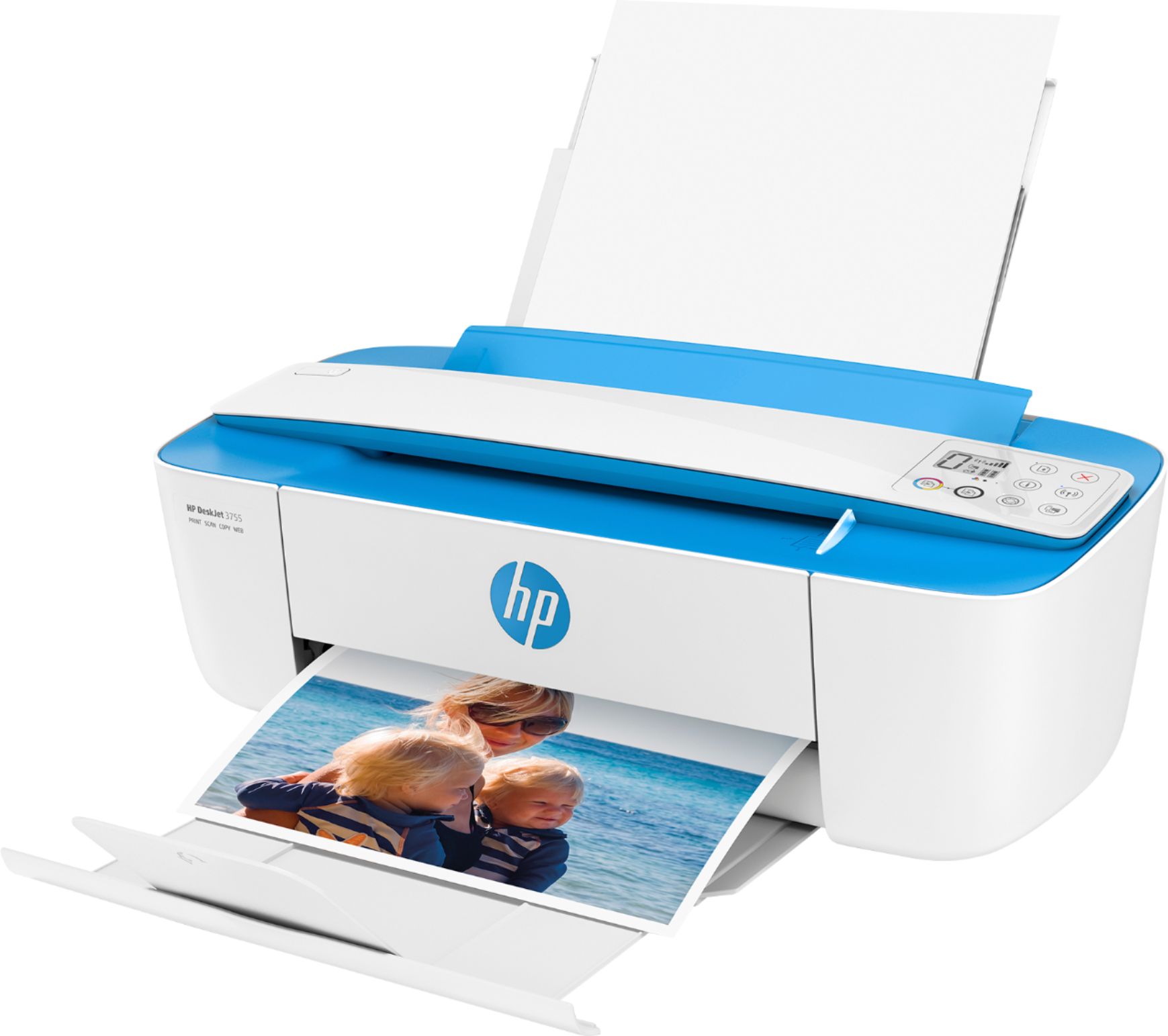
A:AnswerYes, you should have no problem printing those kind of things. One thing to keep n mind is that the printer does not do two sided printing, so you'd need to print one side, then reverse the paper to print the other side.
A:AnswerIt creates it's own email address and can print the email body or up to 10 PDF attachments. Fire tablet is not windows so probably doesn't have driver.
A:AnswerThe only cable that comes with the printer is the power cord that plugs into your electrical outlet. "Wireless" means that it doesn't have to be physically connected to a computer to print something from the computer. And yes, this printer does a nice job with regular text.