A:AnswerYes. It can print double sided.only drawback is that you have to pur the paper back in but flip it. It doesn't do it automatically. I wouldn't recommend if you printing more than 4 pages because you have to put it back in order which can be confusing to keep track of.
A:AnswerThere is no installation disk in the box. With a Chromebook, you will want to set up the printer with Google Cloud Print: https://support.hp.com/us-en/document/c02817255
A:AnswerAll I used was the cord that literally came with the printer and to just follow the setup booklet that also came with the printer to sync it with your computer and it was all very quick and easy I thought at least! Just make sure to also have printer paper to help make sure it's working right as soon as you set it up, it will print something!
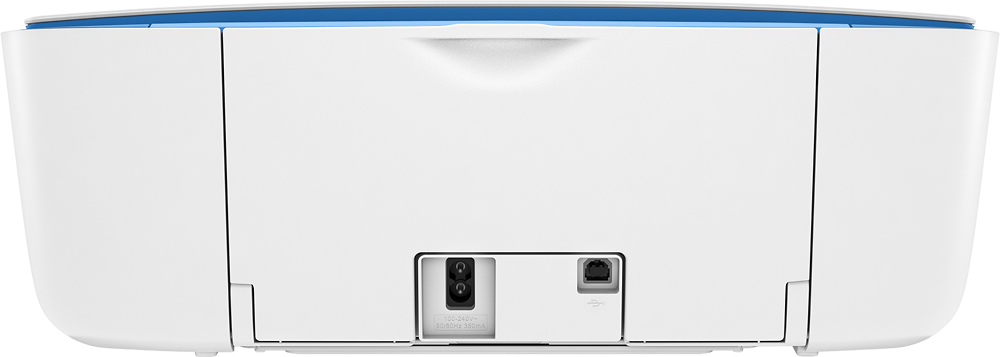
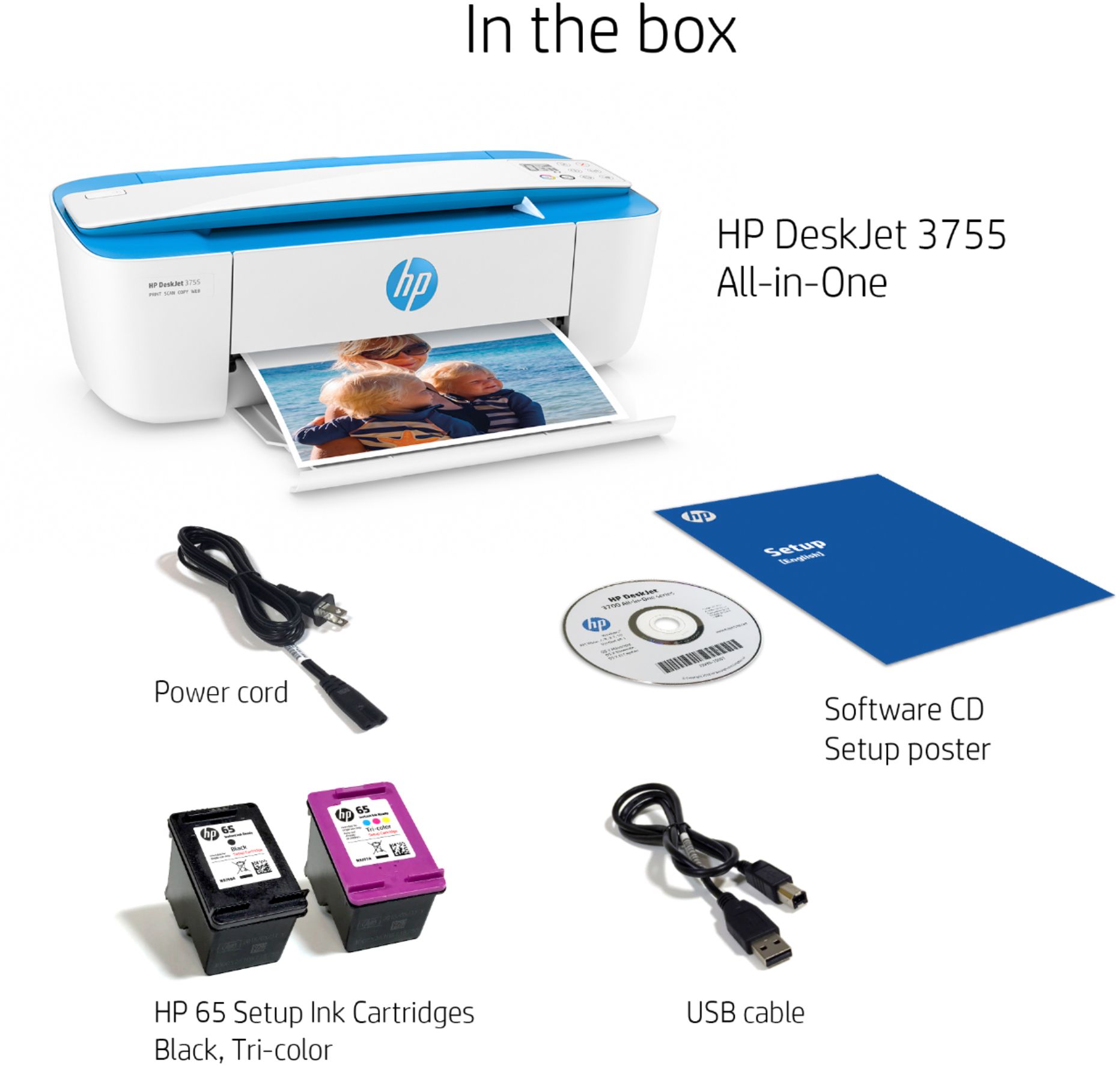
A:AnswerUnfortunately, this printer does not come with a USB cable because it can be connected over wireless with no cable needed. If you want to connect using a USB cable, you'll need a USB printer cable A to B.
A:AnswerI bought this printer for a niece. My main reason for choosing this printer was the good reviews and the second was that the ink is reasonably priced. Please note that the printer comes with black and color ink cartridges that are full. I bought another set because they were also on sale. Hope this helps.
A:AnswerIt installs wirelessly. You can install the printer with a smart phone, tablet, or PC by going to 123.hp.com and following the setup instructions. A setup poster that comes with the printer is located here: http://h10032.www1.hp.com/ctg/Manual/c05153919
A:AnswerPrint Speed5 Black (ISO): Up to 8 ppm; Color (ISO): Up to 5.5 ppm First Page Out Black: As fast as
15 sec; First Page Out Color: As fast as 18 sec; Black (Draft): Up to 19 ppm; Color
(Draft): Up to 15 ppm. You can print with just black or just color by removing the other cartridge. It does not work with cardstock. Yes it uses HP 65 or HP 65XL ink cartridges.
A:AnswerIf it says it can only connect to 2.4 gigahertz then it can only connect to 2.4 gigahertz. This is a budget printer so it's quite believable they saved costs but putting in the less-expensive Wi-Fi module that only deals with the single original frequency band. I was not aware of any routers that have 5G only Wireless. If the router is from your service provider You may wish to contact them because in many routers you can go into the settings internally and turn on or off either frequency bad. They may be able to turn on the 2.4 G if it's not already on but I have never run into that yet.