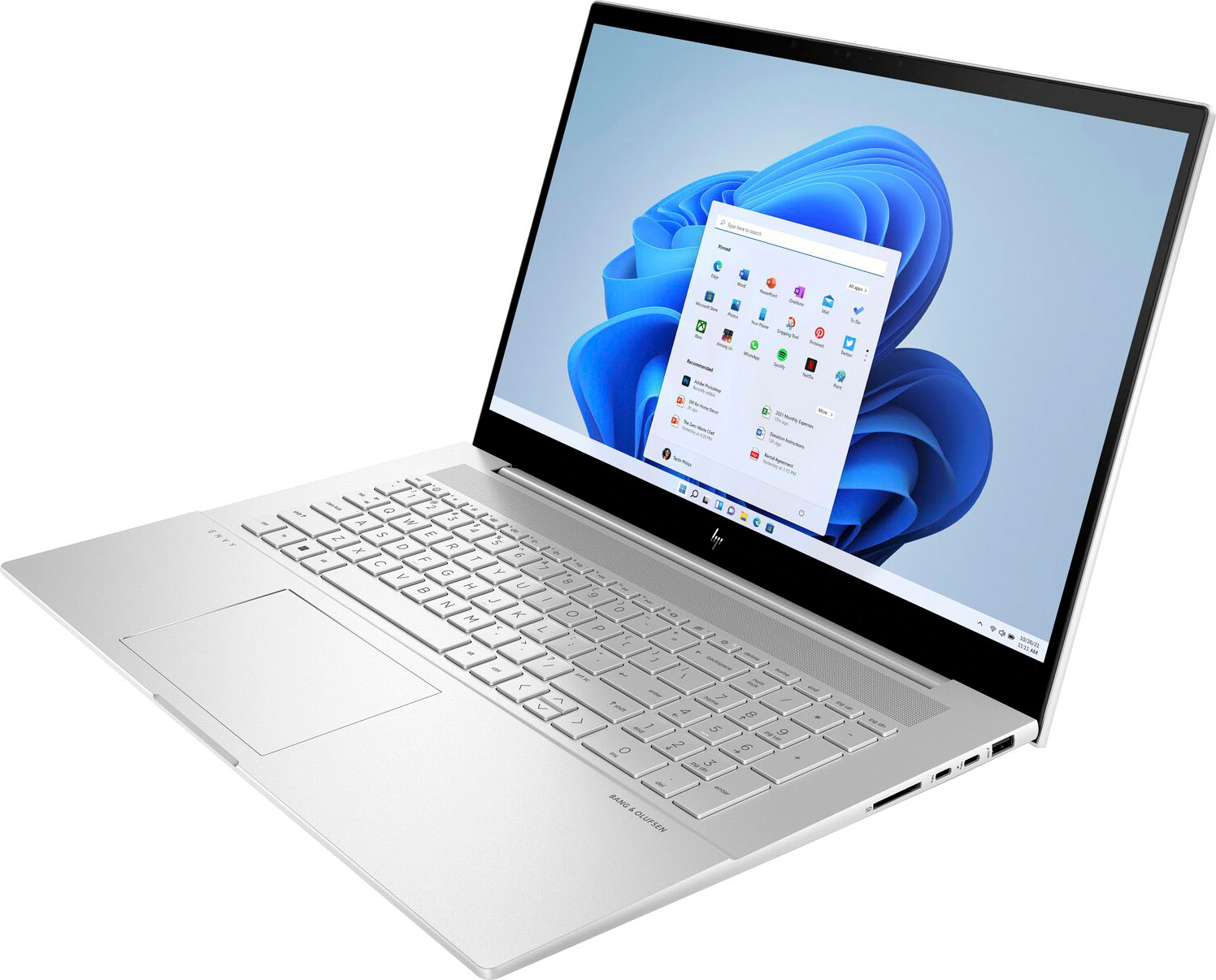
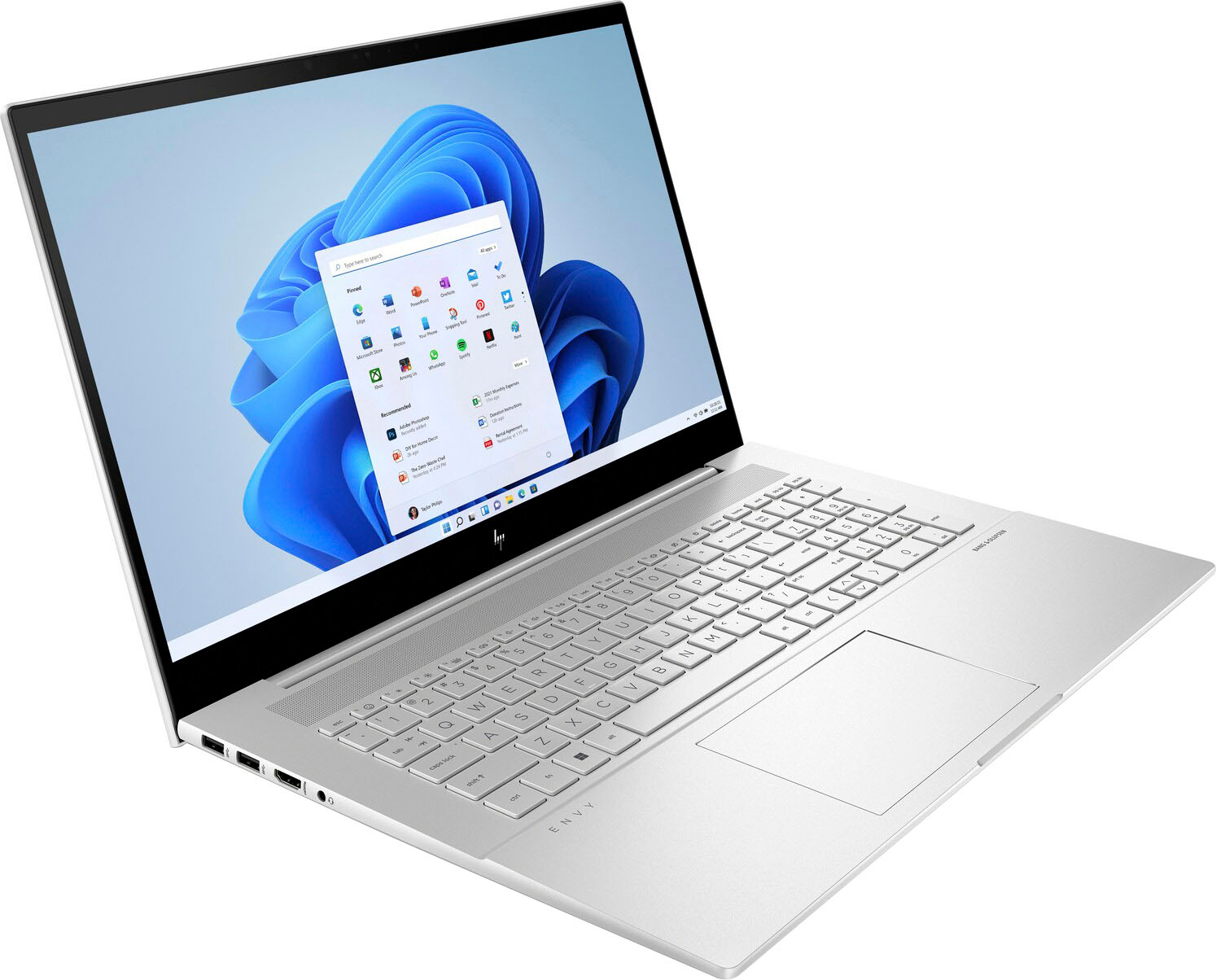
A:AnswerHello. Thanks for your question. There is a 30-day trial of Microsoft Office on this HP laptop, which includes Word, Excel, and PowerPoint. We recommend purchasing Microsoft Office with this laptop. If you don't want the Microsoft Office 365 yearly subscription, we advise looking at the one-time purchase of Microsoft Office Home and Student.
A:AnswerHello, David. Thanks for your question. You can use a Universal USB Docking Station. You want to be sure the docking station has the video ports, i.e. HDMI, that are on the monitors.
A:AnswerA crap ton of HP and MicroSoft bloatware. Tons of options which you will regret. Lots of trial options which will bleed you monthly if you subscribe. Buy a clean computer and add your own stuff for free.
A:AnswerHi Chris, thank you for the question. No need to purchase a camera - the Envy 17-cr0013dx laptop has a built-in HP True Vision 720p HD camera with an integrated digital microphone.
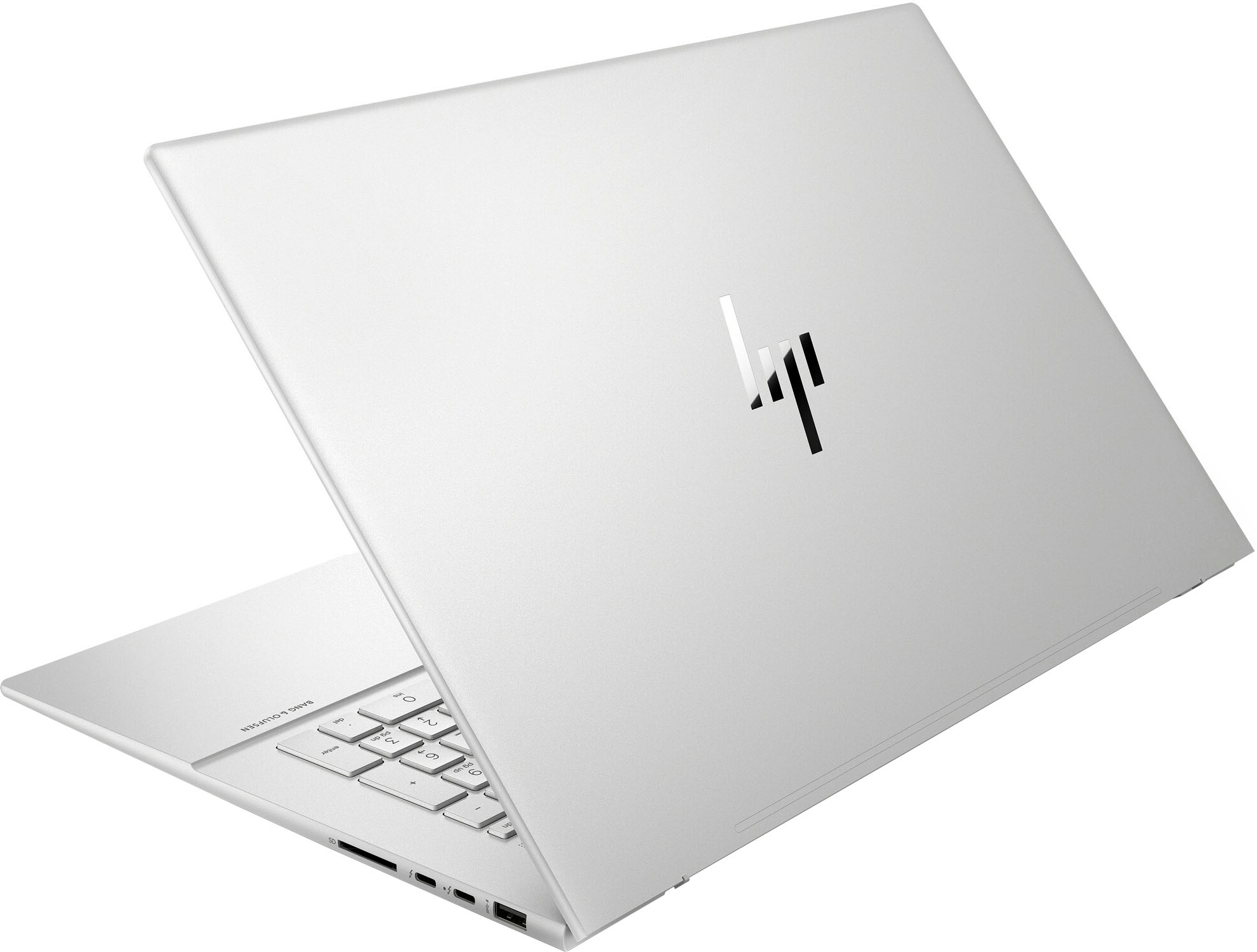
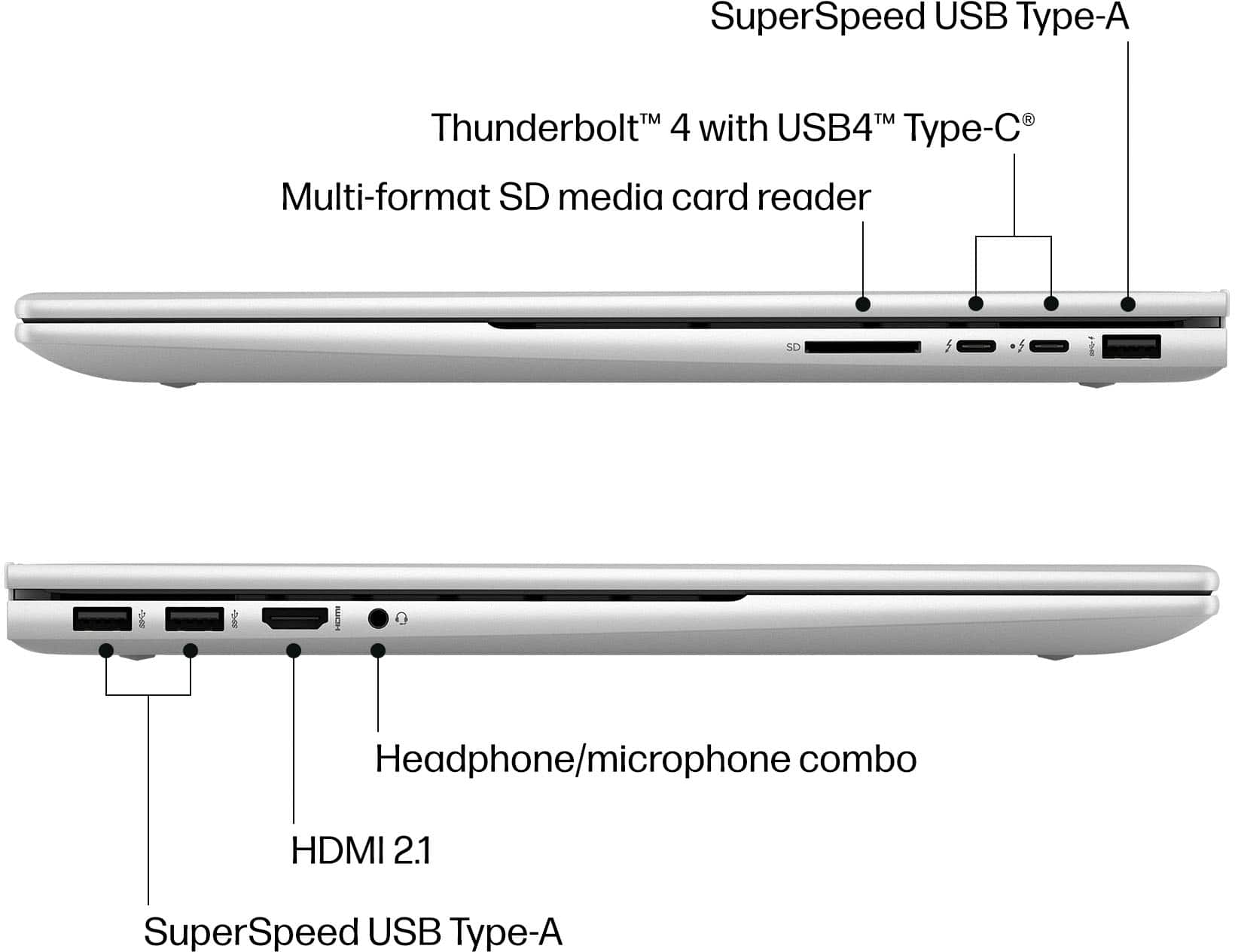
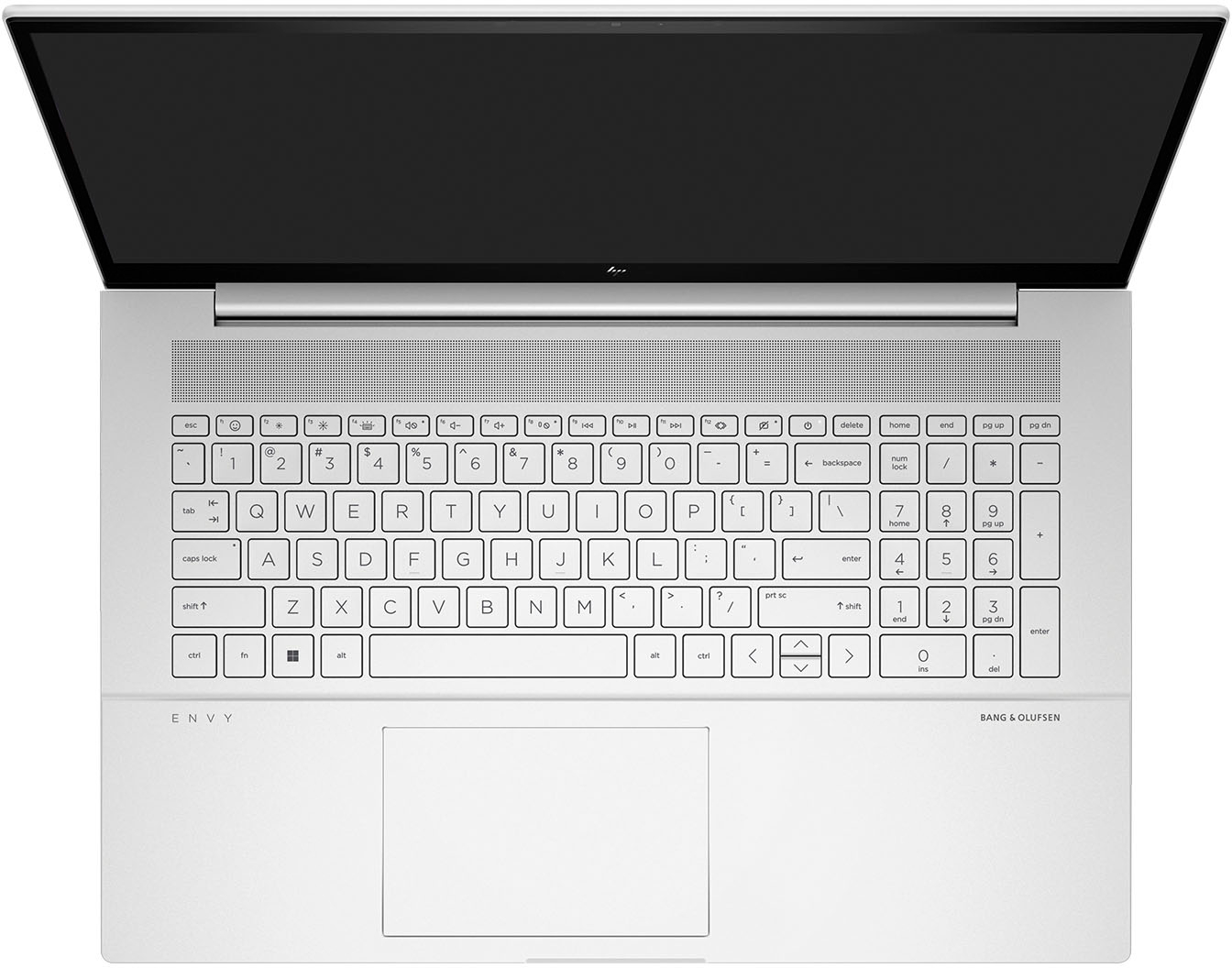
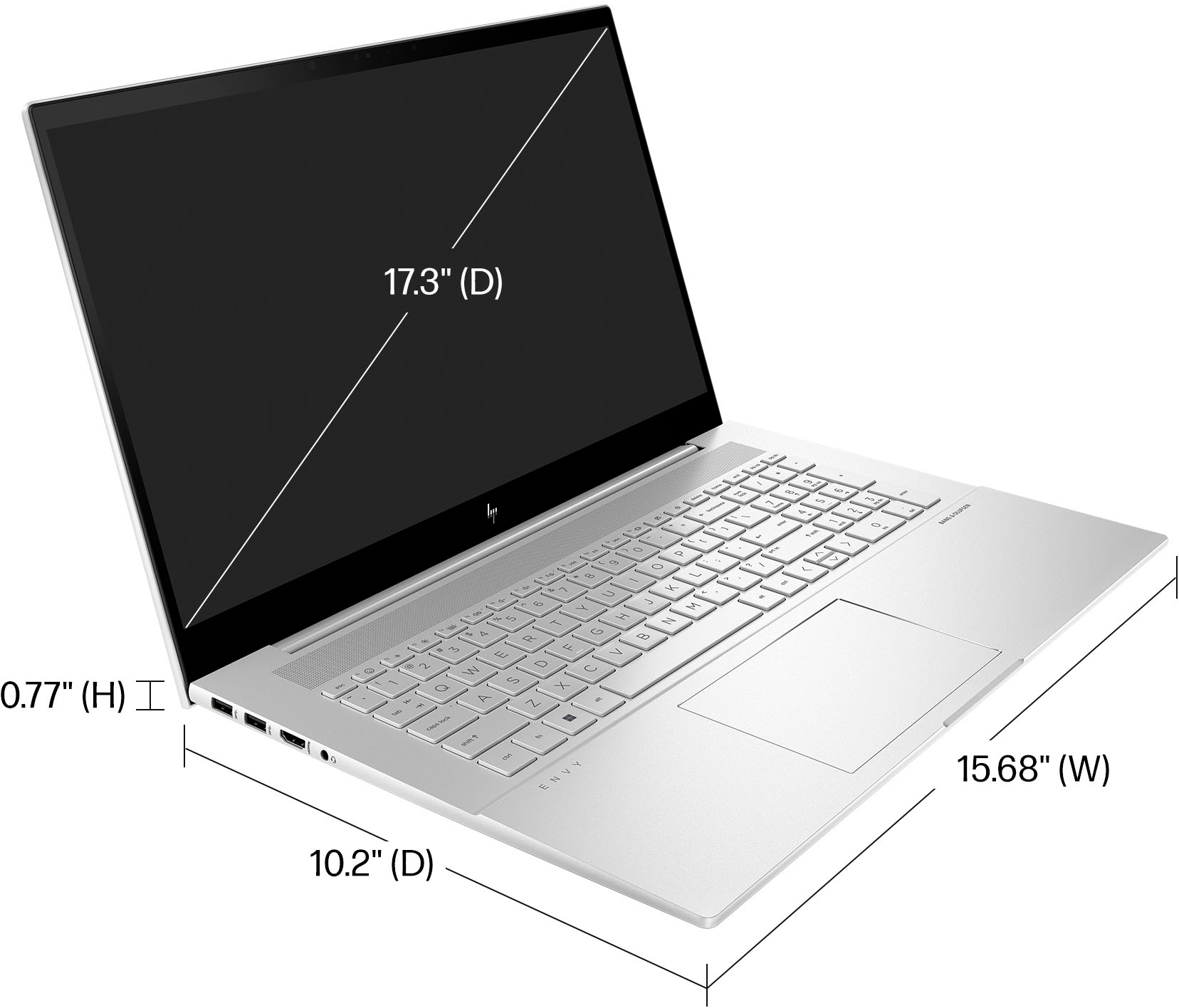
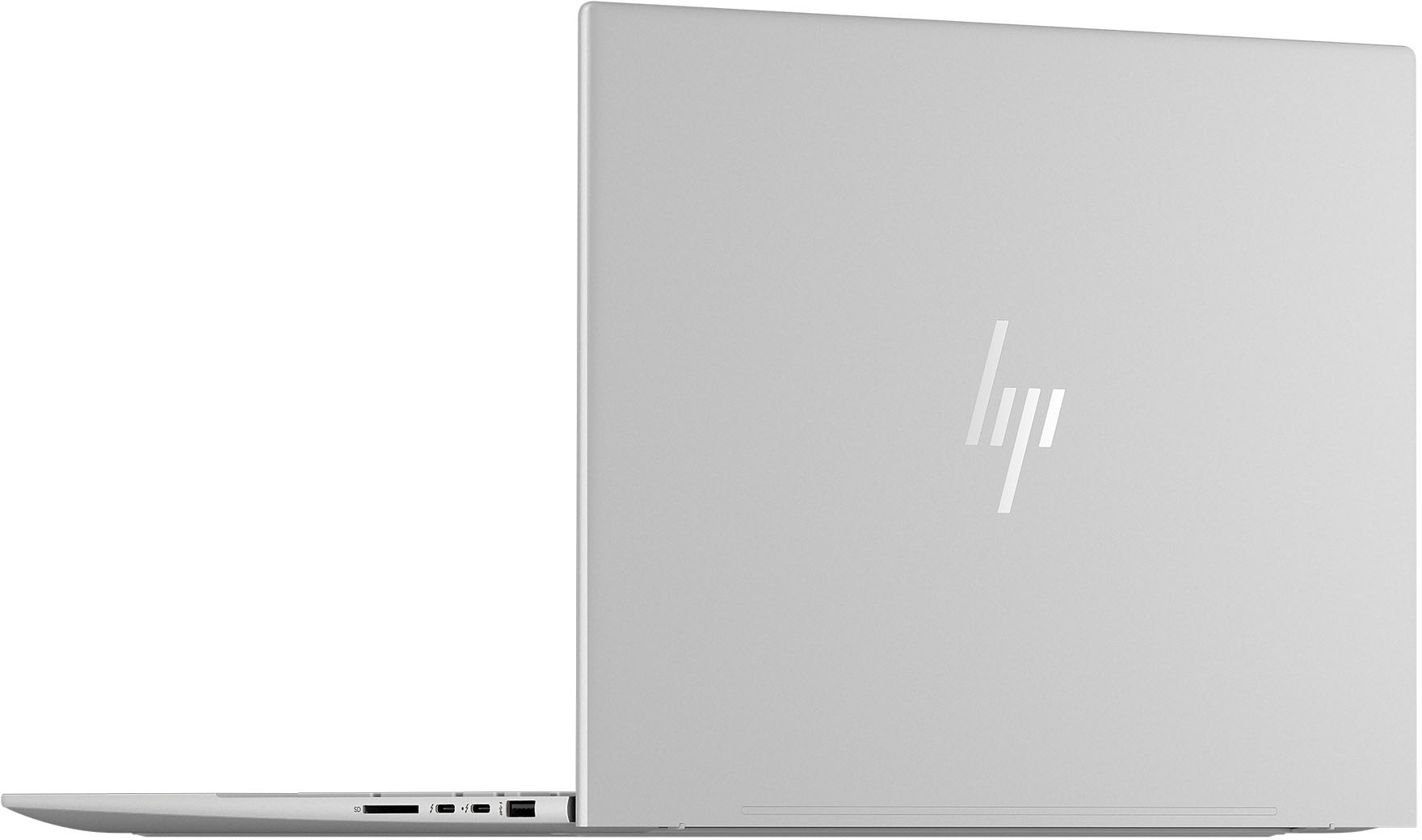
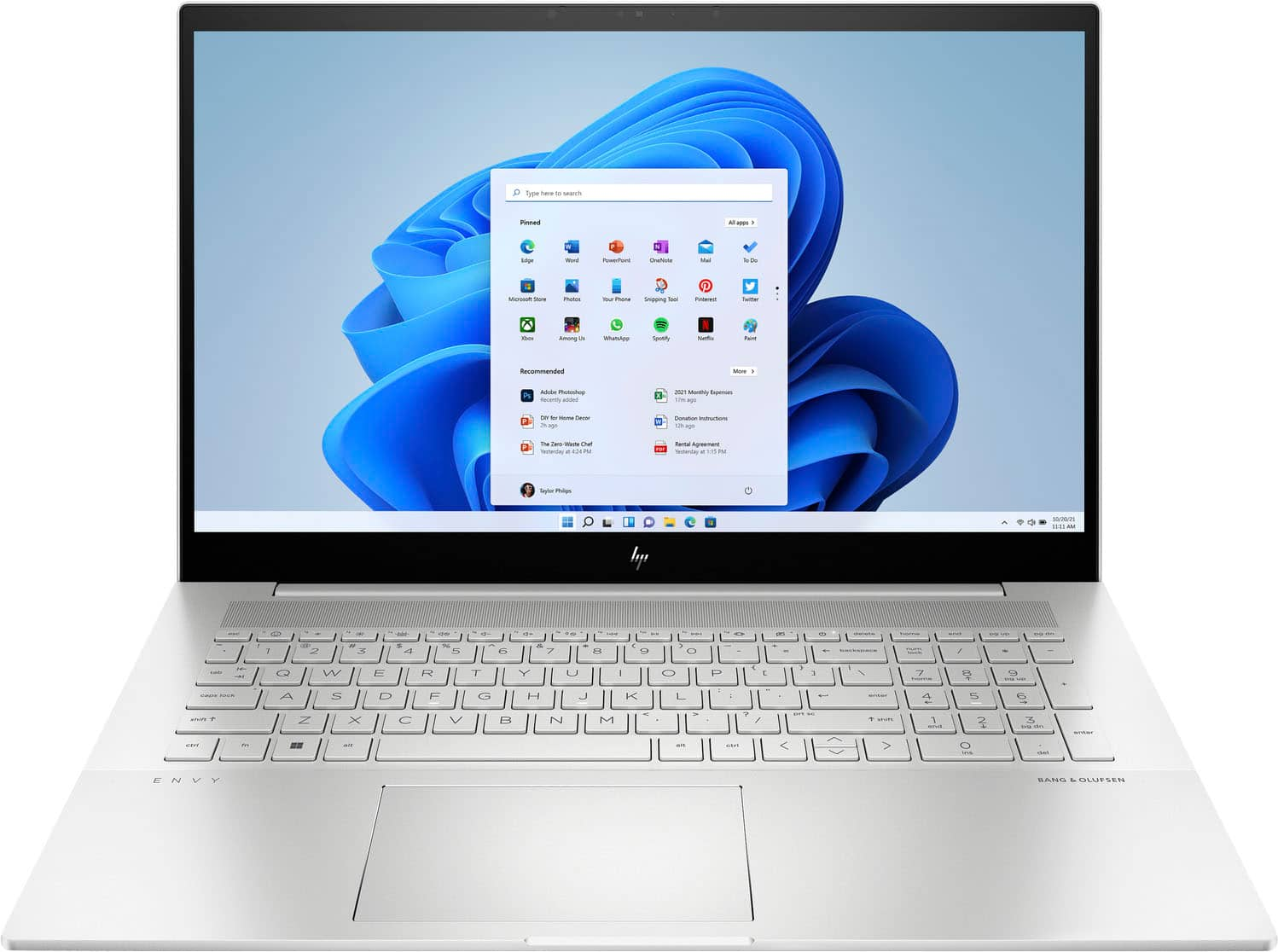
A:AnswerOn the Best Buy site, if you click Specifications and look under Connectivity, you can find what sort of connections the unit has access to. This one does have Wireless-AX. The site does say it has an ethernet port, but the images do not show one. In this case, if it does not have an ethernet port and you would rather have a wired connection, you would need either a USB A or USB C to ethernet adapter. Many of the newer units do not include an ethernet port in order to make the unit thinner and help further reduce the weight of the unit. The lack of ethernet will not have an impact on most users, but there are options to gain access to a wired connection should you need it. Will send a report to get the site updated and make sure that all of the information is accurate in this case.
A:AnswerThey'll be able to transfer your data (things like documents, photos, etc.) but you'll need to reinstall any programs you have-that's a function of how Windows stores data. If you contact the Geek Squad at your local Best Buy directly, they'll be able to give you a price.
A:AnswerI upgraded mine to 64GB RAM with my local Geek Squad. I used Model F4-3200C22D-64GRS from G.Skill Ripjaws 64GB 32x2 sticks. These are working terrifically with this Hp envy.
I also upgraded the SSD with the following one from HP
HP FX900 Pro 512GB NVMe Gen 4 Gaming SSD 7.4GB transfer speed pcie Gen 4.
Hope this helps alot of people that want to upgrade to much much much more memory on this system !!!
Do tell everyone !!!
Cheers !!!
A:AnswerThank you for the question. A modem transmits the internet connection, but not power delivery. The laptop's power cable needs to be plugged into a wall or power strip electrical outlet. The HP Smart adapter will prevent overcharging.
A:AnswerDon't be Disappointed; compare the prices. This laptop, like all the others, comes with memory divided between two slots. This one has an 8 GB DDR4–3200 SODIMM "Modules" in one and 4 GB in the other. Replace the 4 GB Module with an 8 GB module, and you've got 16 — replace both modules with 16 GB modules and you've got 32 GB. I bought a 64 GB Kit (two 32 GB modules) and Replaced them myself. There are numerous YouTube 5–minute videos— To show how to do the job.