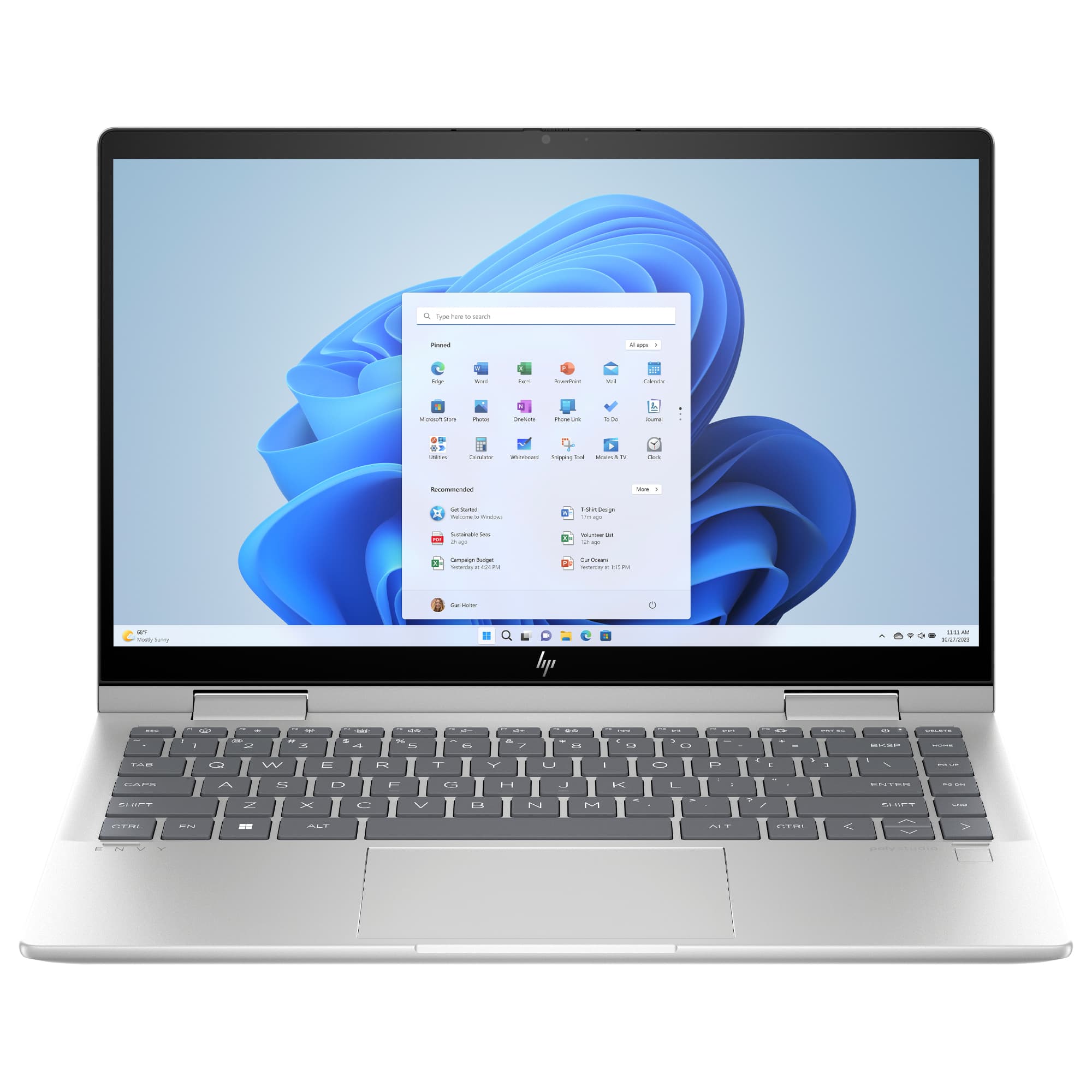
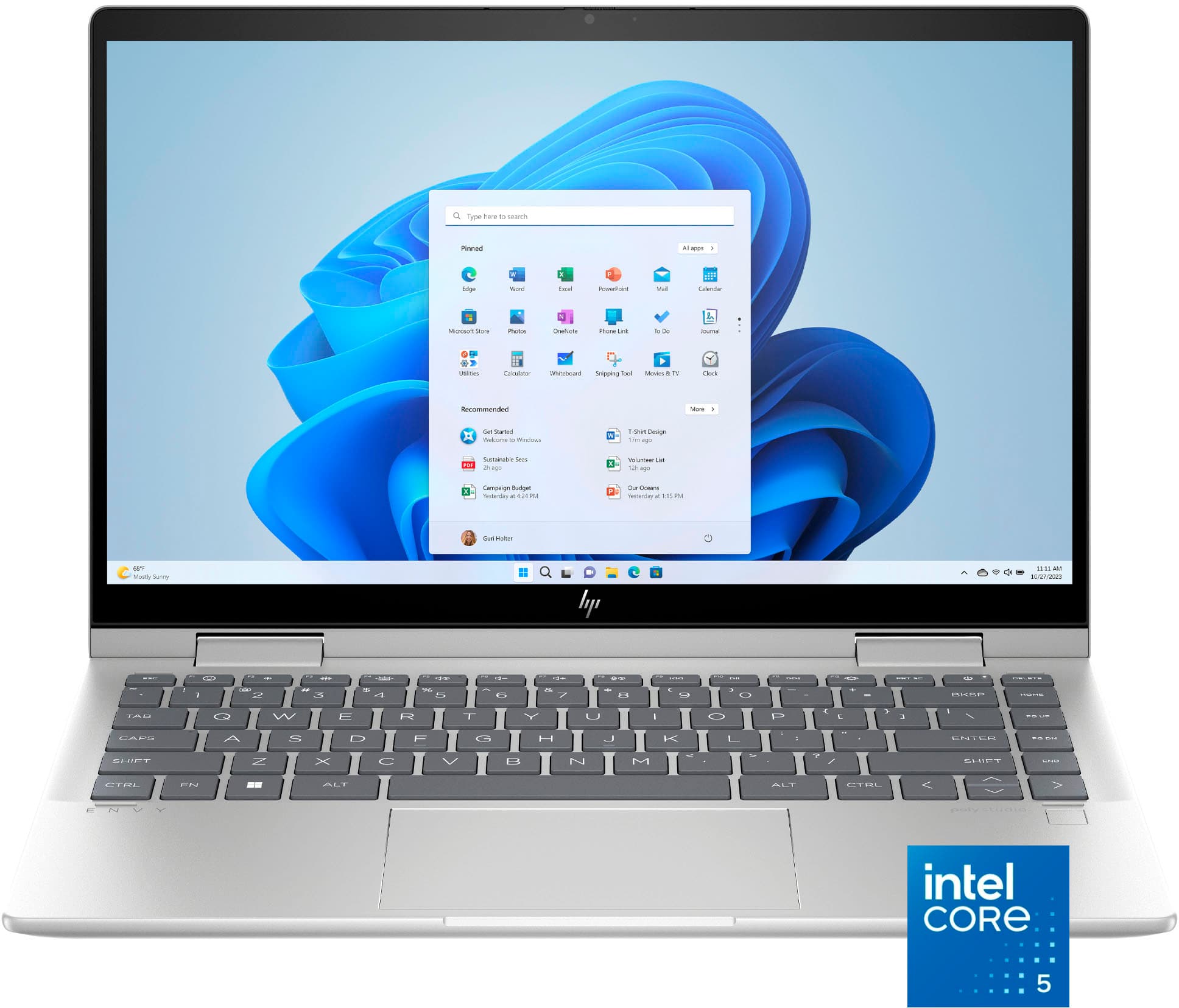
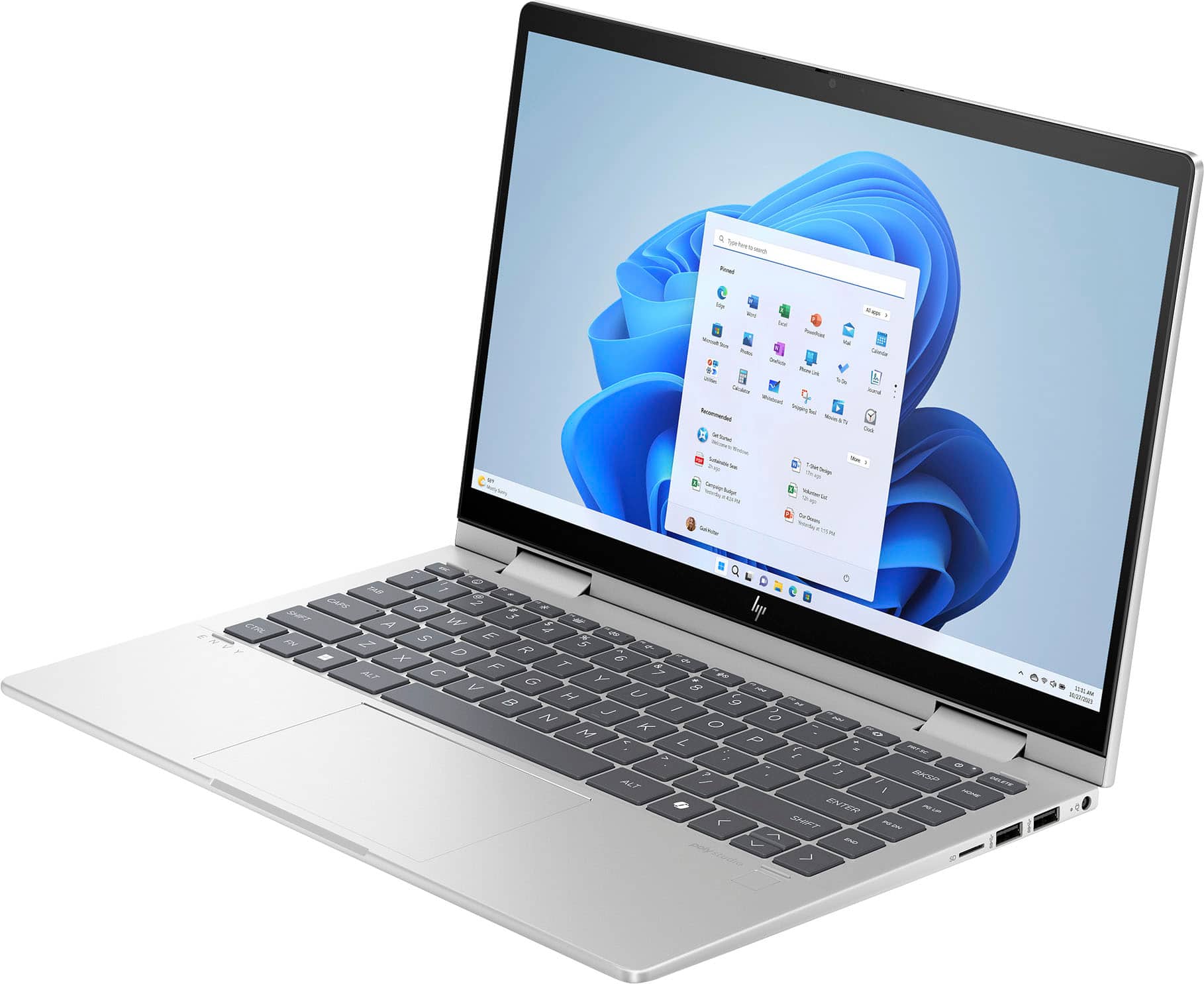
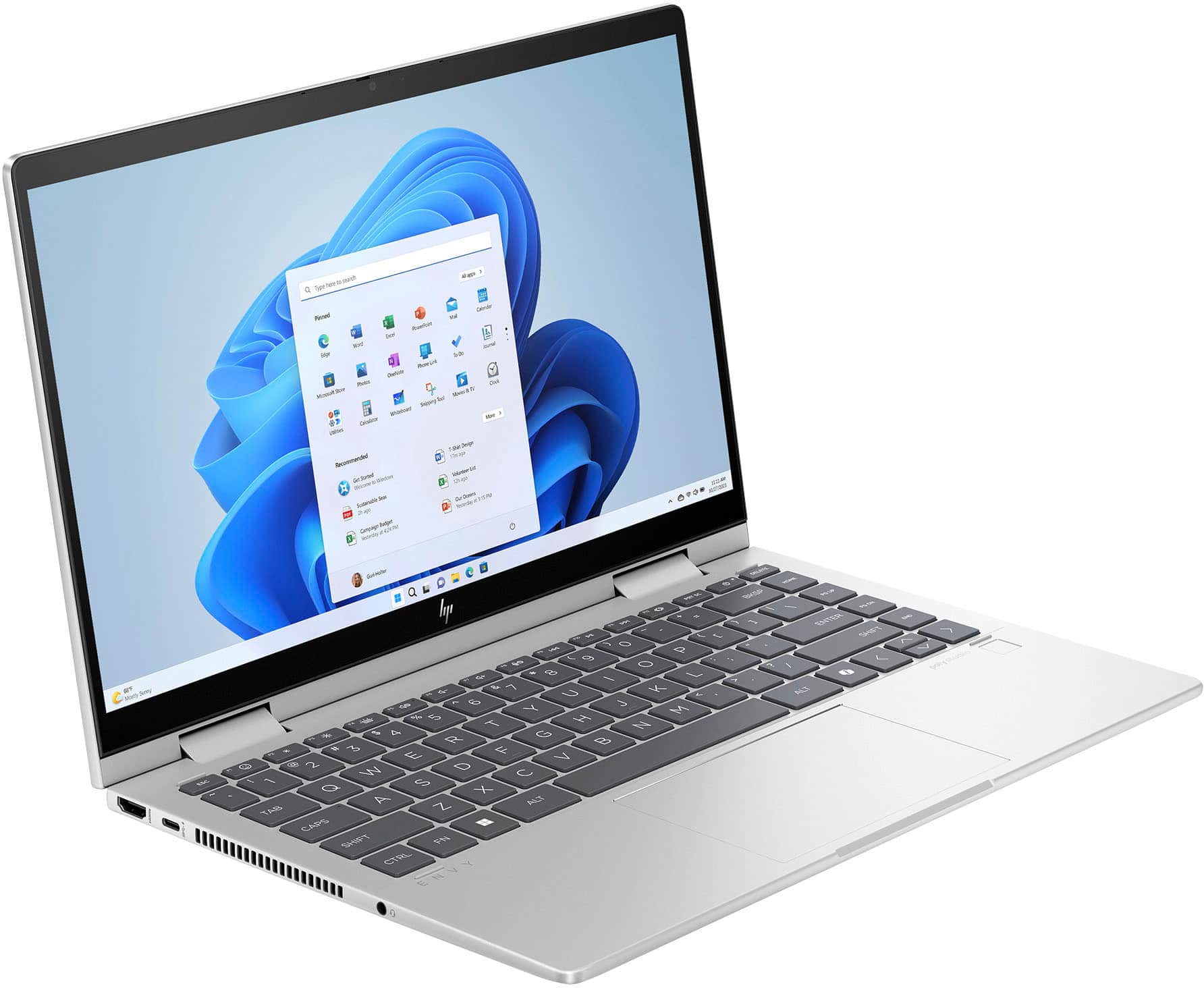
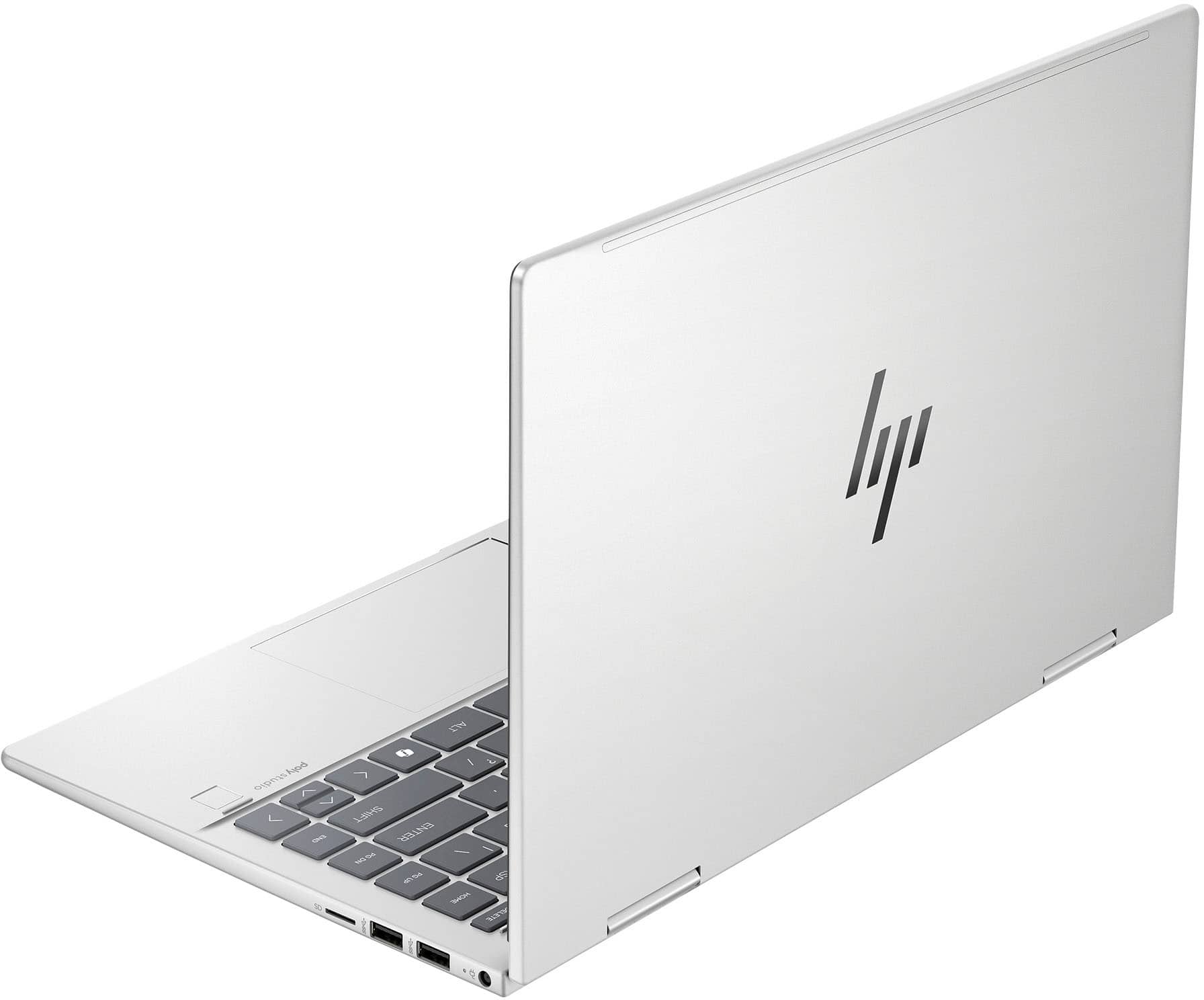
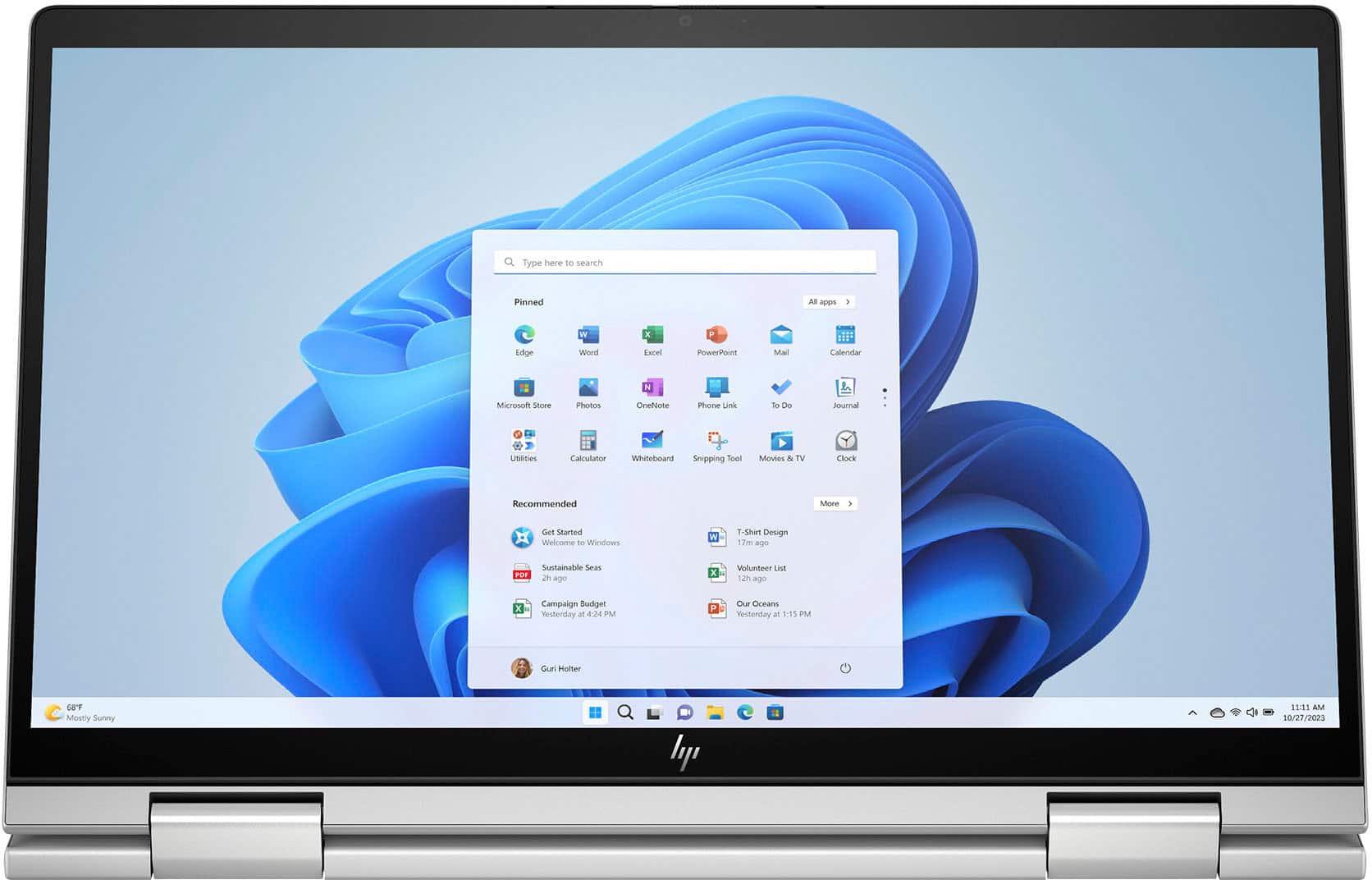
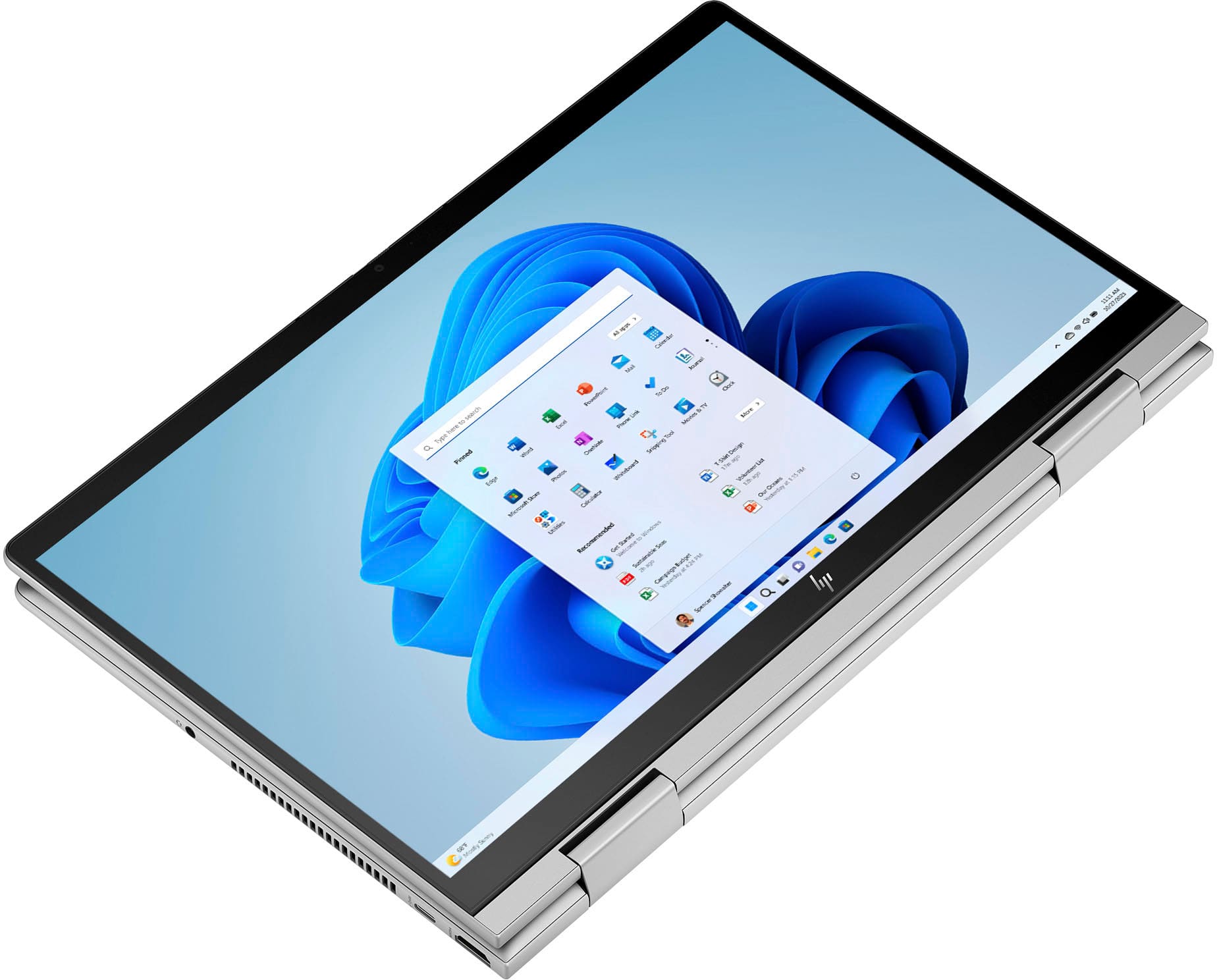
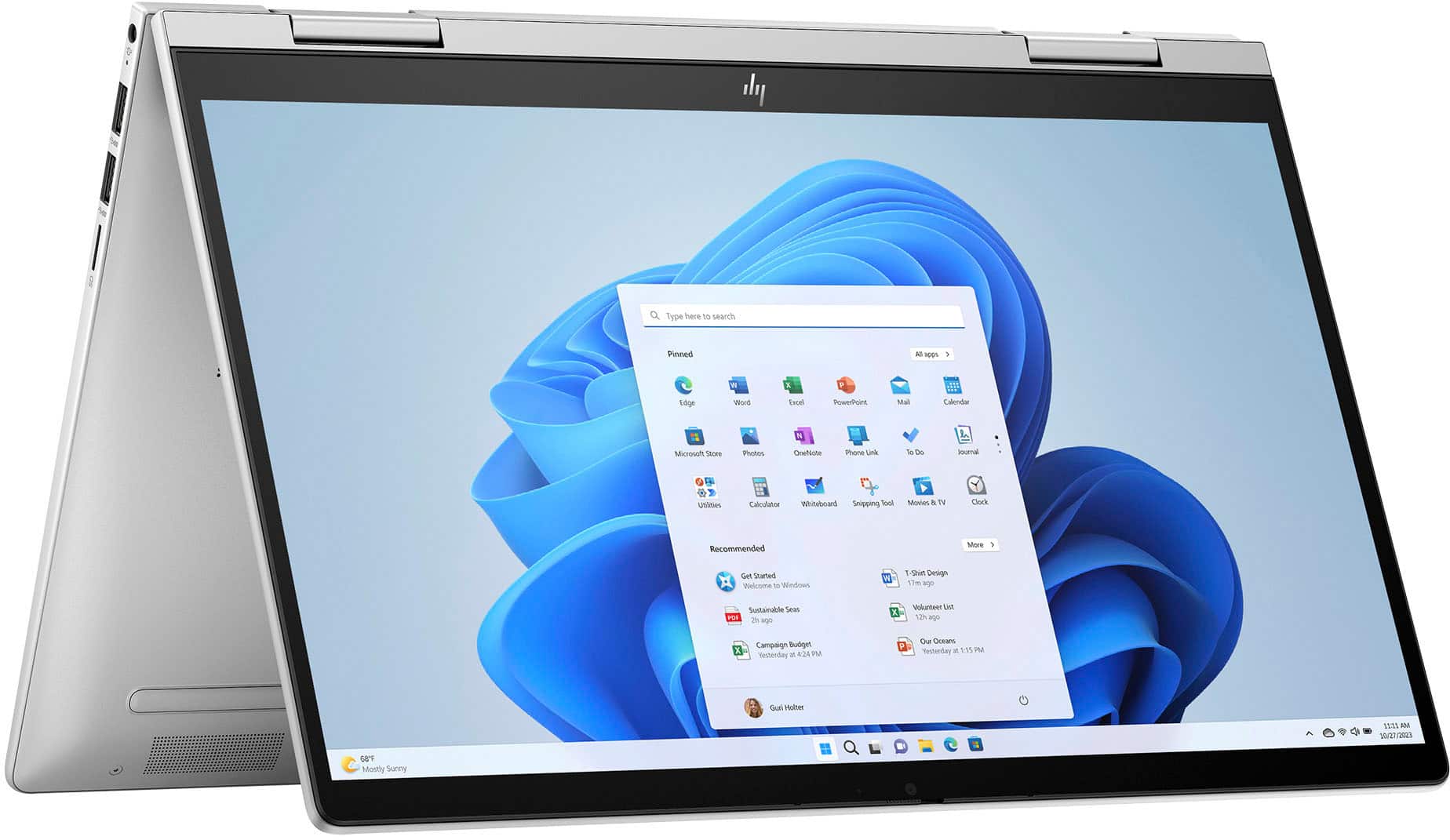
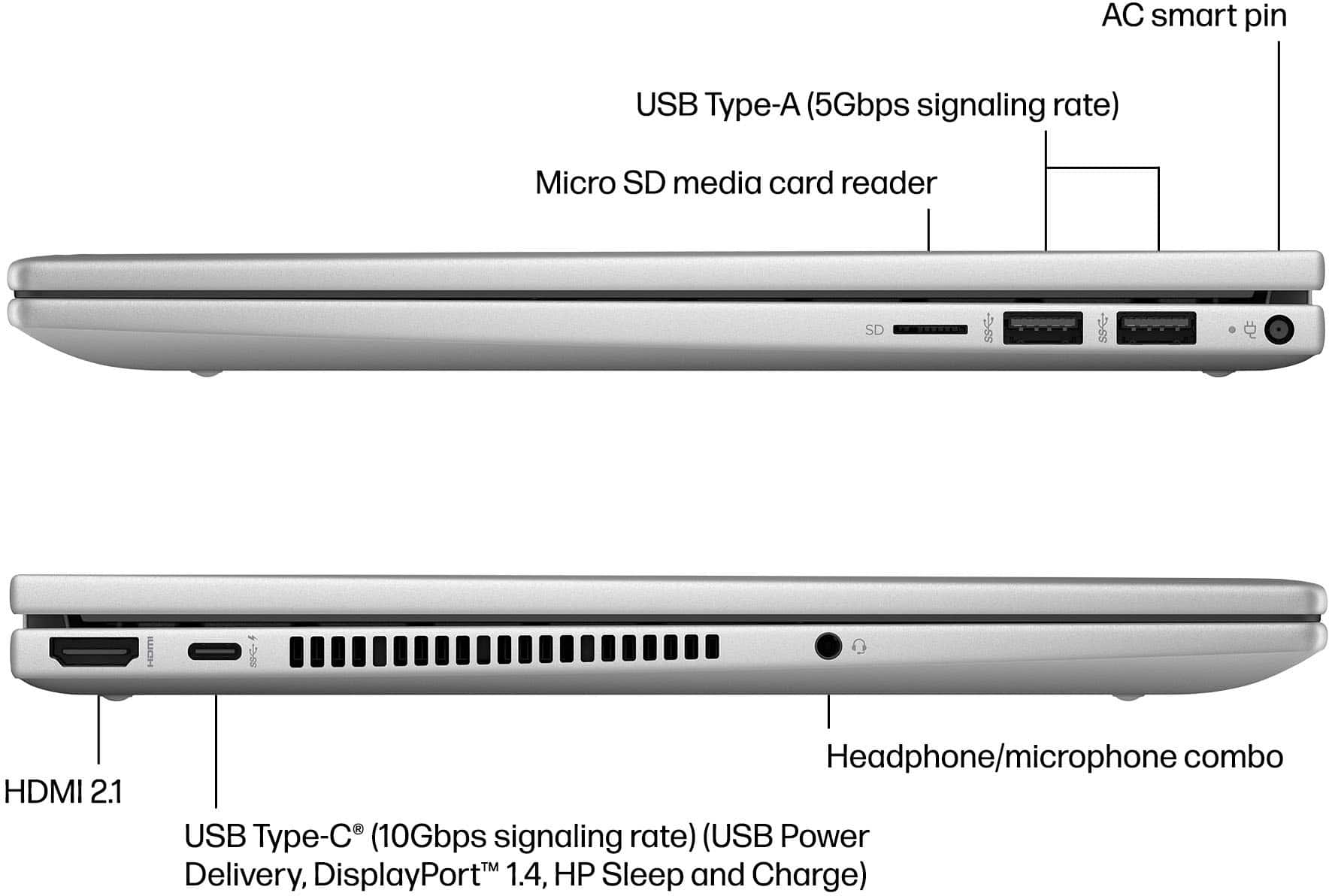
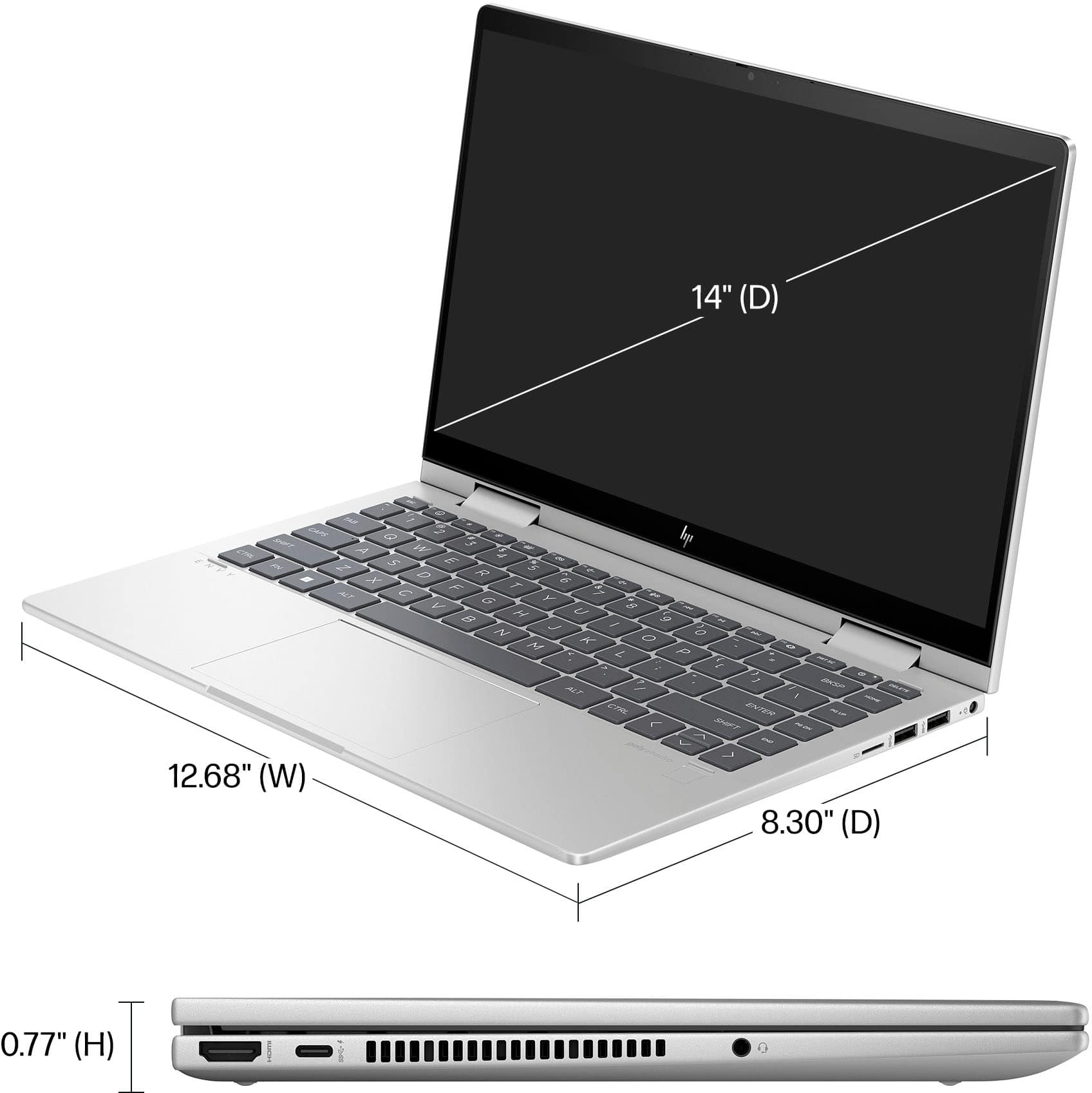
A:Answer Thank you for the question. The Envy 14-es1013dx has a power button on the keyboard. It's on the top row, near the right edge, next to the delete key. When the computer is off, press the button briefly to turn on the computer. To turn it off, the recommended procedure is to use the Windows Shut down command. Select the Start button, select the Power icon, and then select Shut Down. You can download your laptop's full User Manual from the HP support site.