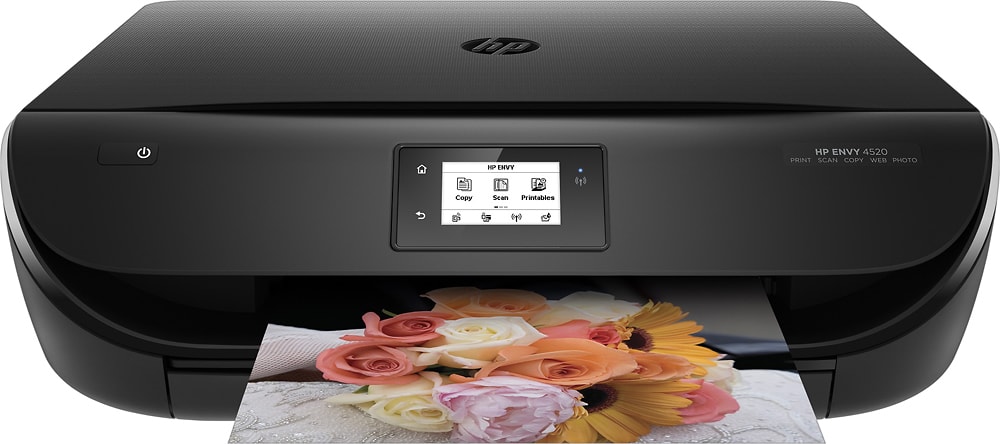
A:AnswerThe paper tray adjusts to the size of the paper you put in. So using precut to size photo paper is awesome. Any photo paper will be fine. I wouldn't buy the expensive stuff unless you are giving the photos away as a gift in a frame or album.
A:AnswerYes I have it directly connected to my desktop. If you already own an HP printer you can simply use the old cable. If you do not you can buy one separate.
A:AnswerI don't know think so, with any printer you will need a
Some form of wifi to connect it. Or if you have a computer
Cable from your cable provider you could hook it up.
A:AnswerWith hp ink set up and service installed when you first set up machine, you never need to worry about running out of ink it will even order it for you before your out so you have time to get it in mail but to answer your question directly... YES you can still use it to scan and if you change to different color of font even print less the color you currently don't have.
A:AnswerYes this printer is WiFi compliant and works very well with different wireless connections. I have personally used it with WIndows 7, Vista, and 10. Also with Linux.