A:AnswerI spent hours on my own; and several hours with HP remotely taking control of my computer. This printer never worked wirelessly, and would only work with a USB cable. It was a big disappointment, as I was assured that the set up was easy!
I am still looking for a comparatively loss priced wireless printer.
A:Answeryes, you are still able to use the instant ink cartridges that come with the purchase of the printer and not have to enroll in hp ink. I will say it is cheaper to do it that way though if you usually purchase 2 or more cartridges in a year
A:AnswerThe HP ENVY 5540 uses HP cartridges in the 62 series -- the HP 62 Black Original Ink Cartridge and the HP 62 Tri-color Original Ink Cartridge OR the XL (longer lasting) versions designated HP 62 XL. It takes one black and one color cartridge.
A:AnswerGood question. The answer depends on your needs and what feature are more important to you. The biggest differences between the printers is that the 5540 prints a little faster, has a 125 sheet paper tray, and a photo paper tray. The 4650 is a little slower, has a 100 sheet paper tray, no photo paper tray, and an auto document feeder.
I hope this helps in making your decision.
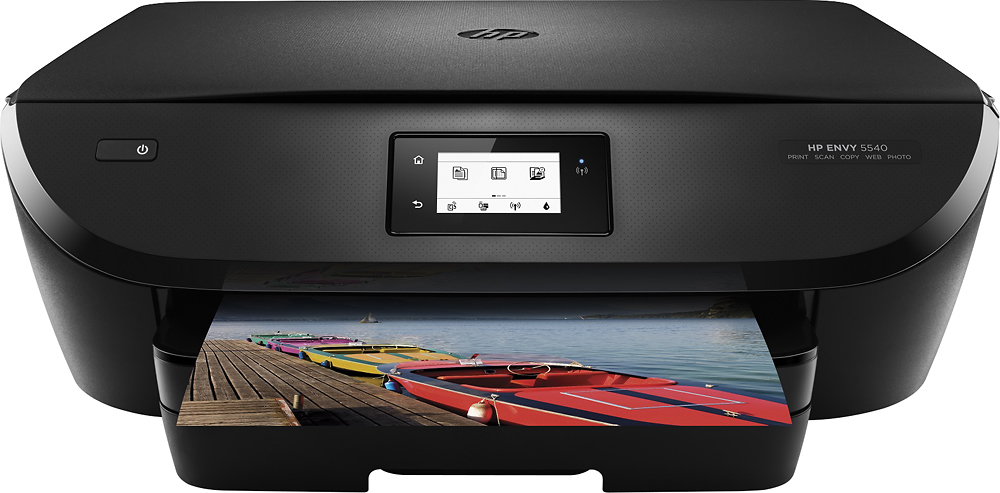
A:AnswerPrinter will actually do everything for you. The sheet will print on one side then go back in and it will print the other side. I remember the old printers, get the stack of sheets, flip them over and place back in printer, well no more.
A:AnswerYou are lifting in the wrong place. On the top right of the lid you will see a small tab that sticks out just below the scanner lid. Lift that and it will expose all the ink cartridges. Hope this helps.
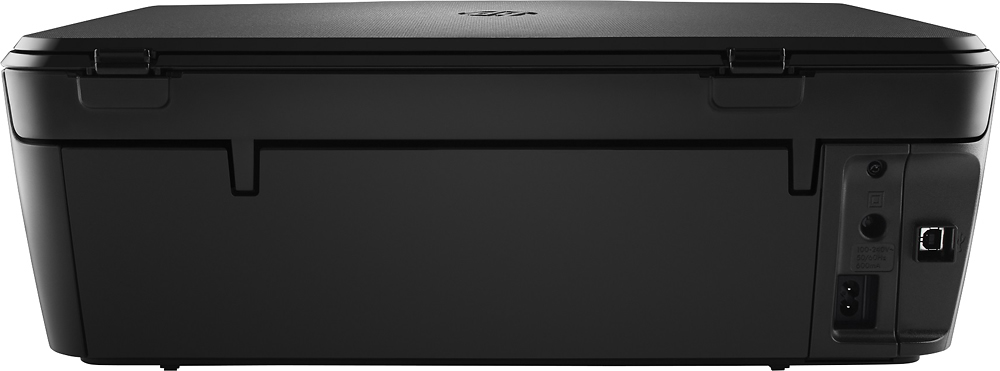
A:AnswerEither USB or wireless. I am using wireless so I can place it in a more convenient place without a cable in the way. Works great and no speed loss.