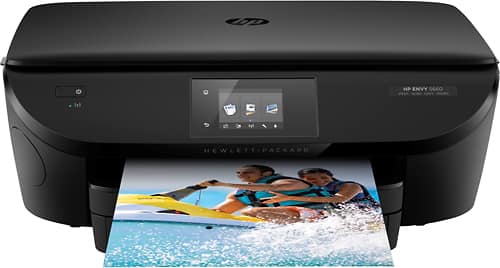
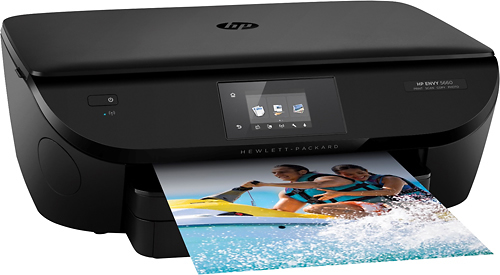
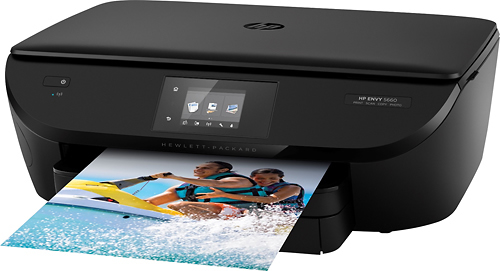
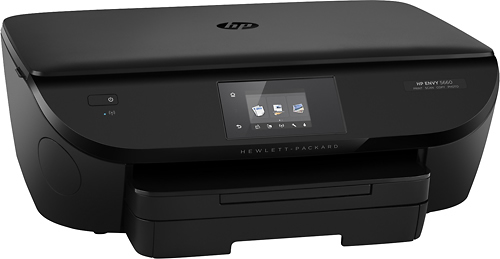
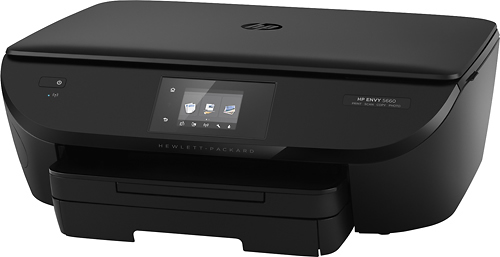
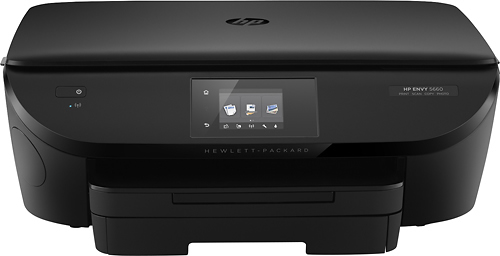
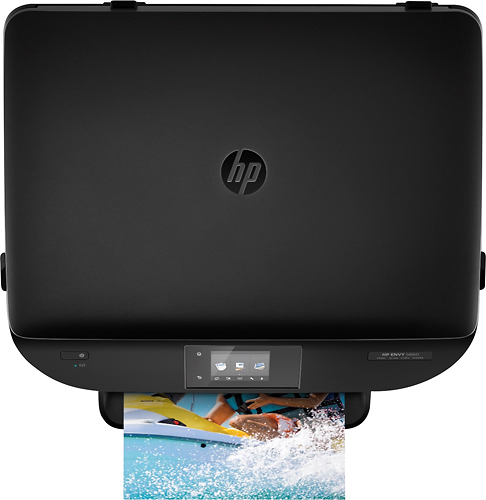
A:AnswerWatch the instruction video on the LCD display on the front of the printer. This happened to me too bc I was scared to force it in, but they should push into the socket and then lay flush (flat) you may need to push up or down to get it in completely. The video will help significantly.
A:AnswerI think so most all that I have printed has a preview there was once or twice it didn't. I don't know if the screen is from the printer, windows, or from my canon I'm no computer expert but it was fairly easy to set up prints fast pictures are ok but not as good as canon colors aren't as deep. I originally bought a canon but the wifi wouldn't stay on returned two canon printers. Happy so far with the hp and can't beat the ink price. Do not sign up for ink when your're setting up the printer just check no thanks and do it separate after set up. My sales person told me this. He said it was easier I had no problems. Good luck
A:AnswerI checked my Envy 5660, and it has 'Save As PDF,' 'Save As JPEG,' 'Email As PDF,' 'Email As JPEG' and 'Everyday Scan' modes. I did not see an RTF mode. Sorry.