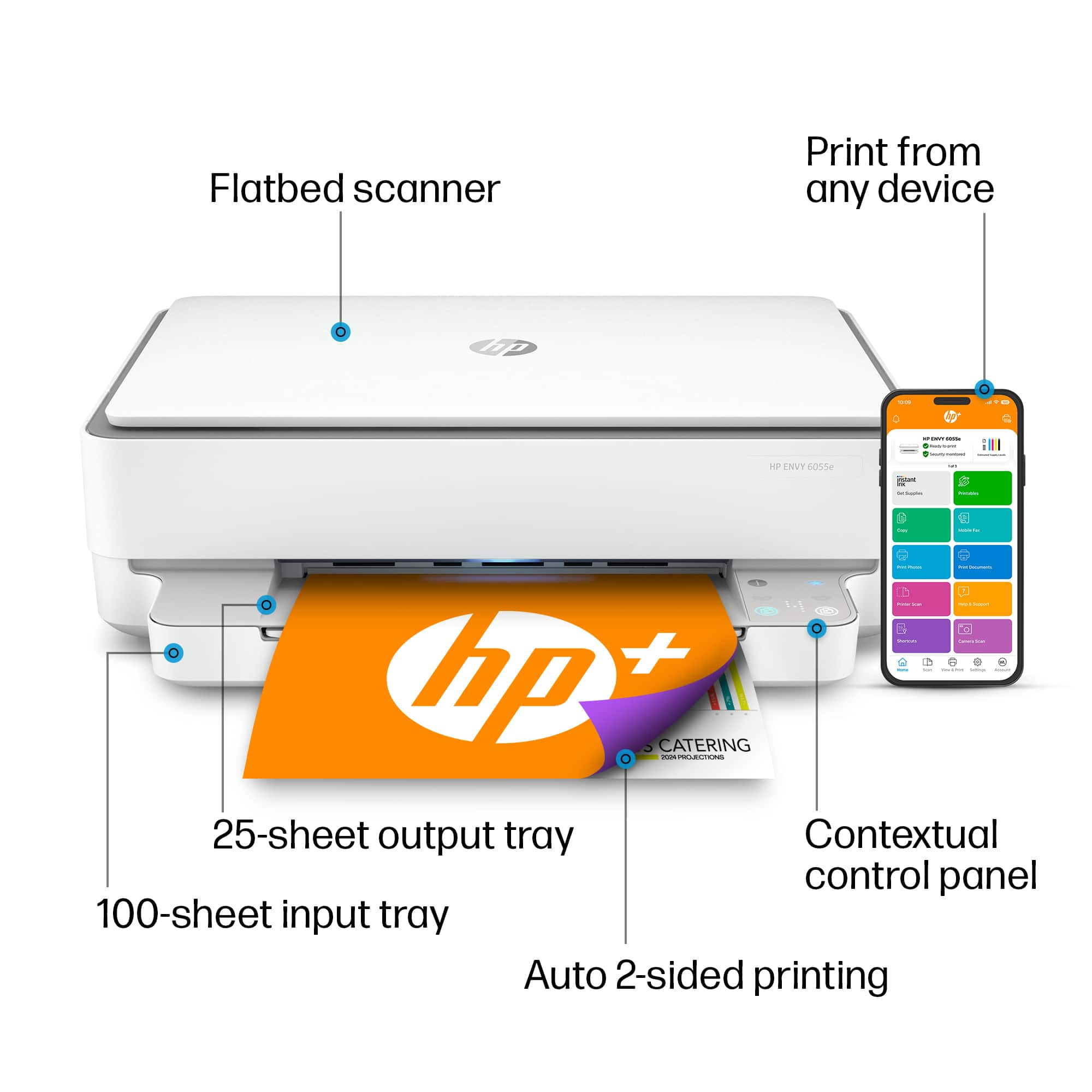
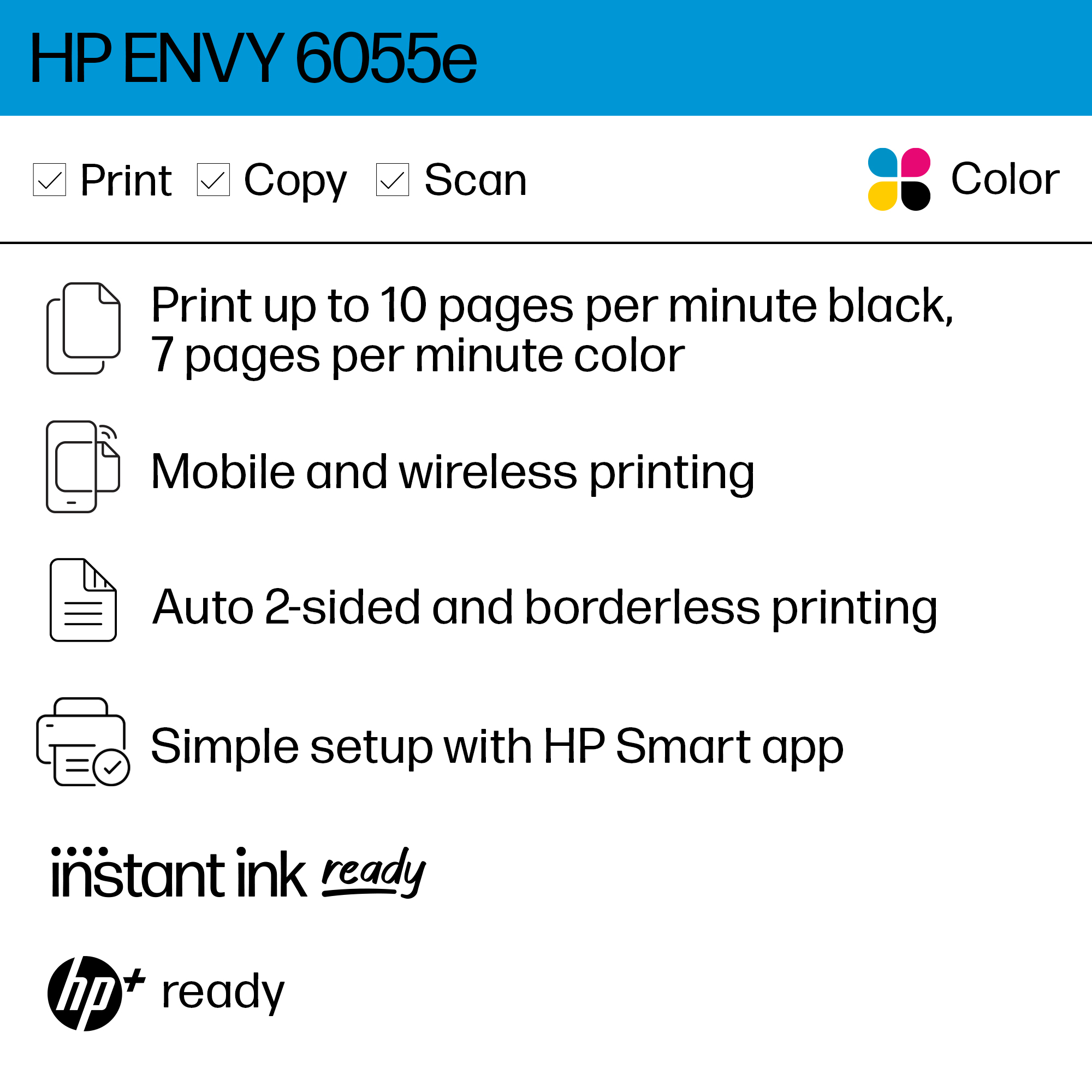
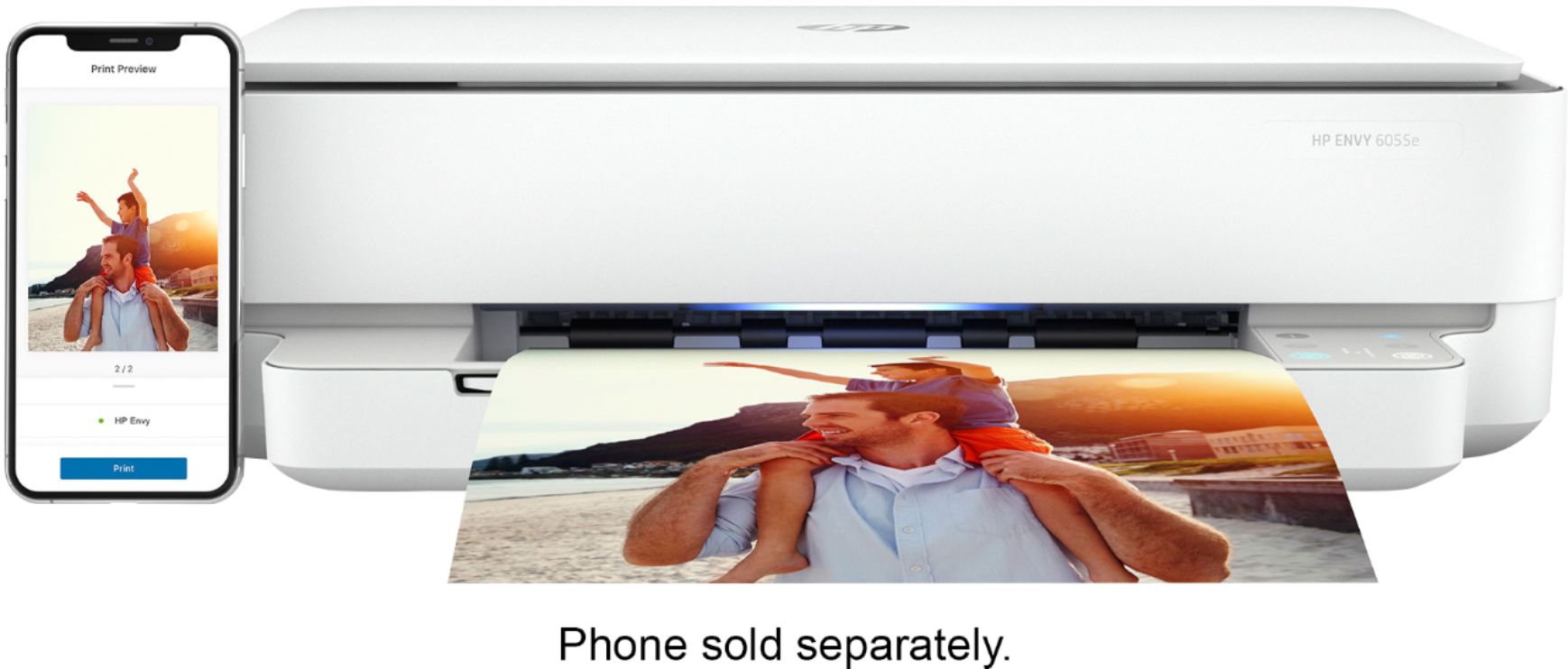
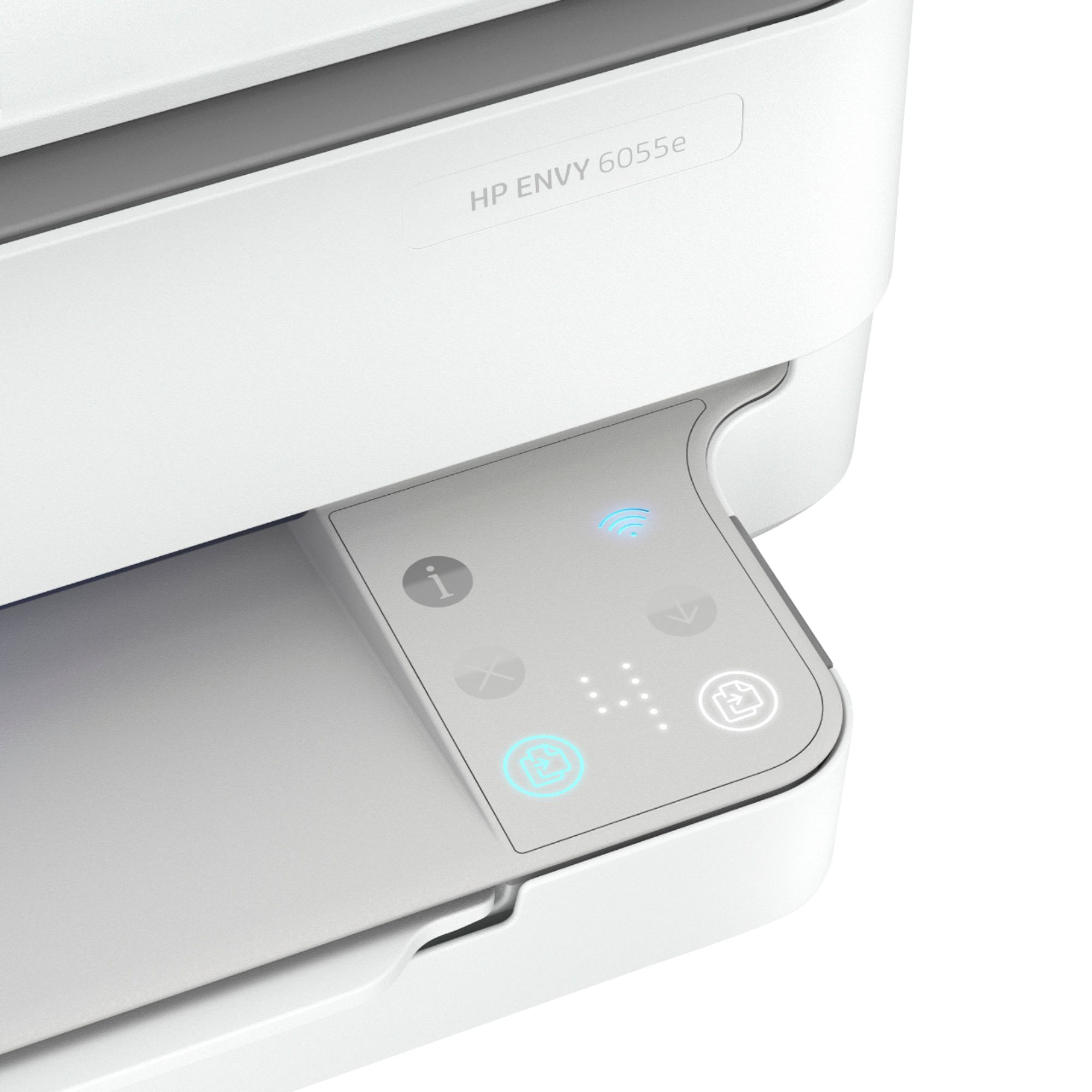
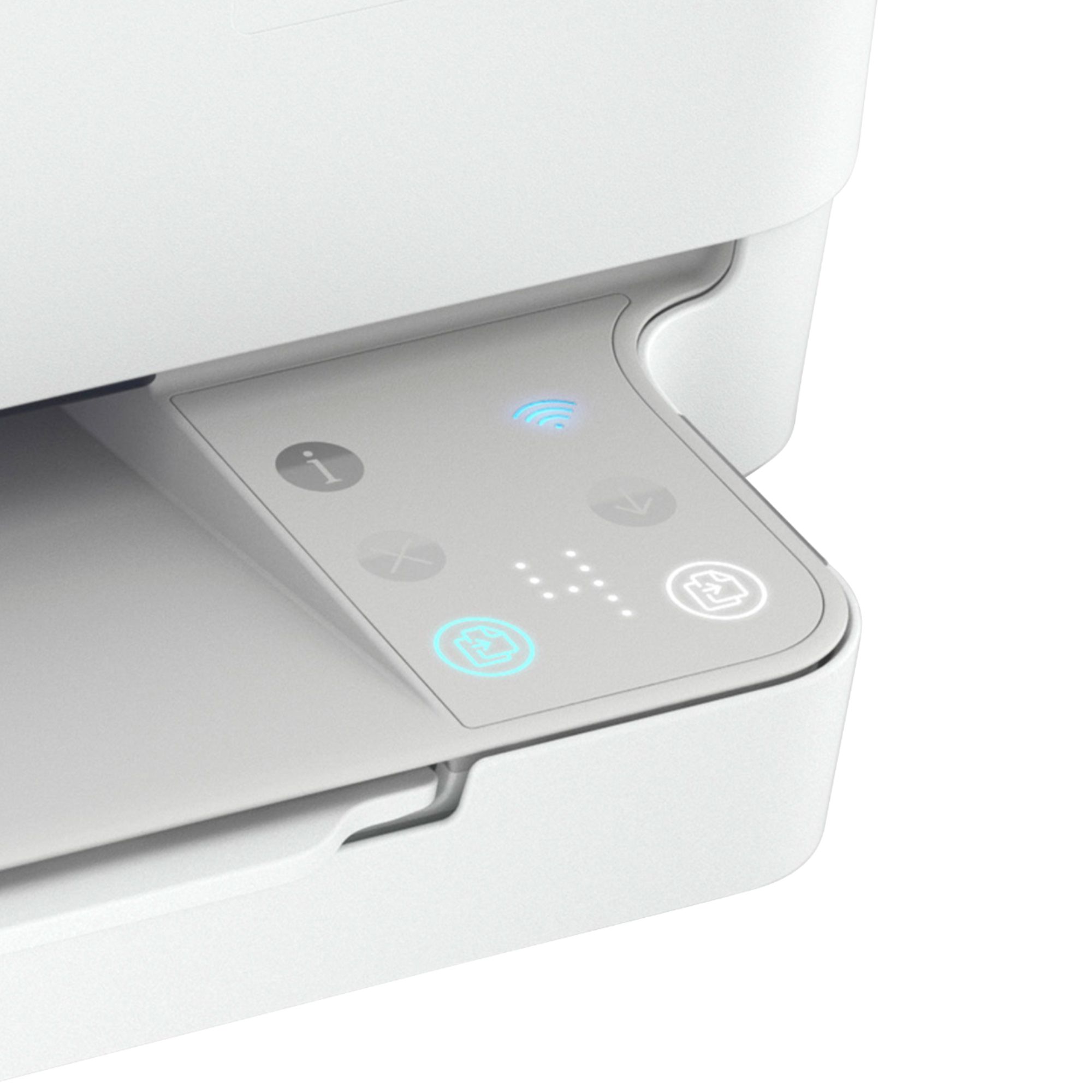
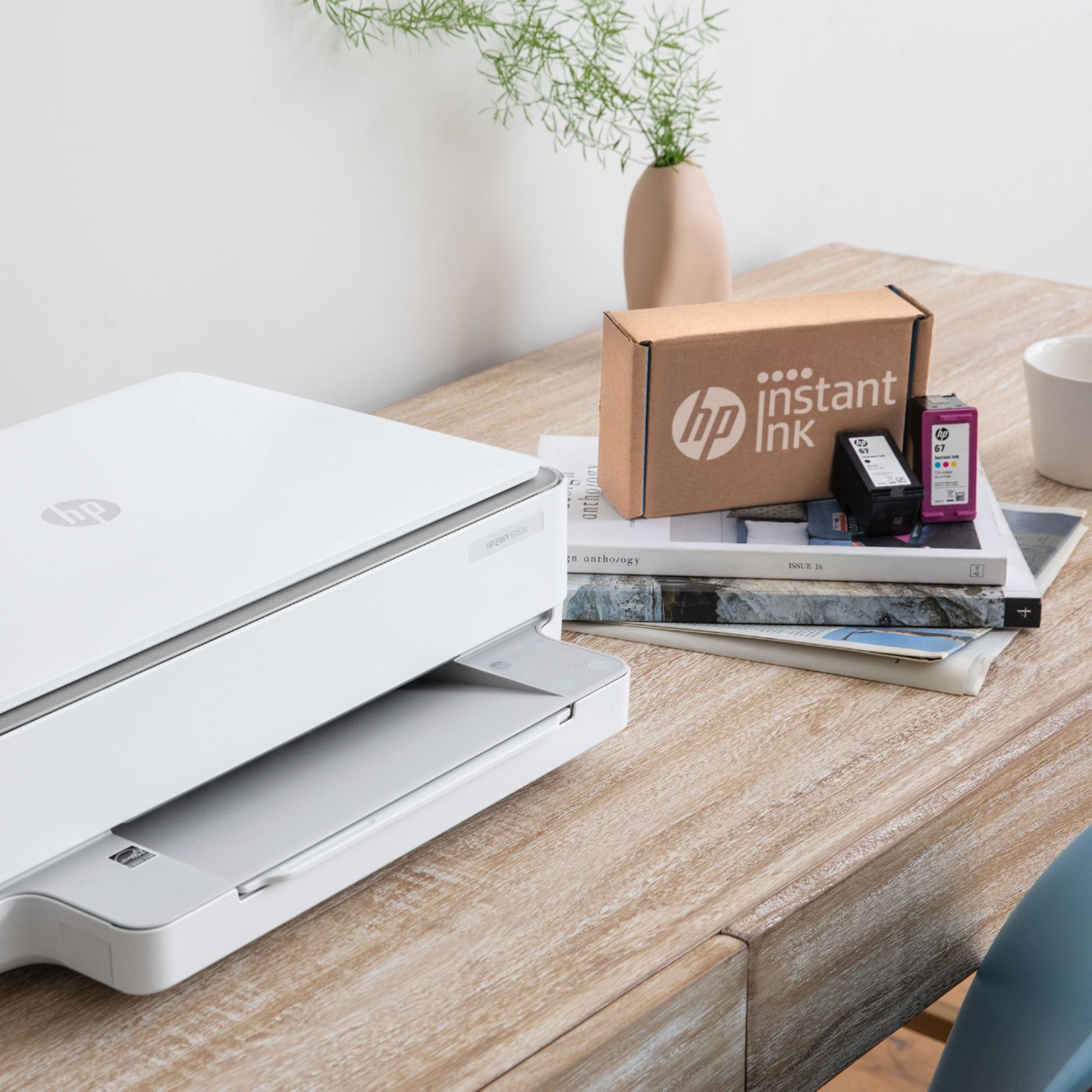
A:AnswerThank you for your question, Chris! You will need to connect the printer to the device you're printing from, either through your network or through the Wireless Direct feature which does not require an internet connection. However, I do want to note that without an internet connection, this printer will not be eligible to receive the full HP+ benefits (extended warranty and Instant Ink). We also have this more portable, all-in-one printer that can run off its battery and connect to your device via Bluetooth: https://www.bestbuy.com/site/hp-officejet-250-mobile-wireless-all-in-one-inkjet-printer-black/5375401.p?skuId=5375401
A:AnswerThank you for your question! You can install HP Smart on any computer or mobile device to help you with the setup process and automatically download the drivers you'll need.
A:AnswerThank you for your question! This can use Bluetooth for initial setup, but not for printing. Rather than using Bluetooth, this printer has a feature called Wireless Direct (WiFi Direct) which allows you to directly connect to a printer from a mobile device or computer without the need for internet access or a wireless network. You would connect to the printer’s Wireless Direct signal just like you would connect to a wireless network. The printer would have a unique name in your wireless connections, i.e. Direct-04-Printer. However, if you have internet access available, I highly recommend connecting this printer to your Wi-Fi network to take advantage of the HP+ extended warranty and 6 months of HP Instant Ink that are included with this printer but require an internet connection.
A:AnswerThank you for your question! You can use either method to make copies with this model. Our app, HP Smart, makes it easy to control the settings when scanning and copying.
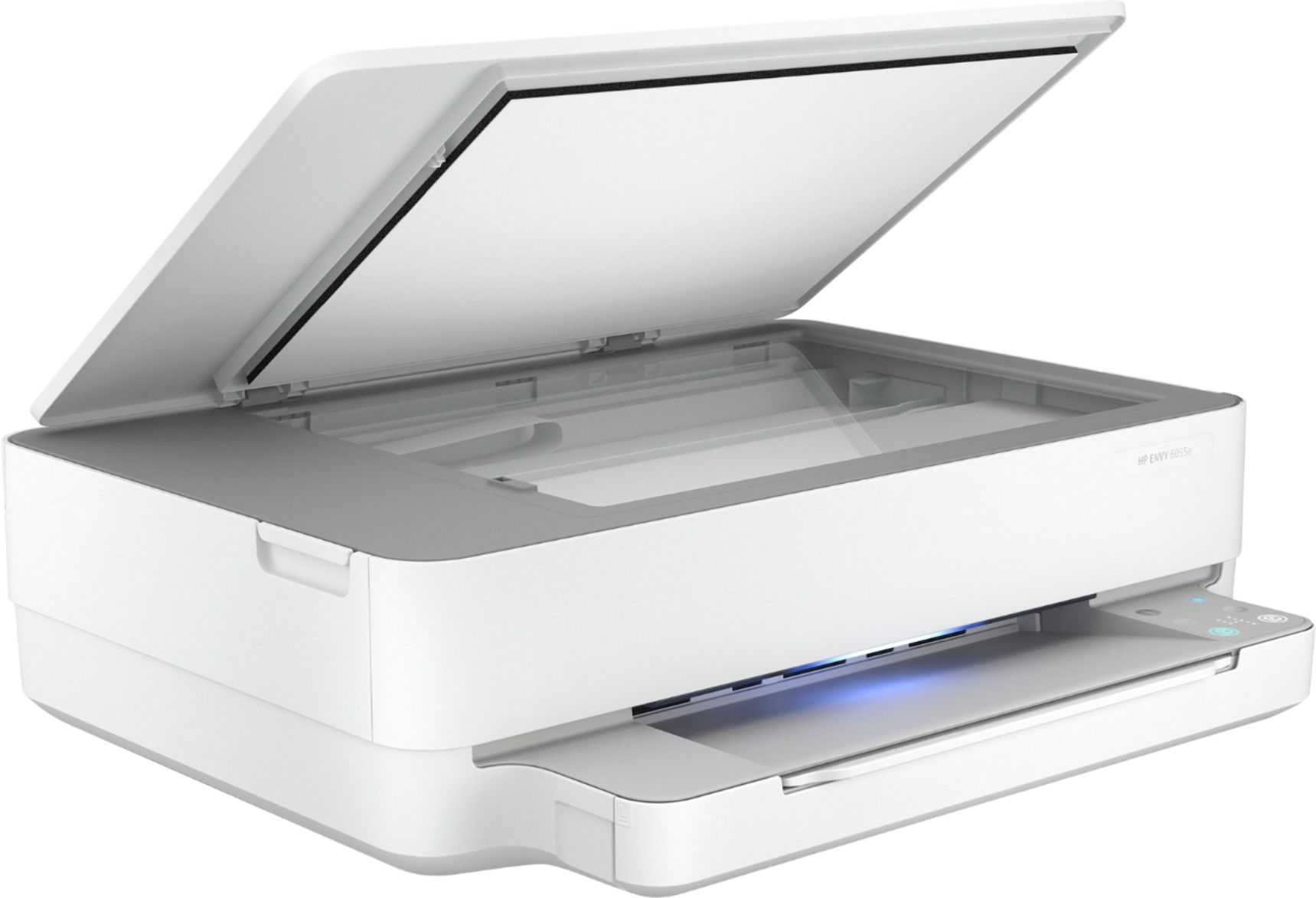
A:AnswerNo, it does not accommodate 8x14 documents. Standard 8.5x11 only and can only do one document page per scan. In addition, you have to go online to make it scan, you can't just do it with the push of a button on the machine.