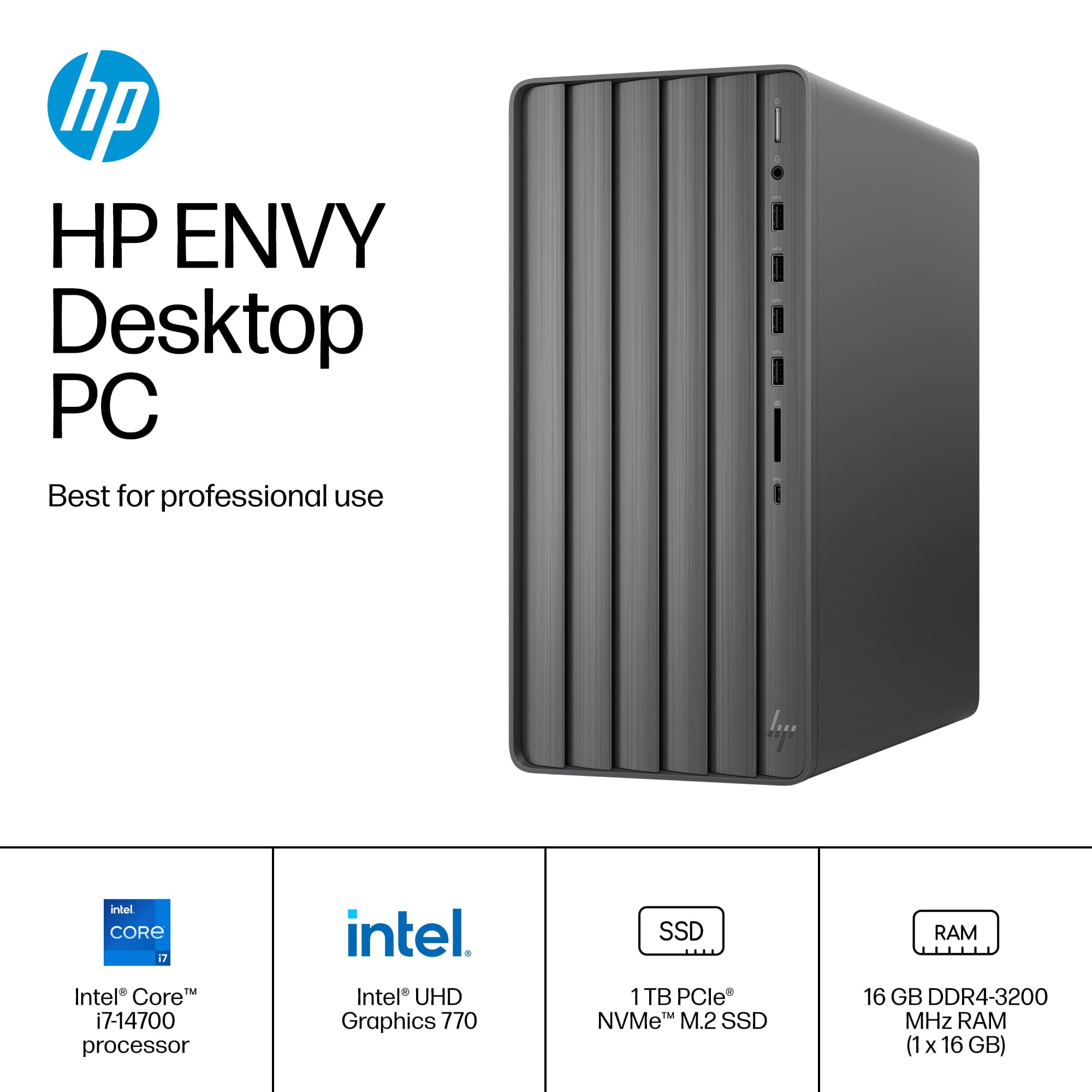
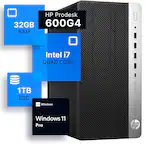
A:AnswerHi Gary, thanks for your question. You could upgrade the SSD in this model. If you replace the installed drive, you will need to reinstall Windows and all the drivers for your computer.
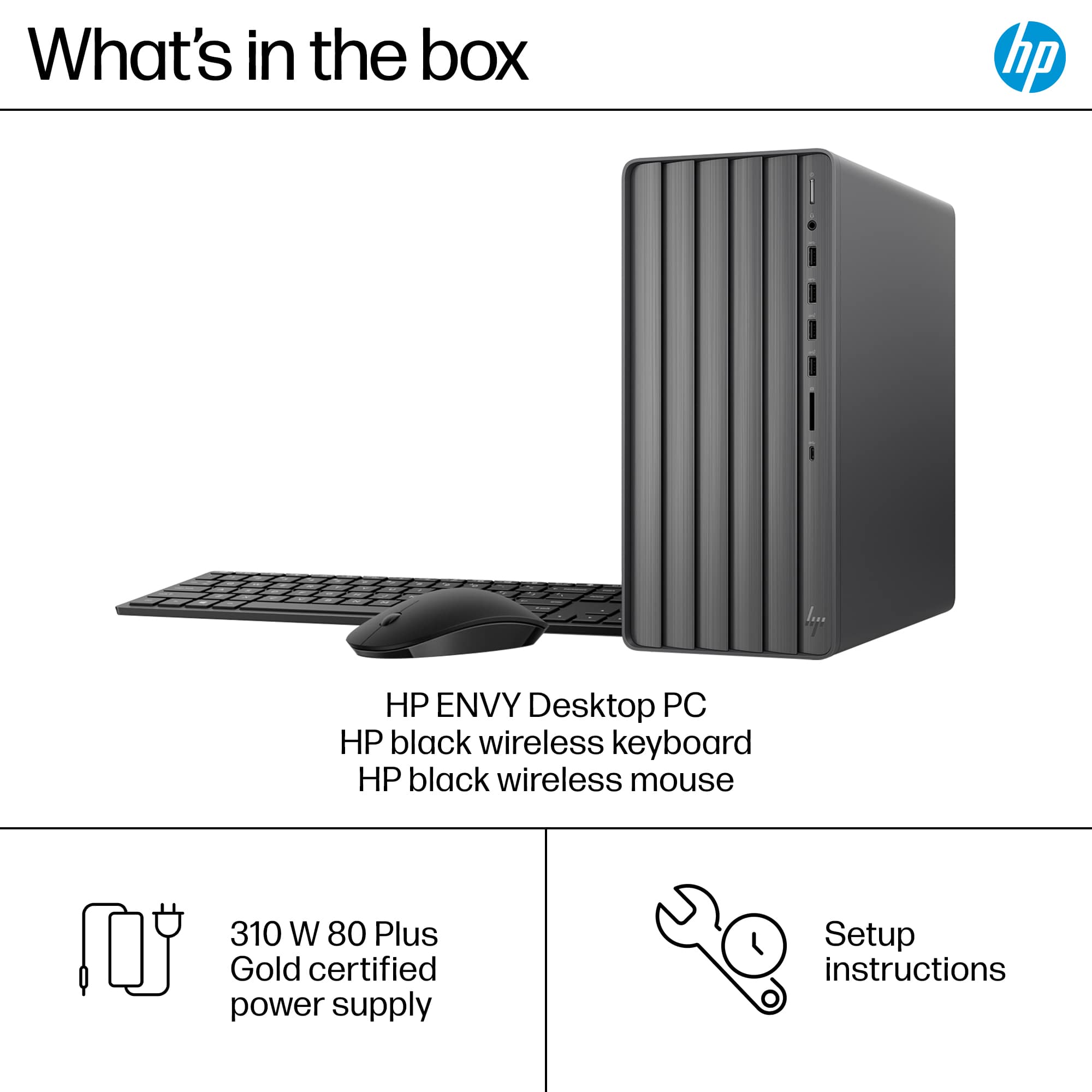
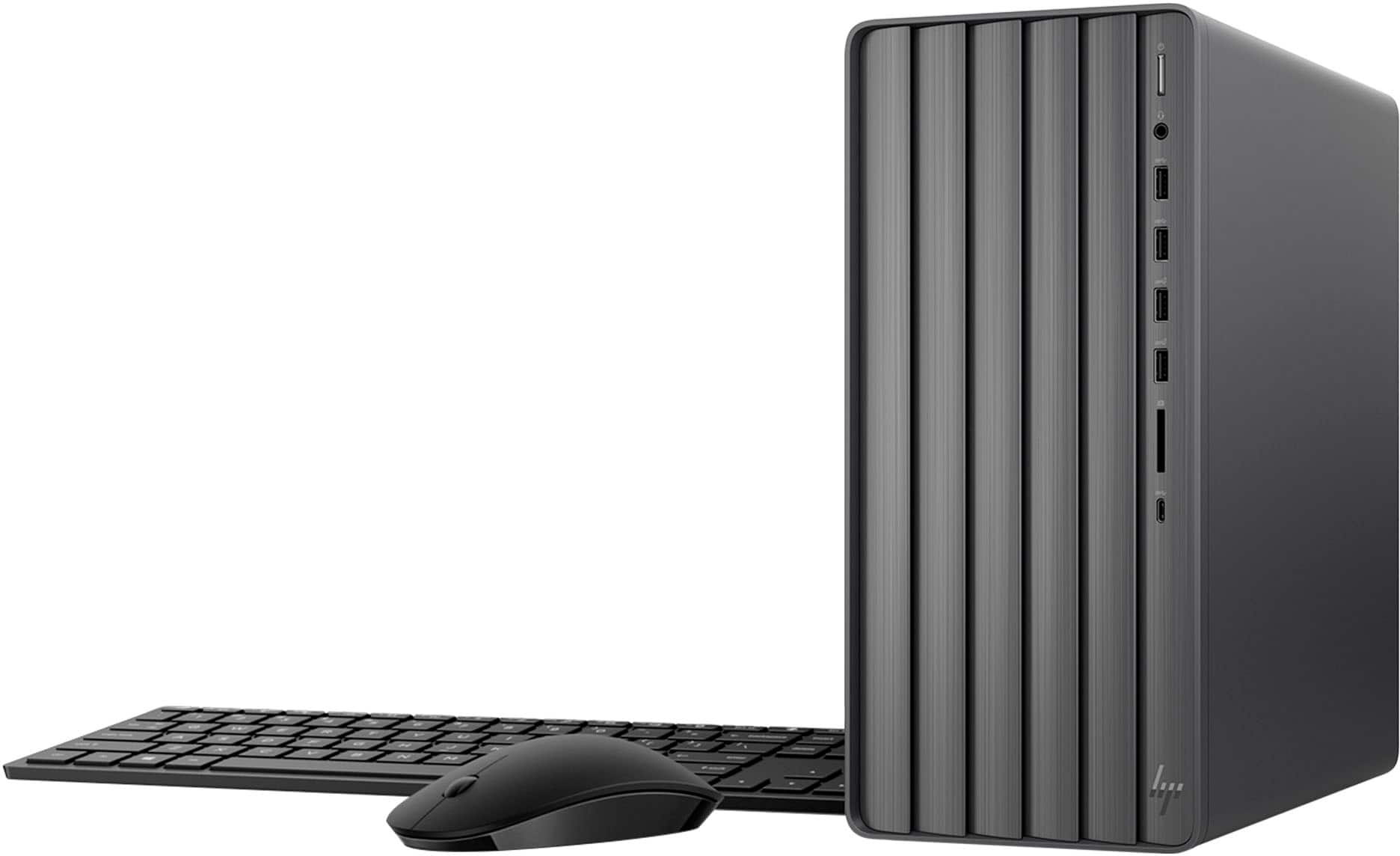
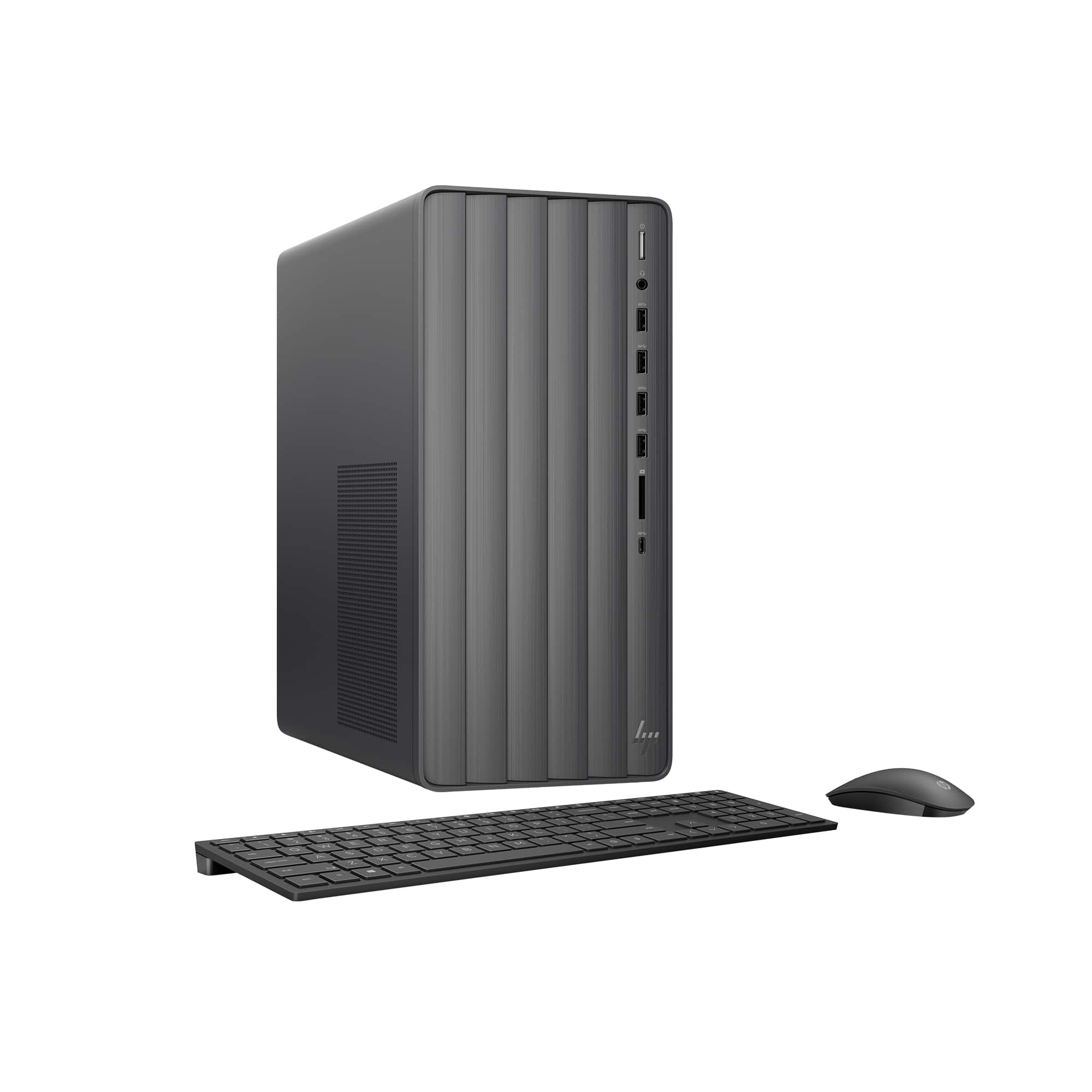
A:Answerthe computer came with a USB connector with Bluetooth, you need to plug that in , back or front for Keyboard and Mouse to work. Its in the instructions!
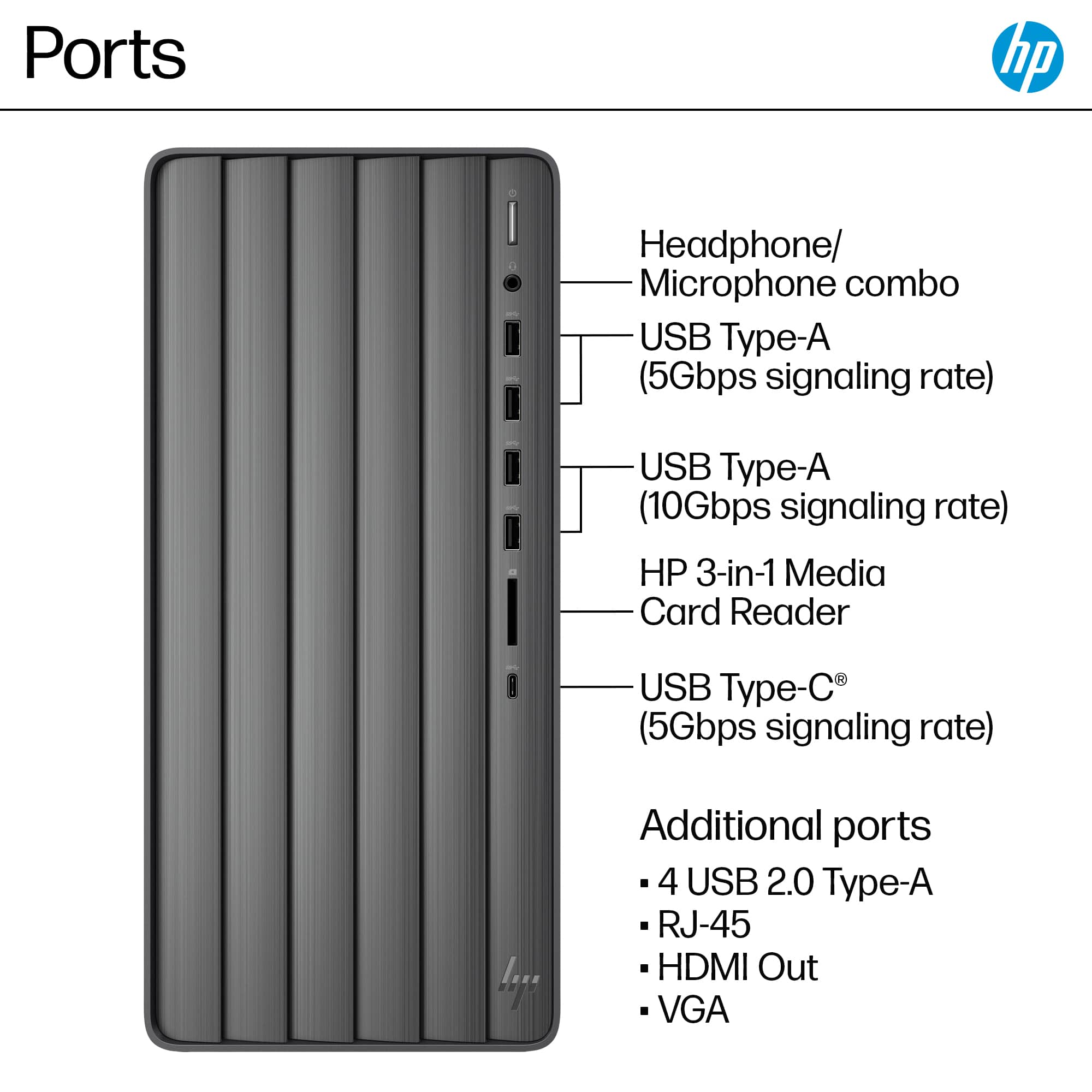
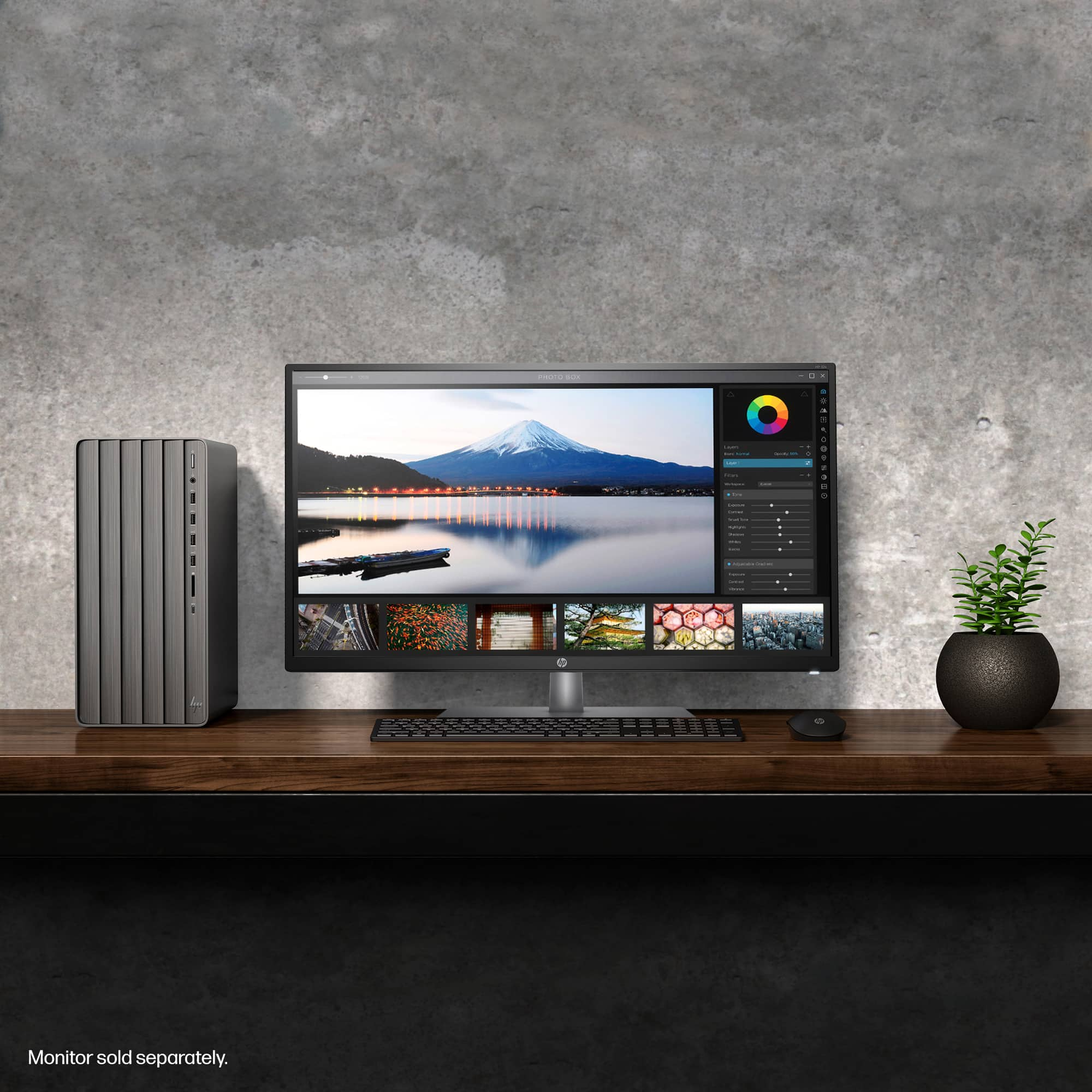
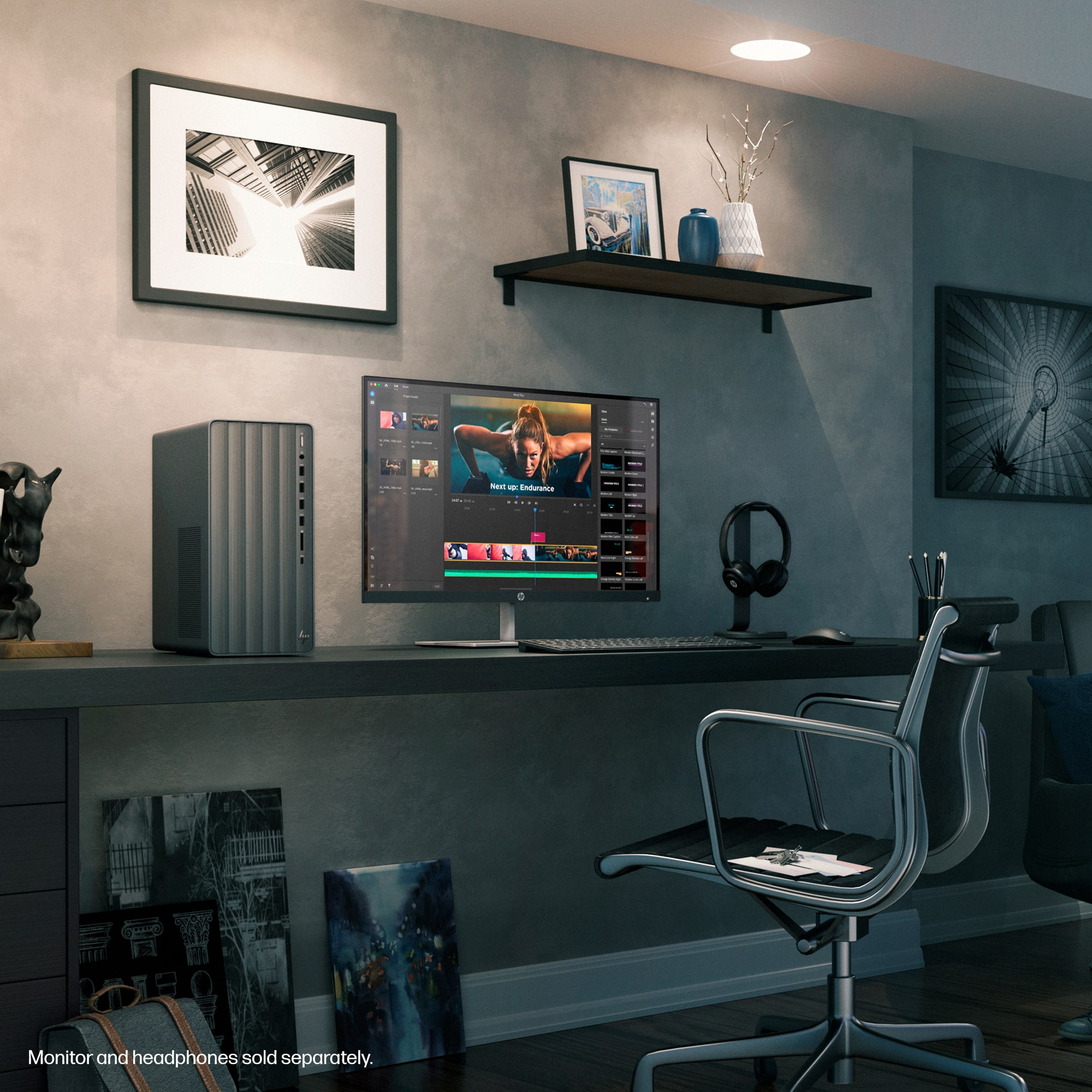
A:AnswerDave, thank you for your question about this HP Envy desktop! This has enough USB ports to support the peripherals along with being able to connect to a touchscreen monitor.
A:AnswerThank you for your question about this HP Envy desktop! Since it is equipped with a VGA connector and an HDMI connector, it will support two monitors at once!
A:AnswerHello and thank you for asking. I am unable to assist you with this. Please contact HP Support. They can give you expert help with your question.
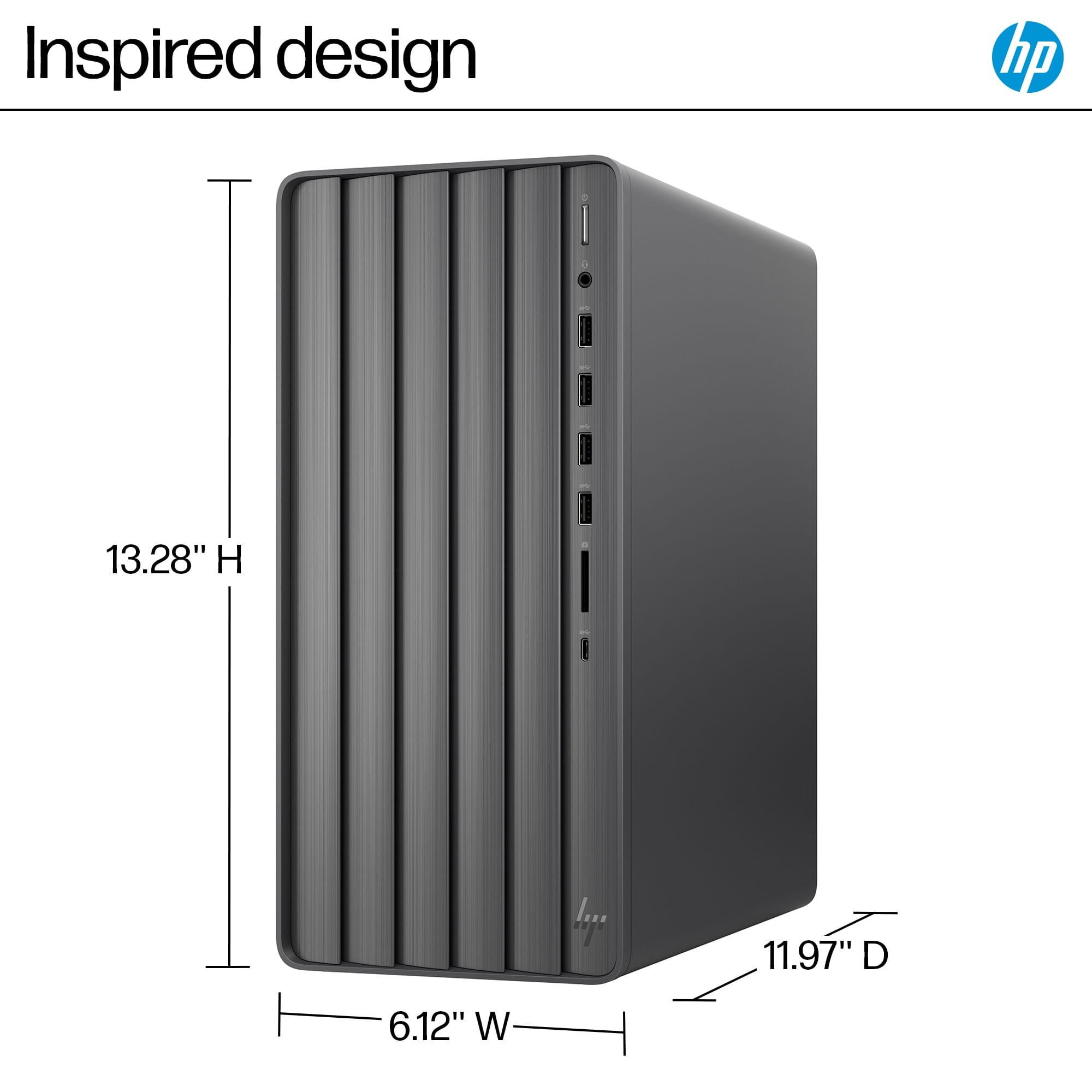
A:AnswerThank you for your question. It's recommended to place the HP TE01-5354 tower in an upright (vertical) position. Placing it horizontally can potentially obstruct airflow and cooling, which might lead to overheating and damage to internal components. The design and ventilation of the tower are optimized for vertical placement.
A:AnswerHello and thank you for asking. The HP Envy TE01-5354 runs Windows 11, and the HP Envy 6430 is listed as compatible with Windows 11 according to HP.
A:AnswerThank you for your question about this HP Envy desktop computer! This does not have an opening for an internet optical drive. However, you can purchase one in any Best Buy store and connect it to an open USB port.
A:AnswerHello and thank you for asking. The HP Envy TE01-5354 has an open PCIe x16 slot for a GPU and it should fit in the case, but the internal power supply is not sufficient to support the NVIDIA GeForce 3070 GPU and would have to be upgraded.
A:AnswerThank you for your question about Minecraft and Roblox on this HP Envy desktop computer! This computer exceeds the recommended system requirements to run both game, which means your son will be able to play them on this.