A:AnswerI'm not familiar with ASUS; however, computers typically have ethernet/internet cards built-in. You need to subscribe to an internet service provider such as Mediacom/Xtream or IMON. These services install a modem in your home. You determine how many Mbps you need/want. Once installed, the technician will help you set-up your private network. Your computer will find this network, and you will during they set-up provide your unique password. Then your computer will connect to the internet.
A:AnswerI don't know, but I suspect the ethernet card has sufficient capacity for your needs. In addition, you can most likely find this information on the Best Buy website. Visit the website and comparison shop computers. Check off one or more computers and compare them. Under the "Detailed" specifications you should be able to find what you're looking for.
A:AnswerThis particular computer is not what you're looking for. Visit the Best Buy website and compare different computer models. Some things (cameras, microphones) are built into monitors. Microsoft OS is what it is and comes with Windows Defender.
A:AnswerYou'd need to open the case (void warrantee) to determine if there are available expansion slot(s). Also, go on line and search for HP support, and chat with an agent
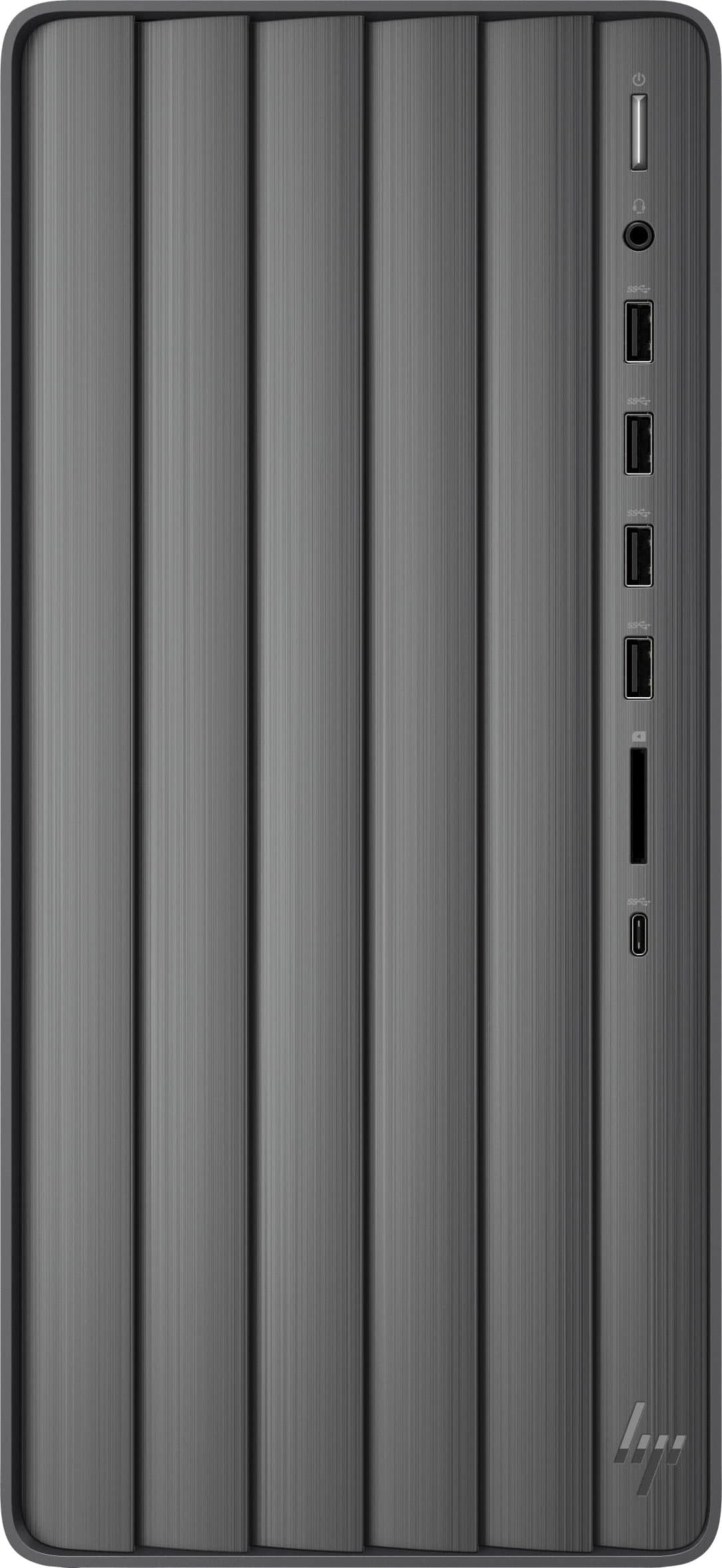
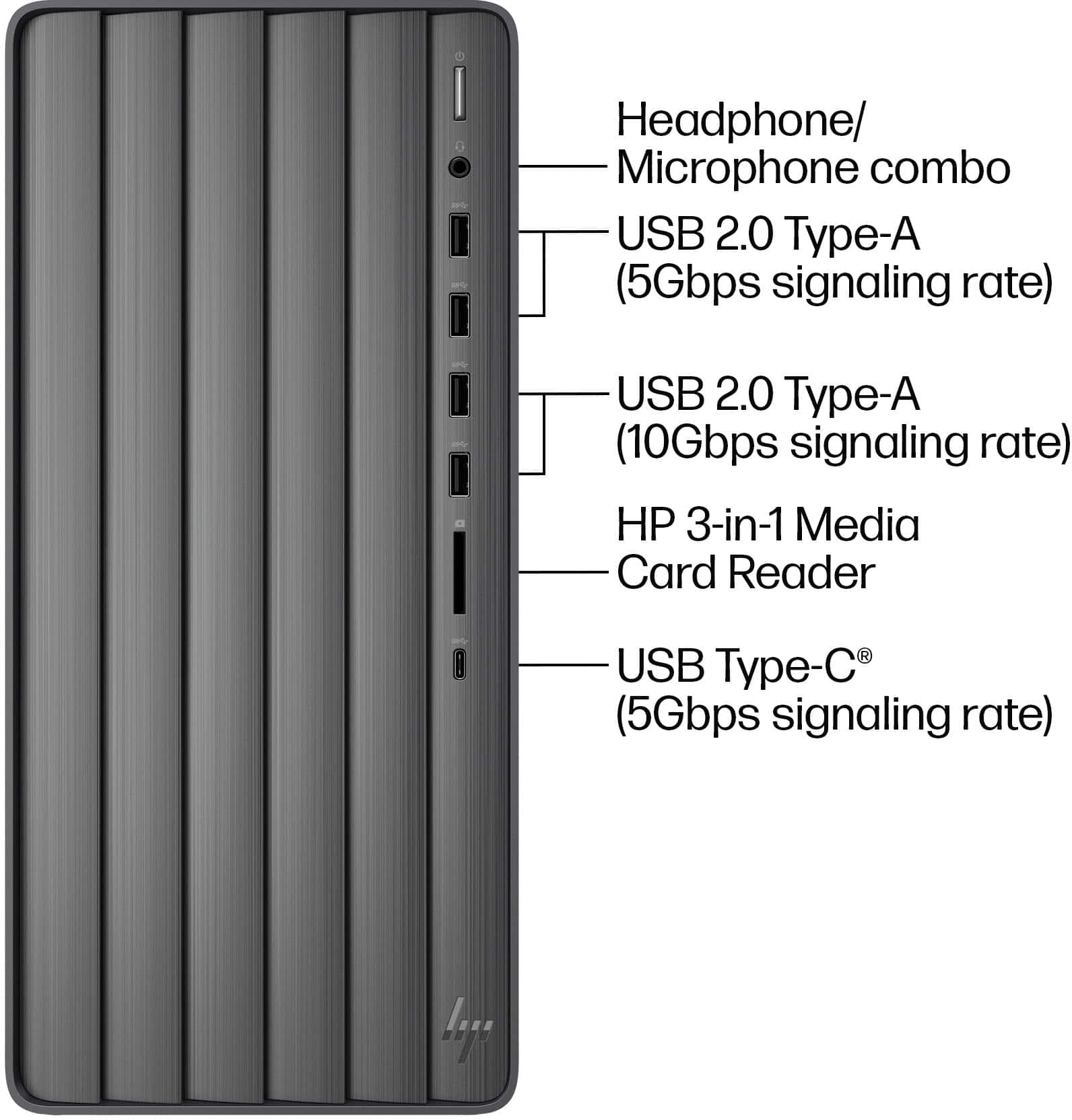
A:AnswerNo, ther is no CD/DVD drive on this computer. However, go online, and visit the printer manufacturer website. You should be able to download the necessary printer support files for your particular printer, save the files and run them.
A:AnswerThank you for reaching out. The Envy TE01-5244 desktop does not have an internal CD/DVD drive. You'll need to connect an external drive via USB. If you want to play DVDs saved to your hard drive, you'll need video playing software. Only a few video players, such as VLC Media Player or Premier Pro, support the Video_TS folder format. Alternatively, you can convert video_TS files to popular MP4, WMV, AVI, MOV, or other formats to open in any other Windows media player.
A:AnswerThis HP Envy TE01-5244 desktop computer does not have an optical drive built in for CD/DVDs. You would need to get an external drive to plug into the computer. Thank you for the question.
A:AnswerThank you for your question! You can swap it with any power supply. If you're looking for higher wattage power supplies right out of the box, the HP Omen series gaming desktops are equipped with 600W or 800W, depending on the model.
A:AnswerThank you for your interest in this Envy desktop! It is equipped with a 310W power supply that you can swap out for a higher wattage PSU in the future.
A:AnswerGreetings from the Intel team. Thank you for your question.
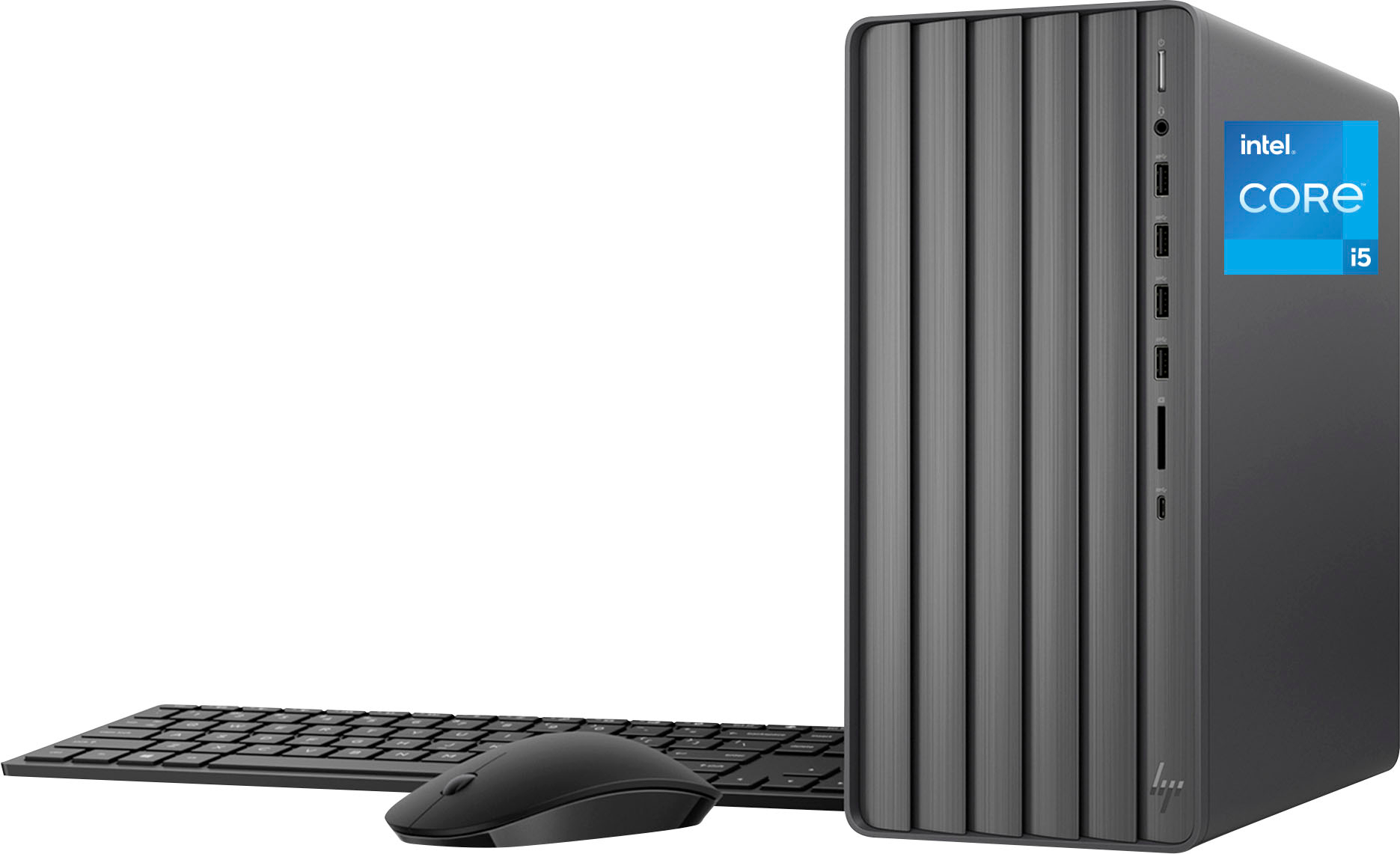
Based on the system specifications on the retailer's website, the HP - TE01-5244 has the Intel® Core™ i5 processor 14400, a 14th-Gen processor.
For detailed information about the Intel® Core™ i5 processor 14400, visit:
https://ark.intel.com/content/www/us/en/ark/products/236788/intel-core-i5-processor-14400-20m-cache-up-to-4-70-ghz.html
Thank you for choosing Intel! Emilio_Intel